Venmo QR Code
Get paid in one scan.
Venmo QR Code
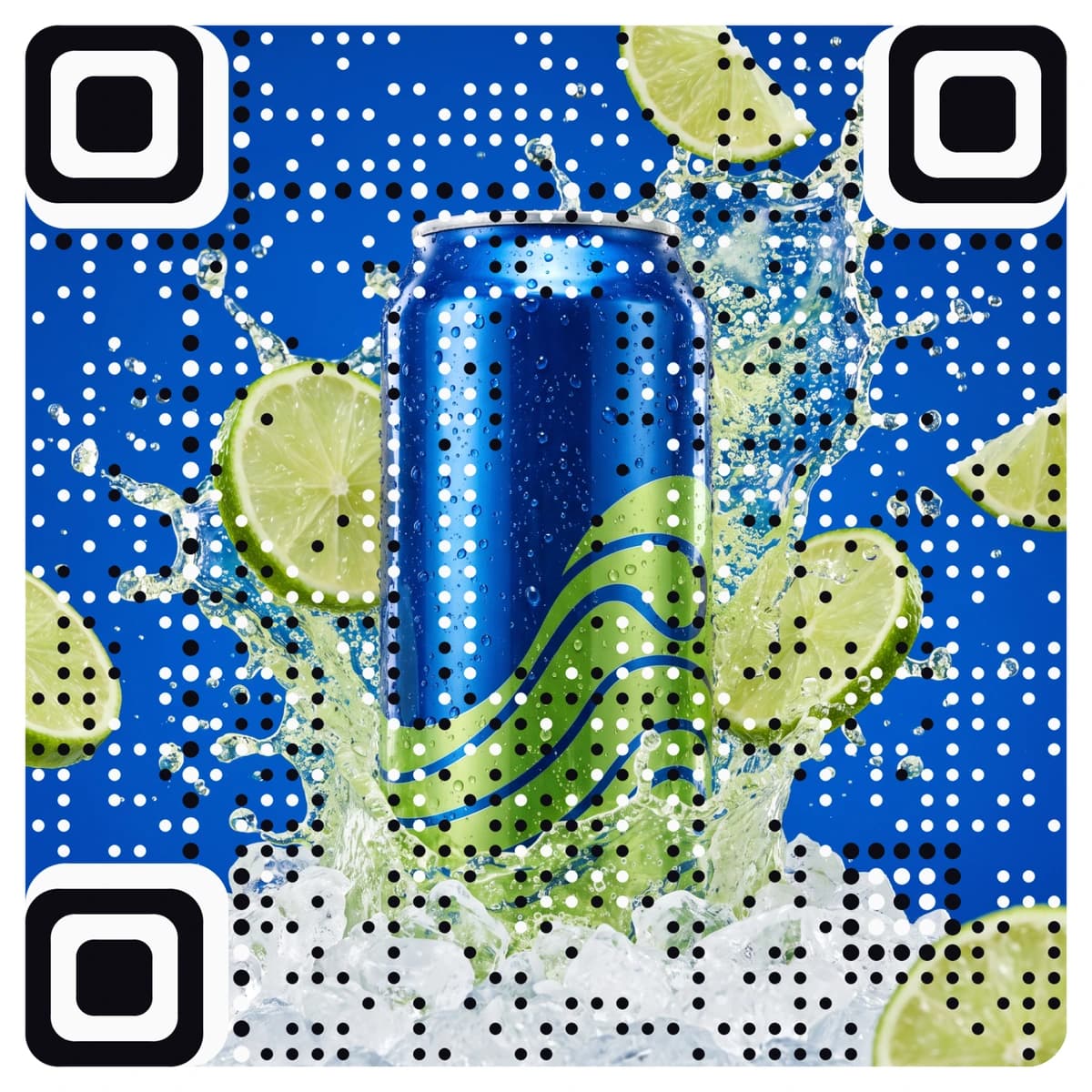
Made from your picture, not pasted on top
A Venmo QR code opens your own Venmo profile link, so a customer or club member can find you in Venmo without searching for your username. AriaQR makes it from your logo or a picture, so the sign on the table looks like your brand and not a bare square. The code only opens your link, the payment happens in Venmo and not with us, and every code is tested on real decoders under real-world conditions before you download it (Venmo is US-only).
Where it goes
Where people use a Venmo QR code
Pop-up stands and markets
A sign on the stand for customers who pay with Venmo. Keep a line beside it that says whose account it is.
Clubs, teams and classes
On a sign-up sheet or the table at practice, for dues, kit money and class fees.
Freelancers and small studios
On a business card or an invoice. A QR code for Venmo spares the client from typing a username that looks like three others.
Fundraisers and events
On a poster or a table at a charity night, a wedding or a school event, where people want to chip in quickly.
How it works
How to make a Venmo QR code with your logo
- 1
Get your Venmo profile link
Open your profile in the Venmo app and copy your profile link, which looks like venmo.com/u/yourusername.
- 2
Upload your logo or a picture
Your logo, a photo of your stand or the artwork from your poster. PNG, JPEG or WebP.
- 3
Paste the link, then scan it
The form opens on a website link. Paste your Venmo profile link. Every code is tested before you see it; scan it with your phone and it should open your Venmo profile.
- 4
Download and print
Download the full-size file. Choose small print for cards and stickers down to about 1.5 cm; standard works from 4 cm and up.
Every code is tested on real decoders under real-world conditions before you download it. How we verify codes
Design tips
Getting the design right
Check printed codes regularly
A code on a counter or table can be covered with a fake sticker that sends money to someone else. Scan your own sign now and then and make sure it still opens your profile.
Print your name beside it
Add the name and username shown on your Venmo profile, so people can check they are paying the right account.
Protect the sign
Put it under a clear cover or in a holder that cannot be peeled off. Keep it away from glare, and from the edge of the table where it gets touched.
Questions
Venmo QR code questions
How does a Venmo QR code work?
The code opens your Venmo profile link when someone scans it. The payer then pays inside Venmo. AriaQR does not take or handle any payment.
Where do I find my Venmo profile link?
In the Venmo app, open your profile and use the share option to copy your link. It looks like venmo.com/u/yourusername.
Does Venmo work outside the United States?
Venmo is available in the United States only, so a Venmo code is for people who pay and get paid there. For customers elsewhere, use a PayPal or other local payment link.
Can I put my logo on a Venmo QR code?
Yes, and more than a logo in the middle: AriaQR turns the whole picture into the code. Upload your logo or a photo, paste your Venmo link, and you get a branded code that is tested before download.
Where can I get a plain Venmo QR code for free?
Our free Venmo QR code generator makes a standard black-and-white code at no cost. This page is for a code made from your logo or picture.
More types
Other QR codes with your logo
- WiFi QR Code
- Menu QR Code
- Business Card QR Code
- WhatsApp QR Code
- Google Review QR Code
- Google Maps QR Code
- Instagram QR Code
- LinkedIn QR Code
- Facebook QR Code
- YouTube QR Code
- Spotify QR Code
- Wedding QR Code
- Link QR Code
- App Download QR Code
- Zoom QR Code
- Google Meet QR Code
- Microsoft Teams QR Code
- Telegram QR Code
- Signal QR Code
- Twitter QR Code
- Snapchat QR Code
- Pinterest QR Code
- Threads QR Code
- Discord QR Code
- Twitch QR Code
- Reddit QR Code
- TikTok QR Code
- SoundCloud QR Code
- Apple Music QR Code
- Social Media QR Code
- PDF QR Code
- Google Drive QR Code
- Dropbox QR Code
- Google Form QR Code
- Text QR Code
- Email QR Code
- SMS QR Code
- Phone Number QR Code
- Event QR Code
- Video QR Code
- Yelp QR Code
- Tripadvisor QR Code
- Trustpilot QR Code
- Amazon Review QR Code
- PayPal QR Code
- Cash App QR Code
- Linktree QR Code
- Feedback QR Code
- All 60+ types