Text QR Code
Your message. On any phone.
Text QR Code
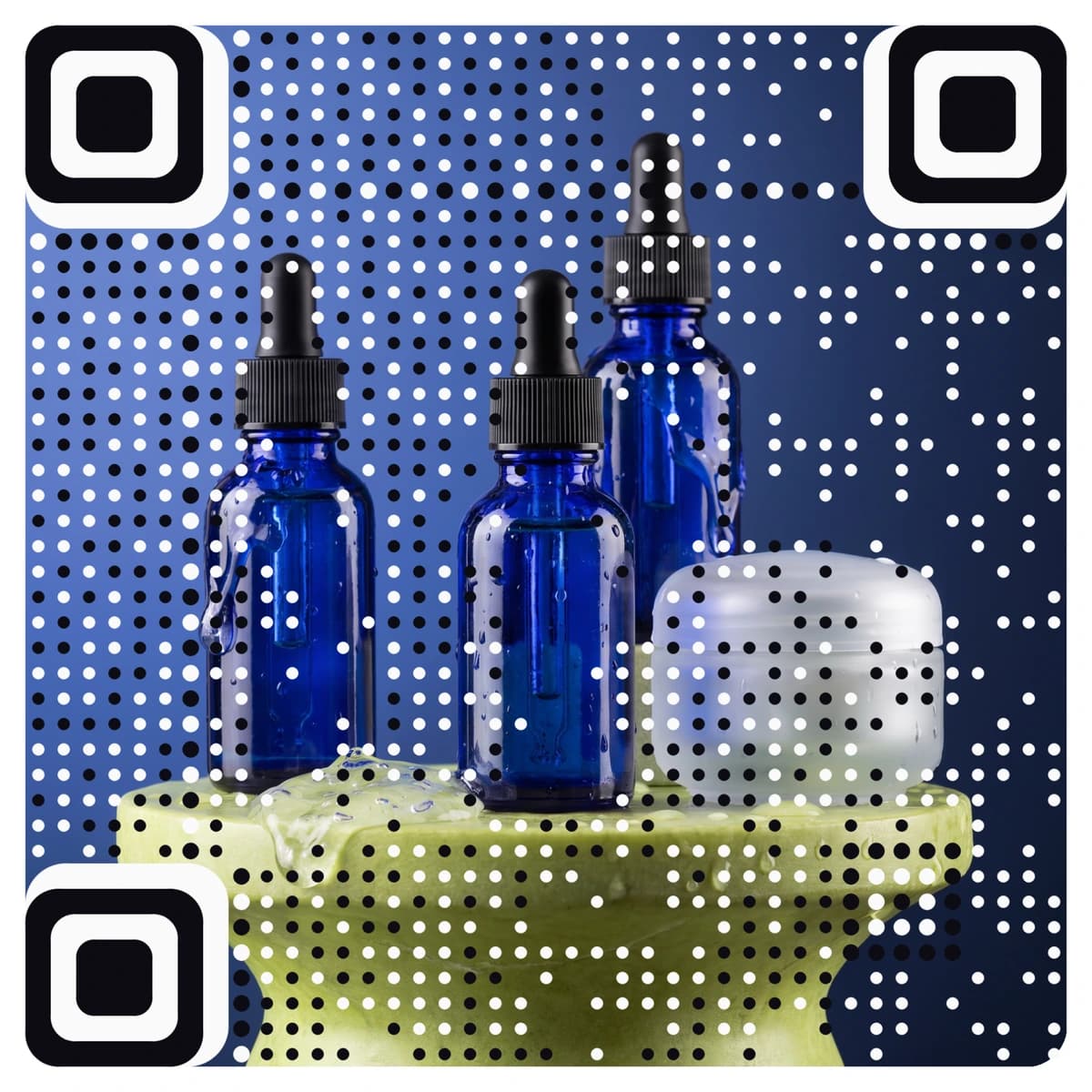
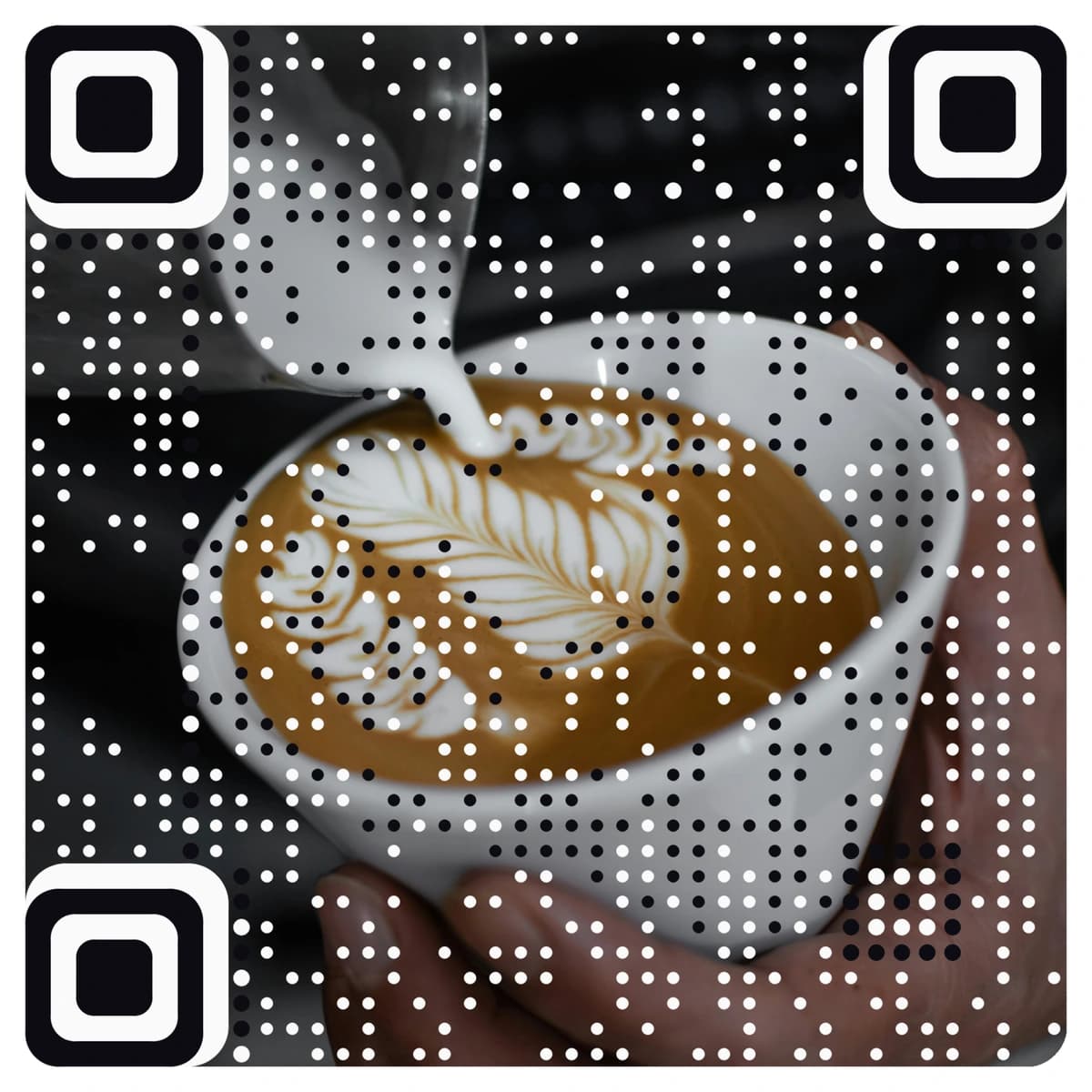
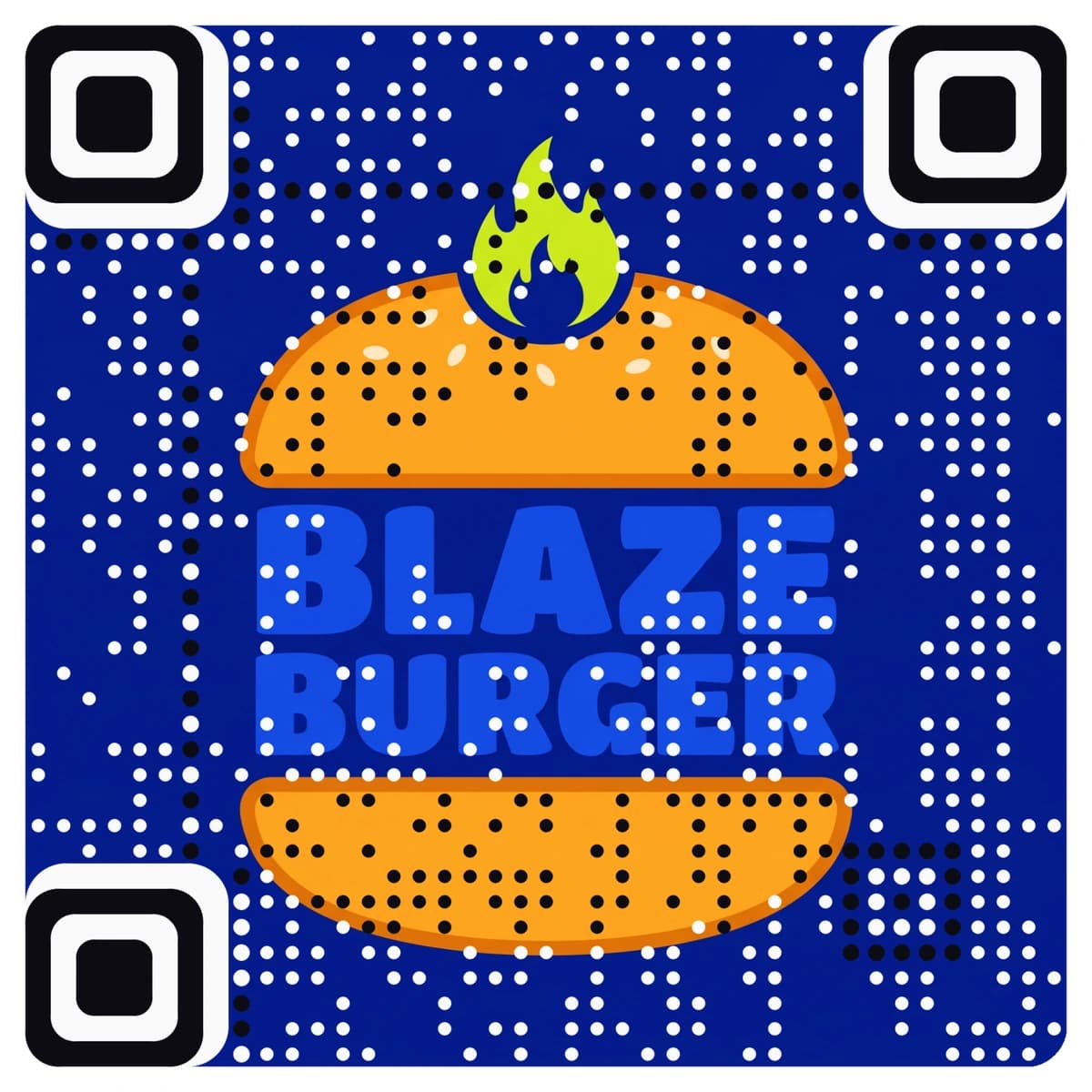
Made from your picture, not pasted on top
A text QR code shows a short message of up to 500 characters on a clean page that opens on any phone, with no website and no app needed. AriaQR makes it from your logo or a picture, so the code on a label, a card or a sign looks like your brand. The message is editable later, scans are counted, and every code is tested on real decoders under real-world conditions before you download it.
Where it goes
Where people use a Text QR code
Product labels and packaging
Care instructions, ingredients or a short thank-you note on the box, without crowding the design.
Hotel rooms and rentals
House rules, check-out times and a message from the host on a card by the bed or on the fridge.
Event badges and seating
A table or seat note, a schedule or a short welcome from the organiser on the invitation.
Galleries, shops and showrooms
A short description for an artwork, an item or a vehicle, placed on a label next to it.
How it works
How to make a Text QR code with your logo
- 1
Upload your logo or a picture
Your logo, a product photo or anything that fits the label. PNG, JPEG or WebP.
- 2
Choose Text and write your message
Type up to 500 characters. It appears on a clean page when someone scans the code.
- 3
Check the verdict, then scan it
Every code is tested before you see it. Point your phone at the screen: it should show your message.
- 4
Download and print
Download the full-size file. Choose small print for labels and stickers down to about 1.5 cm; standard works from 4 cm and up.
Every code is tested on real decoders under real-world conditions before you download it. How we verify codes
Design tips
Getting the design right
Put the main point first
People read the first lines on a phone. Lead with the instruction or the answer and leave the detail for later.
Use a QR code for text when a website is too much
For short notes such as room rules or care instructions, a message is quicker to make and to read than a whole web page.
Print a label beside it
A line such as “Scan for care instructions” tells people what they will see.
Questions
Text QR code questions
How does a text QR code work?
The code opens a clean page that shows your message when someone scans it with the phone camera. It works on iPhone and Android with no app.
How long can the message be?
Up to 500 characters, which is enough for a few short paragraphs. For longer content, use a website or PDF code instead.
Can I edit the message after printing?
Yes. The code is dynamic, so you can change the message without reprinting, and scans are counted.
Can I put my logo on a text QR code?
Yes, and more than a logo in the middle: AriaQR turns the whole picture into the code. Upload your logo or a photo, write your message, and you get a branded text code that is tested before download.
Where can I get a plain text QR code for free?
Our free text QR code generator makes a standard black-and-white code at no cost. This page is for a code made from your logo or picture.
More types
Other QR codes with your logo
- WiFi QR Code
- Menu QR Code
- Business Card QR Code
- WhatsApp QR Code
- Google Review QR Code
- Google Maps QR Code
- Instagram QR Code
- LinkedIn QR Code
- Facebook QR Code
- YouTube QR Code
- Spotify QR Code
- Wedding QR Code
- Link QR Code
- App Download QR Code
- Zoom QR Code
- Google Meet QR Code
- Microsoft Teams QR Code
- Telegram QR Code
- Signal QR Code
- Twitter QR Code
- Snapchat QR Code
- Pinterest QR Code
- Threads QR Code
- Discord QR Code
- Twitch QR Code
- Reddit QR Code
- TikTok QR Code
- SoundCloud QR Code
- Apple Music QR Code
- Social Media QR Code
- PDF QR Code
- Google Drive QR Code
- Dropbox QR Code
- Google Form QR Code
- Email QR Code
- SMS QR Code
- Phone Number QR Code
- Event QR Code
- Video QR Code
- Yelp QR Code
- Tripadvisor QR Code
- Trustpilot QR Code
- Amazon Review QR Code
- PayPal QR Code
- Venmo QR Code
- Cash App QR Code
- Linktree QR Code
- Feedback QR Code
- All 60+ types