QR code with logo
Your logo is the QR code. Not a sticker in the middle.
AriaQR makes a QR code with your logo by turning the logo or photo itself into the code. The picture stays the picture; the code lives in it. Every code is verified on real decoders under real-world conditions before download, carries an editable link, and reports every scan.
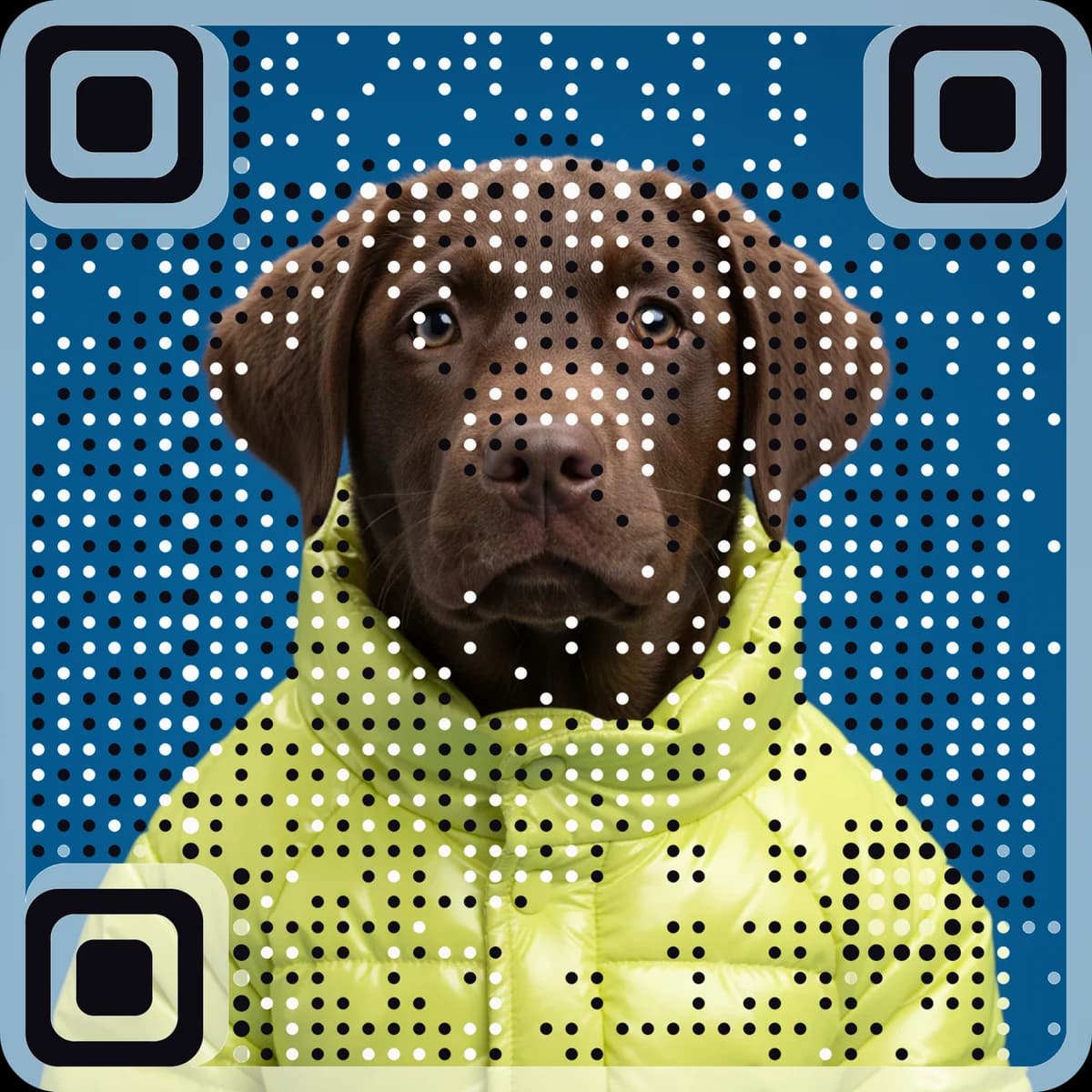
Logo in the middle vs logo as the code
Two ways to put a logo on a QR code. Only one keeps the picture.
| Logo pasted in the middle | AriaQR: the image is the code | |
|---|---|---|
| What people see | A black-and-white grid with a small logo | Your logo or photo, in full colour |
| Reliability | The logo hides part of the pattern; bigger logo, weaker scan | Verified on real decoders under real-world conditions before download |
| Link | Often static; cannot change after printing | Dynamic by default; edit the destination any time |
| Analytics | Usually paid or none | Scans, visitors, device, city, hour of day, CSV |
| Small print | Rarely tested | Small print build verified down to about 1.5 cm |
How to make a QR code with a logo
Three steps. No design skills.
- 1
Upload the logo or photo
PNG, JPEG or WebP. A square image becomes a square code; any other shape can carry the code inside it with Code in your image.
- 2
Paste the link
Website, WhatsApp, UPI payment, Wi-Fi, contact card, menu PDF, video, app download, review link, event and more. Sixteen kinds.
- 3
Download the verified code
The code is checked on real decoders under real-world conditions before download. A 2048px master, with or without a white border, ready for print or screen.
Where a logo code earns its place
Company logo, product photo, portrait, poster.
What every logo code includes
- ✓Verified on real decoders under real-world conditions before download
- ✓Editable destination: change where it goes after printing
- ✓Scan analytics: time, device, city, hour of day, in-app browser, CSV
- ✓A 2048px master PNG, with or without a white border
- ✓Eye and dot shapes and colours you can change afterwards
- ✓Standard build for 4 cm and up; Small print build to about 1.5 cm
- ✓Sixteen kinds: website, WhatsApp, UPI, Wi-Fi, vCard, PDF, video and more
- ✓Accounts optional; sign in to keep every code in one place
Questions
Do QR codes with logos still scan?+
A logo pasted over the middle of a QR code hides part of the pattern, so it scans less reliably as the logo grows. AriaQR takes a different route: the logo or photo becomes the code itself, and every code is verified on real decoders under real-world conditions before download. You see the verdict before you pay.
How do I put a logo in the middle of a QR code?+
On AriaQR you do not paste a logo into a code. Upload the logo or picture, paste the link, and the whole image becomes the QR code. If you want a plain black-and-white code instead, the free generator makes one with an editable link and analytics.
Can I use a company logo, a product photo or a portrait?+
Yes. Logos, product shots, portraits, illustrations and full artwork all work. Square images give the classic square code; with Code in your image the code sits inside a larger poster or photo and you download the whole artwork.
Is a QR code with a logo free?+
Picture codes are paid: pay once for a single code or take the quarter plan for regular use. Plain classic codes with an editable link and full analytics are free.
What about a QR code with logo from Canva?+
Canva places a logo over a standard static code. Static means the link cannot change after printing and scans are not counted. AriaQR codes are dynamic by default, so you can edit the destination and see every scan.
How big should a QR code with a logo be printed?+
The Standard build is for screens and prints of 4 cm and up. The Small print build is verified down to about 1.5 cm for cards, labels and stickers. The print size chart and calculator in the free tools give a size for any distance.
Can I change where the code points later?+
Yes. Every website, WhatsApp, PDF, video and similar code carries an editable short link, so the printed code keeps working while the destination changes. Wi-Fi and UPI codes are static by design so they work offline.
Read more: logo vs image as the code, regular QR codes vs AriaQR, or the free classic generator if you only need a plain code.