YouTube QR Code
Print it. Then press play.
YouTube QR Code
Made from your picture, not pasted on top
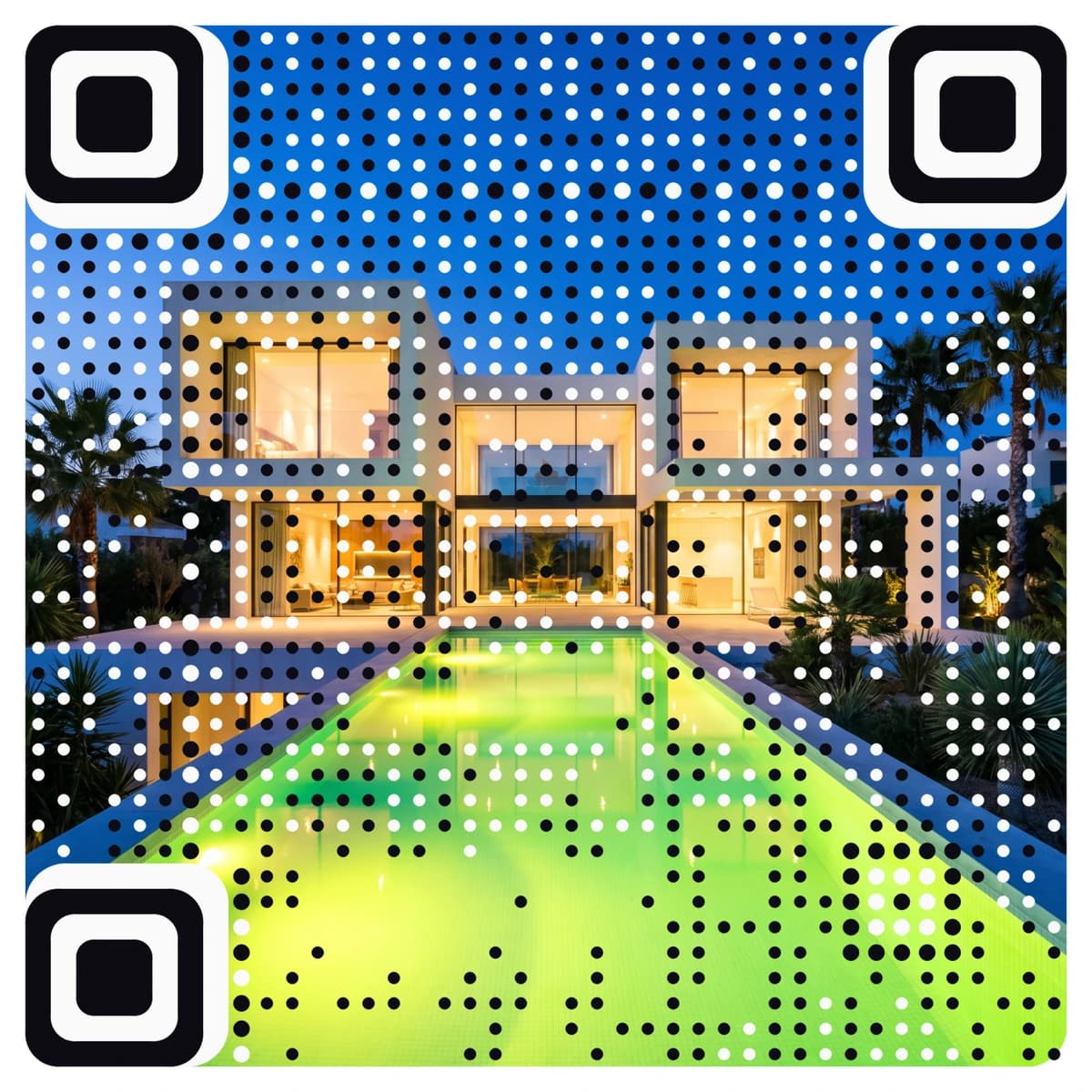
A YouTube QR code connects something printed to something moving: a brochure to a product demo, a yard sign to a property tour, a poster to a channel. AriaQR makes the code from your logo or a picture, so it looks like part of the piece, and every code is tested on real decoders under real-world conditions before you download it.

Where it goes
Where people use a YouTube QR code
Property signs and brochures
A code on the sign or listing sheet that opens the walkthrough video, so a buyer standing outside can see the inside.
Product packaging and manuals
A code on the box or the quick-start card that opens a setup video, which cuts down the support emails.
Trade-show booths and posters
A code beside a banner that opens the demo, the keynote recording or your channel, for people who cannot stop to watch.
Hotels, venues and galleries
A room card or a wall label that opens a welcome film, a tour or the artist interview, in the visitor’s own time.
How it works
How to make a YouTube QR code with your logo
- 1
Upload your logo or a picture
Your logo, a still from the video or a product photo. PNG, JPEG or WebP.
- 2
Choose Video and paste your YouTube link
Paste the link to a video, a channel or a playlist. All three are links, so all three work.
- 3
Check the verdict, then scan it
Every code is tested before you see it. Scan it with your phone to be sure it opens the right video.
- 4
Download and print
Download the full-size file. The standard setting suits 4 cm and up; choose small print for labels and cards, down to about 1.5 cm.
Every code is tested on real decoders under real-world conditions before you download it. How we verify codes
Design tips
Getting the design right
Say what the video shows
A line like “Scan to watch the 2-minute setup” sets expectations and gets more scans than an unlabelled square.
Link a playlist for a series
If you have several videos, a playlist link lets you add new ones later without touching the print.
Keep the video short and public
People scan on the move. Check the video plays when you are signed out, and that its first seconds make sense without sound.
Questions
YouTube QR code questions
How do I make a QR code for a YouTube video?
Copy the video link, upload a logo or picture, and choose the video option. AriaQR creates the code, tests it, and gives you a file ready to print.
Can I link a channel or a playlist instead of one video?
Yes. Any YouTube link works, whether it is a video, a channel or a playlist. A channel or playlist link stays useful as you add new videos.
Can I add my logo to a YouTube QR code?
Yes. The whole logo or picture becomes the code, so it can match your packaging or poster. It is tested before you download it, so it still scans.
Can I swap the video after the code is printed?
Yes. The code is dynamic, so you can point it at a new video or channel without reprinting. Every scan is counted, so you can see how many people actually watched from a print.
Where can I get a plain YouTube QR code for free?
Our free YouTube QR code generator makes a standard black-and-white code at no cost. This page is for a code made from your logo or picture.
More types
Other QR codes with your logo
- WiFi QR Code
- Menu QR Code
- Business Card QR Code
- WhatsApp QR Code
- Google Review QR Code
- Google Maps QR Code
- Instagram QR Code
- LinkedIn QR Code
- Facebook QR Code
- Spotify QR Code
- Wedding QR Code
- Link QR Code
- App Download QR Code
- Zoom QR Code
- Google Meet QR Code
- Microsoft Teams QR Code
- Telegram QR Code
- Signal QR Code
- Twitter QR Code
- Snapchat QR Code
- Pinterest QR Code
- Threads QR Code
- Discord QR Code
- Twitch QR Code
- Reddit QR Code
- TikTok QR Code
- SoundCloud QR Code
- Apple Music QR Code
- Social Media QR Code
- PDF QR Code
- Google Drive QR Code
- Dropbox QR Code
- Google Form QR Code
- Text QR Code
- Email QR Code
- SMS QR Code
- Phone Number QR Code
- Event QR Code
- Video QR Code
- Yelp QR Code
- Tripadvisor QR Code
- Trustpilot QR Code
- Amazon Review QR Code
- PayPal QR Code
- Venmo QR Code
- Cash App QR Code
- Linktree QR Code
- Feedback QR Code
- All 60+ types