Amazon Review QR Code
Your product page. On the packaging.
Amazon Review QR Code
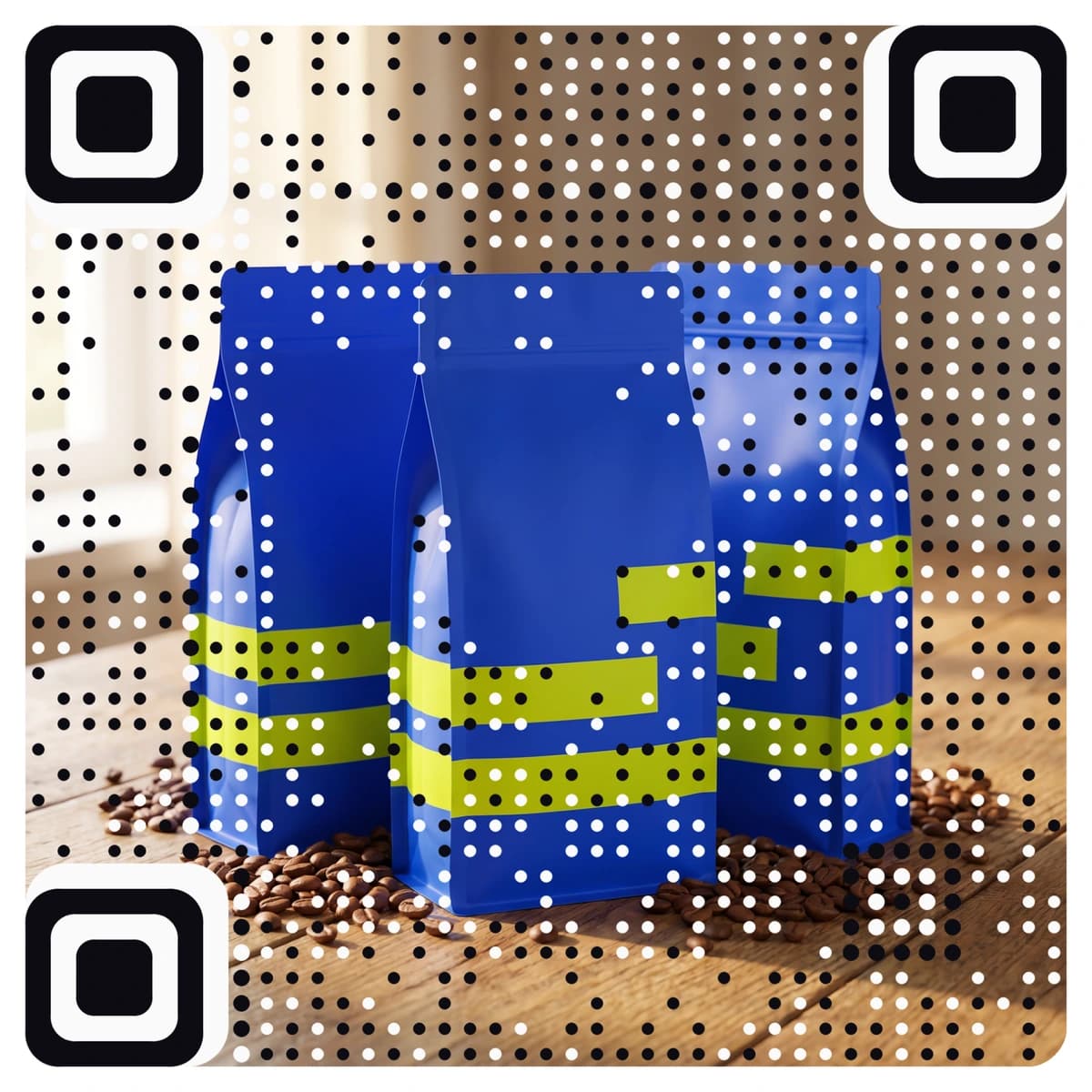
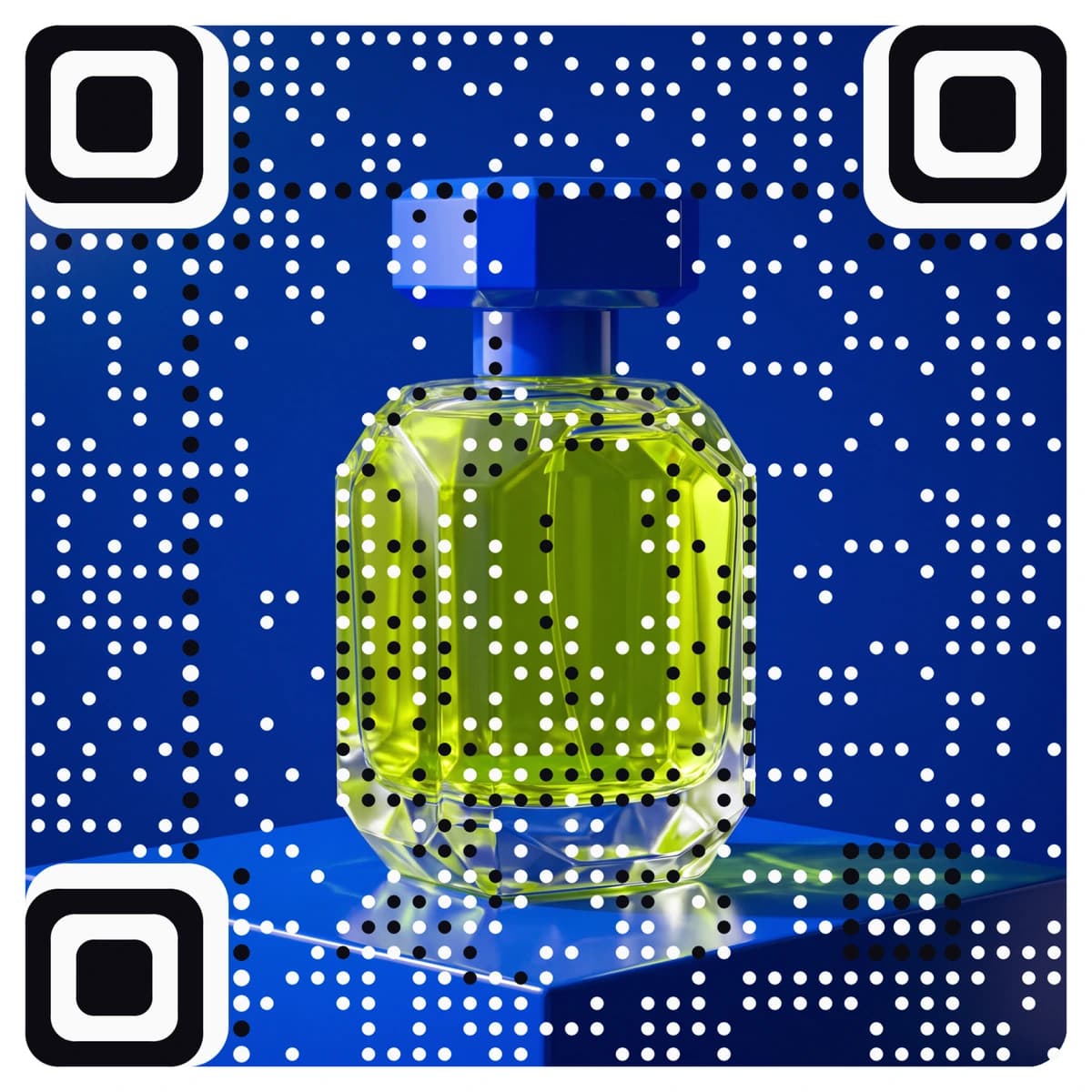
Made from your picture, not pasted on top
An Amazon review QR code opens your product page on Amazon, so a customer holding the box can share their experience of it with one scan. AriaQR makes it from your logo or a picture, so the insert looks like your brand and not a bare square. The code is dynamic: you can change the link after printing, scans are counted, and every code is tested on real decoders under real-world conditions before you download it.

Where it goes
Where people use an Amazon review QR code
Packaging inserts
A card in the box that links to the product page, so customers can tell others what they think of it.
Quick-start leaflets and manuals
At the end of the instructions, next to your support details, for the customer who has set the product up and has a view on it.
Brand and gift boxes
On the lid or a thank-you card. A QR code for Amazon reviews fits well on a card that also names the product and how to reach you.
Retail and trade stands
On a shelf talker or a leaflet, so a shopper can read what Amazon customers say about the product at home.
How it works
How to make an Amazon review QR code with your logo
- 1
Copy your Amazon product link
Open the product page on Amazon and copy its web address from the browser bar.
- 2
Upload your logo or a picture
Your logo, a product photo or the artwork from the box. PNG, JPEG or WebP.
- 3
Paste the link, then scan it
The form opens on a website link. Paste the Amazon address. Every code is tested before you see it; scan it with your phone and it should open the product page.
- 4
Download and print
Download the full-size file. Choose small print for inserts and labels down to about 1.5 cm; standard works from 4 cm and up.
Every code is tested on real decoders under real-world conditions before you download it. How we verify codes
Design tips
Getting the design right
Keep the wording neutral
A line such as “Share your experience with this product” is neutral. Do not ask only for positive reviews, and do not steer unhappy customers elsewhere.
Never offer anything in return
Amazon forbids incentives for reviews, including discounts, gifts and refunds. Do not put any reward or promise on the card.
Read the rules first
Amazon’s community guidelines say what you may and may not print on an insert. Check them before you send the artwork to the printer.
Questions
Amazon review QR code questions
How does an Amazon review QR code work?
The code opens the web address of your product page on Amazon when someone scans it with their phone. From there the customer can read the page and share their own experience.
Can I offer a discount or gift for a review?
No. Amazon does not allow incentives for reviews, and it does not allow asking only for positive ones. Use a neutral line and nothing else, and check Amazon’s current guidelines before you print.
Can I change the link after printing?
Yes. An Amazon code from AriaQR is dynamic, so if the product page changes you can point the code at the new one without reprinting the inserts, and scans are counted.
Can I put my logo on an Amazon review QR code?
Yes, and more than a logo in the middle: AriaQR turns the whole picture into the code. Upload your logo or a photo, paste your product link, and you get a branded code that is tested before download.
Where can I get a plain Amazon review QR code for free?
Our free Amazon review QR code generator makes a standard black-and-white code at no cost. This page is for a code made from your logo or picture.
More types
Other QR codes with your logo
- WiFi QR Code
- Menu QR Code
- Business Card QR Code
- WhatsApp QR Code
- Google Review QR Code
- Google Maps QR Code
- Instagram QR Code
- LinkedIn QR Code
- Facebook QR Code
- YouTube QR Code
- Spotify QR Code
- Wedding QR Code
- Link QR Code
- App Download QR Code
- Zoom QR Code
- Google Meet QR Code
- Microsoft Teams QR Code
- Telegram QR Code
- Signal QR Code
- Twitter QR Code
- Snapchat QR Code
- Pinterest QR Code
- Threads QR Code
- Discord QR Code
- Twitch QR Code
- Reddit QR Code
- TikTok QR Code
- SoundCloud QR Code
- Apple Music QR Code
- Social Media QR Code
- PDF QR Code
- Google Drive QR Code
- Dropbox QR Code
- Google Form QR Code
- Text QR Code
- Email QR Code
- SMS QR Code
- Phone Number QR Code
- Event QR Code
- Video QR Code
- Yelp QR Code
- Tripadvisor QR Code
- Trustpilot QR Code
- PayPal QR Code
- Venmo QR Code
- Cash App QR Code
- Linktree QR Code
- Feedback QR Code
- All 60+ types