How it works
Your picture.
A code that scans.
Upload a photo or logo and it becomes the QR code itself. We check it scans before you pay. Print it anywhere, then change where it goes and see every scan, long after it is printed.
Free to generate and test. No card, no account.
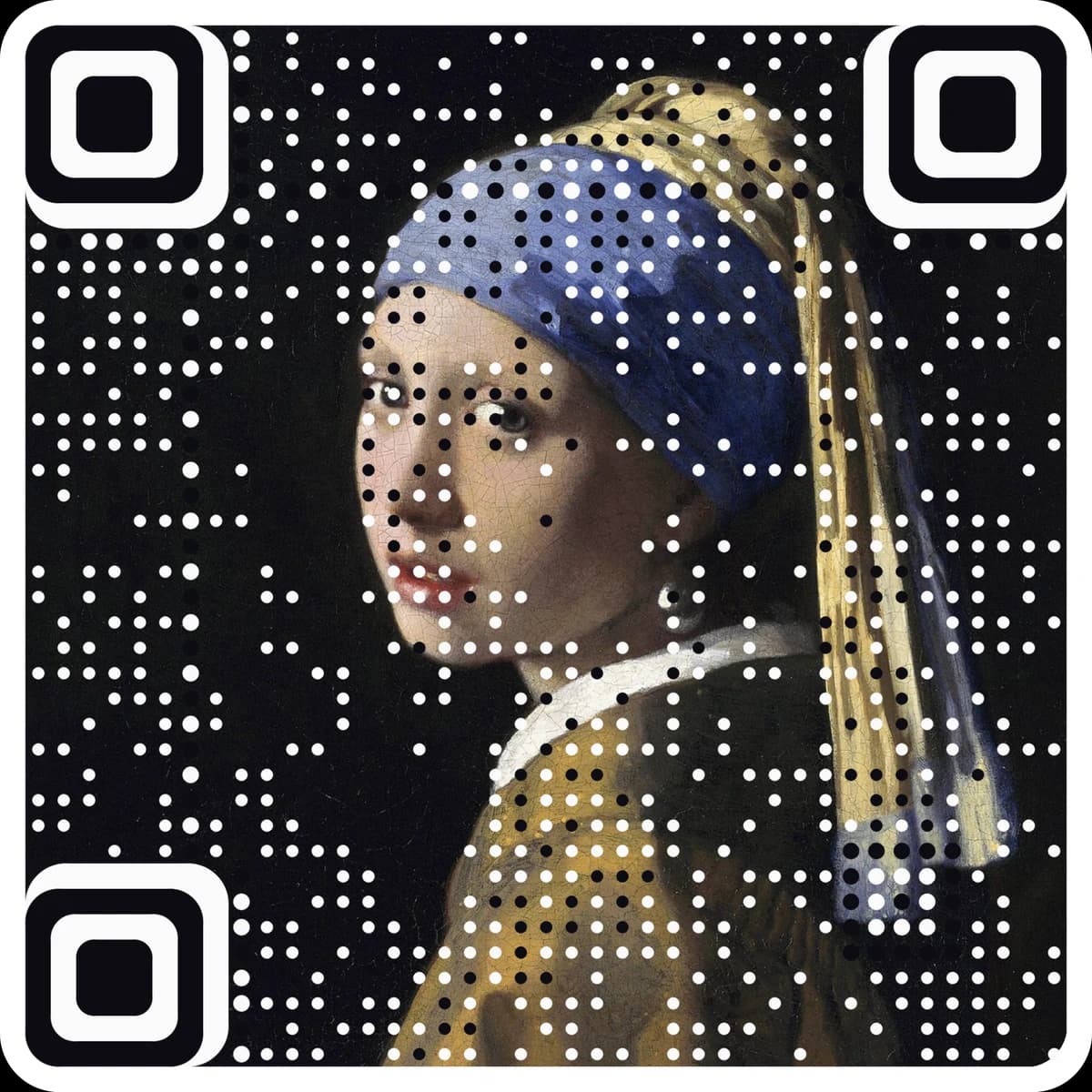
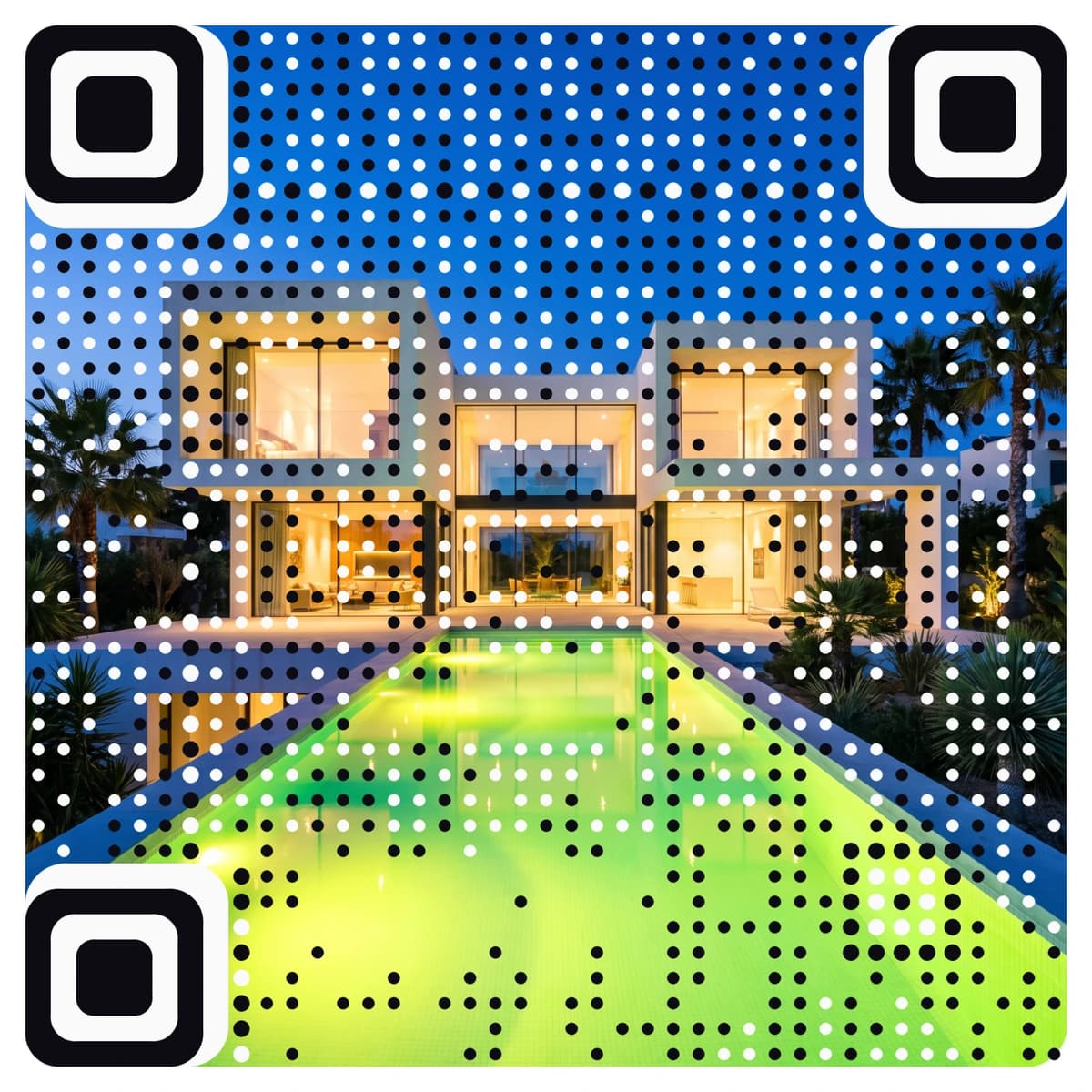
Verified to scan from screens and prints of 4 cm and up.
Step 01 · Upload
Upload a photo or logo
Any picture you own: a photo, a logo, a product shot, a painting. Then choose what the code should do and where it will be printed.
- PNG, JPEG or WebP, up to 10 MB. Square, high-contrast images work best, and you can crop in the browser.
- 16 things a code can do: a website, WhatsApp, Wi‑Fi, a contact card, a review link, an app download and more.
- No account needed to make one.
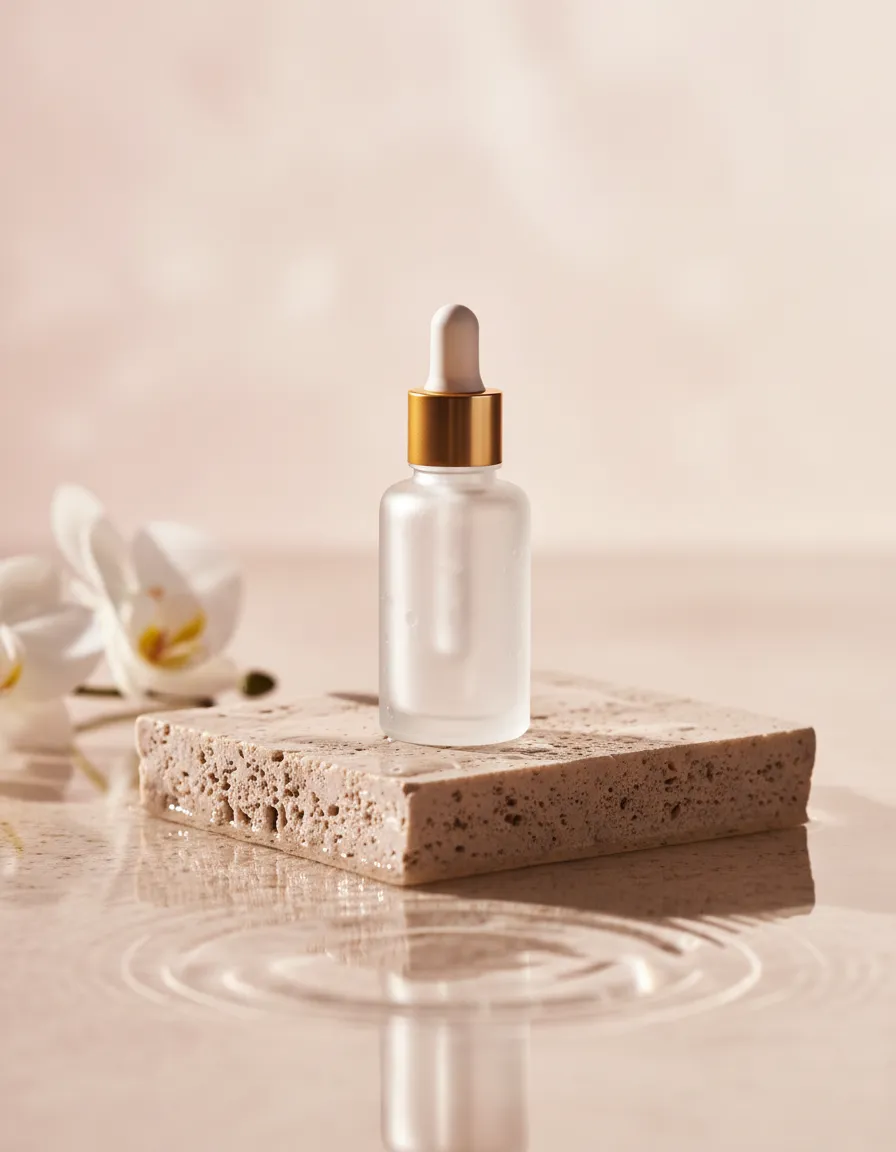
Any shape · PNG, JPEG or WebP · up to 10 MB
What should it do?
Link
Where will it go?
Free to generate · pay only to download
Step 02 · It becomes the code
Your picture becomes the code
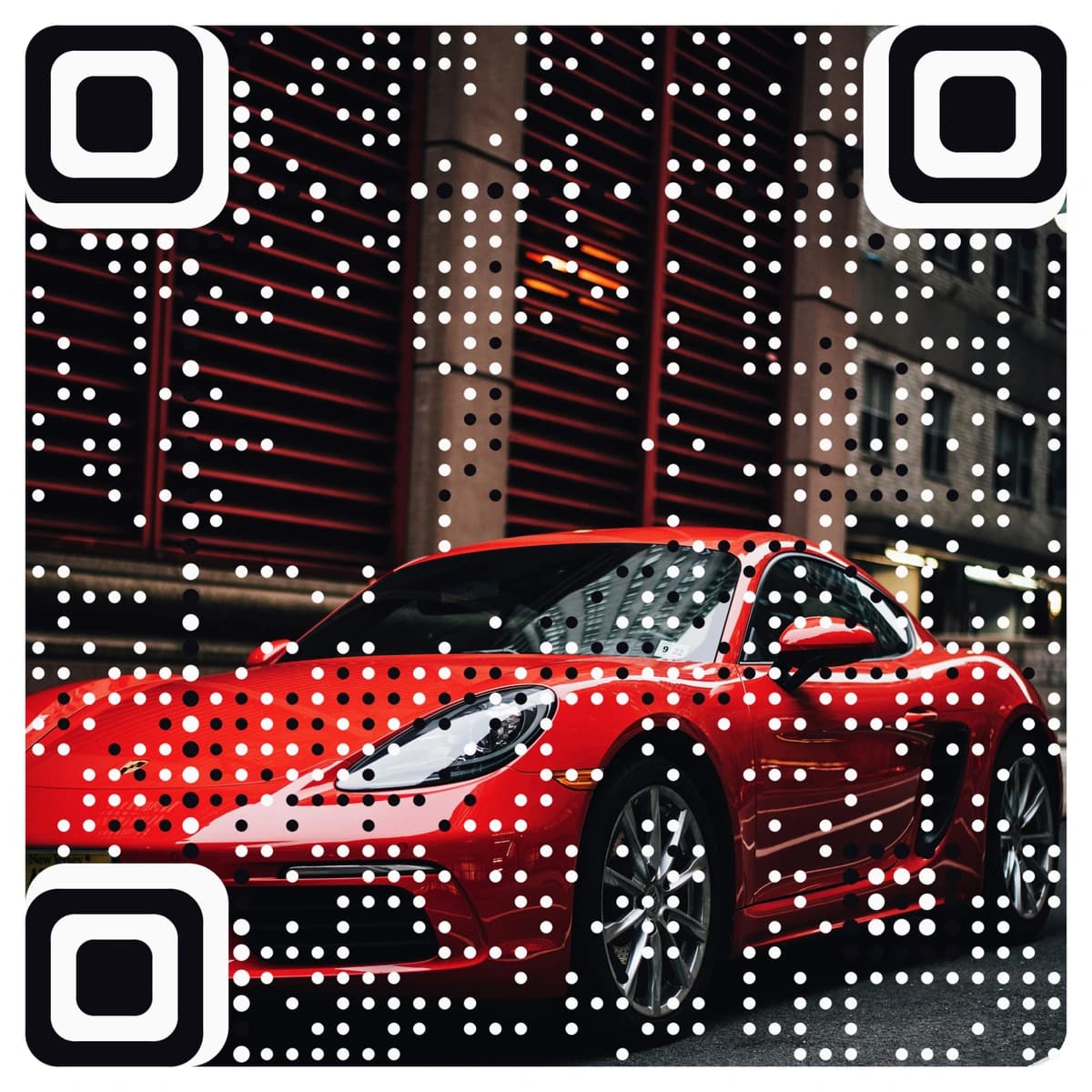
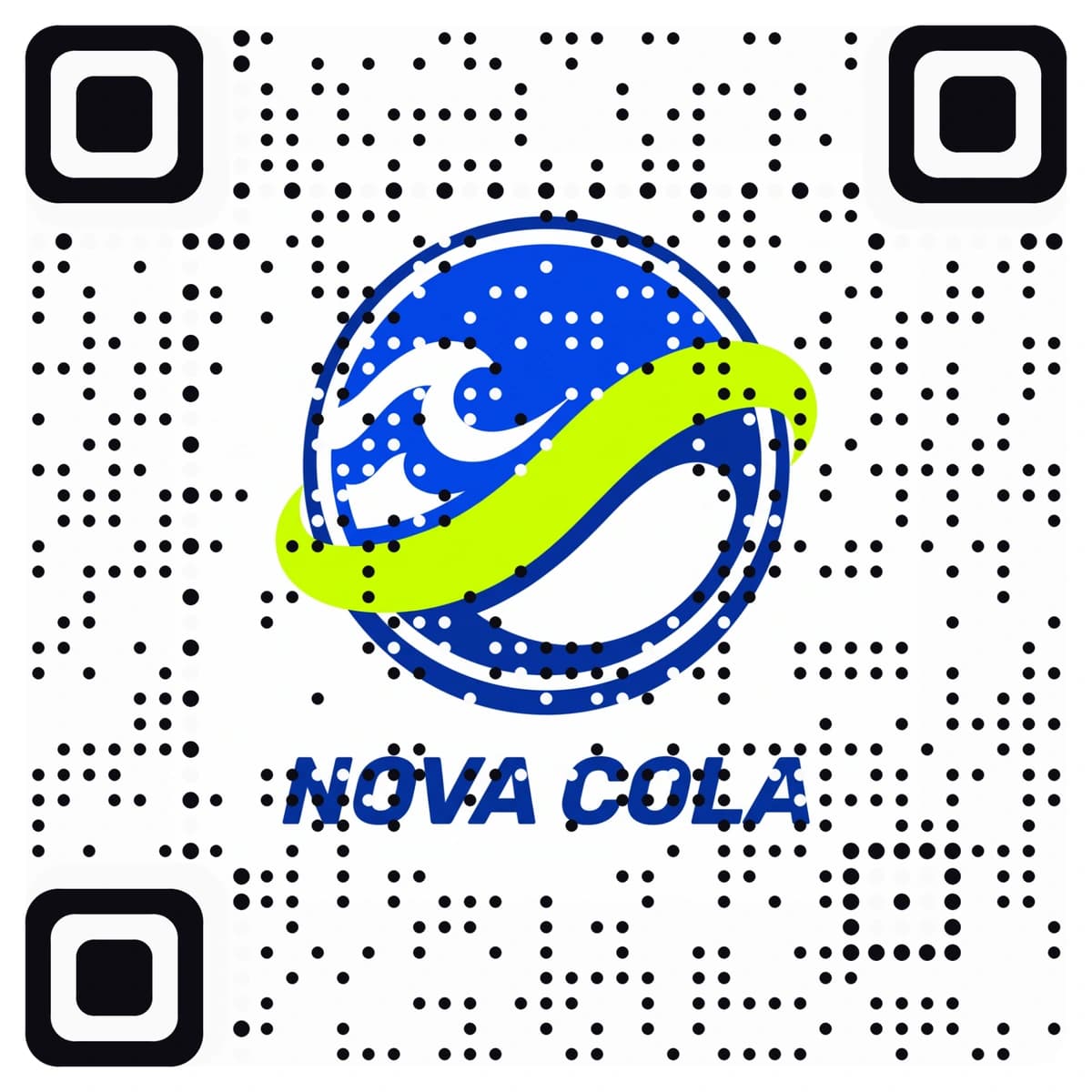
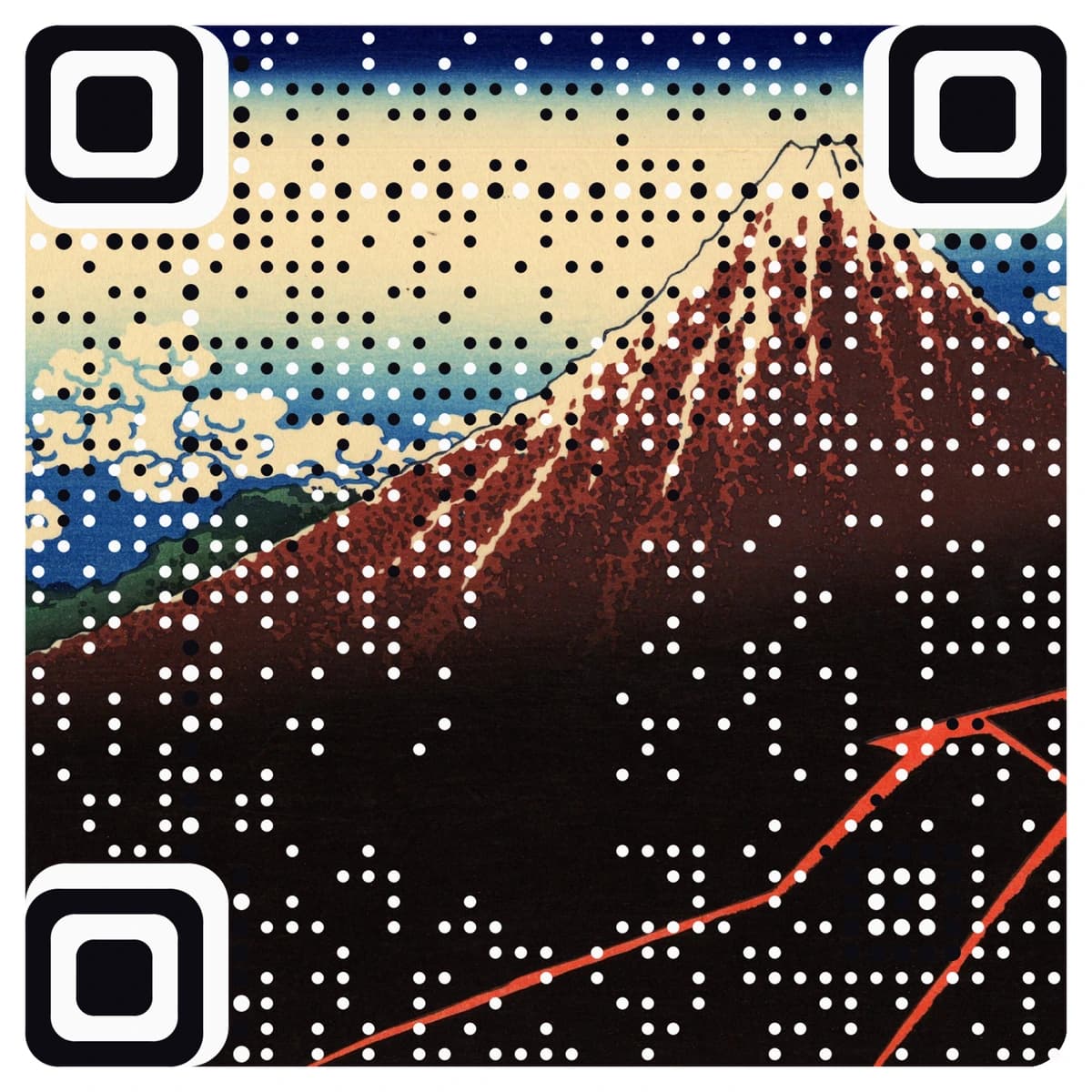
Not a code with a picture pasted on top. The pattern itself is drawn from your image, in its own colours, so the artwork is what people scan.
- A deterministic engine: the same image gives the same code, every time.
- No AI reinterpretation. Your picture stays your picture.
- Change shapes, colours and size after it is made, or place the code inside a larger artwork.
Step 03 · Verified
Verified before you pay
Before you can pay or download, every code is decoded by independent readers at print sizes and under real conditions. You see the verdict first.
- Two print modes: screens and posters from 4 cm, or small print down to about 1.5 cm.
- The live preview scans too. Until you activate, it opens a “not active yet” page.
- If a code misses a check, we say so plainly and show where it may not work. You decide.
We show the verdict, not the method: how each code is checked stays private.
Generated · verified
Your code is ready.
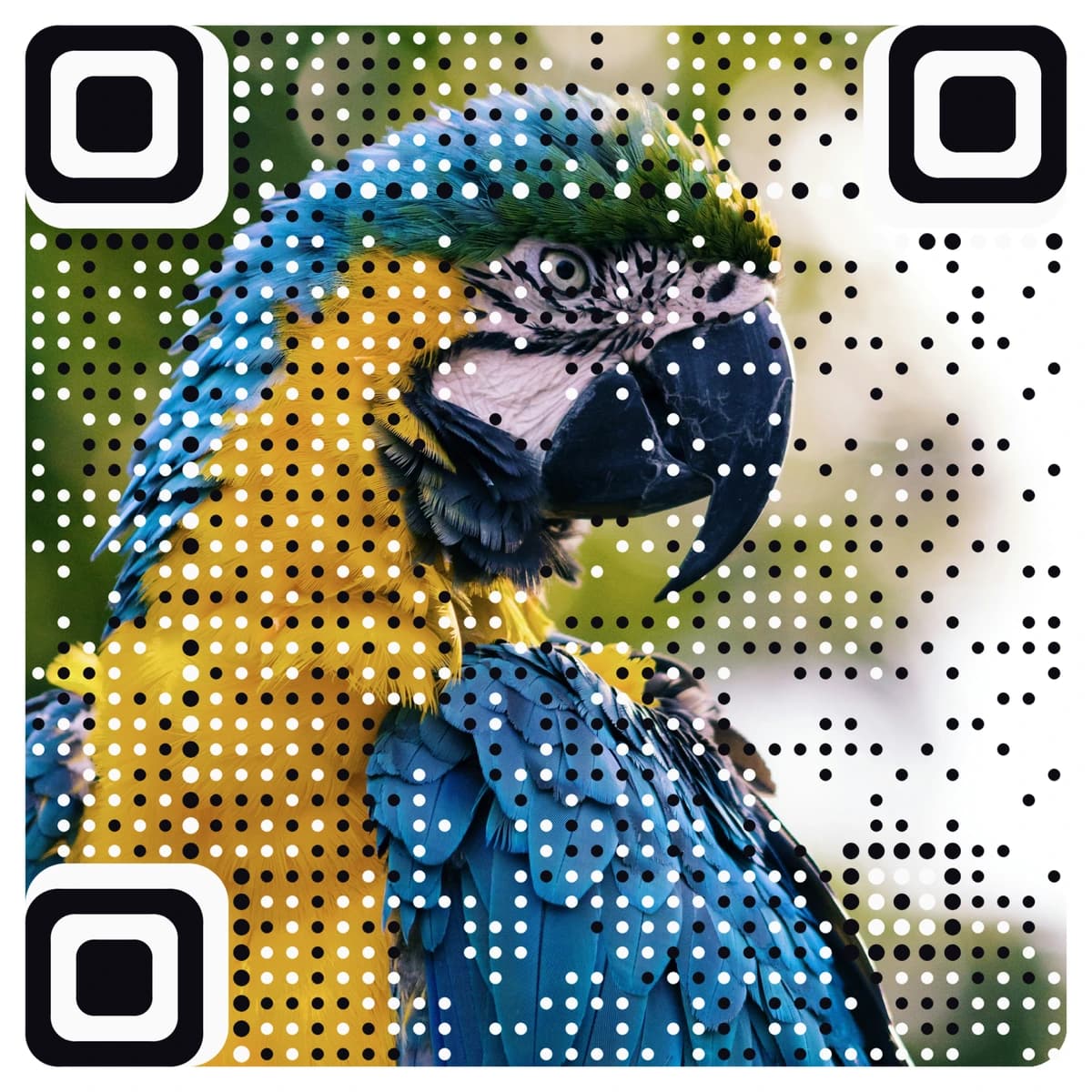
Live preview · scan me
Scan it. Love it? Activate it.
Point your phone at it.
It opens a “not active yet” page: that is your proof it scans. Activate it and this exact code goes live.
Verified to scan from screens and prints of 4 cm and up.
Step 04 · Print
Print it anywhere
Activate it and download the print-ready 2048px master PNG, with or without a white border. Menus, labels, packaging, posters, screens.
- A white border gives scanners a calm edge on stickers and at a distance.
- Generating and testing is free. You pay once to activate, or use a plan.
- A printed picture code never stops scanning because a plan ended.
Northwind Coffee
Summer
menu.
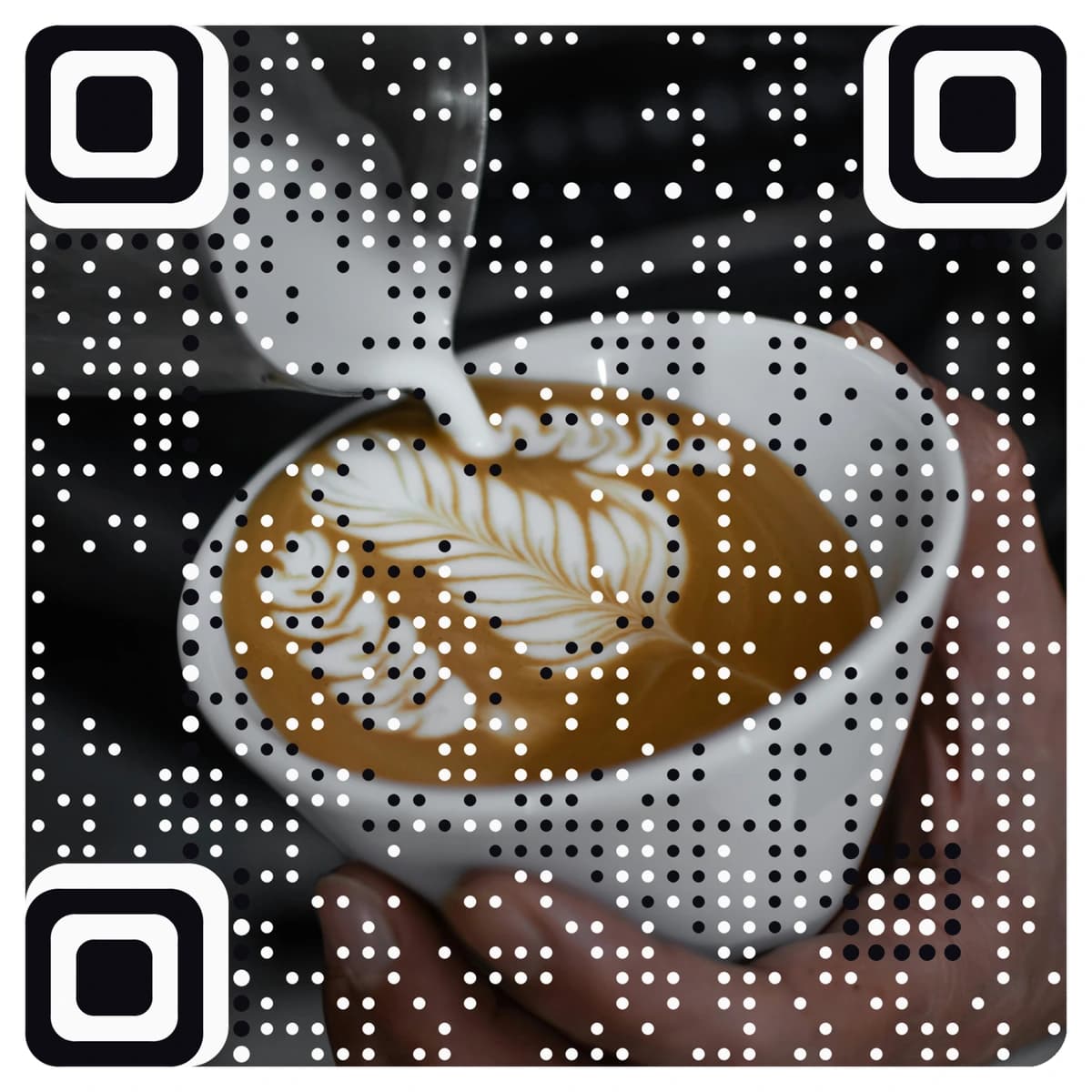
Posters · 4 cm and up
Alex Morgan
Northwind Coffee
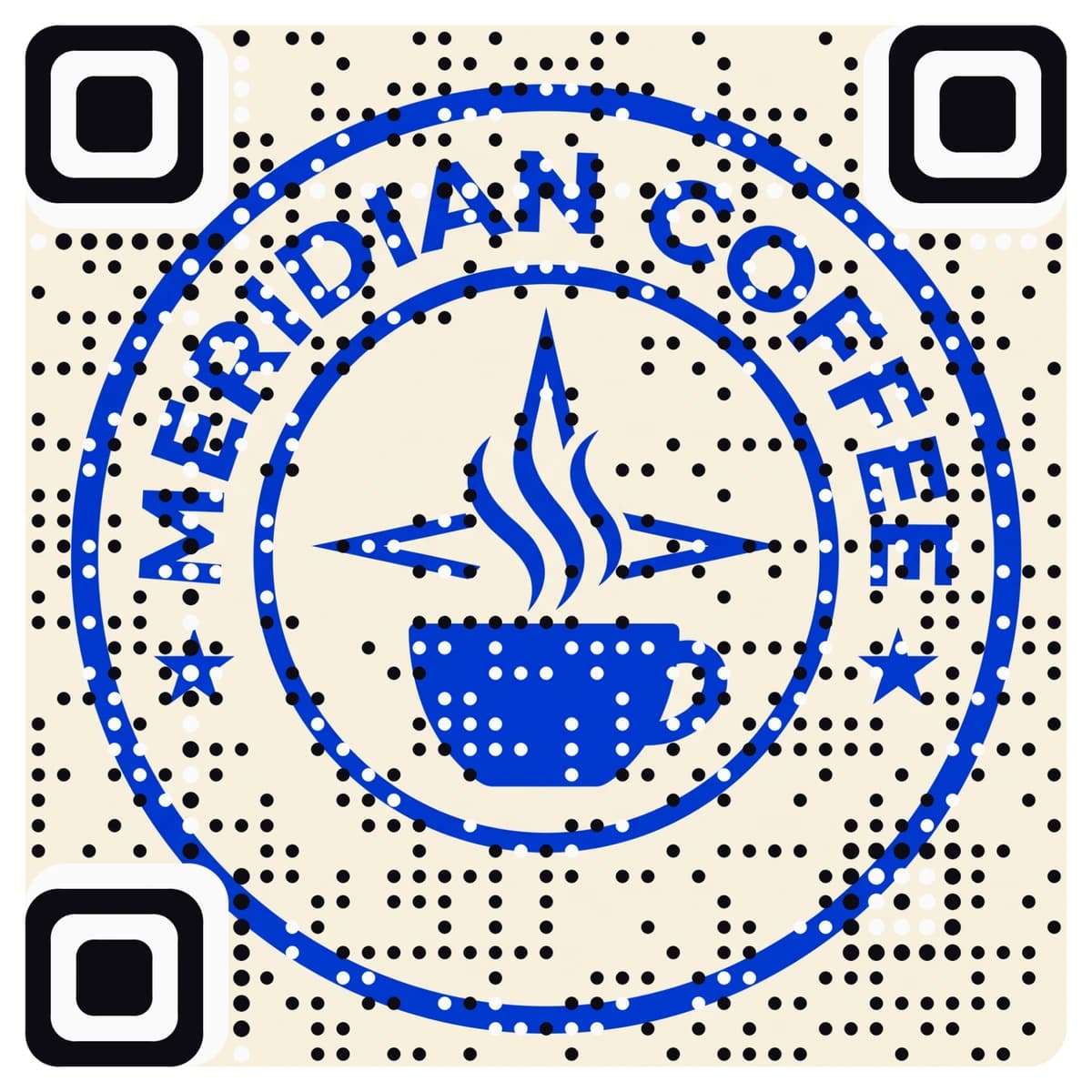
Cards · down to ~1.5 cm
Stickers · tap for the border
Download the 2048px master
PNG · 2048 × 2048 · with a white border
Step 05 · Edit
Change where it goes, after printing
The printed code holds a short link. Point it somewhere new whenever you like: the print never changes, and the numbers stay with the code.
- No reprint when the menu, the offer or the date changes.
- Wi‑Fi and UPI payment codes carry their details inside the code so they work offline. Those cannot be changed later.
Northwind Coffee
Scan for
the menu
Printed once
Where it goes
Saved · same printed code
ExampleA scan today opens
Summer menu
Cold brew, lemonade, iced oat latte
Step 06 · Track
See every scan
Every code comes with its own analytics, free codes included: where, when and how people scanned it.
- A live map of cities, regions and countries, and a weekday-by-hour heatmap in each scanner’s local time.
- Camera scans kept apart from link opens. Link-preview bots are never counted.
- Which app scanned it, and a CSV export of every scan.
Campaign · Spring packaging
Illustration of the live dashboard
Scans
0
Unique
0
In-app
0%
By city
- London26%
- New York21%
- Toronto17%
- Dubai12%
- Singapore9%
- Other15%
Hour of day
Optional · After the scan
The code can open a page, not just a link.
Point any code at a landing page on your own address, yourbrand.aqr.li: a menu, a launch, an event, a hotel welcome. Change it any time, and see what people tap.
In the editor
Describe your brand. AI designs the layout, palette, fonts and copy; you add photos and publish.
Landing pagesFrom Claude or ChatGPT
Connect your AI chat to AriaQR and ask for the page. It writes, designs and publishes it.
How to connectBuild and preview free. Publishing is part of the Business plan.
How does a picture become a QR code?+
The pattern of the code is drawn from your image itself, in its own colours, instead of a picture being pasted on top of a plain code. The engine is deterministic: the same image and settings give the same code, and no AI redraws your picture.
How do I know it will scan?+
Before you can pay or download, every picture code is decoded by independent readers at print sizes and under real conditions, and you see the verdict first. If a code does not pass every check, we say so plainly and show where it may not work, and you decide whether to buy it. The live preview scans too.
Is it free to try?+
Yes. Uploading, generating and testing are free, with no card and no account. You pay only to activate a code, once per code or with a plan. Classic black-and-white codes with analytics are free, up to ten live codes per account.
How small can I print it?+
In the standard mode a code is verified for screens and prints of 4 cm and up. Small-print mode is verified down to about 1.5 cm, for business cards, labels and stickers. You download a 2048px master PNG, with or without a white border.
Can I change the link after printing?+
Yes. The printed code holds a short link, and you can point it somewhere new at any time without reprinting. Wi‑Fi and UPI payment codes carry their details inside the code so they work offline, so those cannot be changed. A printed code keeps scanning even if a plan ends; editing and analytics pause until you renew.
What do the analytics show?+
Scans over time, cities, regions and countries, a weekday-by-hour heatmap in each scanner’s local time, devices and the app that scanned it. Camera scans are kept apart from link opens, link-preview bots are never counted, and you can export every scan to CSV. Free codes get the same dashboard.
What is a landing page, and do I need one?+
It is optional. Instead of a website, a code can open a branded page on your own address, yourbrand.aqr.li: a menu, a launch, an event. Our AI designs it from a short description, or you build it from Claude or ChatGPT. Building and previewing are free; publishing is part of the Business plan.
Do I need an account?+
Not to make or buy a picture code. Signing in with an email code or Google is optional and keeps your codes, analytics and plan together. Free classic codes need a sign-in, because that is where the renewal reminder goes.
Generate and
test it free.
Pay only when it scans.