Menu QR Code
Your menu. One scan away.
Menu QR Code
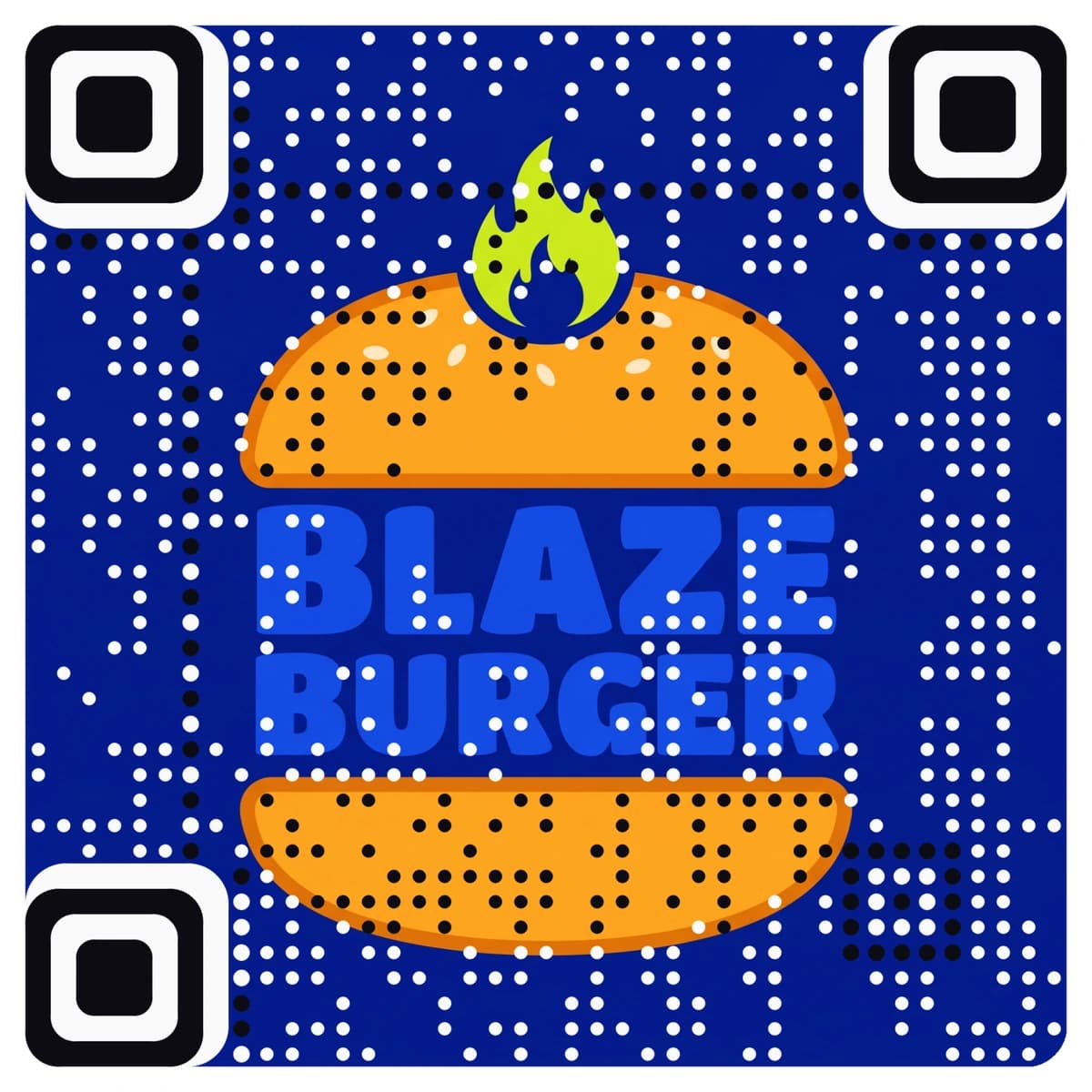
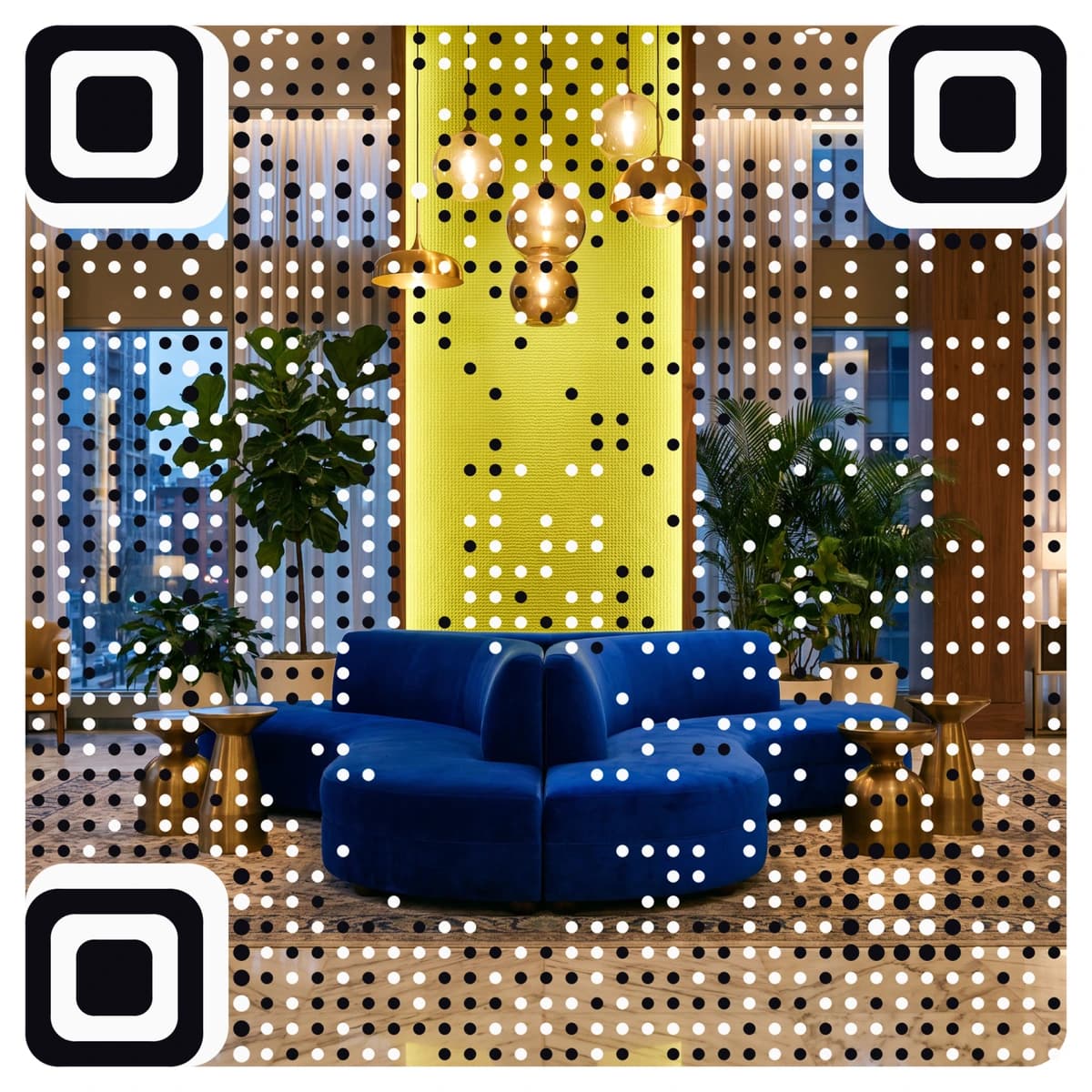
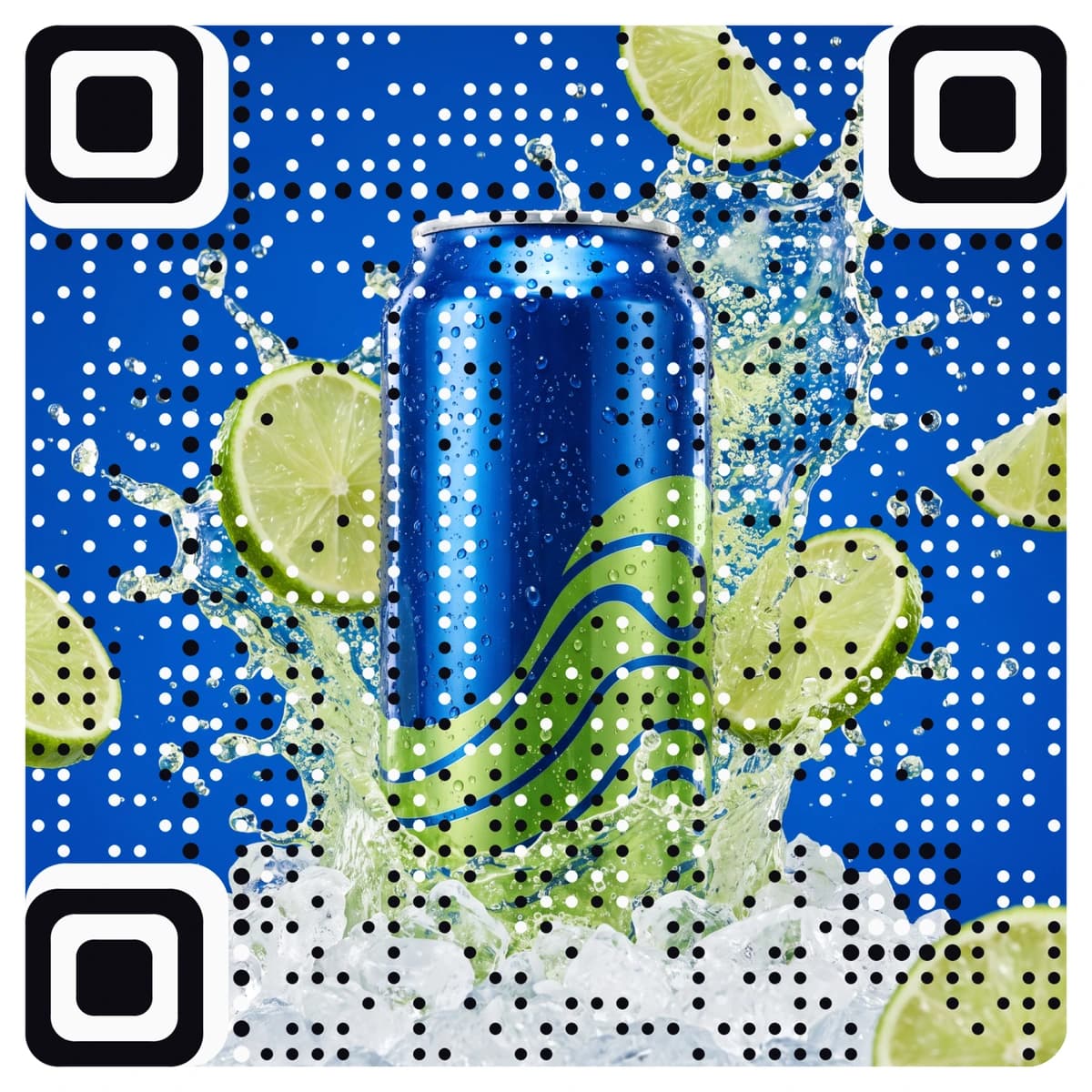
Made from your picture, not pasted on top
A menu QR code sends guests to your PDF or menu page the moment they point a phone at the table. AriaQR makes it from your logo or a picture, so the card on the table looks like your venue instead of a plain square, and the code is dynamic: you can swap the menu behind it after printing, and scans are counted. Every code is tested on real decoders under real-world conditions before you download it.
Where it goes
Where people use a Menu QR code
Restaurant tables
A table tent, a coaster or a small stand by the cutlery. Guests open the current menu without waiting for a printed copy.
Hotel room and bar menus
A card on the nightstand for room service, or on the bar for the cocktail list. Update the menu behind it when the season changes.
Event venues and caterers
A code on the buffet sign or the invitation that opens tonight’s menu, with the allergen notes your guests ask about.
Window and door signs
A sticker on the glass so people walking past can read the menu before they come in, even when you are closed.
How it works
How to make a Menu QR code with your logo
- 1
Upload your logo or a picture
Your logo, a photo of the dining room or a signature dish. PNG, JPEG or WebP.
- 2
Choose Menu and add the link
Paste the link to your menu PDF or menu page. A public Google Drive or Dropbox link works, and so does any page on your own site.
- 3
Check the verdict, then scan it
Every code is tested before you see it. Point your phone at the screen: it should open your menu.
- 4
Download and print
Download the full-size file. Choose small print for coasters and stickers down to about 1.5 cm; standard works from 4 cm and up.
Every code is tested on real decoders under real-world conditions before you download it. How we verify codes
Design tips
Getting the design right
Print a short line beside it
Words such as “Scan for today’s menu” tell guests what happens. Add “Ask us for a paper menu” if some of your guests would rather not scan.
Make the menu easy to read on a phone
A PDF with tiny columns is hard to read one-handed. Use large text and one column, or a menu page built for mobile.
Size it for the table
On a table, 4 to 6 cm is comfortable at arm’s length. On a window or wall, go larger, 8 to 10 cm or more, so it scans from a step back.
Questions
Menu QR code questions
How does a menu QR code work?
The code opens your menu link when a guest scans it with the phone camera. No app is needed. The menu can be a PDF or a page on any public link.
Can I change the menu after printing the code?
Yes. A menu code is dynamic, so you can point it to a new PDF or page without reprinting the cards. New season, new prices, new specials: the same table card keeps working.
Can I put my logo on a menu QR code?
Yes, and more than a logo in the middle: AriaQR turns the whole picture into the code. Upload your logo or a photo, add your menu link, and you get a branded menu code that is tested before download.
Can I see how many guests scan it?
Yes. Scans are counted, so you can see how often the menu is opened, and compare tables or locations if you use a different code for each.
Where can I get a plain menu QR code for free?
Our free menu QR code generator makes a standard black-and-white code at no cost. This page is for a code made from your logo or picture.
More types
Other QR codes with your logo
- WiFi QR Code
- Business Card QR Code
- WhatsApp QR Code
- Google Review QR Code
- Google Maps QR Code
- Instagram QR Code
- LinkedIn QR Code
- Facebook QR Code
- YouTube QR Code
- Spotify QR Code
- Wedding QR Code
- Link QR Code
- App Download QR Code
- Zoom QR Code
- Google Meet QR Code
- Microsoft Teams QR Code
- Telegram QR Code
- Signal QR Code
- Twitter QR Code
- Snapchat QR Code
- Pinterest QR Code
- Threads QR Code
- Discord QR Code
- Twitch QR Code
- Reddit QR Code
- TikTok QR Code
- SoundCloud QR Code
- Apple Music QR Code
- Social Media QR Code
- PDF QR Code
- Google Drive QR Code
- Dropbox QR Code
- Google Form QR Code
- Text QR Code
- Email QR Code
- SMS QR Code
- Phone Number QR Code
- Event QR Code
- Video QR Code
- Yelp QR Code
- Tripadvisor QR Code
- Trustpilot QR Code
- Amazon Review QR Code
- PayPal QR Code
- Venmo QR Code
- Cash App QR Code
- Linktree QR Code
- Feedback QR Code
- All 60+ types