Menu QR code generator for restaurants
Make a QR code for your restaurant menu. Paste the menu link, pick colors, and download PNG, SVG or PDF for table tents and stickers. Free, no account.
Skip the PDF if you can
PDF menus are hard on phones: tiny text, pinch and zoom, slow downloads on busy Wi-Fi. Point the code at a mobile menu page built for the table instead, and update prices without reprinting.
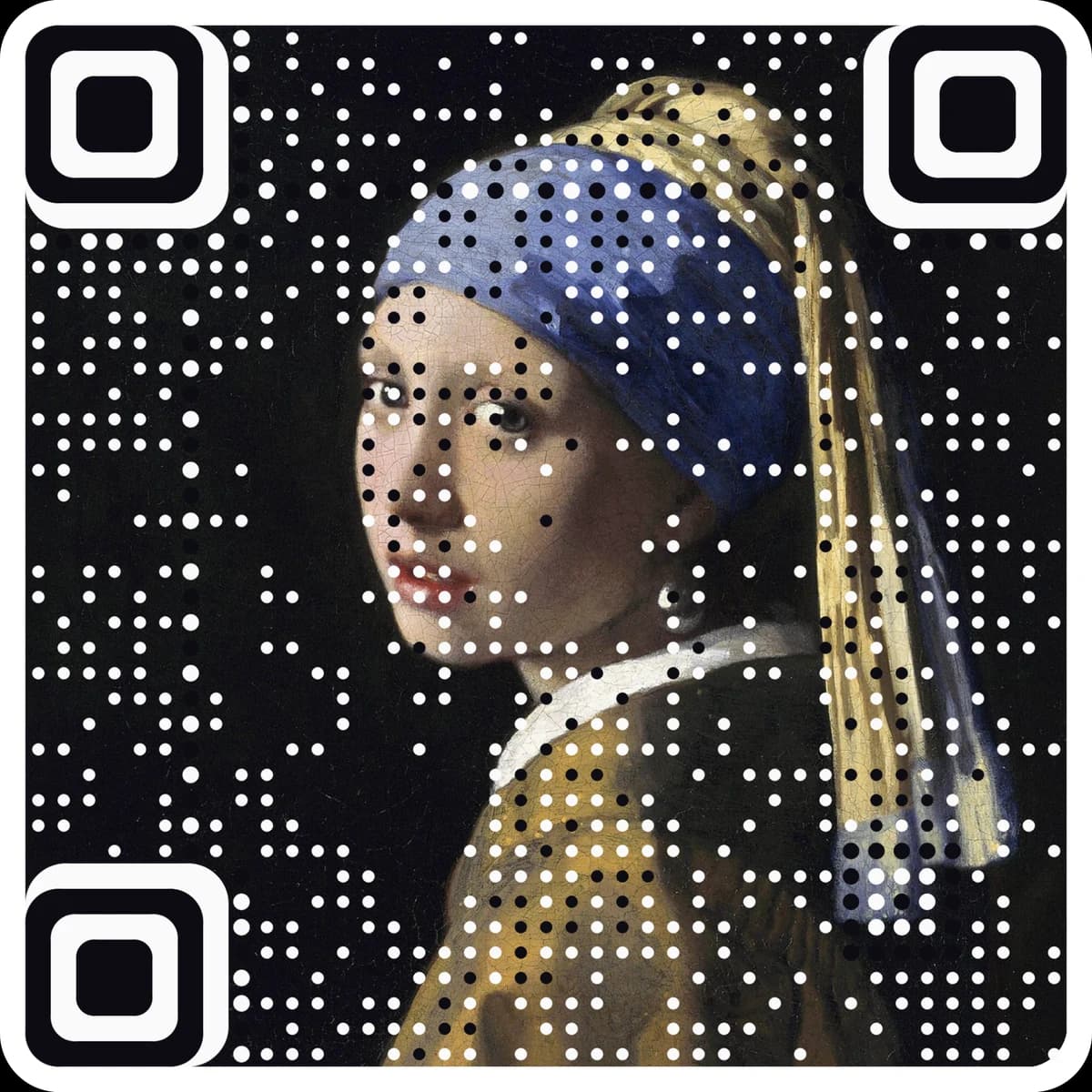
Want scan counts and an editable destination? Make it a free dynamic code. Want it in your own image? Make a picture code.
Enter your menu link to see the code.
Static · no expiry · PNG, SVG and PDF all built in your browser
Paste the https:// link to your menu page.
Add the restaurant name if you want tidy file names, and pick colors.
Download and print on table tents, stickers or the window.
Questions
Should my menu QR code link to a PDF?+
It can, but PDFs are hard on phones: small text, pinch and zoom, slow downloads. A mobile menu page is easier to read and quicker to update.
What size should a table QR code be?+
About 3 to 4 cm wide for a table tent read at arm's length, with a clear white margin. The print size chart has the numbers for other placements.
Can I update the menu without reprinting the code?+
Yes, if the link stays the same: update the page or replace the file at the same address. If the address itself will change, use a dynamic code.
Can I track how many tables scan it?+
No. A static code holds the destination itself, so it cannot be edited or counted after printing. For a code you can change and track, make a free dynamic code at ariaqr.com/free-qr-code-generator.
More free tools
The next step
Make the code the artwork.
These tools make and check classic codes. AriaQR turns your photo, logo or illustration into the code itself, verified on real decoders before you download, with a link you can edit and track.