Language: English
Language
- English
- Español
- Português
- Français
- Deutsch
- Italiano
- Nederlands
- Polski
- Türkçe
- Русский
- Українська
- العربية
- فارسی
- עברית
- اردو
- हिन्दी
- বাংলা
- தமிழ்
- తెలుగు
- मराठी
- ગુજરાતી
- ಕನ್ನಡ
- മലയാളം
- Bahasa Indonesia
- Bahasa Melayu
- Tiếng Việt
- ไทย
- Filipino
- 日本語
- 한국어
- 简体中文
- 繁體中文
- Svenska
- Dansk
- Norsk
- Suomi
- Čeština
- Română
- Magyar
- Ελληνικά
- Slovenčina
- Slovenščina
- Hrvatski
- Srpski
- Български
- Lietuvių
- Latviešu
- Eesti
- Kiswahili
App Store QR code generator for iPhone and Android apps
Make QR codes for your app on the App Store and Google Play, plus a printable card with both. Paste the store links. Free, no account.
One code for both stores?
A QR code holds one link, and a store link only opens its own store. One code for everyone needs a smart link that checks the phone. A free dynamic code has an App download option that does this: iPhones go to the App Store, Android phones to Google Play, and everyone else to your website.
Where to put it
- Print both codes side by side with the store names under them, so people pick their own.
- Packaging, table tents, posters and the checkout counter: anywhere people wait a few seconds.
- Screens and slides at events. Test the code from the back of the room.
Want scan counts and an editable destination? Make it a free dynamic code. Want it in your own image? Make a picture code.
App Store is a trademark of Apple Inc. Google Play is a trademark of Google LLC. AriaQR is not affiliated with or endorsed by them.
Paste your App Store or Google Play link to see the codes.
Static · no expiry · built in your browser
Next step · the same code, as a picture
Now make it a picture
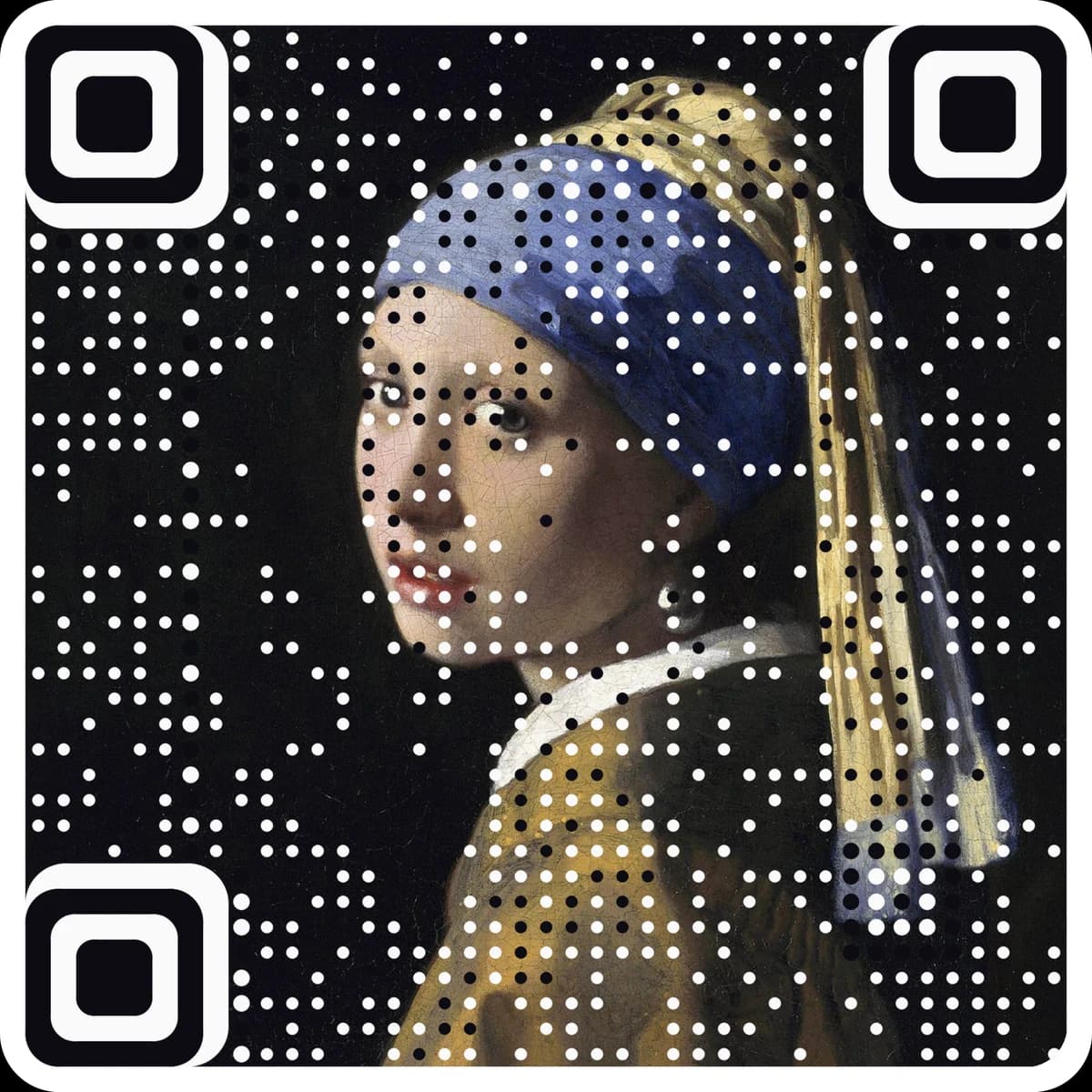
Pick a picture and the art generator opens with it. Your picture becomes the code, and it still scans.
Or try one of ours
Paste your App Store link or app ID, and your Google Play link or package name.
Each link is cleaned and checked, and both codes update live. Add the app name for the card.
Download each code, or one card with both codes labeled for print.
Questions
Can one QR code open the App Store on iPhone and Google Play on Android?+
Not with a plain store link: each link only opens its own store. You need a smart link that checks the phone first. The free dynamic code on AriaQR has an App download option that does this.
Where do I find my App Store link?+
Open the app's page in the App Store, tap Share, and copy the link. The number after "id" is the app ID, and the code is built from it.
Where do I find my Google Play link?+
Open the app on Google Play, tap Share, and copy the link. The part after id= is the package name, like com.example.app.
Are campaign links kept?+
Yes. App Store Connect campaign tokens (pt and ct) and a Google Play referrer stay in the link, so installs from the code show in your store analytics.
Can I change the link or count scans later?+
No. A static code holds the destination itself, so it cannot be edited or counted after printing. For a code you can change and track, make a free dynamic code at ariaqr.com/free-qr-code-generator.
More free tools
Learn the terms
- Deep linkA deep link is a URL that opens a specific screen or item inside an app rather than just the app’s home screen or a website. QR codes often use deep links to jump straight to a profile, product or chat.
- App store linkAn app store link is a URL that opens an app’s page in the Apple App Store or Google Play. A single smart link can send iPhone users to one store and Android users to the other.
Free QR code designs
Designs for your App Store QR code
Free looks that keep the code scannable. Pick one, type your link, download PNG or SVG.

The next step
Make the code the artwork.
These tools make and check classic codes. AriaQR turns your photo, logo or illustration into the code itself, verified on real decoders before you download, with a link you can edit and track.