A QR code competition on a pack or a shelf sign has one weak spot: the code can be scanned before anyone buys anything. A shopper in the aisle can enter the prize draw, take the coupon and put the product back. This post is about on-pack and in-store promotions, not design contests, and it covers six ways to deal with that gap, what each costs, and how to see which store pulled.
What is the scan-before-purchase problem?
A code printed on the outside of a pack is public. So is a code on a shelf talker, a window poster or a till-point sign. Anyone with a phone can scan it, in the store or from a photo online, and land on the same entry page as a paying customer.
Three things follow.
- Your entry count includes people who did not buy.
- A coupon page can be opened, screenshotted and passed around.
- Your cost per entry looks better than it is, because some of those entries cost you nothing in sales.
Whether this matters depends on the prize. If the reward is a recipe, it hardly matters. If it is a cash prize or a free product, it matters a lot. The rest of this post is about matching the fix to the stakes.
Which fixes stop shoppers entering without buying?
Each fix below does a different job. Most real promotions combine two.
A unique code inside the pack or under the lid
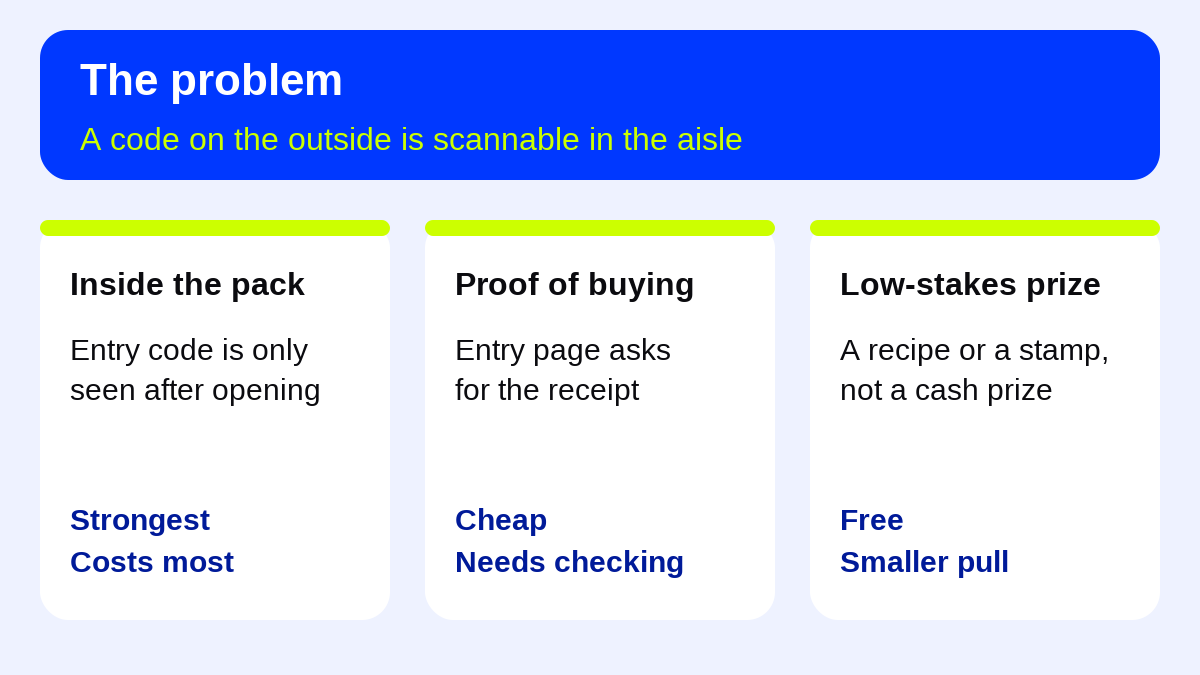
Print the entry code or a one-time code on the inside of the pack, under a ring pull, or beneath a lid. Only someone who opened the product can see it. This is the strongest fix, and it suits promotions with a real prize.
Be clear about who does what. AriaQR makes the QR code, the dynamic link, the landing page and the form that collects entries. Creating thousands of unique per-pack codes, printing them in sequence and checking each one against a list is your own process, or a job for a specialist promotions tool. We do not generate or validate serial numbers. The cost is real: variable-data printing, a second print step and a way to check codes.
A photo or number from the receipt on the entry page
Ask the entrant for proof of purchase: a receipt number, a store and a date, or a photo of the receipt. This is cheap to set up and works for any retailer. The catch is checking. Someone has to review entries, or your promotions tool has to do it.
AriaQR forms can collect text, choices, dates and numbers, so a receipt number and store name fit. The form fields listed in our help article on forms and leads do not include a photo upload, so if you need receipt photos, use a dedicated entry tool for that step. Forms are on the Business plan. We do not check receipts for you.
A code printed on the till receipt
Some retailers print the entry code on the receipt itself. Then only a paying customer holds it. This needs the retailer's cooperation and a change to the receipt template, which can take weeks. It suits a promotion run with one or a few chains, not a national launch across many independent shops.
One entry per person, and plain entry limits
Say on the page how many times someone can enter, and ask for an email address or phone number so you can spot repeats. This does not stop a non-buyer from entering once. It stops one person from entering fifty times. Use it as a base layer, not as the only fix.
An outside code that opens product information
Let the code on the outside of the pack open something useful for everyone: product details, ingredients, a how-to video. Put the entry itself behind proof of purchase, using one of the fixes above. The code then does two jobs and nobody is turned away at the shelf. This is also the safest approach for the scanning shopper, who sees what the code will do before they commit (see what a QR code should link to).
A prize where a scan alone does little harm
If you cannot control who scans, change what you give. A recipe, a digital download, a loyalty stamp or a small discount on the next visit costs you little when a non-buyer claims it. A cash prize or a free product does not. For ideas on stamps and offers, see coupon, loyalty and review QR codes.
How do the fixes compare?
| Fix | Stops aisle entries? | Extra cost | Effort for the shopper |
|---|---|---|---|
| Unique code inside the pack | Yes | Variable printing and a code list | Open the pack, then scan |
| Receipt details on the entry page | Mostly, if entries are checked | Staff time or a checking tool | Type or photograph the receipt |
| Code on the till receipt | Yes | Retailer cooperation, receipt template change | Scan the receipt |
| One entry per person | No, only limits repeats | None | Give an email or phone number |
| Outside code opens product info only | Yes, as entry sits behind proof | Same as the proof you choose | Two steps |
| Low-stakes prize | Does not stop it, reduces the harm | None | Scan and claim |
How do in-store placements change the risk?
Where the code sits changes who scans it. A code on the shelf is read by passers-by. A code at the till is read by people who are about to pay or have just paid. A code on a window is read from the street, by people who may never enter the shop.
- Shelf: highest reach, highest scan-before-purchase risk. Use it for product information or a low-stakes reward.
- Till: the best place for an entry or a coupon, because the shopper is a buyer by the time they see it.
- Window: good for awareness and for a code that opens opening hours or a map. Do not tie a prize to it.
More ideas on where a code earns its place are in where to put QR codes in your shop. If the promotion is on the pack itself, the press and substrate rules are in our guide to QR codes on packaging, including what happens when a pack outlives the campaign.
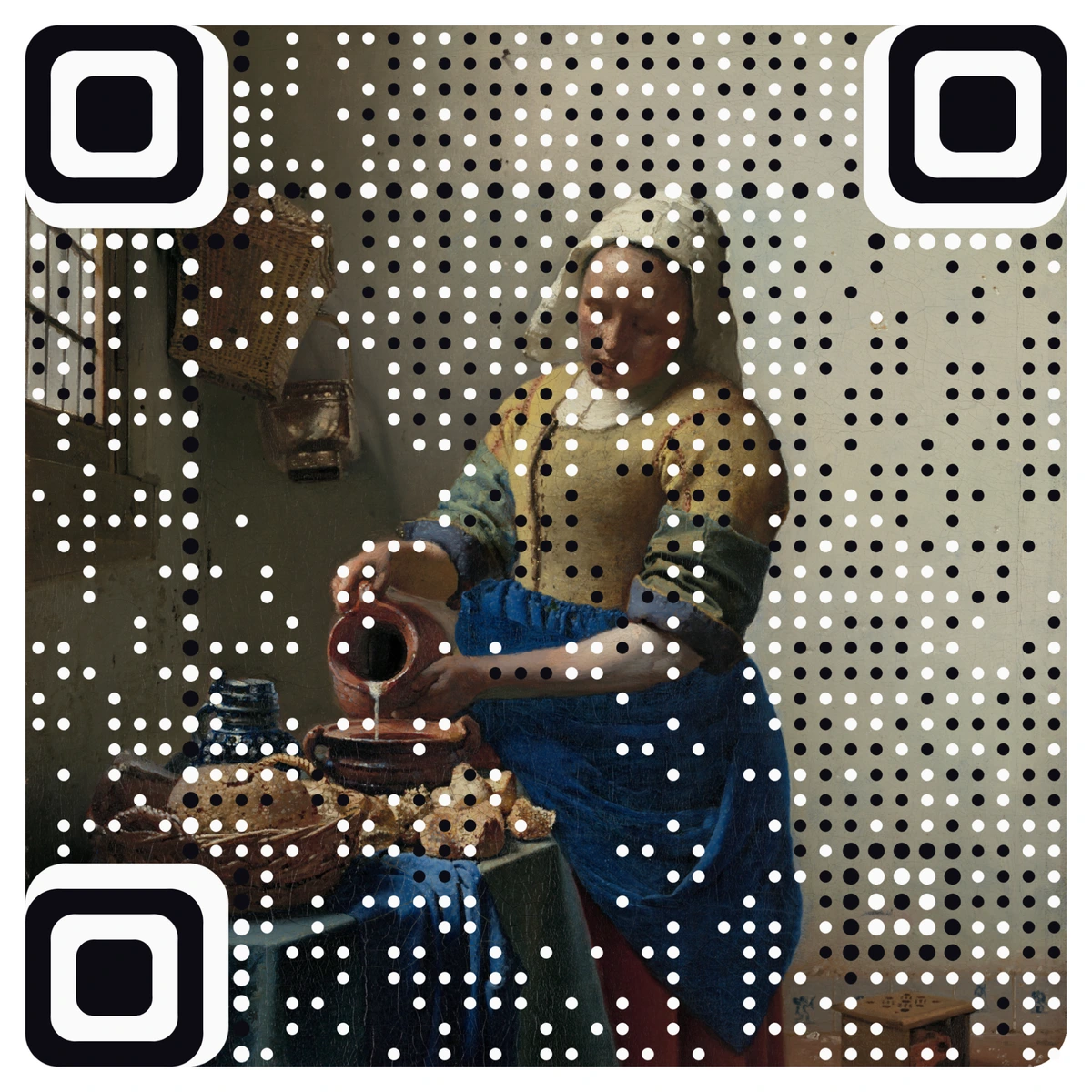
Here is a picture code we made as an example of a code that carries an image and still scans.
How do you see which store or pack drove the entries?
Print a different code for each store, region or pack format, all pointing at the same promotion page. Each code is a dynamic link, so every scan is counted against the code that was scanned. In AriaQR this is called a placement: several codes for one campaign, compared side by side. The detail is in placements and campaign tracking and the client-reporting side is in QR code tracking for client campaigns. A form's leads also show which printed code brought each one, so you can see entries by store as well as scans. Turn the numbers into a return with how to measure QR code campaign ROI.
Because the link is dynamic, you can also change where the code points after printing. When the promotion closes, send the same code to a "this promotion has ended" page or to the next one, rather than leaving a dead page on every pack. See static vs dynamic QR codes for why that matters on a long print run.
What about prize-draw rules and the law?
Promotion, sweepstakes, lottery and prize-draw rules differ by country and by state. Some places require official rules, a registration, a bond or a free way to enter. Some treat a prize draw tied to a purchase differently from a free entry. This post is not legal advice. Before launch, check the rules where you run the promotion, publish the terms on the entry page, and ask a lawyer or your regulator if anything is unclear.
Where to start
Decide the prize first, because it sets how strict you need to be. For a recipe or a stamp, a plain outside code that opens an entry page is enough. For anything of real value, put the entry behind a code inside the pack or proof of purchase. Then print a separate code per store or pack, test it on real phones at real size (our print checklist is a good start) and set up the page and form. For the wider picture of running codes for a client, see QR codes for marketing agencies. When you are ready, make your code.