
What are the most useful QR codes for small shops? Three cover most of what a small shop needs: one that collects reviews, one that hands out a coupon, and one that signs people up for loyalty perks. Each does a single job, sits in a different spot, and can be counted, so you know which one is pulling its weight.
You do not need a loyalty app, a coupon printer or a marketing team. You need three codes and three short pages.
1. The Google review QR code
Reviews are what new customers read before they visit. Most happy customers would leave one, but they forget, or cannot find the right page, or give up after three taps.
A Google review code fixes that. It opens your review form directly, so the customer only has to pick stars and type a line.
How to set it up:
- In your Google Business Profile, find "Ask for reviews" and copy the link.
- Make a Google review code with that link. AriaQR has a code type built for it, as well as types for Yelp, Tripadvisor and Trustpilot.
- Add a short label: "Enjoyed your visit? Tell others."
Where it goes: where the good moment happens. On the receipt. By the till as someone pays. On the bag. On a small card tucked in with a delivery.
One rule: do not tie a discount to a review. Google's review policies do not allow incentives for reviews, and other review sites have similar rules. The review code asks; it never pays.
2. The coupon QR code
A coupon gives a passer-by a reason to come in now, and it gives a past customer a reason to come back. A coupon QR code opens a short page with the offer and a code to show at the counter.
What the page holds: the offer in one line, the code in big letters, the expiry, your hours and a map. AriaQR landing pages have an Offer block made for this, with a title, a short line, the discount code and a button. Add a countdown block if the offer ends on a date.
Where it goes: the shop window, flyers, the sidewalk sign, social posts. Anywhere people meet you before they walk in.
Why a page beats a printed coupon: you can change the offer any time without reprinting. A spring offer becomes a summer offer in the dashboard, and the code in the window keeps working.
3. The loyalty sign-up QR code
Loyalty is about getting the second and third visit. The old way is a paper stamp card that ends up in a drawer. The QR way is a short sign-up form.
How it works: the customer scans a code on the counter. A form asks for a name and an email, plus anything else you care about, like a birthday month or a favorite product. When they submit, the page shows a member code they use at the till for the welcome perk.
On AriaQR, this uses the Form block on a landing page. You can show a code to unlock after sign-up, ask for a star rating, and write a consent line in your own words. Every sign-up lands in your Leads inbox. Lead forms are part of the Business plan; see AriaQR landing pages for what each plan includes.
Where it goes: the counter, the table, the fitting room, the bag. Anywhere a regular has a spare minute.
Keep it short. Two or three fields is plenty. Every extra question loses some people.
Make all three look like your shop
Three plain black squares on the counter look like a parking lot. Three codes in your own colors, made from your logo, look like part of the shop, and people are more willing to scan a code that clearly belongs to the business in front of them.
Here is a real AriaQR code made from a coffee shop's logo:
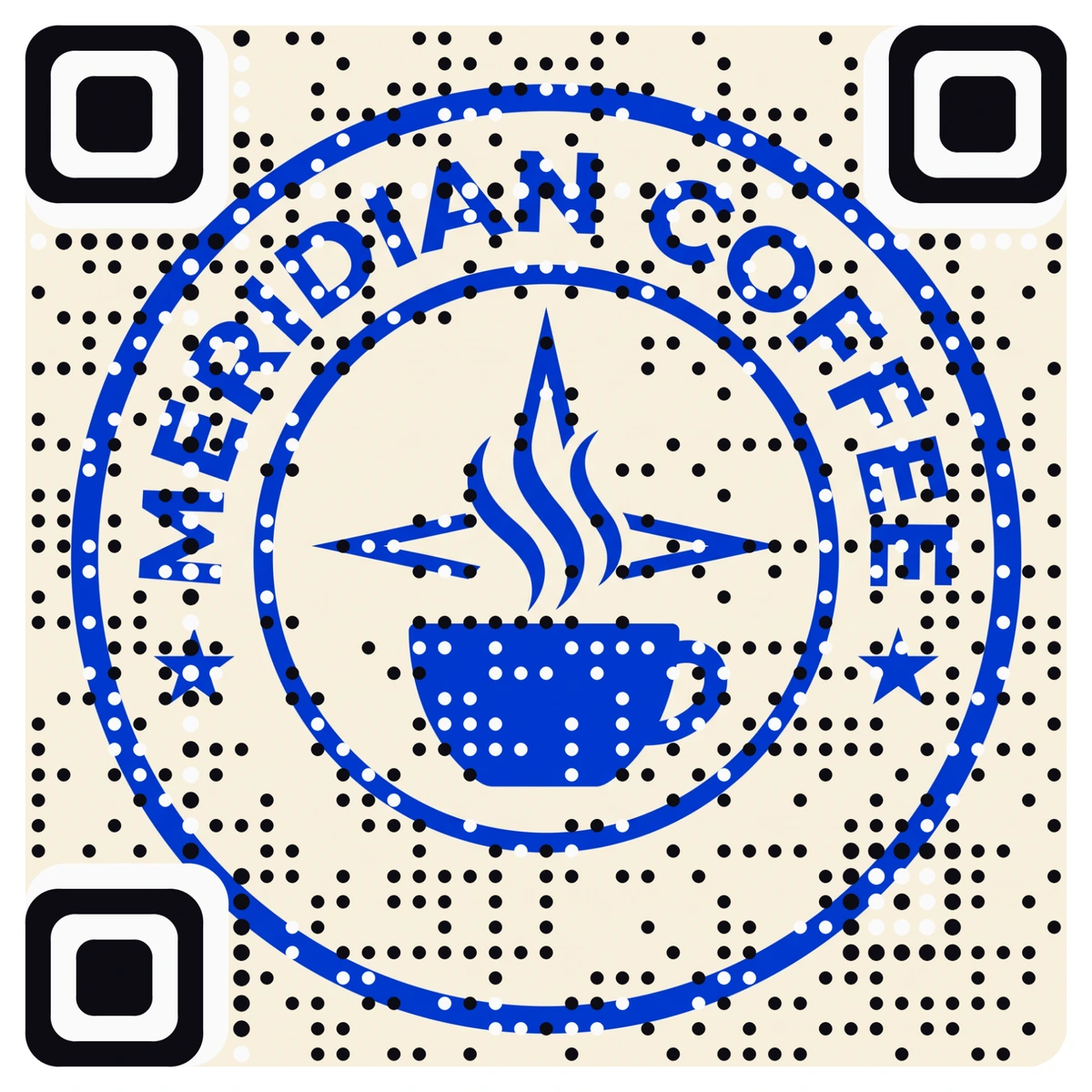
Each code is verified on real decoders under real-world conditions before you download it. You can use the same artwork for all three codes and change only the label, or give each code its own picture.
How to track QR codes for small shops
Every one of these codes is dynamic, so each scan is counted. That lets you answer the questions that matter:
- Reviews: are people scanning at the till or from the receipt?
- Coupons: does the window or the flyer bring more scans, and how many coupons get redeemed?
- Loyalty: how many sign-ups per week, and do they come back to use the perk?
For the coupon, count redemptions at the till with the discount code. Scans tell you interest. Redemptions tell you customers.
If you want to compare spots for one code, such as a coupon in the window against the same coupon on a flyer, give each spot its own code. Our guide to what a QR code should link to covers which destinations convert best, and QR code landing page examples shows offer and sign-up pages in practice.
A simple setup for this week
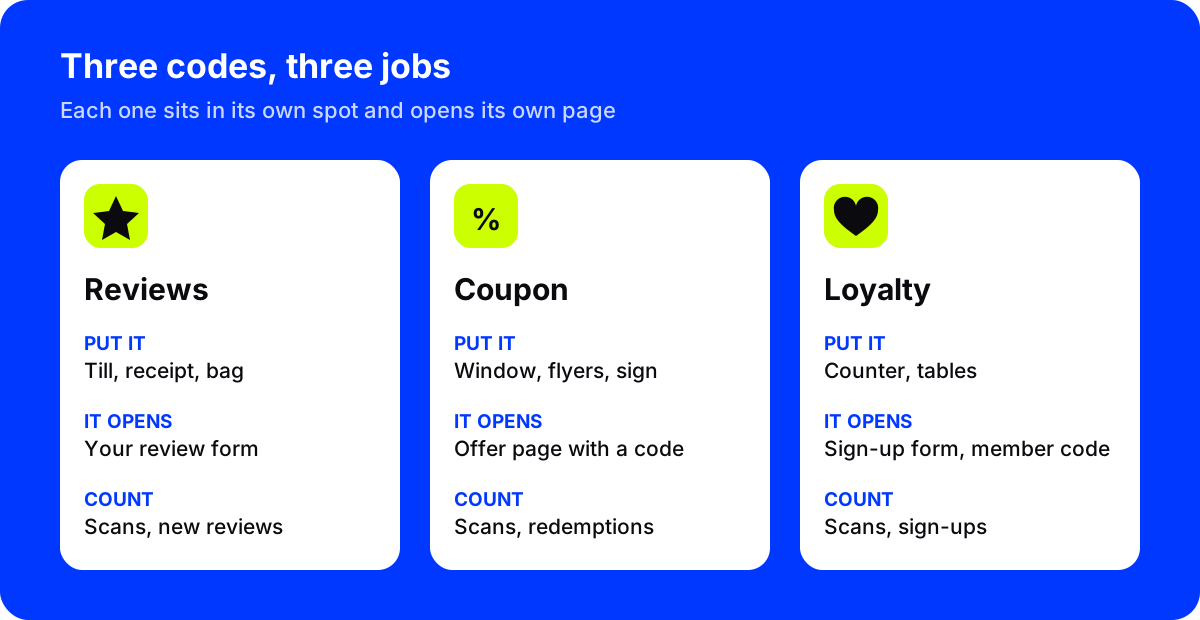
| Code | Opens | Put it | Count |
|---|---|---|---|
| Review | Your Google review form | Till, receipt, bag | Scans, new reviews |
| Coupon | Offer page with a code | Window, flyers, sign | Scans, redemptions |
| Loyalty | Sign-up form with a member code | Counter, tables | Scans, sign-ups |
Where to start
Start with the review code, since it needs no page at all: copy your review link and make the code today. Then build the coupon page, and add the loyalty form when you are ready to keep in touch with regulars.