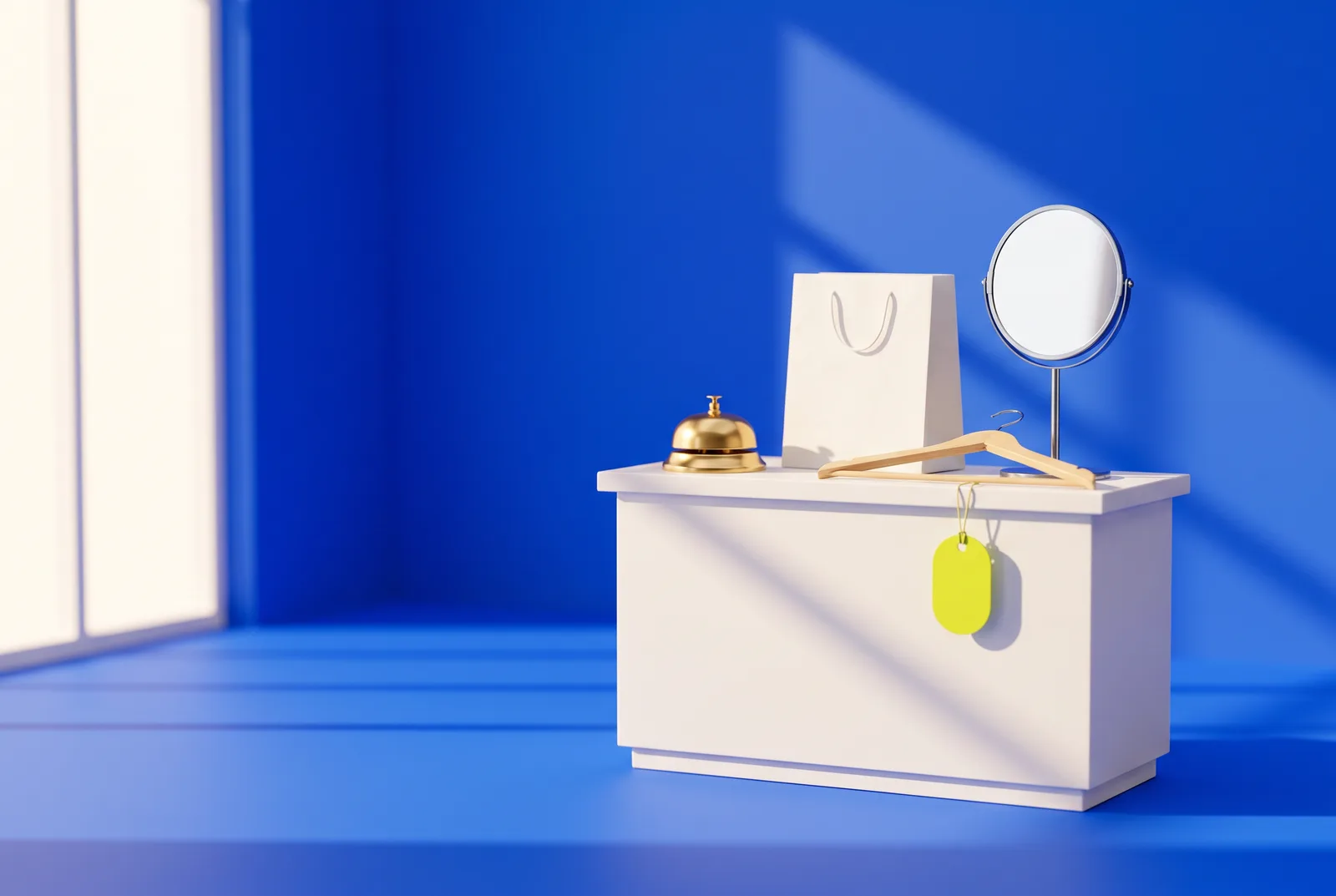
Where does a QR code in your shop actually get scanned? Not on the door, usually. Codes get scanned in the places where customers stop, wait or have a question, and the best ones answer that question in one tap.
Here are 15 places to put one, from the window to the bottom of the bag. "Hide" is a little playful: each code should be easy to find, but placed where nobody expects a code, and where it is genuinely useful.
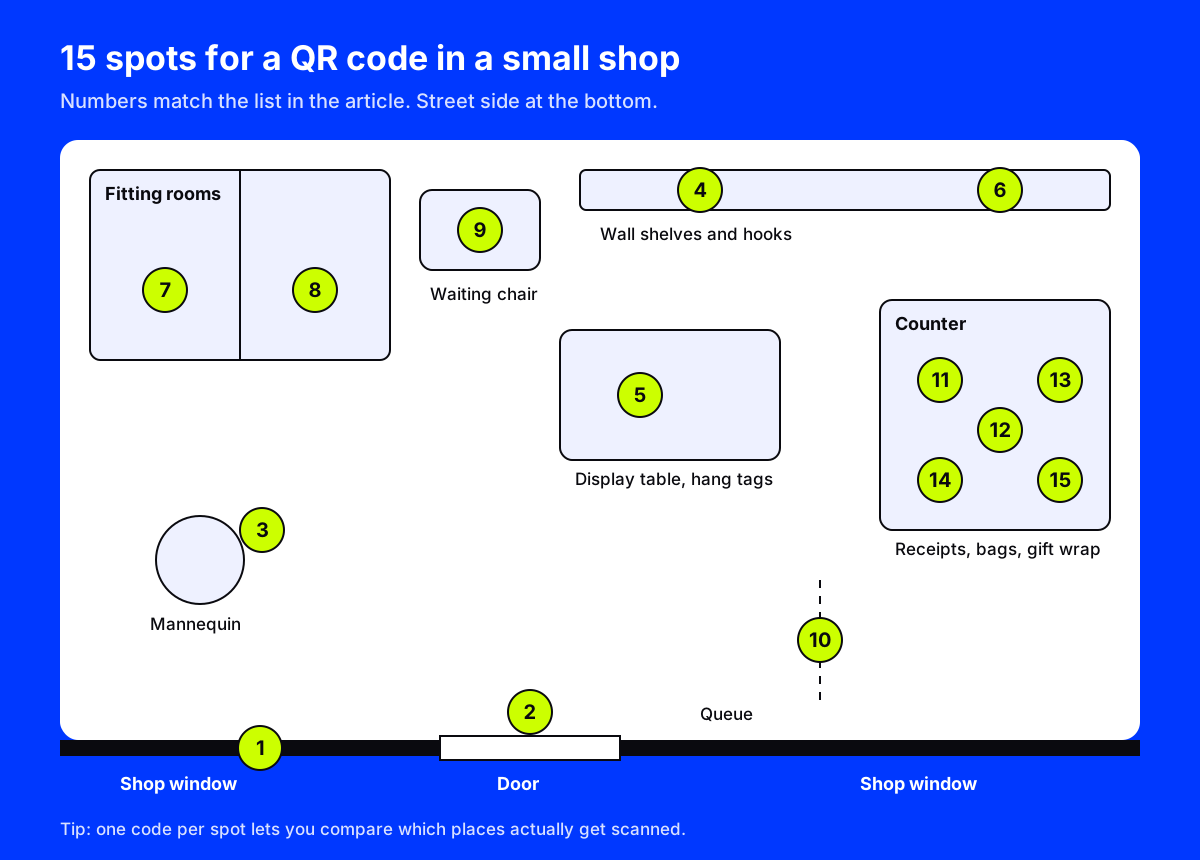
Where to put a QR code in your shop: the front
- The shop window. The window is your only salesperson after closing time. A large code that opens the online store turns evening foot traffic into orders. We cover sizing and lighting in shop window QR codes.
- On the door, at eye level. Not "scan for our website", but something with a reason: "Scan for today's opening hours and new arrivals".
- On the mannequin. A small card on the stand opens the full look, with every piece in it, so people can buy the outfit rather than ask for it.
On the shop floor
- Shelf edges. A strip on the shelf edge can open reviews, ingredients or a short demo for the product above it. Customers read reviews on their phones anyway; this keeps them on yours.
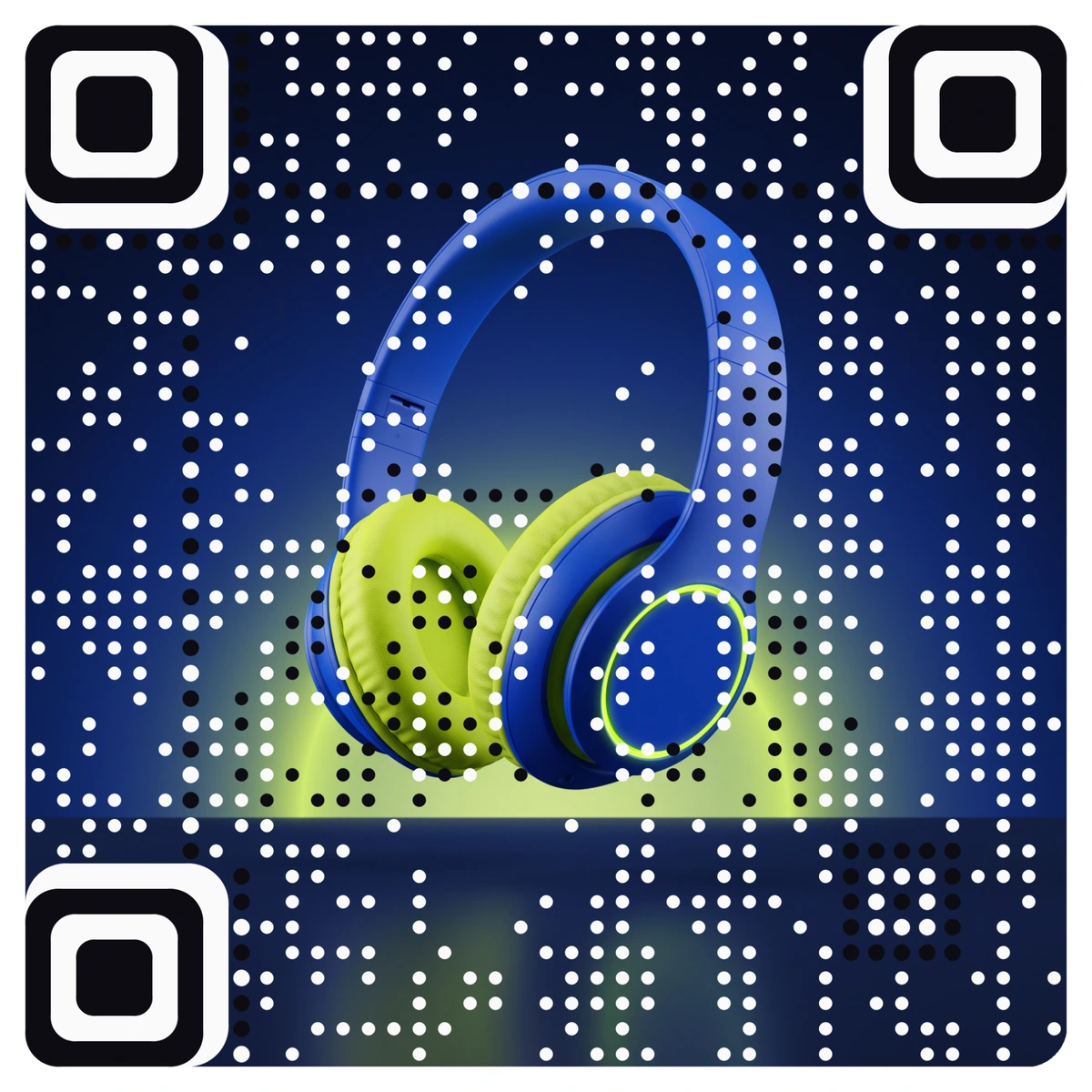
- Hang tags. A code on the tag opens care instructions, sizing or a styling video. A picture code made from the product photo looks like part of the tag, not an afterthought.
- The empty hook. When something sells out, hang a card on its empty hook that signs people up for a back-in-stock alert. A gap on the shelf becomes a lead.
In the fitting rooms
- The fitting room mirror. People take mirror photos in fitting rooms. A small code on the mirror frame can open your social page with a hashtag, or a "share this look" page.
- The fitting room wall. "Need another size? Scan and we will bring it." A code that opens a pre-filled text or WhatsApp message to the floor staff saves an awkward half-dressed trip outside.
- The waiting chair. Whoever is waiting outside the fitting room wants Wi-Fi. A Wi-Fi code joins the network without typing a password, and it works offline because the details are stored in the code.
At the counter
- The queue. People in line have nothing to do. A code at eye level along the queue can open the loyalty sign-up or this week's offer.
- The counter sign. The best moment to ask for a review is right after a good sale. A code on the counter that opens your Google review page makes it one tap.
- The receipt. A small code at the bottom of the printed receipt can open a returns page, a survey or a reorder link. Receipts stay in wallets and bags for days.
- The shopping bag. A bag travels across town. Print a code on it that opens the online store, and every customer becomes a walking advertisement.
- The staff badge. A small code on a name badge can open a page about the person helping you, or a contact card, which is handy for personal shoppers and specialist staff.
- The gift-wrap station. A code on the gift tag lets the buyer record a short video or voice message for the person opening the present. We have more ideas like this in our QR code gift ideas.
How to make these codes pull their weight
Make each code look like it belongs. A plain black square on a beautiful shop fitting looks like a sticker from the landlord. A code made from your logo or product photo looks designed. AriaQR turns your logo into the QR code itself, not a logo pasted in the middle of a grid.
Use one code per spot. If every spot uses the same code, you cannot tell which one works. Give each location its own code and compare them. AriaQR calls these placements: several codes for one campaign, shown side by side, so you can see that the fitting room code beats the door code.
Pick dynamic codes. Offers change, products sell out, pages move. With a dynamic code you change the destination after printing, and the sign in the window stays correct.
Always add a reason. Under each code, one short line: "Scan for your size", "Scan for Wi-Fi", "Scan to review us". Without it, most people will not bother.
Size for the distance. The window code needs to be big. A receipt code can be small. Test the real printed piece with two phones before you put it up.
Where to start
Pick the three spots where customers wait the longest: usually the fitting room, the queue and the window. Put one code in each, with a clear reason to scan, and compare scans after two weeks. Keep the winners, move the losers.