Language: English
Language
- English
- Español
- Português
- Français
- Deutsch
- Italiano
- Nederlands
- Polski
- Türkçe
- Русский
- Українська
- العربية
- فارسی
- עברית
- اردو
- हिन्दी
- বাংলা
- தமிழ்
- తెలుగు
- मराठी
- ગુજરાતી
- ಕನ್ನಡ
- മലയാളം
- Bahasa Indonesia
- Bahasa Melayu
- Tiếng Việt
- ไทย
- Filipino
- 日本語
- 한국어
- 简体中文
- 繁體中文
- Svenska
- Dansk
- Norsk
- Suomi
- Čeština
- Română
- Magyar
- Ελληνικά
- Slovenčina
- Slovenščina
- Hrvatski
- Srpski
- Български
- Lietuvių
- Latviešu
- Eesti
- Kiswahili
Halftone QR code generator: put a photo inside a QR code
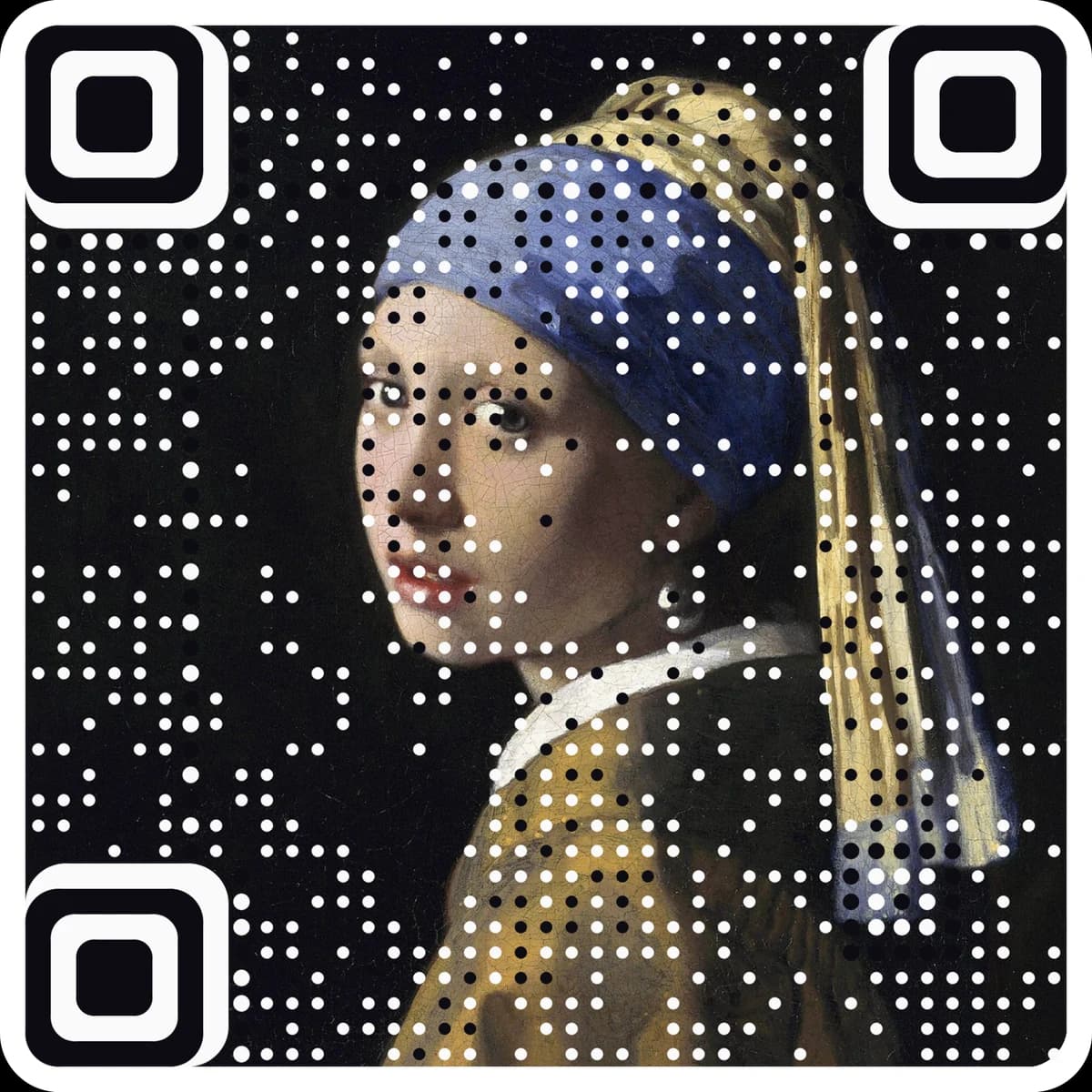
Turn a photo into a halftone QR code: the picture is drawn into the code itself in fine dots, and every result is checked with a QR reader before you download it. Six halftone styles, round dots or pixels, eight inks, PNG and SVG. Free, nothing uploaded.
Adjust the picture
Want it in full colour, with far fewer dots over the picture? Make an art code.
Made with this tool
Each one was read back with a QR reader. Tap one to start from its picture.
Add a photo or start from one of the examples. Drag it and zoom until the subject fills the square.
Type your link, then pick a halftone style, round dots or pixels, and an ink. Picture detail and scan strength trade picture against an easy scan.
The code is read back with a QR reader as you change it. When it says Scans, download it as a PNG or an SVG.
Questions
What is a halftone QR code?+
Every square of the code is split into a 3 × 3 grid of small dots. The centre dot carries the code, because that is where a scanner looks. The other eight dots draw your photo by dithering, the same trick newspapers used to print photos with one ink. Up close you see a picture; a phone sees a QR code.
Does it really scan?+
Yes. The finder squares and timing lines stay solid, the highest error correction is used, and each code is read back in your browser at two phone-like sizes, slightly blurred, before the download buttons turn on. If a code does not read, the tool raises scan strength by itself until it does.
Which photos work best?+
One clear subject with strong light and dark areas: a building against the sky, a product on a plain ground, a face lit from the side. Busy scenes with many small details turn into noise. Raise contrast and sharpen in Adjust the picture if the subject looks flat.
What do picture detail and scan strength do?+
Picture detail picks a bigger QR version, with more squares and so more dots for the photo; it needs a bigger print. Scan strength keeps more of each square in the code’s colour, so it scans more easily but shows a little less picture.
How big should I print it?+
The tool tells you the smallest width for each code, usually 4 to 9 cm. Fine and Ultra detail need more room than Bold. Print with a dark ink on light paper and leave the clean border around it.
Can I use colour?+
Pick any two inks: a dark ink and a light paper. Pairs that are too close in brightness are flagged, because a scanner needs the contrast. For a code in your photo’s own colours, with far fewer dots over the picture, make an AriaQR art code.
Is my photo uploaded?+
No. The photo is read, dithered and checked in your browser, and the downloads are made there too. Nothing is sent or stored.
More free tools
Free QR code designs
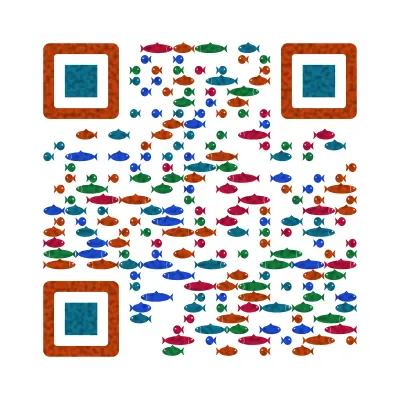
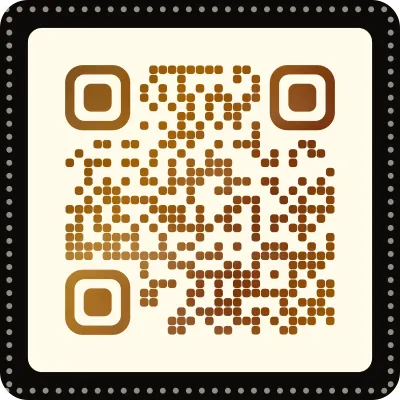
Designs for your Halftone QR code
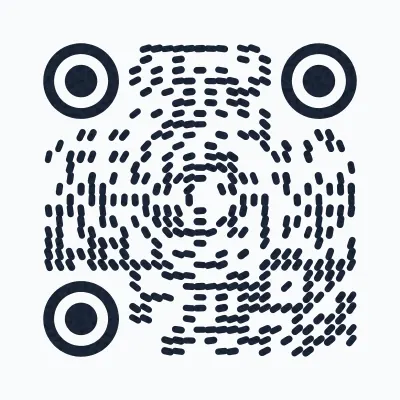
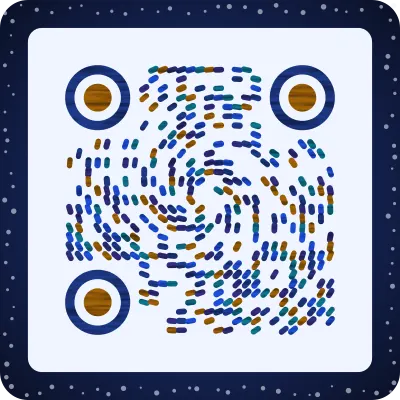
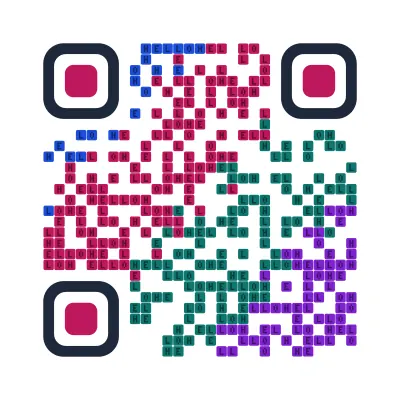
Free looks that keep the code scannable. Pick one, type your link, download PNG or SVG.
The next step
Make the code the artwork.
These tools make and check classic codes. AriaQR turns your photo, logo or illustration into the code itself, verified on real decoders before you download, with a link you can edit and track.