LinkedIn QR code generator
Make a QR code for your LinkedIn profile or company page. Type your profile name or paste the link, then download PNG, SVG or PDF. Free, no account.
Scanning opens the profile in the LinkedIn app if it is installed, or in the browser if not. Scan it once yourself before you print.
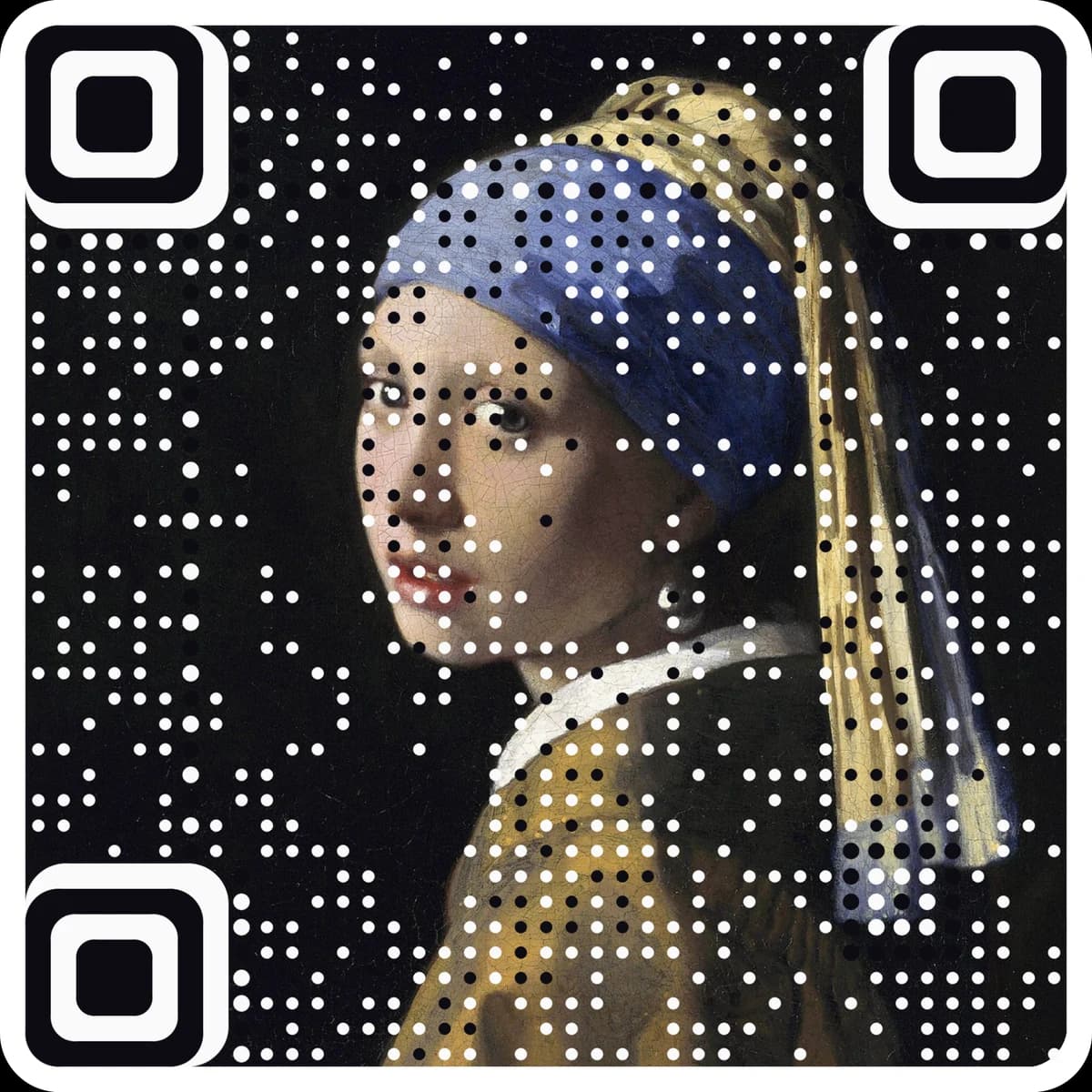
Want scan counts and an editable destination? Make it a free dynamic code. Want it in your own image? Make a picture code.
Enter your LinkedIn username or link to see the code.
Static · no expiry · PNG, SVG and PDF all built in your browser
Type your LinkedIn profile name, or paste the link to your profile.
The code updates live with the clean profile link inside. Pick colors and shapes if you like.
Download PNG, SVG or PDF and scan it once before you print.
Questions
What happens when someone scans a LinkedIn QR code?+
LinkedIn opens on your profile or company page, ready to connect or follow. Without the app, it opens in the browser.
Does LinkedIn have its own QR code?+
It does, inside the app, but its style is fixed. This page makes a standard QR code with your profile link, in your colors, as a vector file for print.
Where do I find my profile name?+
It is the end of your profile address, after linkedin.com/in/. For a company, paste the whole company page link.
Can I change the profile or count scans later?+
No. A static code holds the destination itself, so it cannot be edited or counted after printing. For a code you can change and track, make a free dynamic code at ariaqr.com/free-qr-code-generator.
More free tools
The next step
Make the code the artwork.
These tools make and check classic codes. AriaQR turns your photo, logo or illustration into the code itself, verified on real decoders before you download, with a link you can edit and track.