LEGO QR code generator: build plan and parts list
Turn a link into a LEGO QR code build plan: the baseplate size, a parts list by size and color, and a row-by-row PDF guide. Free, made in your browser.
177 black and 394 white plates. One stud is 8 mm, so the 48-stud baseplate is 38.4 cm wide.
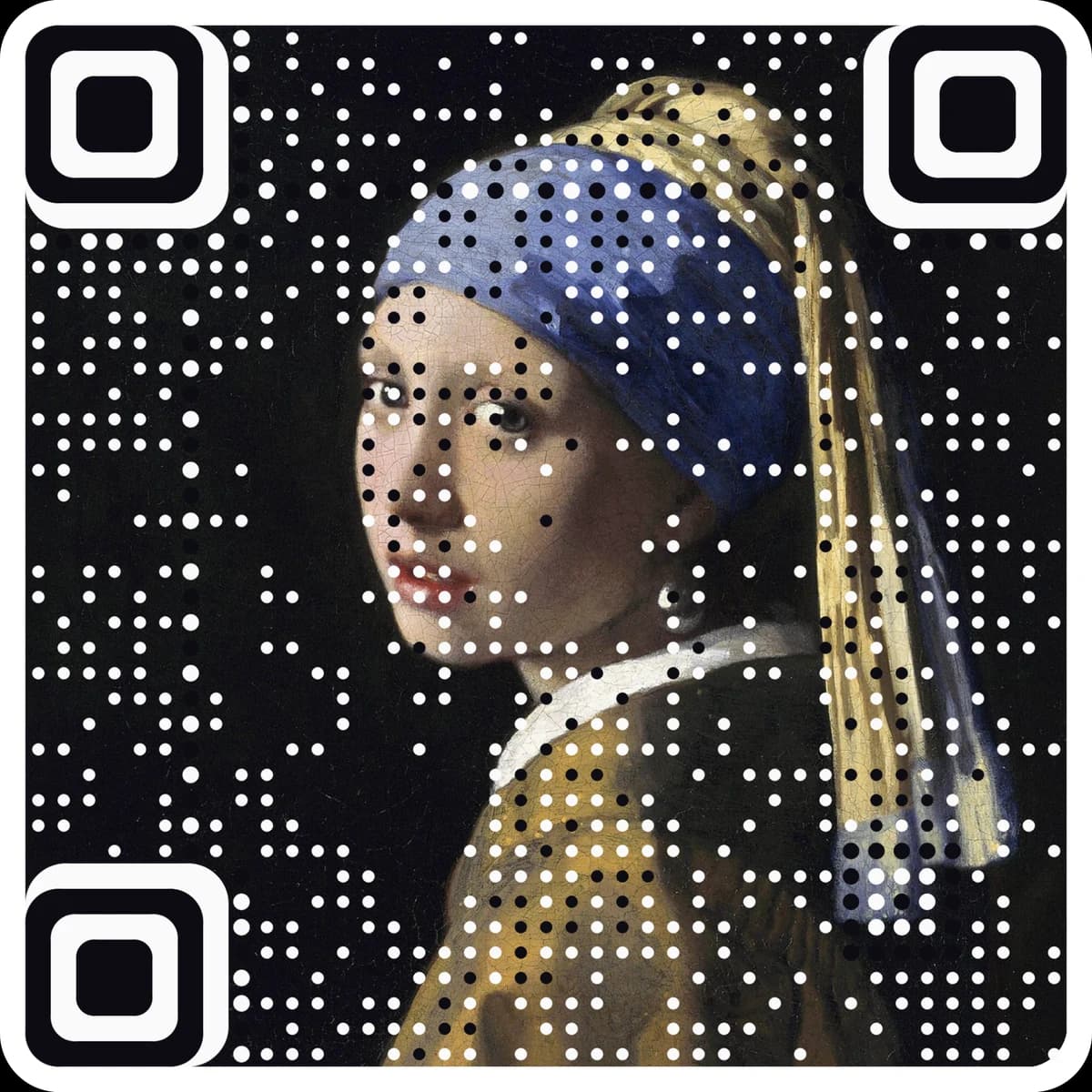
Want scan counts and a destination you can change after it is built? Make it a free dynamic code; its short link also keeps the grid small. Want the code to be your artwork? Make a picture code.
| Part | Color | BrickLink no. | Quantity |
|---|---|---|---|
| Plate 1 × 8 | Black | 3460 | 1 |
| Plate 1 × 6 | Black | 3666 | 8 |
| Plate 1 × 4 | Black | 3710 | 12 |
| Plate 1 × 3 | Black | 3623 | 19 |
| Plate 1 × 2 | Black | 3023 | 26 |
| Plate 1 × 1 | Black | 3024 | 111 |
| Plate 1 × 8 | White | 3460 | 191 |
| Plate 1 × 6 | White | 3666 | 5 |
| Plate 1 × 4 | White | 3710 | 43 |
| Plate 1 × 3 | White | 3623 | 34 |
| Plate 1 × 2 | White | 3023 | 27 |
| Plate 1 × 1 | White | 3024 | 94 |
| Total | 571 | ||
Row-by-row build guide (48 rows)
Build from the top row down, left to right. Each chip is one piece; the number is its length in studs. The PDF has the same rows, numbered, to print and tick off.
Part numbers are BrickLink numbers, for ordering loose parts. Baseplates come in 16 × 16, 32 × 32 and 48 × 48 studs; a plate of the same size works too. LEGO is a trademark of the LEGO Group; this tool is not affiliated.
Type the link or text, then pick plates or smooth tiles.
See the build, the baseplate it needs and the parts list, with rows merged into longer plates if you like.
Download the numbered row-by-row PDF and the parts CSV, then build from the top row down.
Questions
Does a LEGO QR code really scan?+
Yes. A QR code is a grid of dark and light squares, and one stud per square makes a clean grid. Use black and white, keep the white border around the code, and scan it straight on in even light. The tool reads the plan back before you download it.
How big is a LEGO QR code?+
One stud is 8 mm. The shortest links make a 21 × 21 code; with the standard border of 4 studs that is 29 studs, which fits a 32 × 32 baseplate about 25.6 cm (10 in) wide. Longer content needs more studs, so keep the link short.
Plates or tiles?+
Both scan. Tiles are smooth, so there are no stud shadows and the code reads a little more easily at an angle or in low light. Plates are the most common parts and are easier to pull off if you misplace one.
What does the optimized option do?+
It joins same-color squares along each row into 1×2, 1×3, 1×4, 1×6 and 1×8 pieces, longest first, so you place far fewer parts. The picture is identical. Choose 1×1 only if that is what you have.
What if my code is bigger than a 48 × 48 baseplate?+
Clip several baseplates together, lower the error correction to L, cut the border to 2 studs, or shorten the link. The tool tells you which change makes the code fit a smaller baseplate.
More free tools
The next step
Make the code the artwork.
These tools make and check classic codes. AriaQR turns your photo, logo or illustration into the code itself, verified on real decoders before you download, with a link you can edit and track.