Minecraft QR code generator: blocks, commands and guide
Build a working QR code in Minecraft: block counts, a .mcfunction file with /fill and /setblock commands, and a row-by-row guide. Free, in your browser.
Viewing it
Flat: fly up and look straight down with north at the top of the screen, so the whole code and its border fit on screen. Wall: stand back and face it head on. Keep the light border clear of grass, water and torches. Then scan your screen with a phone; turn off shaders and raise the brightness if it struggles.
Want scan counts and a destination you can change after it is built? Make it a free dynamic code; its short link also keeps the grid small. Want the code to be your artwork? Make a picture code.
| Block | ID | Count | Stacks of 64 |
|---|---|---|---|
| Black concrete | black_concrete | 324 | 5 + 4 |
| White concrete | white_concrete | 765 | 11 + 61 |
Java Edition
Cheats (or operator) on. Put the file in a datapack in your world folder at datapacks/qr/data/qr/function/qr_code.mcfunction (the folder is functions before 1.21), next to the pack’s pack.mcmeta. Run /reload, stand where the build should start, then /function qr:qr_code.
Bedrock Edition
The commands are the same in current Bedrock (1.21 and later). Function files live in a behavior pack: functions/qr_code.mcfunction, run with /function qr_code, up to 10,000 commands per file. Older Bedrock versions used data values (such as concrete 15) instead of these block names. You can also paste the copied commands into chat or command blocks one at a time.
Row-by-row guide (33 rows)
Survival build: row 1 is the north edge, each row runs west to east. Numbers are runs of the same block.
Minecraft is a trademark of Mojang; this tool is not affiliated.
Type the link or text and pick the dark and light blocks.
Choose flat on the ground or upright as a wall. The preview, block counts and commands update as you type.
Run the .mcfunction file, paste the commands, or build it by hand from the row guide.
Questions
Can you scan a QR code built in Minecraft?+
Yes. Point your phone at the screen with the whole code, border included, in view. Black and white concrete give the strongest contrast. Shaders, fog and dim light make it harder, so turn them down for the scan.
Which blocks work best?+
Black concrete on white concrete: flat colors with no texture. Wool and quartz work too. Avoid blocks with busy textures, and pairs that are close in brightness.
How do I run the .mcfunction file?+
In Java Edition, put it in a datapack in your world, run /reload, then /function. In Bedrock Edition, put it in the functions folder of a behavior pack. Both need cheats on. The commands are relative to where you stand (~ ~ ~).
Are the commands different in Bedrock Edition?+
Not in current versions: /fill and /setblock with these block names work in both. What differs is how function files are loaded, and Bedrock runs at most 10,000 commands from one file. Old Bedrock versions used data values instead of block names.
How many blocks does it take?+
The shortest links make a 21 × 21 code; with the standard border of 4 blocks that is 29 × 29, or 841 blocks. Every step up in QR version adds 4 blocks each way. The tool counts each block type for you.
More free tools
The next step
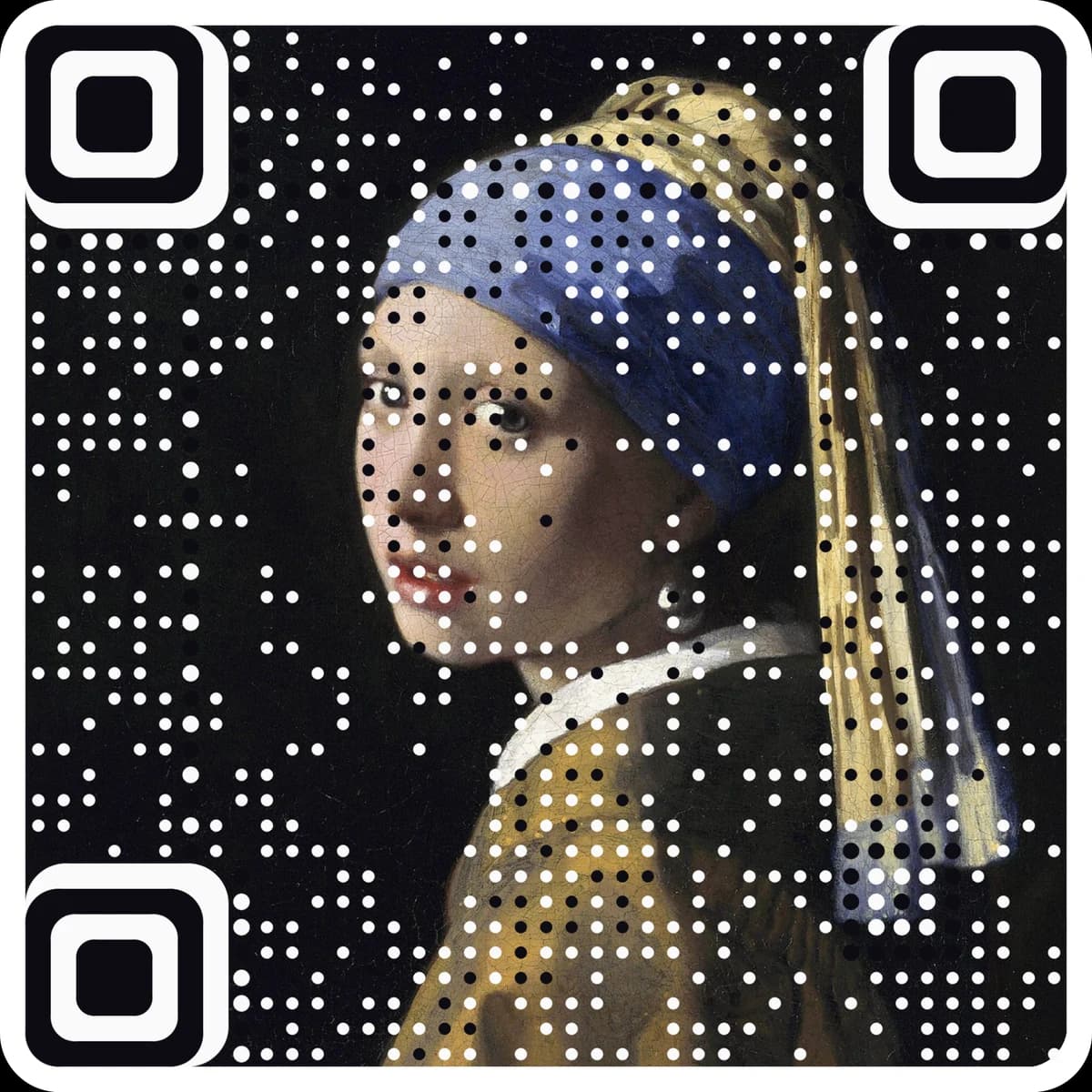
Make the code the artwork.
These tools make and check classic codes. AriaQR turns your photo, logo or illustration into the code itself, verified on real decoders before you download, with a link you can edit and track.