Google Maps QR code generator
Make a QR code that opens an address, a place or exact coordinates in Google Maps, ready for directions. Free, no account, PNG, SVG or PDF.
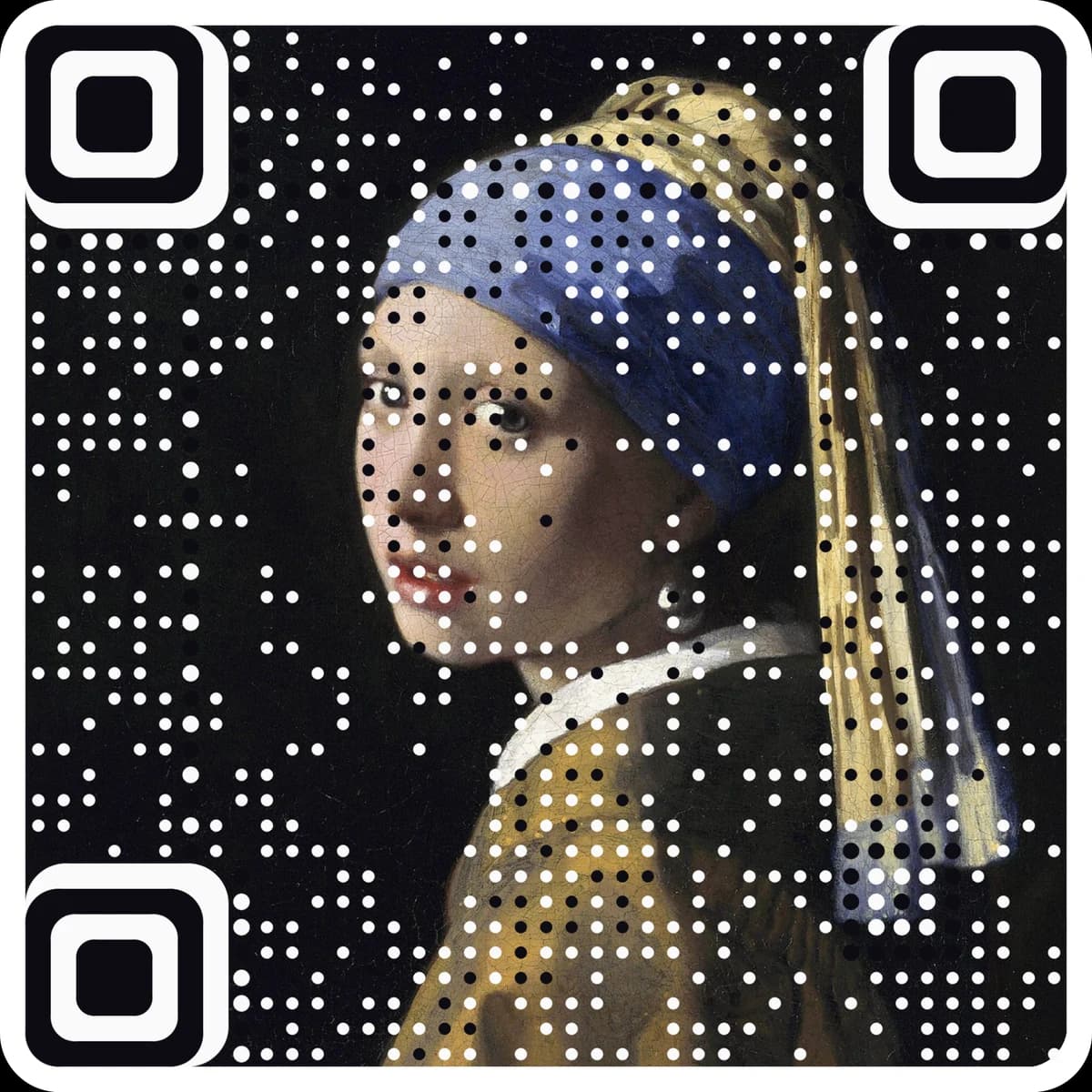
Want scan counts and an editable destination? Make it a free dynamic code. Want it in your own image? Make a picture code.
Enter an address or coordinates to see the code.
Static · no expiry · PNG, SVG and PDF all built in your browser
Type the address or place name, or switch to latitude and longitude.
Choose a Google Maps link, or a geo: location for Android.
Download and put it on invitations, flyers and signs.
Questions
Does it open Apple Maps on an iPhone?+
The Google Maps link opens the Google Maps app if it is installed, or Google Maps in the browser. Either way, directions are one tap away.
What is a geo: code?+
A standard location format that many Android phones open in their default maps app. iPhone cameras and some scanner apps ignore it, so the Google Maps link is the safer choice.
Should I use the address or coordinates?+
The address or business name for a shop or venue, so Maps shows the listing. Coordinates for a spot without an address, like a trailhead or a gate at a festival.
Can I change the location later?+
No. A static code holds the destination itself, so it cannot be edited or counted after printing. For a code you can change and track, make a free dynamic code at ariaqr.com/free-qr-code-generator.
More free tools
The next step
Make the code the artwork.
These tools make and check classic codes. AriaQR turns your photo, logo or illustration into the code itself, verified on real decoders before you download, with a link you can edit and track.