Artistic QR code generator: your picture is the code.
An artistic QR code is a QR code designed to look like a picture or a piece of art instead of a plain black-and-white grid, while still opening a link when someone scans it. Some tools generate the art from a text prompt; AriaQR makes it from your own photo, logo or artwork, so the picture people see is yours. Every code is checked on real decoders before you download it.
QR code from image: three ways
Plain code, logo pasted in the middle, or the picture is the code.
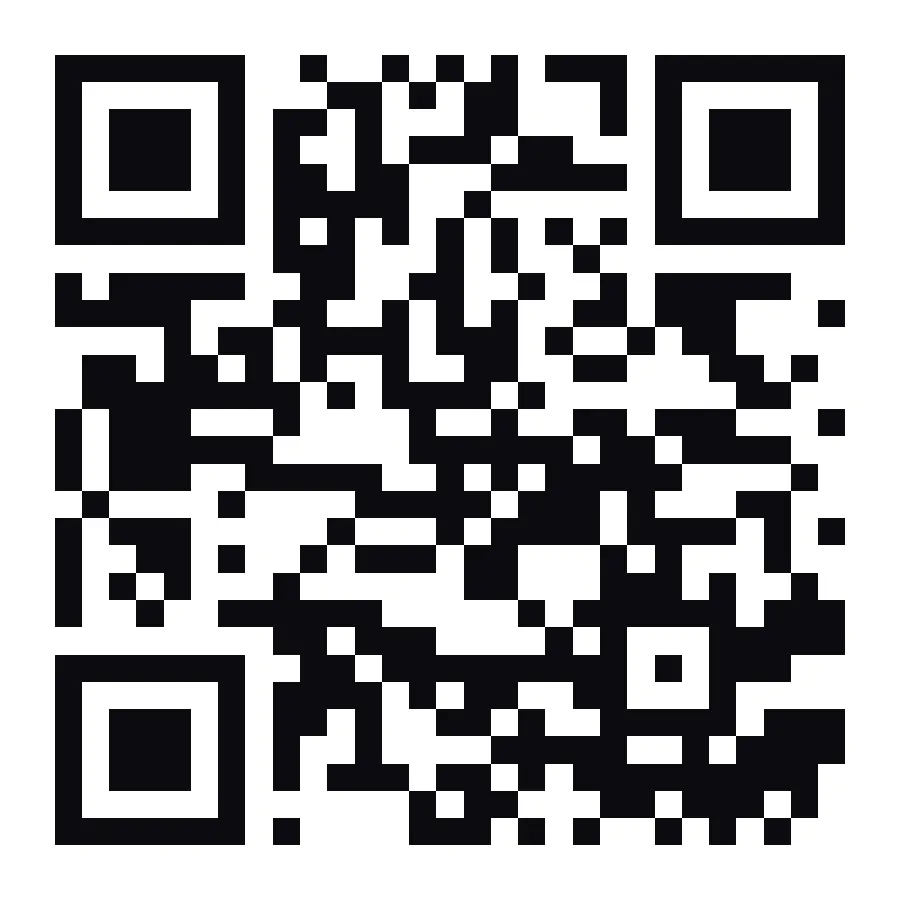
Plain QR code
A black-and-white grid. It scans, and it says nothing about you.
An illustration of a black-and-white QR code with a small logo pasted over the middle.
Logo pasted in the middle
The same grid with a logo hiding part of it. The bigger the logo, the weaker the scan. Your logo only? See QR code with logo.
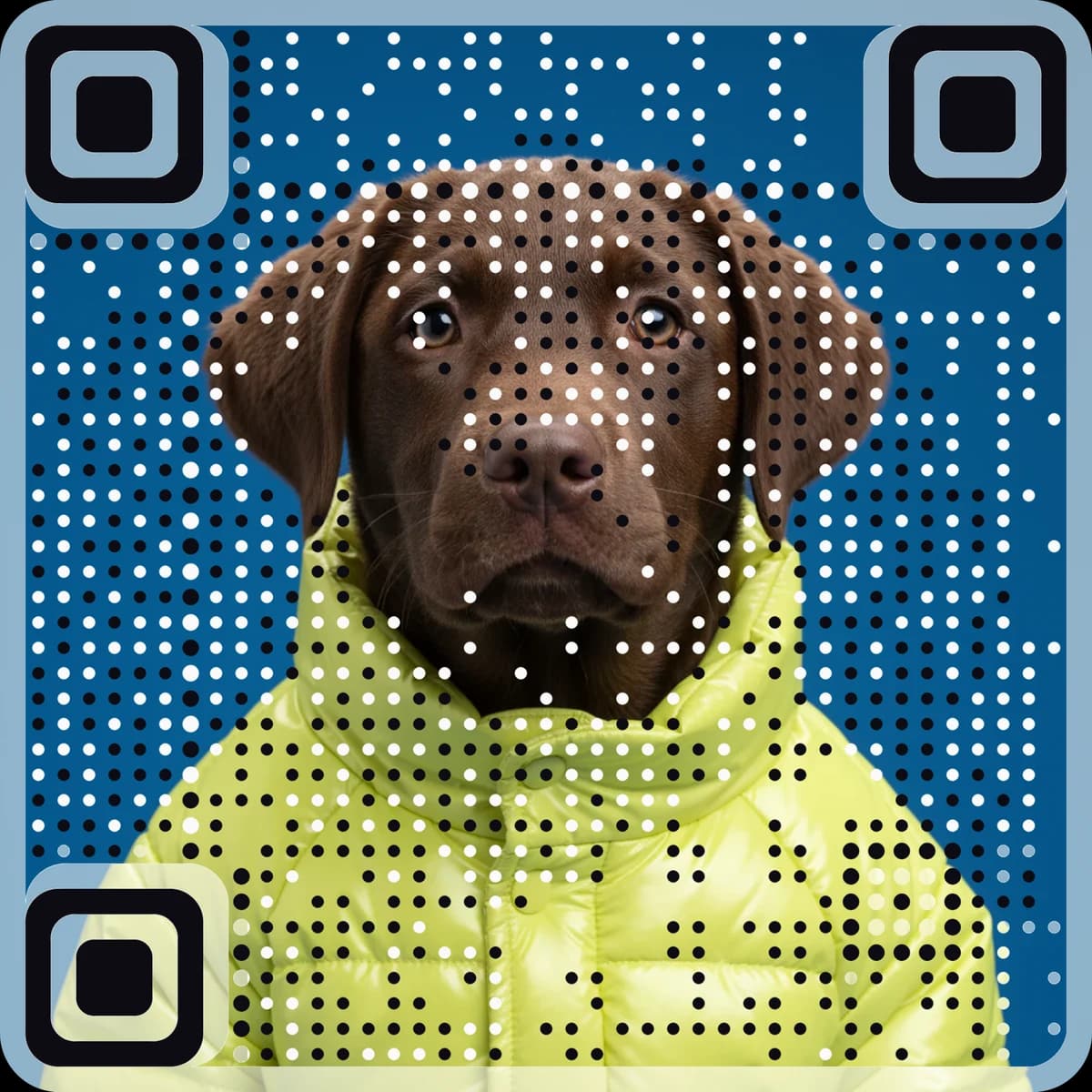
The picture is the code
Any photo, illustration or artwork, in full colour, verified to scan before you download it.
Most custom QR codes recolour the grid or add a logo in the middle. An artistic QR code from AriaQR starts from your image instead, so the code and the artwork are the same thing. It works for photos, portraits, product shots, illustrations and fine art, and a logo is just one more image.
How to make a QR code from an image
Three steps. No design skills.
- 1
Upload any image
A photo, illustration, product shot or piece of artwork in PNG, JPEG or WebP. A square image becomes a square code; any other shape can carry the code inside it with Code in your image.
- 2
Paste the link
Website, WhatsApp, UPI payment, Wi-Fi, contact card, menu PDF, video, app download, review link, event and more. Sixteen kinds.
- 3
Download the verified code
The code is checked on real decoders under real-world conditions before download. A 2048px master, with or without a white border, ready for print or screen.
Want the detail? How AriaQR works.
Verified before download
Pretty is easy. Scanning is the point.
Art QR codes that look great and fail on a customer's phone are worse than a plain grid. Every AriaQR code is verified on real decoders under real-world conditions before download, and you see the verdict before you pay.
Editable link
Print once. Change the link later.
The code carries an AriaQR short link, so the destination can change after printing: a new menu, a new campaign, a fixed typo. Eye and dot shapes and colours can be changed afterwards too.
Scan analytics
Know which print worked.
Scans, unique visitors, device, city and hour of day for every code, with a CSV export. Free classic codes get the same dashboard.
Print sizes
From a poster to a sticker.
Standard build
For screens and prints of 4 cm and up: posters, packaging, menus, signs and slides.
Small print build
Verified down to about 1.5 cm for business cards, labels and stickers.
Not sure what size you need? The free tools include a print size chart and calculator.
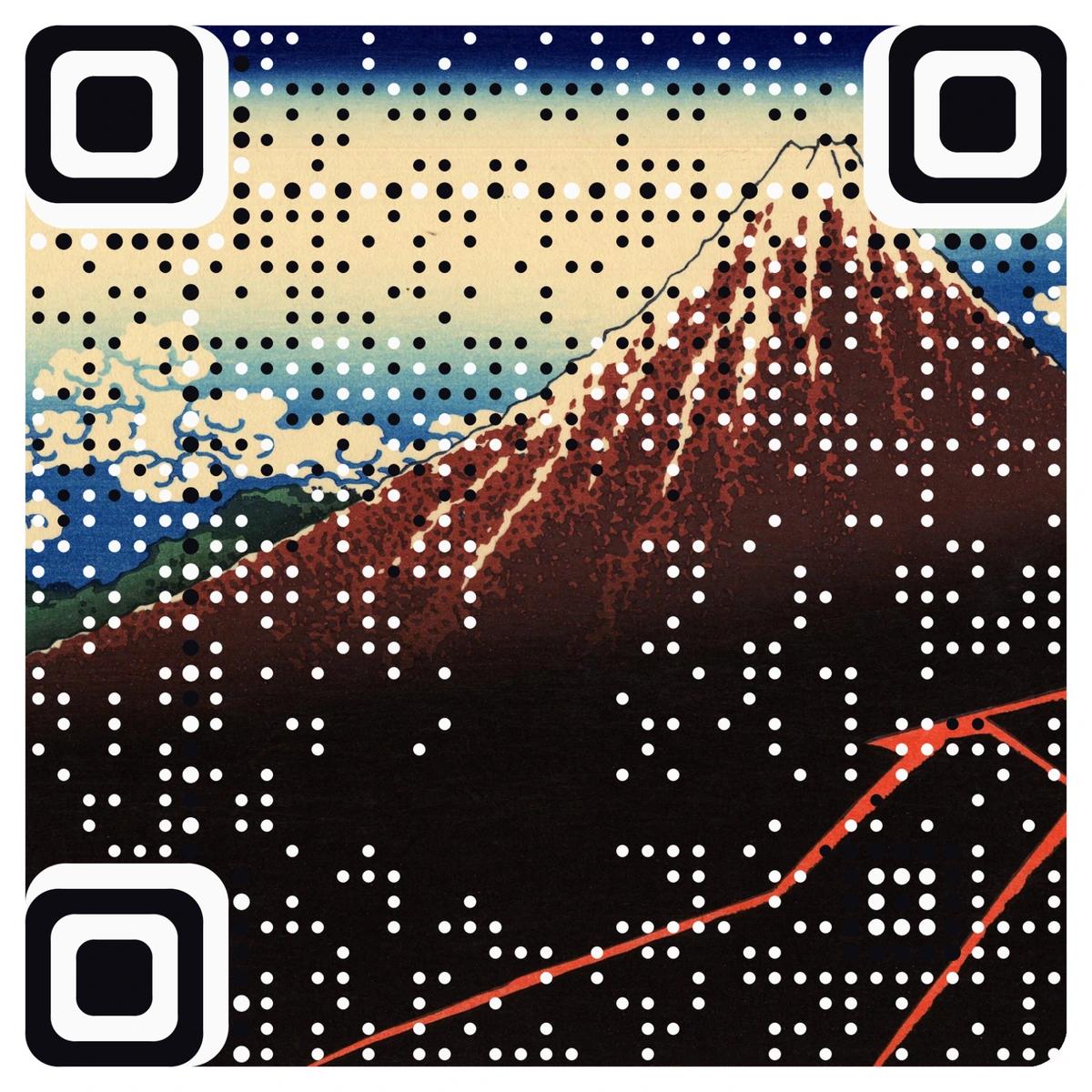
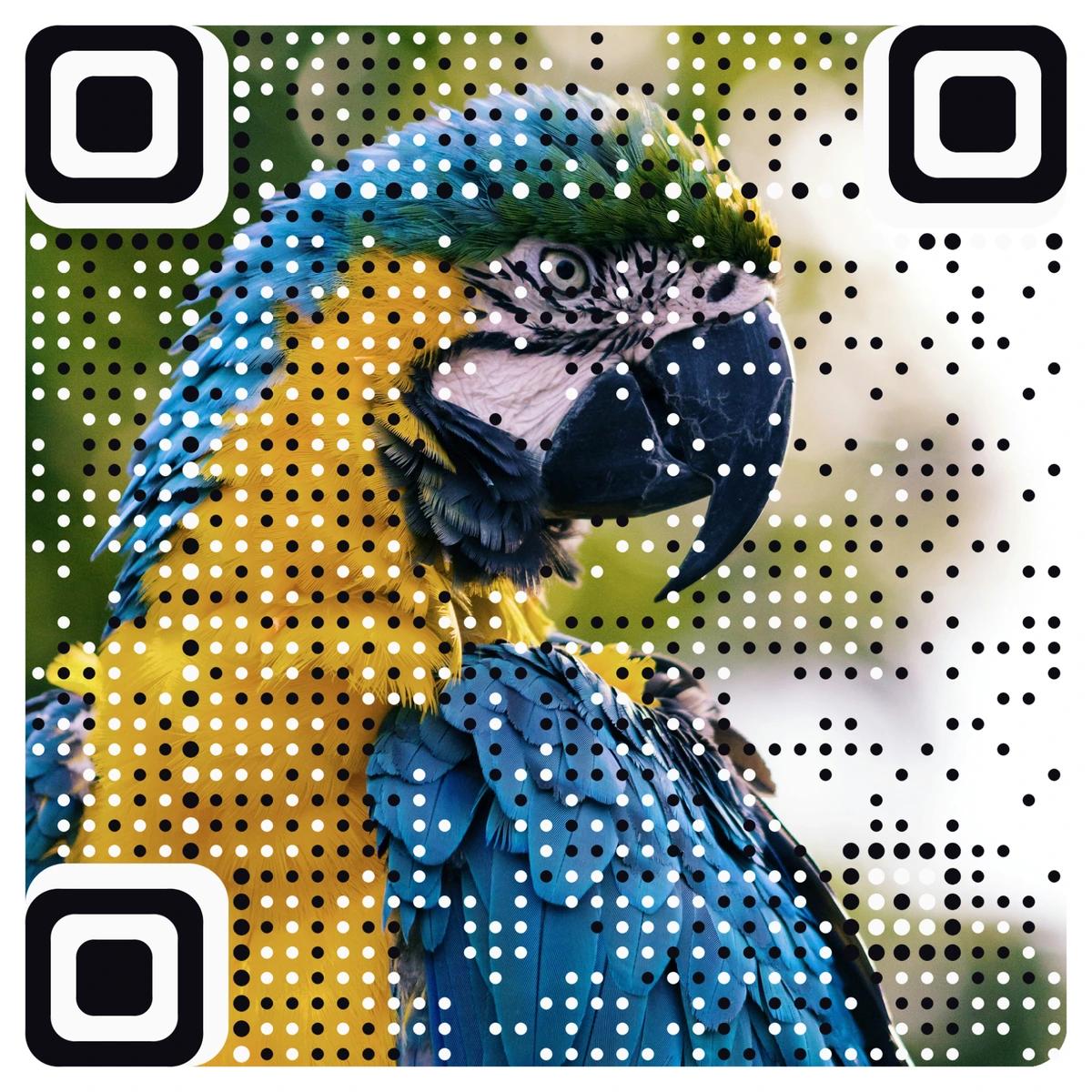
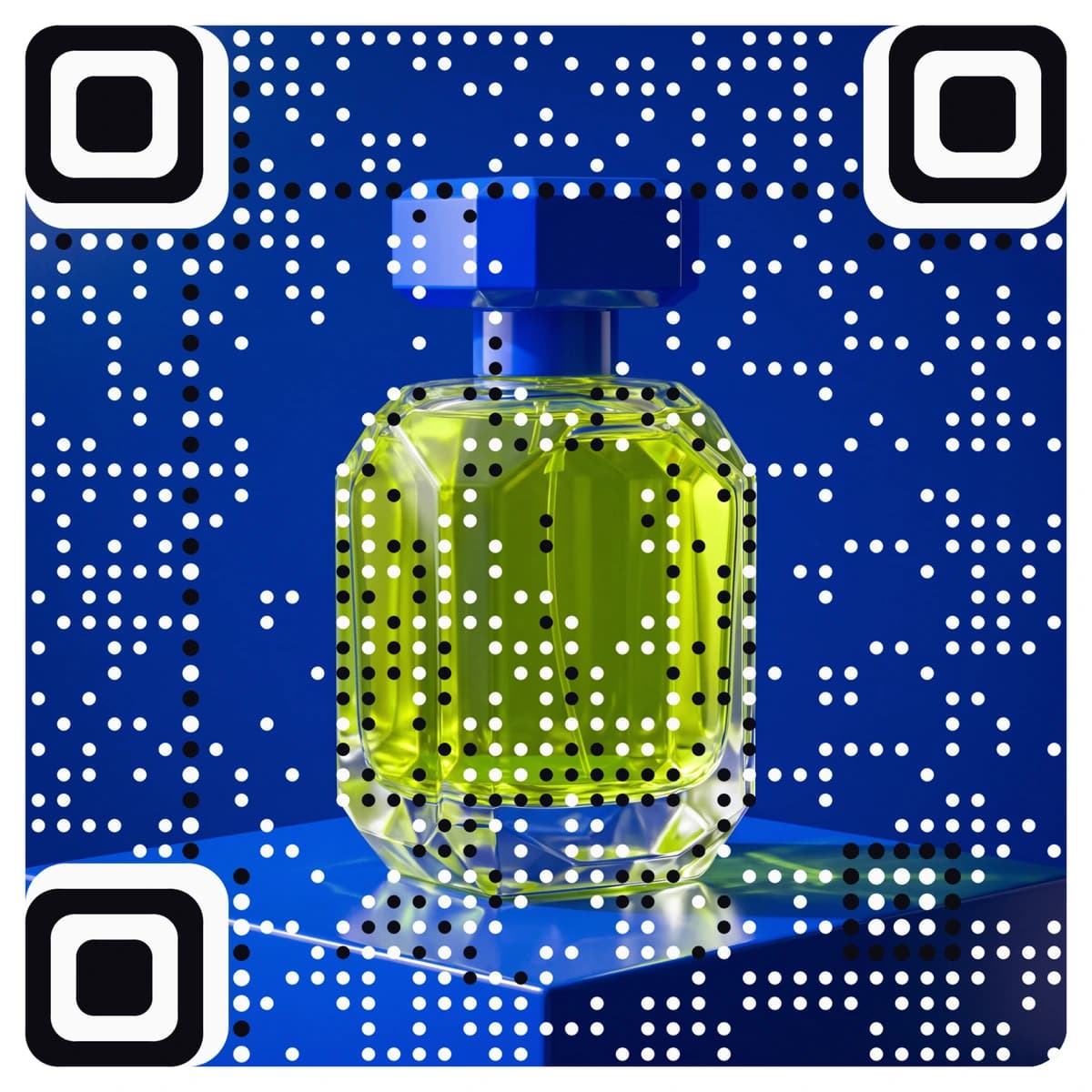
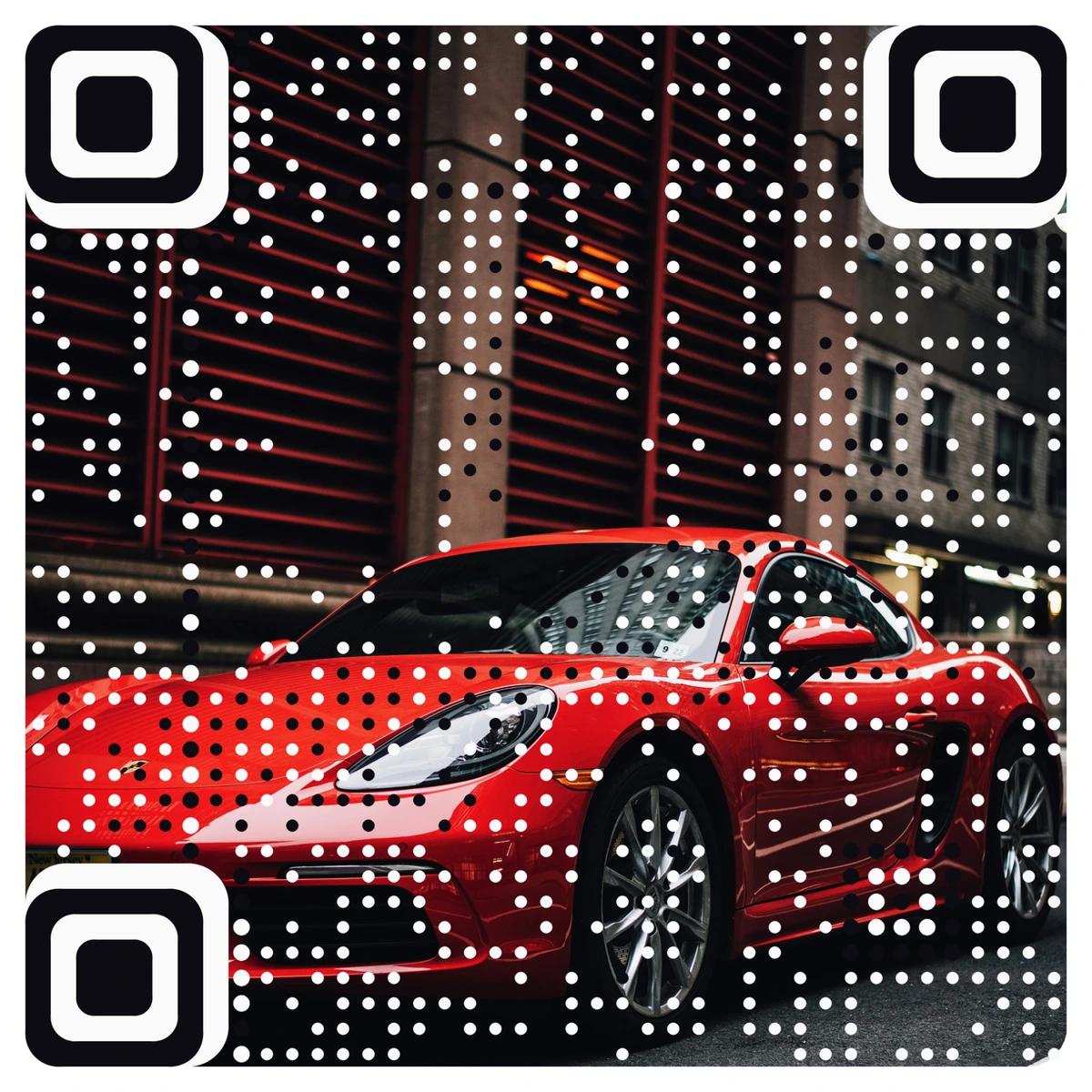
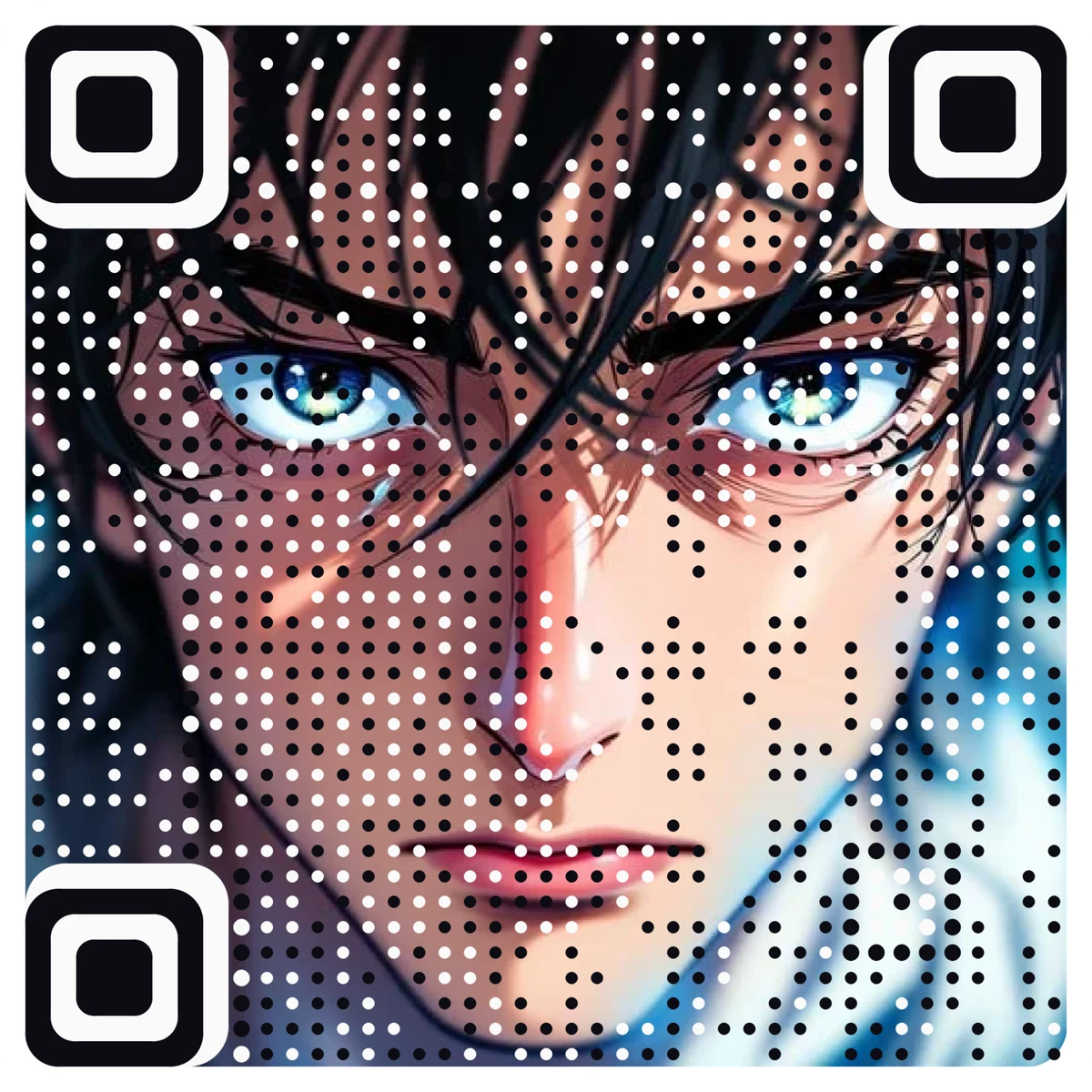
Art QR code examples
Real codes. Every one of these scans.
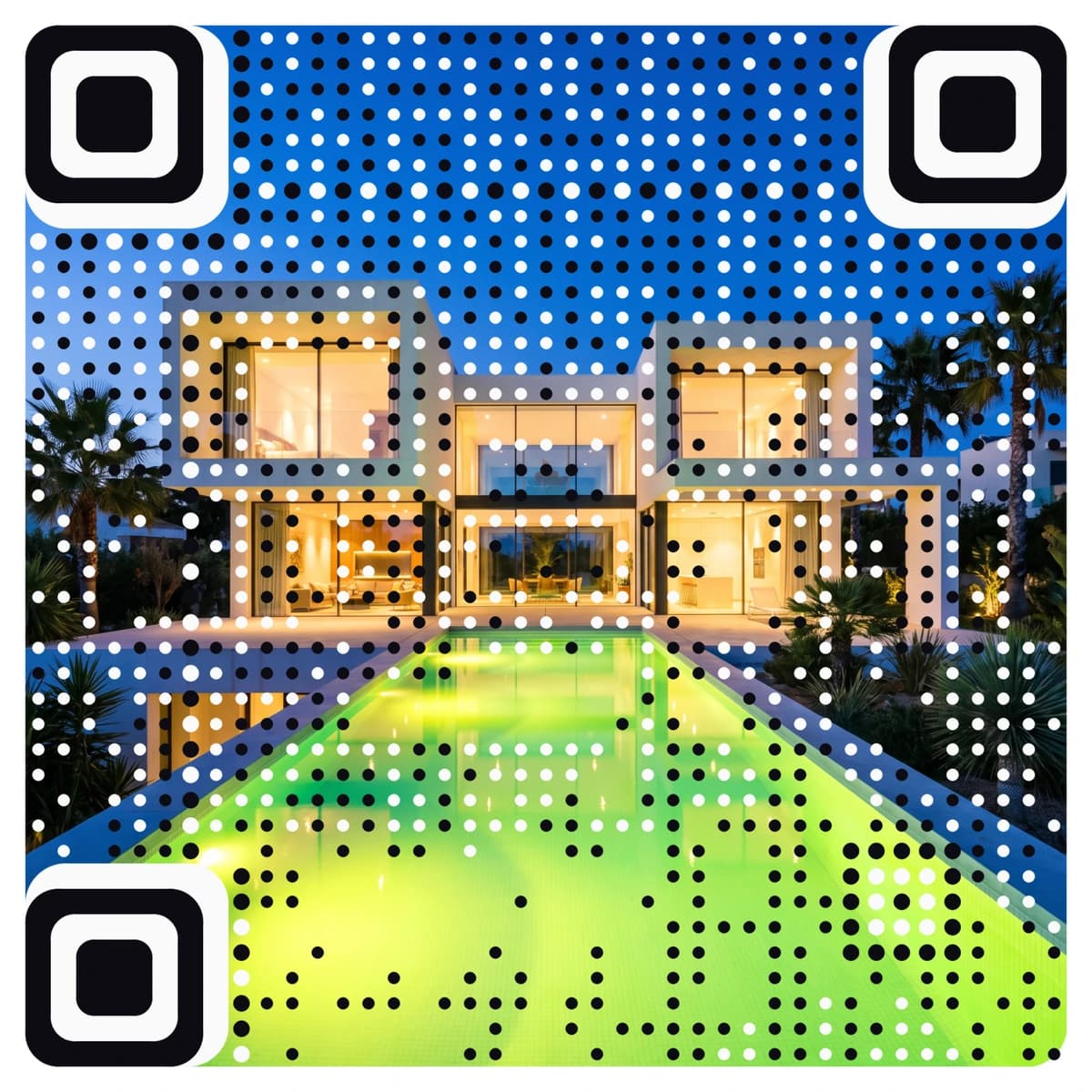
Where a picture QR code earns its place
On the pack, the menu, the sign, the poster.
- →Packaging and labels. The artwork on the pack is the code.
- →Restaurants and cafés. Menus, table tents and counter standees.
- →Events and festivals. Posters, LED walls and wristbands.
- →Real estate. A sign that opens the listing.
- →Retail. Shelf talkers and windows.
- →Creators and social. Profiles and contact cards from your own face.
More trades on the business page.
Pricing
Pay once for a code, or subscribe if you make them often.
Picture codes are paid: a single code is a one-time payment, and the quarter plan suits regular use. Plain classic codes with an editable link and analytics are free. Current details are on the pricing page.
QR code art, explained
What is an artistic QR code?
QR code art covers a range of styles. At the simple end are styled codes: new colors, rounded shapes and a frame with a call to action, like our QR code designs. One step up is a QR code with logo, where a small mark sits in the middle of a standard code. Playful patterns, pastel colors and characters live on the cute QR code generator.
At the far end are picture codes, where the image itself carries the code: a product shot, a portrait, a landscape or a painting that a phone can scan. That is what AriaQR makes. The point is not decoration for its own sake. People scan what they notice, and a code that belongs to the poster, the package or the menu looks intentional rather than bolted on.
Two approaches
Your real photo vs AI-generated QR art
Both approaches make striking codes, and they suit different jobs. AI art tools generate a new image from a text prompt, with the code pattern blended into the scene. AriaQR starts from a picture you already have, so your actual product, place, face or logo is what people see.
| Topic | AI-generated QR art | AriaQR: your real photo |
|---|---|---|
| Where the picture comes from | A new image generated from a text prompt | Your own photo, logo or artwork |
| What people see | An invented scene, often painterly | Your real product, place, person or brand |
| Brand accuracy | Logos, faces and products can come out changed | Your subject stays recognizable |
| Scanning | Varies from image to image; test each one | Checked on real decoders before you download |
| Link and analytics | Depends on the tool | Editable link and scan analytics on dynamic codes |
| Good fit for | Concept art, experiments, one-off social posts | Packaging, menus, signs, cards and campaigns |
If you want an imagined scene, an AI art tool is a good choice. If the code has to show the real thing, such as this season’s bottle or the house on the yard sign, start from the photo.
Step by step
How to make an artistic QR code that scans
- 1
Pick a picture with one clear subject
A product on a plain background, a face, a logo or a single landmark works better than a busy crowd scene. Bright, even light helps.
- 2
Crop it square
A square image gives a square code. For a wider poster or photo, Code in your image places the code inside the larger picture.
- 3
Choose what it opens
A website, menu, review page, contact card, Wi-Fi network and more. Dynamic codes let you change the destination after printing.
- 4
Make the code and read the verdict
Upload the picture in the generator at the top of this page. Every code is checked on real decoders before you download it, and you see the result first.
- 5
Print a proof and scan it
Print one copy at the final size, on the final material, and scan it with a couple of phones before the full run.
Ideas
Artistic QR code ideas
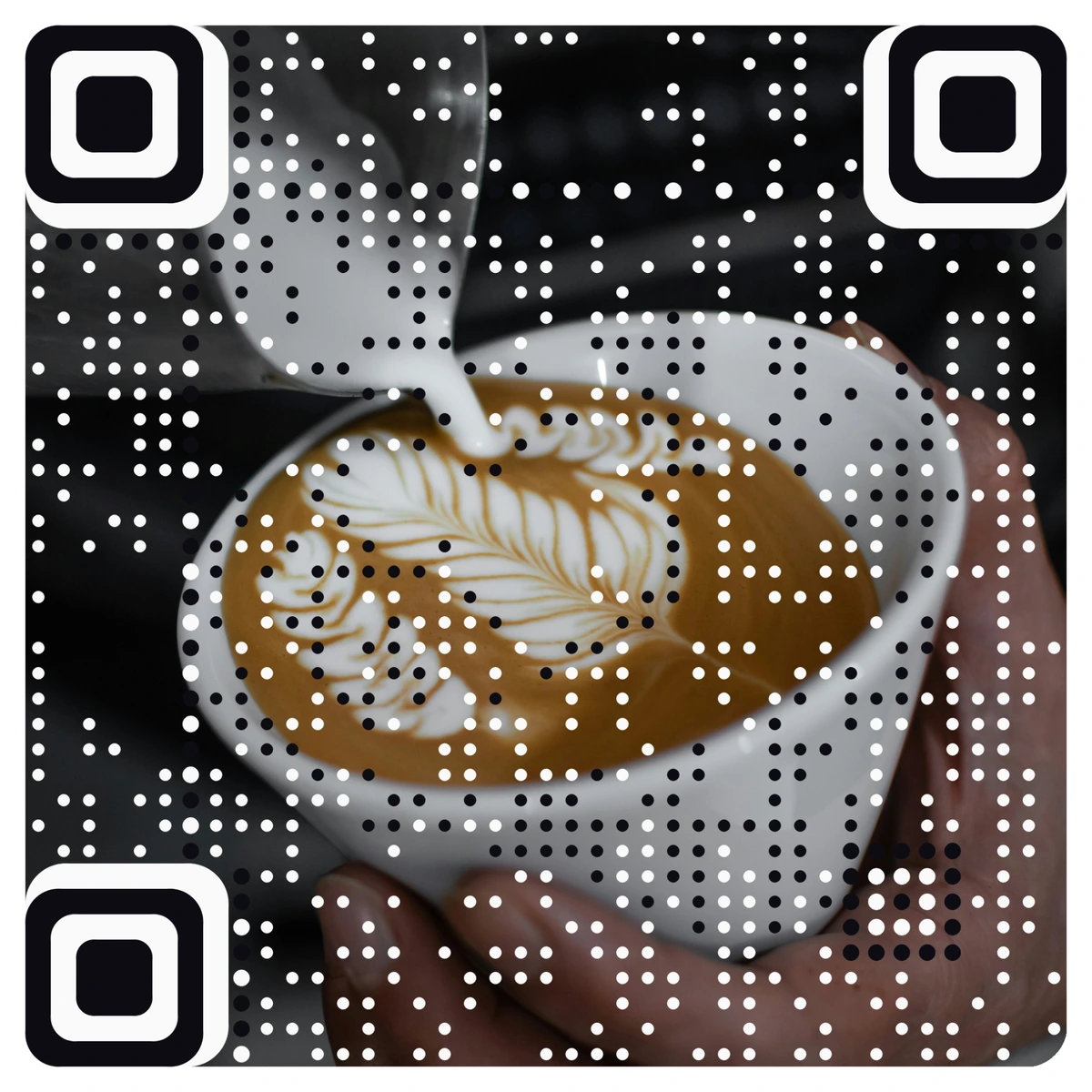
A café’s own latte photo on a table tent. 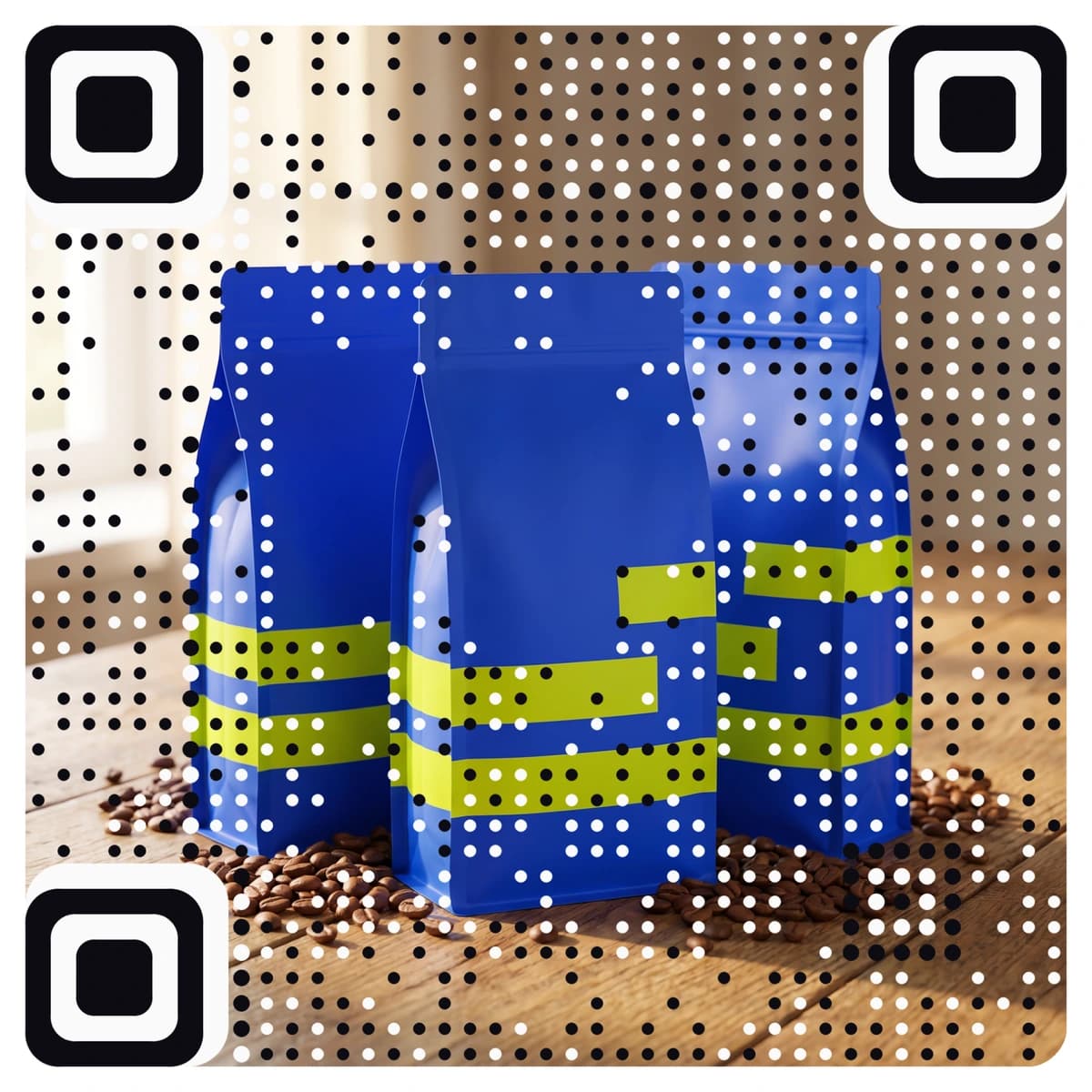
Product shot on the pack it sells. 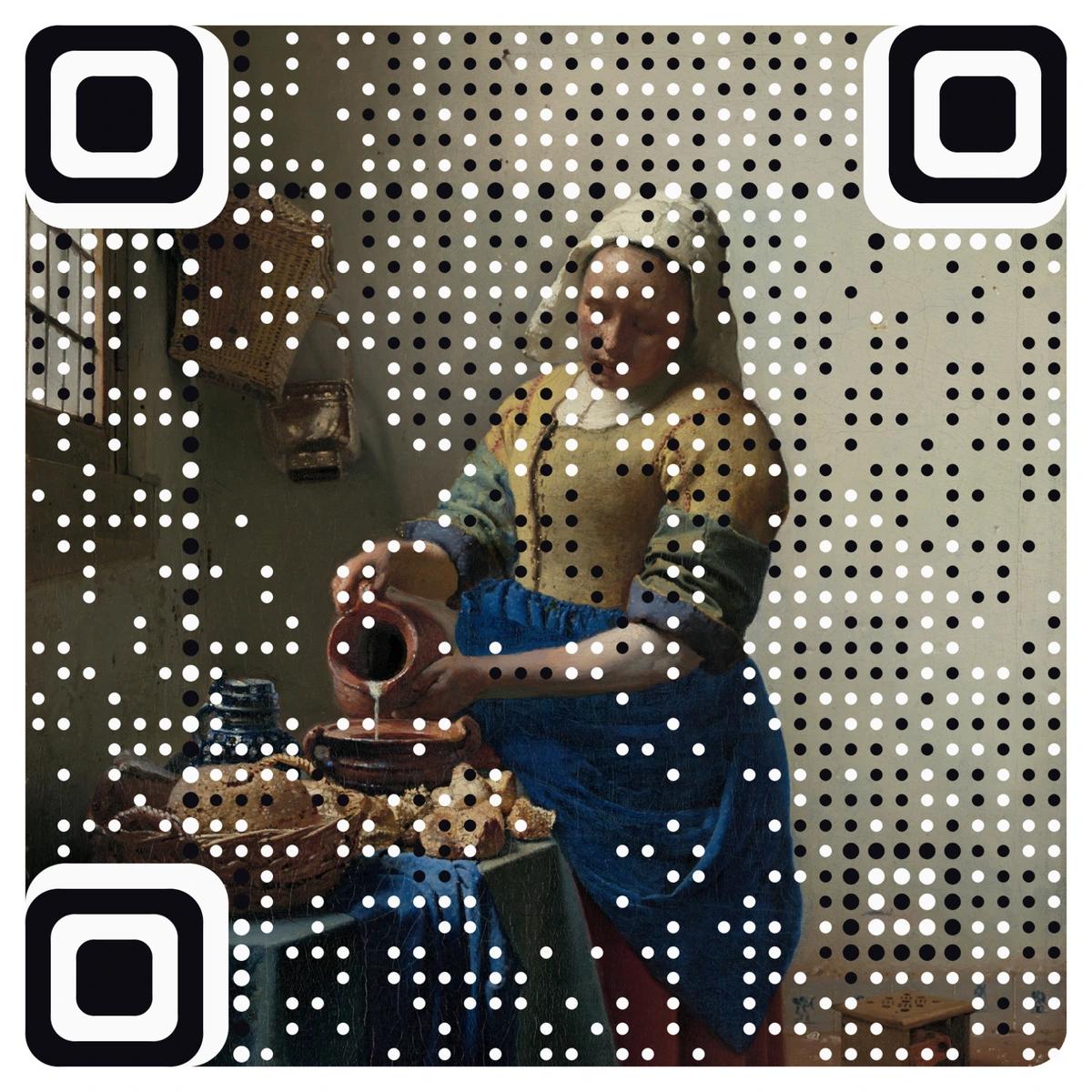
A public-domain painting for a gallery poster.
Product packaging
A coffee roaster in Portland prints a photo of the bag on the bag, linking to brewing guides and reorders.
Café and restaurant tables
A café in Seattle turns its signature latte photo into the menu code on every table.
Real estate signs
A realtor in Austin uses the listing’s front-porch photo as the code on the yard sign.
Museums, galleries and events
A public-domain painting on an exhibition poster opens the audio guide. See famous paintings as QR codes.
Business cards
A headshot or studio logo on the back of a card opens your portfolio or contact page.
Weddings and invitations
A photo of the couple on the invitation opens the RSVP page and the registry.
For more inspiration, see our roundup of the most beautiful QR codes. To get started, upload a picture above or open the full QR code generator.
Print tips
Printing QR code art
Size for the distance
A common rule of thumb is a code at least one tenth as wide as the scanning distance. AriaQR’s Standard build is for prints of 4 cm (about 1.6 inches) and up; the Small print build is checked down to about 1.5 cm for cards and labels.
Keep the white border
The clear margin around a QR code helps phones find it. Download with the border for print, and do not let text or edges crowd it.
Do not stretch or recrop
Scale the file evenly and keep it square. Cropping, stretching or adding filters after download can break a code that scanned before.
Mind the finish
Matte stock scans more easily than high gloss under shop lights. On bottles, cans and fabric, print a proof on the real surface first.
Print colors true
Colors shift between screen and press. If your printer asks, print from the PNG at full resolution and check the proof against the screen.
Scan the proof
Scan the printed proof with more than one phone, at the distance people will stand, before you order the full run.
Questions
What is an artistic QR code generator?+
An artistic QR code generator makes a code that looks like a picture instead of a black-and-white grid. AriaQR does it by turning your own image into the code itself, so the photo, illustration or artwork stays recognisable and still scans.
How do I make a QR code from an image?+
Upload the image, paste the link the code should open, and download the result. The whole picture becomes the QR code, and it is checked on real decoders under real-world conditions before you download it.
Will a picture QR code still scan?+
Yes, and you see the verdict before you pay. Every AriaQR code is verified on real decoders under real-world conditions before download.
Which images work?+
Photos, illustrations, product shots, portraits, logos and full artwork in PNG, JPEG or WebP. A square image gives a square code. Any other shape can carry the code inside it with Code in your image, and you download the whole artwork.
Is this an AI QR code generator?+
AriaQR does not invent a picture from a text prompt. You bring the image and it becomes the code, so what people see is your own work. Codes made by prompting an image model are a different approach; the comparison is in our blog post on AI diffusion QR codes vs AriaQR.
Can I change where the code points after printing?+
Yes. Website, WhatsApp, PDF, video and similar codes carry an editable short link, so the printed code keeps working while the destination changes. Every scan is counted. Wi-Fi and UPI codes are static by design so they work offline.
How small can I print an artistic QR code?+
The Standard build is for screens and prints of 4 cm and up. The Small print build is verified down to about 1.5 cm for cards, labels and stickers. The print size chart and calculator in the free tools give a size for any viewing distance.
Does an image QR code cost anything?+
Picture codes are paid: pay once for a single code or take the quarter plan if you make codes regularly. Plain classic codes with an editable link and full analytics are free. The pricing page has the current details.
How do I make a QR code look cool?+
Start with a picture that matters to the people scanning: your product, your place, your logo or your face. Styled colors and shapes help, but a code made from your own photo stands out most. With AriaQR you upload the picture, choose what the code opens, and download it after it has been checked on real decoders.
How can I convert a JPG image to a QR code?+
Upload the JPG to the generator on this page and choose what the code should open. The picture becomes the code, and you download a PNG that is checked on real decoders first. If what you need is a code that opens the photo itself, put the photo online and use its link as the destination.
What is the downside of QR codes?+
A QR code needs a phone camera, enough light and a working destination. Static codes cannot be changed once printed, so a typo or a dead page means reprinting. Artistic codes add one more risk: a design that looks good but does not scan. That is why every AriaQR code is checked before download and dynamic codes have an editable link.
Can I cut an artistic QR code with a Cricut?+
Cutting machines work best with plain, high-contrast codes, because each square becomes a separate piece of vinyl. A photo-based artistic code is better printed than cut: use print-then-cut stickers, sublimation or direct-to-film transfers, keep it large and flat, and scan the finished piece before you make a batch.
Read more: AI diffusion QR codes vs AriaQR, regular QR codes vs AriaQR, or QR code with logo if your image is a logo.
Your image. Your link. A code people want to scan.
Language: English
Language
- English
- Español
- Português
- Français
- Deutsch
- Italiano
- Nederlands
- Polski
- Türkçe
- Русский
- Українська
- العربية
- فارسی
- עברית
- اردو
- हिन्दी
- বাংলা
- தமிழ்
- తెలుగు
- मराठी
- ગુજરાતી
- ಕನ್ನಡ
- മലയാളം
- Bahasa Indonesia
- Bahasa Melayu
- Tiếng Việt
- ไทย
- Filipino
- 日本語
- 한국어
- 简体中文
- 繁體中文
- Svenska
- Dansk
- Norsk
- Suomi
- Čeština
- Română
- Magyar
- Ελληνικά
- Slovenčina
- Slovenščina
- Hrvatski
- Srpski
- Български
- Lietuvių
- Latviešu
- Eesti
- Kiswahili