Cute QR Code Generator
Your pet, your doodle, your mascot. Still scans.
The short answer
Can I make a cute QR code?
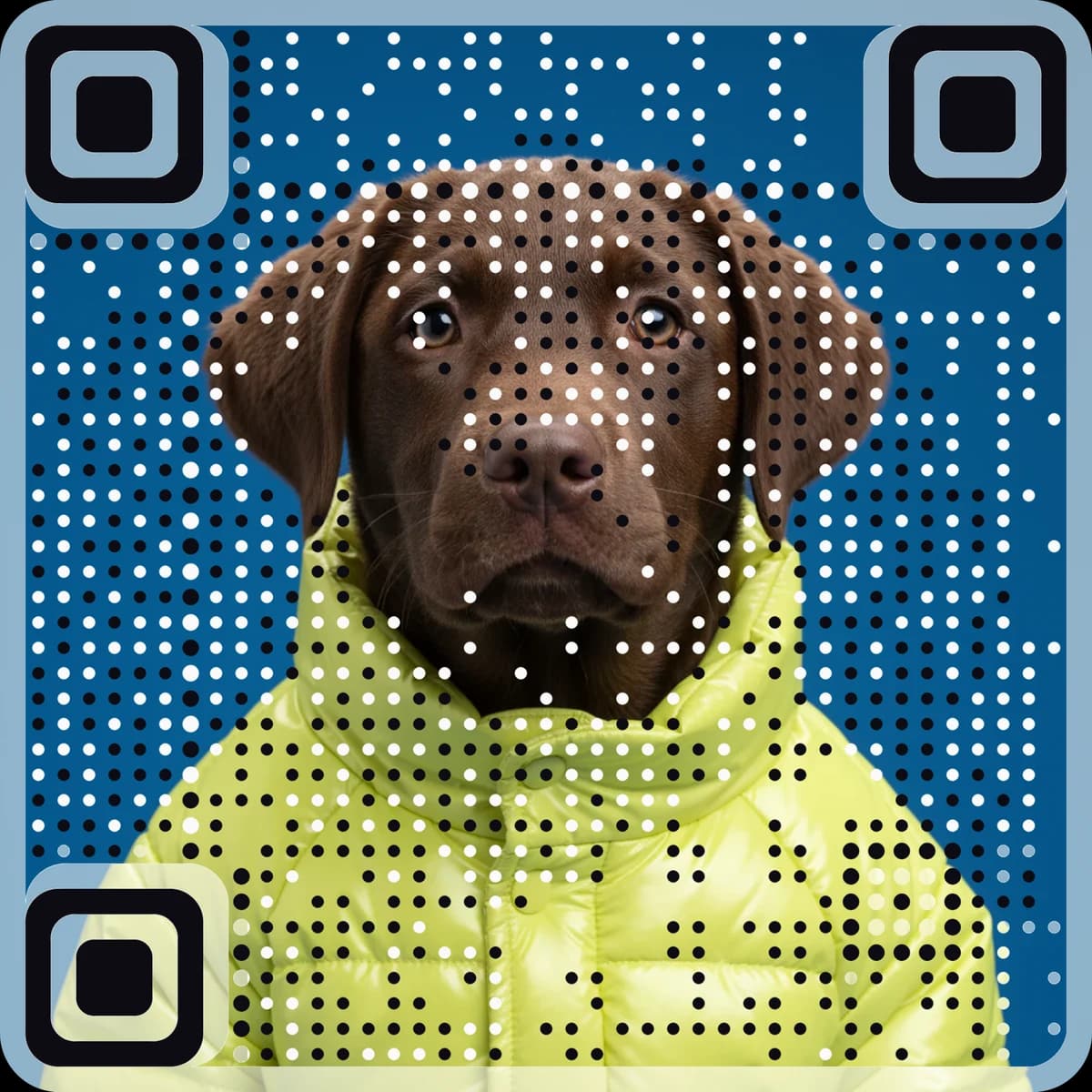
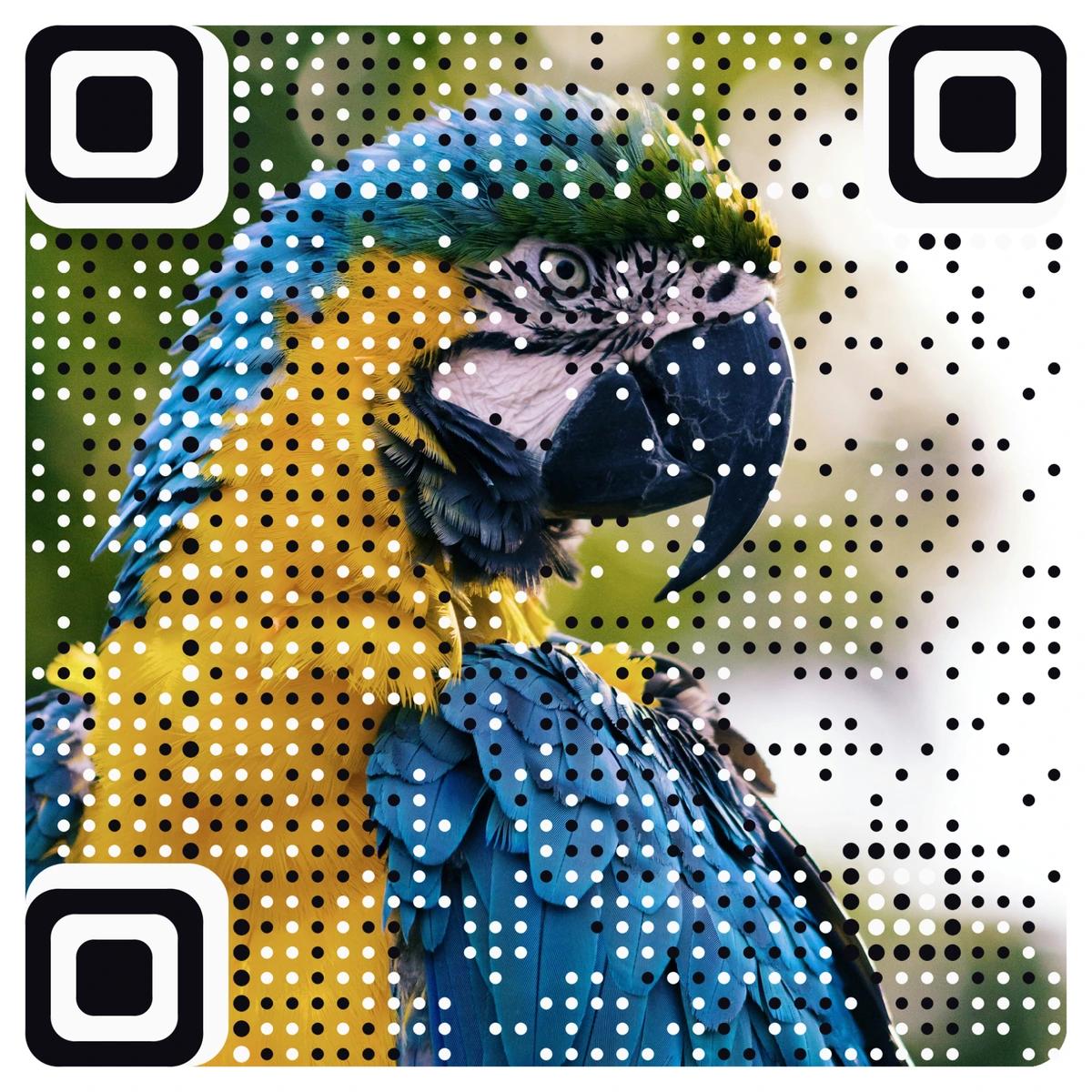
Yes. A cute QR code is one made to look friendly instead of technical: soft shapes, cheerful colors, or a picture of something you love. The generator above makes the code from your own photo, such as your dog, a child's drawing or a café mascot, and every code is checked on real decoders before you download it, so it still scans.
Trying designs is free. If you only need a plain code in a fun color, our free designs and the free generator are further down this page.
Ideas
Cute QR code ideas
A code people want to look at gets scanned more than one they have to hunt for. These are the places a friendly, aesthetic QR code earns its keep.
Pets
Your dog's face on a collar tag that opens your phone number, a dog walker's flyer or a groomer's front desk. More in QR codes for pet businesses.
Weddings and parties
Your engagement photo on the save-the-date that opens the RSVP form, or a favor tag that opens the shared photo album. See wedding QR codes.
Kids' art
Photograph your child's drawing and turn it into the code on a birthday invitation, a grandparent's gift or the class cookbook.
Cafés and mascots
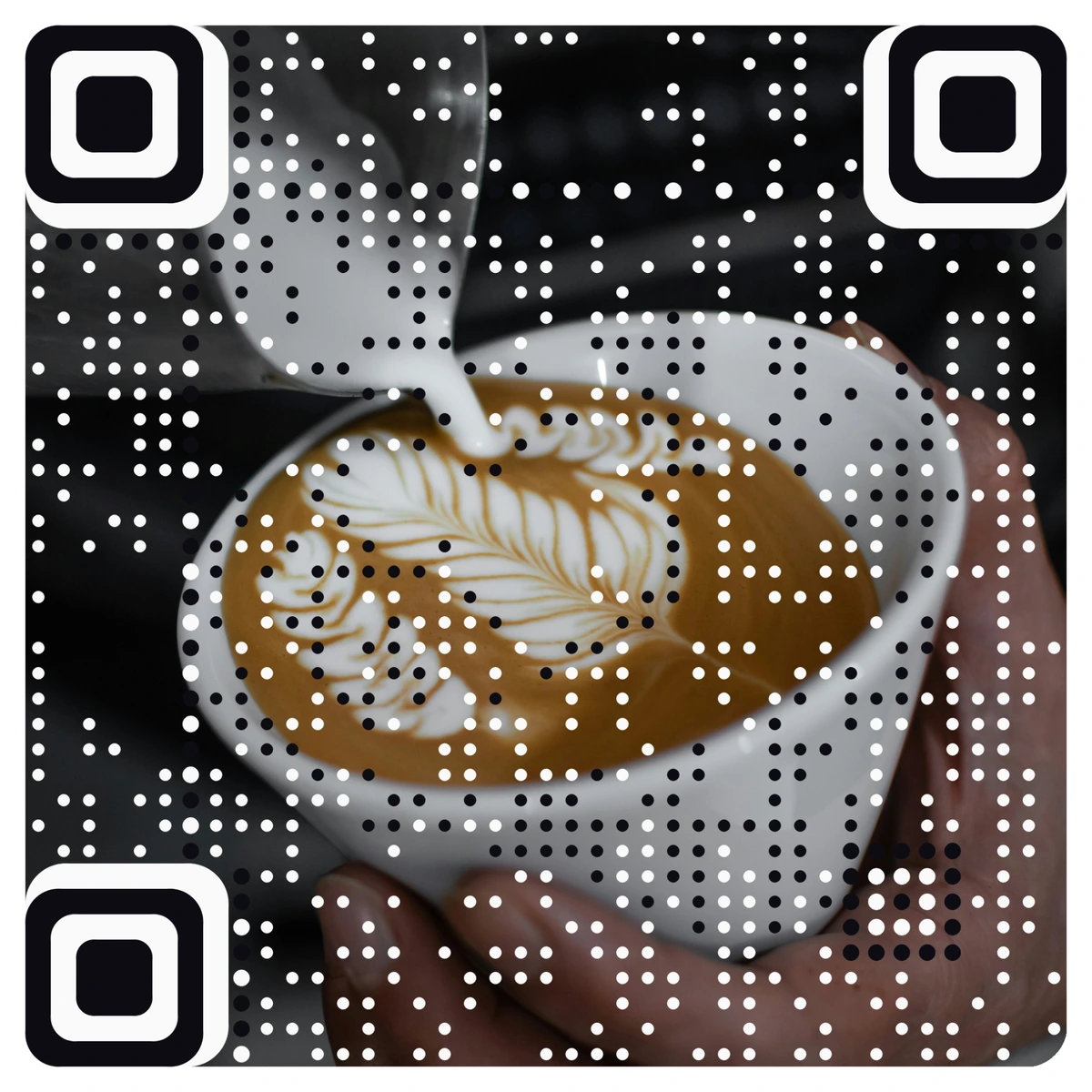
A bakery in Portland can put its cupcake mascot on the menu card; a coffee shop in Denver can put its latte art on the cup sleeve.
Gifts
A code on a card that opens a playlist, a photo album or a long thank-you note. Ideas in QR code gift ideas and Valentine's Day QR code gifts.
Small shops
Stickers, packaging inserts and business cards for an online shop or a market stall, in the same colors as the brand.
How it works
How to make a cute QR code
- 1
Pick a clear photo
One subject, close up, in good light: a pet's face, a bold drawing or a simple mascot. Busy scenes and pale, washed-out photos give weaker results.
- 2
Enter what it opens
Paste the link, such as your Instagram, an RSVP form or a gift page. A website code is dynamic, so you can change the link later.
- 3
Try styles
Generate, scan the preview with your own phone and restyle until it feels right. Trying designs is free.
- 4
Download and print
Activate the code and download the full-resolution file for stickers, cards, tags or a menu.
Every code is checked on real decoders before you download it. How we verify codes
Scanning
Will a cute QR code still scan?
It should, and you do not have to take that on trust. A phone needs three things to read any QR code: the three square markers in the corners, clear contrast between the dark and light parts, and a little empty space around the edge. Decoration that respects those works. Decoration that covers them does not.
Every AriaQR code is checked on real decoders before you download it, so you find out on screen, not after printing a hundred stickers. Scan it with your own phone too, from the distance people will really use. For a code you already have, our free QR code tester tells you whether it reads.
Colors and print
Colors, contrast and print tips
Dark on light
A dark pattern on a light background reads best. Pastel pink on pale yellow looks sweet on screen and fails in a dim room.
Two or three colors
Take two or three colors from your photo or brand and stop there. Strong, saturated tones beat soft gradients.
Big enough
For something held in the hand, print at least 2 cm (about 0.8 in) wide. For a poster or window, allow about 1 inch of code for every 10 inches of scanning distance.
Matte over glossy
Glossy stickers and laminate can throw glare under shop lights. A matte finish scans more easily.
Leave a margin
Keep a clear border around the code. Do not let a frame, a caption or the edge of a sticker cut into it.
Test one first
Print a single copy, scan it with two different phones, then print the rest.
Free options
Cute QR codes for free
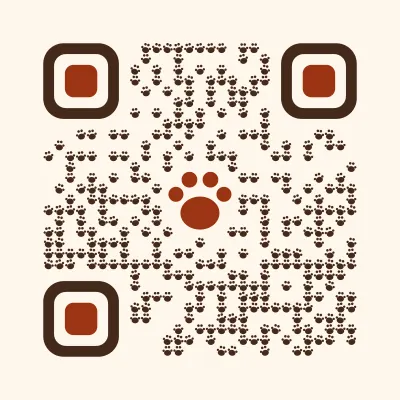
Not every code needs a photo. Our free QR code designs include 146 looks, from paw prints to sprinkles, to download as PNG or SVG. The free QR code generator makes a plain code in the colors you choose.
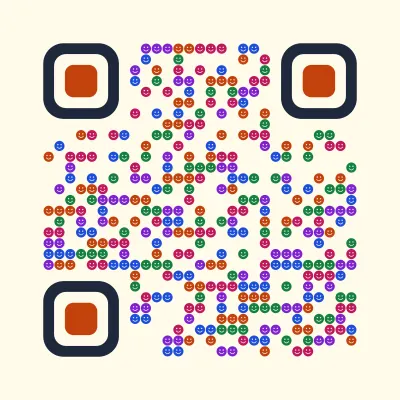
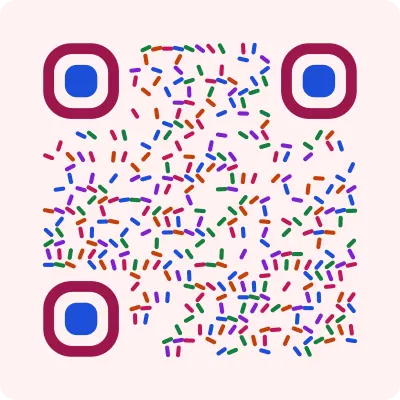
Want something bolder? See the artistic QR code generator and our pick of the most beautiful QR codes.
Questions
Cute QR code questions
How do I make a QR code look cool and attractive?
Start from a picture people care about, such as a pet, a product or a mascot, and let the code take on its colors. Keep the pattern darker than the background, use two or three colors, and leave clear space around the edge. A code made from your photo looks designed; a logo dropped into the middle of a black square looks like an afterthought.
Can a QR code be any shape?
The code itself is always a square grid with three square markers in the corners, and phones look for exactly that. Everything around it can be any shape: soft rounded corners, a heart-shaped or round sticker with the square inside, or the code placed in a larger picture. Cutting into the square, or hiding a corner marker, stops it scanning.
Do QR codes have to be black and white?
No. Any colors work as long as the dark parts are clearly darker than the light parts. Navy on cream, forest green on white and deep pink on pale pink all scan well. Light-on-dark (inverted) codes and low-contrast pastels are the ones that fail on some phones.
Can I make a QR code from a photo?
Yes. Upload a photo to the generator above and the code is made from it, so the picture shows through the pattern. Clear, close-up photos in good light work best. Use a photo you own or have permission to use. More in our guide to a QR code with a picture.
How much of a QR code can be missing?
The QR standard includes error correction, so a code can still be read with part of it damaged or covered: roughly 7% at the lowest level and up to about 30% at the highest. That is why a small logo in the center often works. The corner markers and the clear border are the exception; cover those and most phones give up. The safe way to know is to test, which is why every AriaQR code is checked on real decoders before you download it.
How do I get a unique QR code?
Make it from something only you have: your own photo, drawing or logo. Two codes made from different pictures never look alike. For a unique plain look, the free designs let you change colors and patterns.