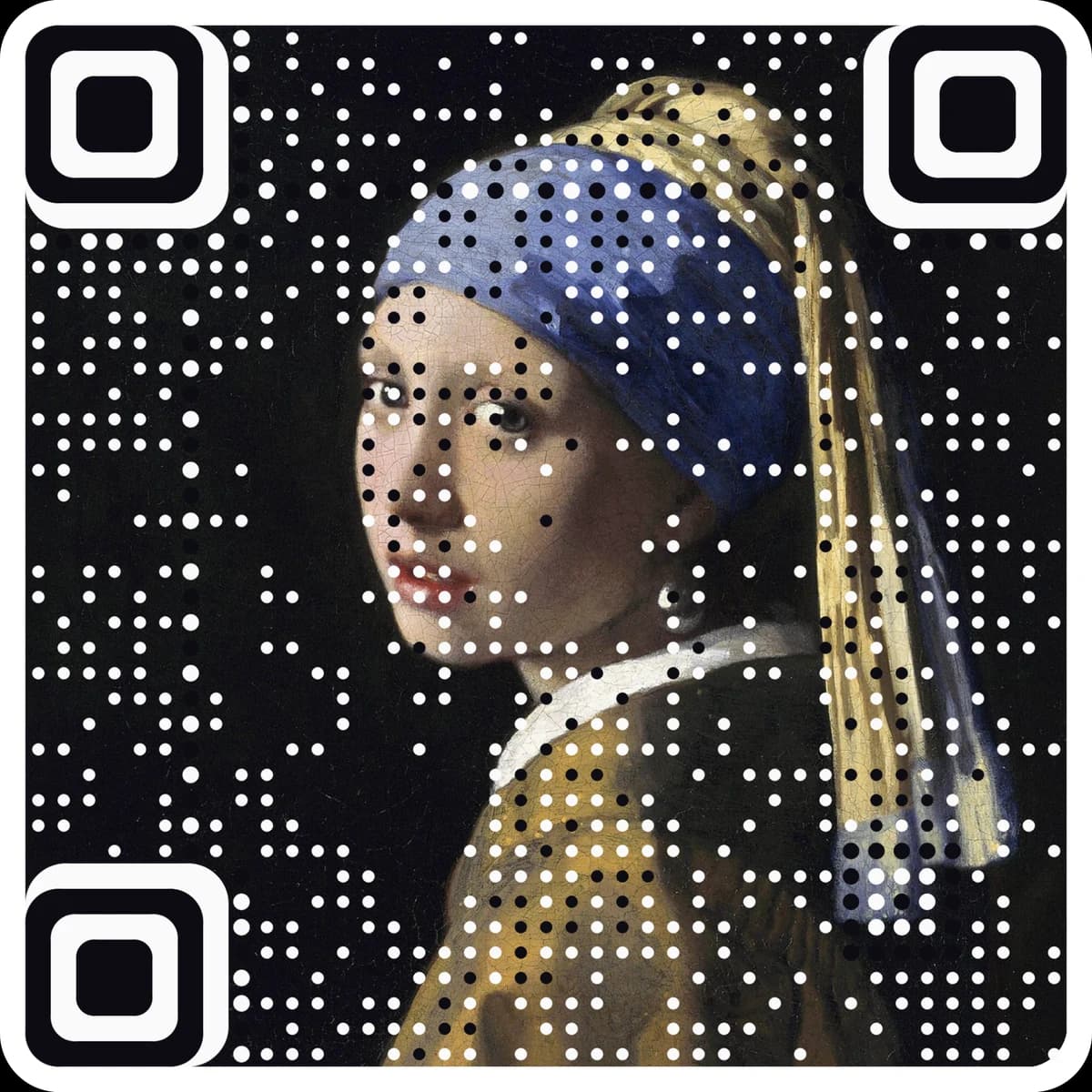
Email QR code generator
Make an email QR code that opens a new message to your address with the subject and body filled in. Free, no account, PNG, SVG or PDF.
Scanning opens a new email in the phone’s mail app with these fields filled in. Nothing is sent until the person taps Send.
Want scan counts and an editable destination? Make it a free dynamic code. Want it in your own image? Make a picture code.
Enter an email address to see the code.
Static · no expiry · PNG, SVG and PDF all built in your browser
Enter the address, and a subject and message if you want.
The code updates live with a mailto: link inside.
Download it. Scanning opens a ready-to-send email in the phone's mail app.
Questions
Does scanning the code send an email?+
No. It opens a draft in the mail app with your address, subject and message filled in. Nothing is sent until the person taps Send.
Which mail app opens?+
The phone's default mail app: Mail on iPhone unless another is set, and usually Gmail on Android.
Can I add more than one address?+
Yes, up to five, separated by commas. Keep it short, since every character makes the code denser.
Can I change the address or count scans?+
No. A static code holds the destination itself, so it cannot be edited or counted after printing. For a code you can change and track, make a free dynamic code at ariaqr.com/free-qr-code-generator.
More free tools
The next step
Make the code the artwork.
These tools make and check classic codes. AriaQR turns your photo, logo or illustration into the code itself, verified on real decoders before you download, with a link you can edit and track.