3D QR code sculpture generator: a tree from the side, a QR code from above
Make a 3D printable QR code sculpture: a tree, house or skyline from the side, a code that scans from above. STL or two-color 3MF, in your browser.
A three-tier pine; the same from the front and the side.
Version 2, 25 × 25 modules. Sculpture 100 × 100 × 24 mm, 12 + 2,904 triangles (base + pillars).
One nozzle: add a filament change at 2 mm, where the pillars start.
Printing and scanning
Two colors. Light base, dark pillars, both matte. The 3MF keeps them as two parts; with one nozzle, change filament where the pillars start.
Scan straight down. Hold the phone level above the sculpture, in even light, far enough back that the whole base is in view. From an angle the pillars hide each other and it will not scan.
Sturdy pillars. Wider modules make stronger pillars: a short link and a bigger base help more than anything else. Print the tallest ones slowly.
Test first. Print one at 100% scale in the filaments you will use and scan it before printing more.
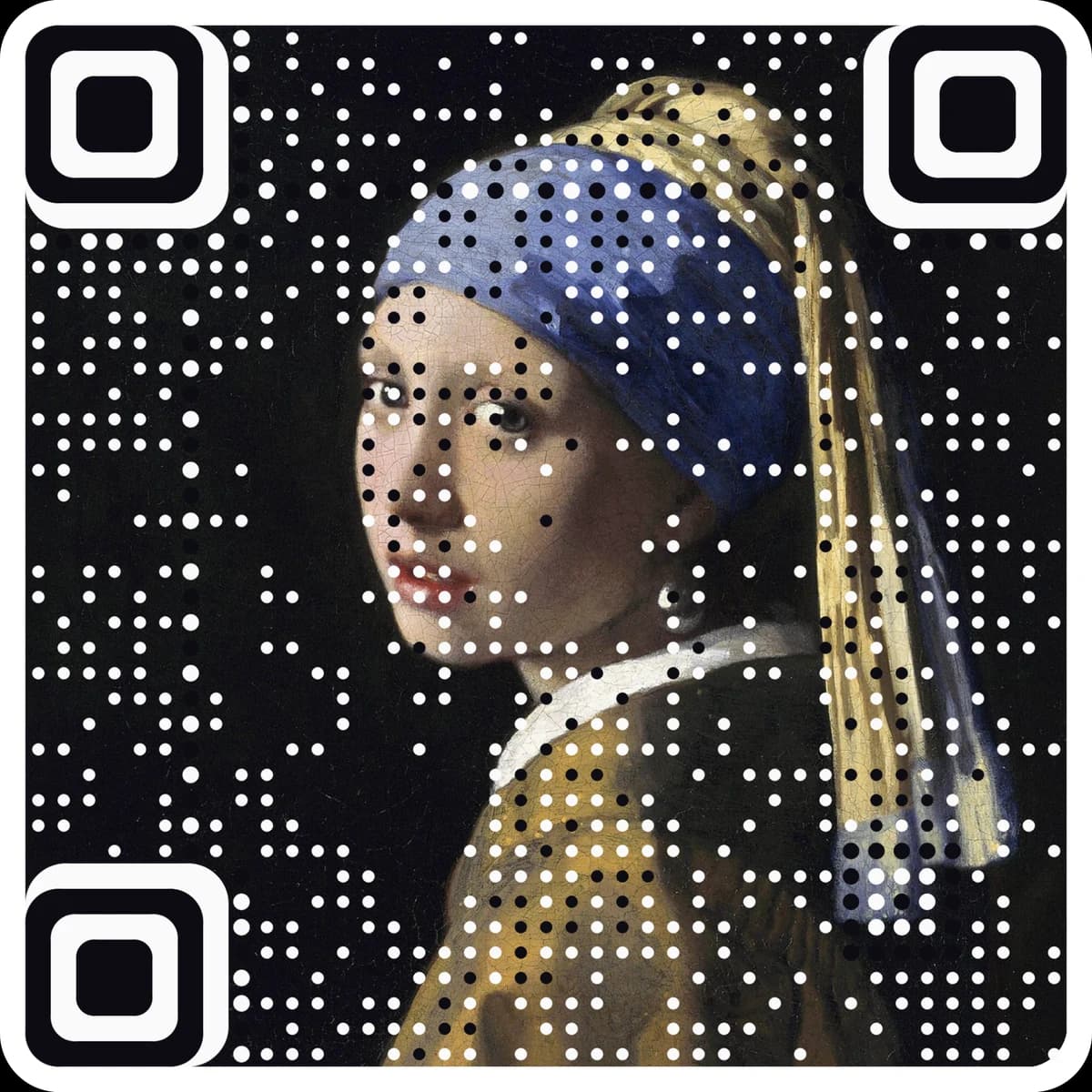
A printed code cannot be edited, so point it at a free dynamic link you can change later. Want the code to be your artwork? Make a picture code.
Paste a link or text, then pick a shape: a pine tree, house, skyline, castle and more, or upload your own silhouette.
Set the size and the heights. Every dark module becomes a pillar cut to the shape; the page checks the view from above scans.
Download the 3MF or STL files, print in two colors, and scan it from straight above in good light.
Questions
How does a QR code sculpture work?+
Every dark module of the code is a square pillar standing on a light base. Each pillar is cut to the height of the shape at its spot, using the front outline across the code and the side outline front to back. From the side you see the shape; from straight above you see only the tops of the pillars, which form the code.
Does it really scan?+
Yes, from straight above. Pillar height does not change the pattern seen from above, and every dark module keeps at least a minimum height so none go missing. The page draws the top view from the mesh itself and reads it with a QR decoder. Scan with the phone held level over the part, in even light, and print one to test before you make more.
What should I print it with?+
Two colors: a light base and dark pillars. The 3MF has the base and the pillars as two parts of one model so each takes its own filament; the zip has the same two parts as STL files. With one nozzle, add a filament change at the top of the base. Matte filament scans better than silk or glossy.
How tall can the pillars be?+
Thin, tall pillars can snap or wobble while printing. The page warns when the tallest pillar is more than 8 times the module width and limits it to 12 times. To make it taller, make the code bigger or shorten the link so there are fewer, wider modules.
Can I use my own shape?+
Yes. Upload a silhouette as a PNG or JPG: a dark shape on a light background, or a shape on a transparent background. The page reads the outline in your browser and uses it as the front shape. Simple, bold outlines work best.
More free tools
The next step
Make the code the artwork.
These tools make and check classic codes. AriaQR turns your photo, logo or illustration into the code itself, verified on real decoders before you download, with a link you can edit and track.