Picture a busy Friday at a neighborhood bistro in Portland, with a menu QR code on every table and almost nobody scanning it. Guests flag down the server and ask for a paper menu instead. The code works. The problem is everything around it: where it sits, what it promises, what it looks like and what it opens.
Fix those four things and the same QR code on your menu starts pulling its weight. Here is each one, with the fix.
Why nobody scans your menu QR code
Most menu codes fail before anyone takes out a phone. A guest sits down, looks around for something to read, and sees a small square stuck to the corner of the table, half under the salt shaker. Nothing tells them what it does. Nothing about it looks like your restaurant. So they wait for paper.
There are four common causes, and most restaurants have at least two of them.
- It is in the wrong place. Flat on the table, under glass, or on a sign by the door.
- It gives no reason to scan. "Scan for menu" tells people what it is, not why it is better than asking.
- It looks like a gray square. A generic code reads as a utility sticker, not part of the meal.
- It opens a slow PDF. Guests remember the last bad scan and do not try again.
1. Put the code where a seated guest looks
The best spot is the one a guest sees in the first ten seconds after sitting down. That is usually the middle of the table, facing their chair, at about eye level.
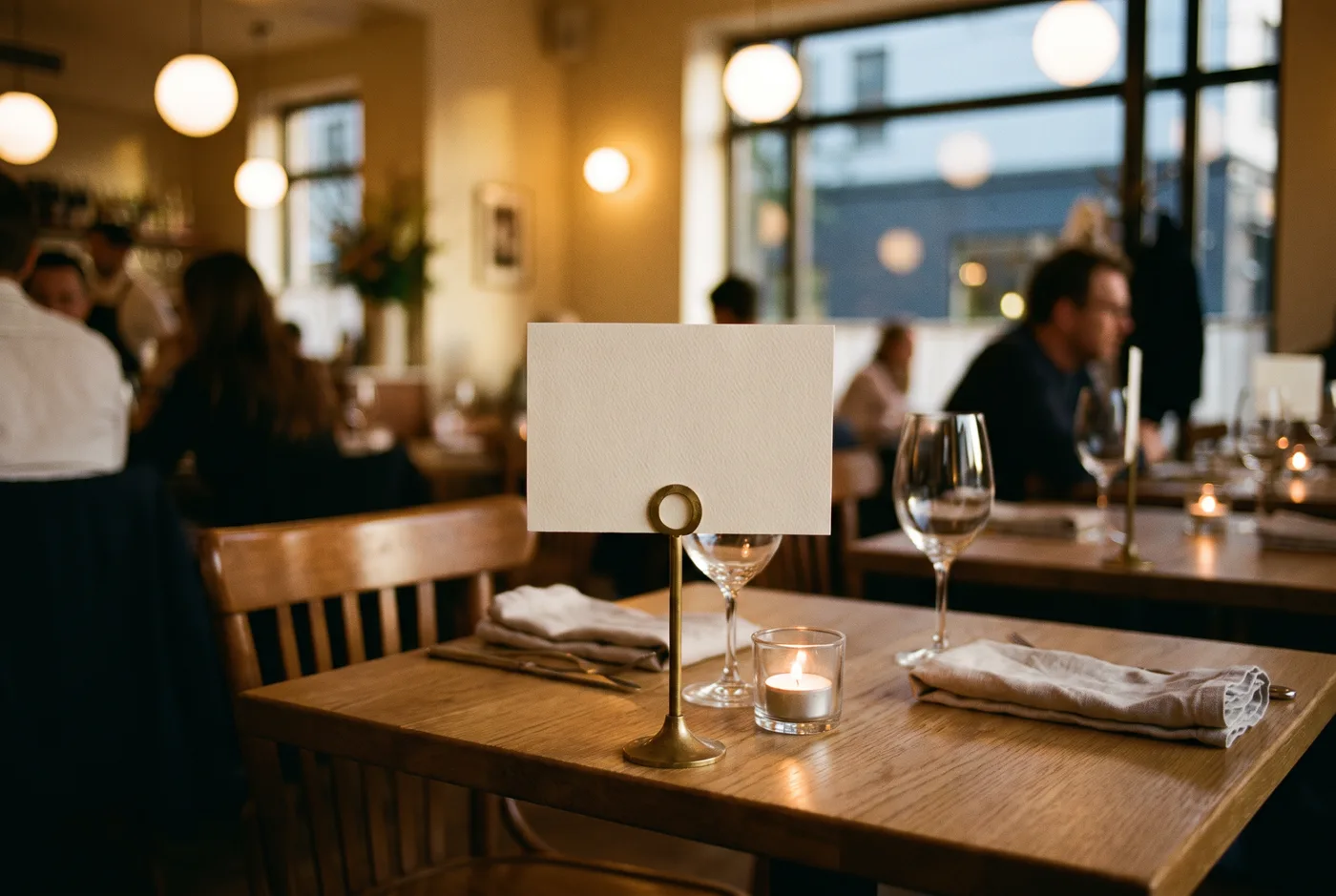
A few rules that help:
- Stand it up. A tent card or a small stand beats a sticker on the tabletop. Codes lying flat catch glare from overhead lights, and plates end up on top of them.
- One per table. A single code by the host stand asks people to remember it. A code at every seat asks nothing.
- Face the chair. On a two-top, put a card on each side, or use a two-sided tent.
- Keep it clear. Nothing within a thumb's width of the code. Candles, cutlery and drink menus all drift onto it during service.
2. Give guests a reason to scan
A code with no line under it is a quiet ask. A code with a clear, specific promise is an invitation. Compare these:
- "Scan for menu"
- "Scan to see today's specials, with photos"
- "Scan to order and pay from your table, no waiting"
- "Scan for the wine list, with tasting notes"
The first only names the thing. The others tell the guest what they get that a paper menu cannot give them. Pick the one benefit your digital menu really delivers, and say it in under ten words. Our list of call-to-action lines to put under a QR code has more examples by use case.
Staff matter too. A server who says "everything is on the code, including the specials board" in passing does more than any sign.
3. Stop printing a gray square
A plain black-and-white code is functional, but it has a cost. It looks the same in every restaurant, every parking garage and every parcel notice, so it signals "admin", not "dinner". It also clashes with whatever you spent on table linen, menus and lighting.
A menu code can look like the restaurant instead. With AriaQR, your own image becomes the code: a latte, your logo, a signature dish. The picture stays the picture and the code lives inside it as a field of dots, so the table card looks designed rather than labeled.
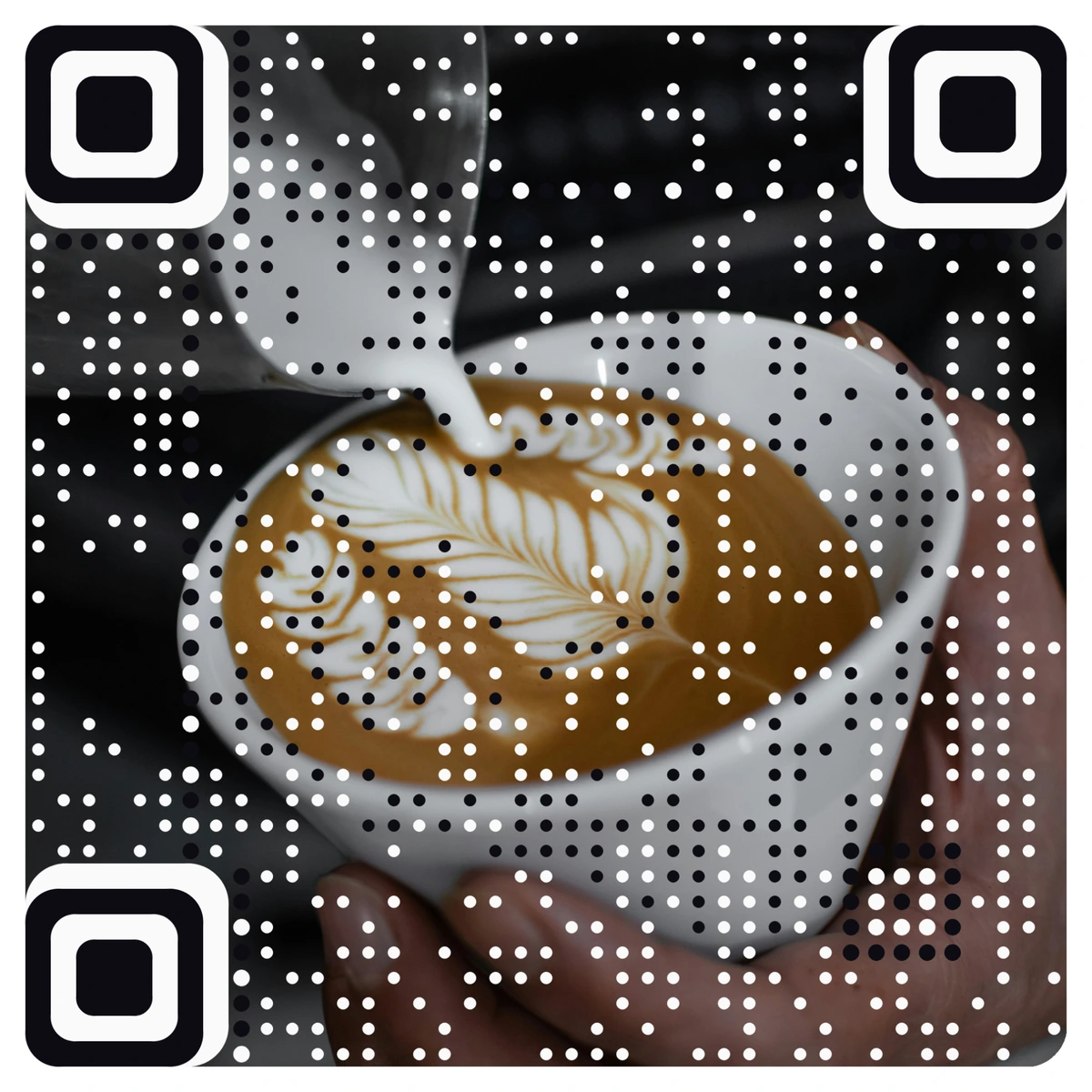
That is a real code. Point your phone camera at it and it opens. Every AriaQR code is verified on real decoders under real-world conditions before you can download it, and the site tells you plainly if a design only scans up close. Picture codes are made at the generator, and you can preview yours before you pay.
A designed code also helps with trust. Guests have heard about fake codes stuck over real ones, and a code that is clearly part of your branding is harder to fake than a generic sticker.
4. Replace the PDF with a fast menu page
Guests do not just remember whether they scanned. They remember what happened next. If the last menu code they tried opened a 12-page PDF that took ages to load and had to be zoomed and dragged around, they will not scan yours.
A mobile menu page fixes that:
- It loads fast. Text and small photos, not a heavy file.
- It reads like an app. Sections, prices and dietary tags sized for a phone.
- It changes the same day. Sold out of the halibut? Edit the page; the printed code stays the same.
AriaQR landing pages include ready-made menu templates for cafés, ramen bars and brunch spots, so you can publish a phone-friendly menu without a developer. If you still prefer a PDF, keep it small and single-column. Our comparison of PDF menus and landing pages goes deeper on the trade-offs.
One more fix: make the code dynamic, so it points at a short link you can edit. Then you can swap the destination for brunch, dinner or a holiday menu without reprinting a single card.
How to tell if your fixes worked
Guesswork is how menu codes end up ignored in the first place, so measure. A dynamic AriaQR code counts every scan and shows scans per day, an hour-of-day heatmap and the device split. Compare a week before and a week after you move the cards or change the line underneath.
If you run more than one table layout, the bar and the patio for example, give each its own code with placements and compare them side by side. You will see quickly which spot works and which one guests walk past.
The restaurant and hotel QR code guide covers the rest of the venue: room cards, Wi-Fi, reviews and the front door.
Where to start
Walk your dining room tonight and sit in three chairs. From each one, can you see the code, do you know why you would scan it, and does it look like it belongs to your restaurant? Fix placement first, because it costs nothing. Then rewrite the line underneath, swap the PDF for a menu page, and replace the gray square with a code made from your own image.