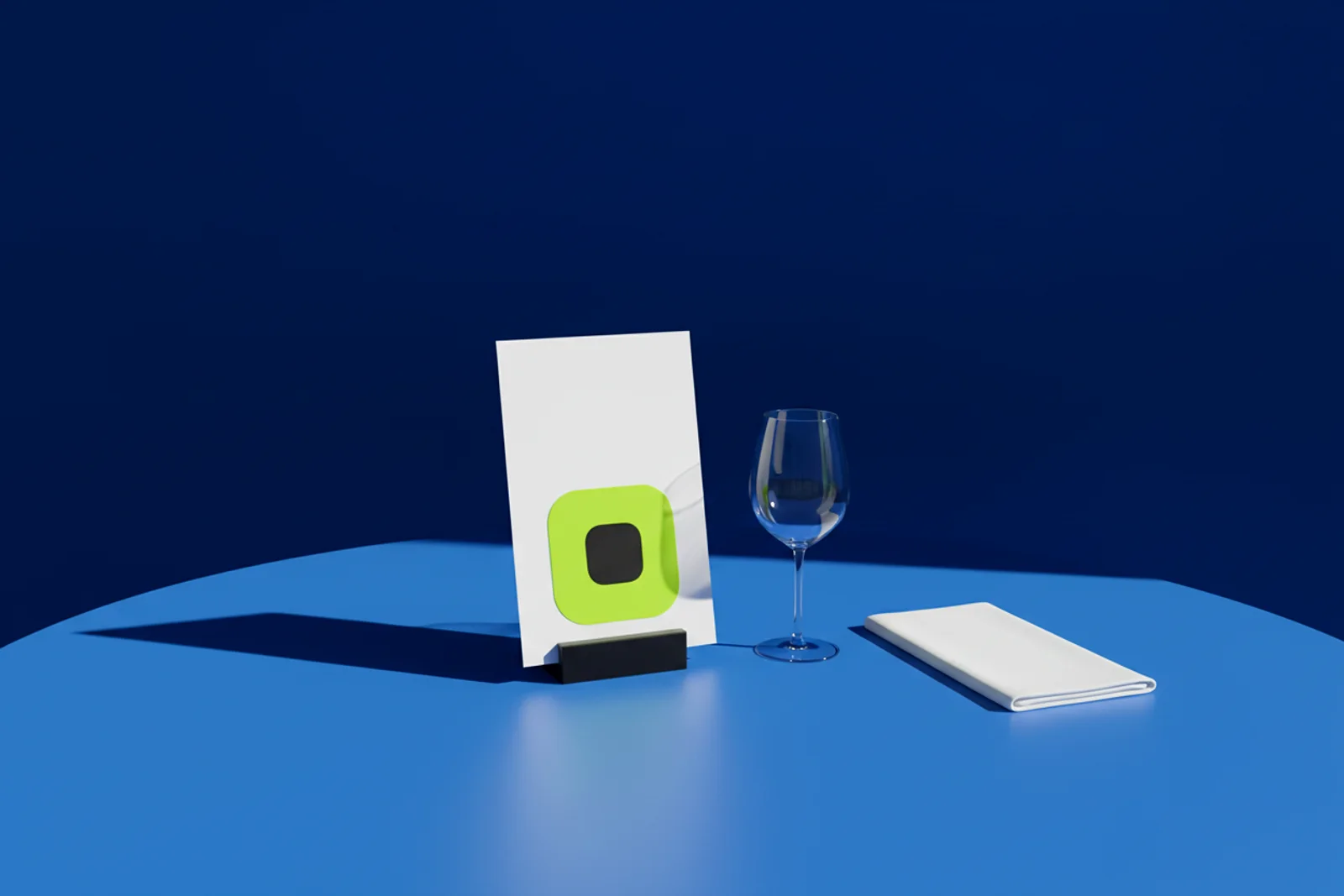
A restaurant QR code menu does not have to be a black square on a laminated card. Made from the dish photo, the logo or the room illustration, the code becomes part of the table tent, the in-room guide and the check presenter. This guide covers the codes a restaurant or hotel actually needs, how to keep them on brand, and how to change the menu after the tents are printed.
Why do most restaurant QR codes look like a sticker?
Because they were made in a hurry in 2020 and never revisited. A generic code was printed on a sticker, stuck to the table, and it is still there, scuffed, next to a candle. It works, mostly, and it makes a room that cost a fortune to design look like a bus stop.
The fix is not to remove the code. Guests like scanning for the wine list, and hotel guests like a guide they can read in bed. The fix is to make the code look like it was designed with the room.
How do you design a branded QR code menu?
Start with an image the guest already associates with you: the signature dish, the logo, the illustration from the menu cover, a photo of the bar. Upload it to AriaQR and the code is built into it; the picture stays the picture and the code lives in it as a field of dots. Eyes and margins are translucent, so the image shows through instead of being punched out by a white square. Change the dot color and finder-eye shapes afterward to match the palette; the code and its link stay the same, and the analytics carry on.
For a table tent, a menu cover or an in-room guide, use "Code in your image." Upload the full tent artwork, place the code where you want it, and download the whole design with the code blended in, at 2048px, ready for the printer. One file, no compositing in the layout tool, no risk of someone scaling the code down at the last minute.
Design rules that hold up in a dining room:
- Print a caption. "Scan for the menu" or "Scan for room service" beats a naked code.
- Keep the code on the lower half of a tent so a seated guest is not lifting a phone above the glassware.
- Matte laminate over gloss. Candle flames and pendant lights reflect off gloss cards.
- Pick a dot color that stands out against the image, then read the verdict.
Every code is verified on real decoders under real-world conditions before download, and low light is one of those conditions. Dining rooms are dim by design. You see "verified" or "scans up close only" before you pay; for anything scanned from a seat, wait for "verified." The verification post explains what that means.
Which codes does a restaurant or hotel actually need?
| Where | Code kind | Points to | Build |
|---|---|---|---|
| Table tent | PDF/menu or website | Current menu | Standard |
| Menu cover or check presenter | Google review | Review page | Standard |
| Bar and lobby | Wi-Fi (works offline) | Network name and password | Standard |
| In-room guide | Website | Room service, spa, checkout times | Standard |
| Key card sleeve | Website or phone call | Front desk, concierge | Small print |
| Takeout bag sticker | Website | Online ordering, loyalty | Small print |
| Event flyer | Calendar event | Tasting menu night | Standard |
| Staff cards | Contact card (vCard) | Events manager | Small print |
On sizes: the Standard build is verified for prints of 4 cm and up, which covers tents, covers and guides. Key card sleeves, takeout stickers and wine labels need the Small print build, verified down to about 1.5 cm; the small-print guide covers those.
The review code deserves its own note. Put it where the guest is happiest: on the check presenter after dessert, or on the in-room card the morning of checkout, with a line from the manager. A Google review code opens the review form directly, and the scan count tells you how many guests were asked.
How do you update the menu without reprinting the table tents?
This is the reason to use a dynamic code. AriaQR codes are dynamic by default: the code encodes a short link, and the destination is editable. When the autumn menu replaces the summer one, upload the new PDF or update the menu page and change the destination. The tents on the tables stay exactly as they are. The same goes for the in-room guide when the spa hours change and for the event code when the tasting night moves.
Some restaurants run one tent design per section, terrace, bar and dining room, and point each at a different menu: the terrace gets the short menu at lunch, the dining room gets the full one. That is a placements setup, one code per location within one campaign, and it doubles as measurement.
Daily link-health checks and a broken-destination alert catch the day someone renames the menu PDF on the website. A first-scan alert confirms the new tents are live. The editable destinations guide covers the options.
Does a Wi-Fi QR code work without signal?
Yes. A Wi-Fi code is one of the static kinds: the network name and password are baked into the code, so any phone camera joins the network without an internet connection. That matters in a basement bar, a hotel with thick walls or a restaurant on a Lisbon side street where the cell signal drops at the door. Put it on the bar, in the in-room guide and on the desk card. Because it is static, it does not carry scan analytics and cannot be edited after printing; if the password changes, print a new one. Keep the password written on the card as well for guests on laptops.
What does the dashboard tell a restaurant?
More than you expect. Scans per day show which nights are busy. The hour-of-day heatmap, in the scanner's local time, shows when the lunch rush actually begins. The device and OS split tells you whether to check the menu page on Android as carefully as on iPhone. In-app browser detection tells you how many guests found you through Instagram and opened the menu inside the Instagram browser, which is worth knowing when a menu page does not render well there. City and postal code, when the network allows, hint at whether the hotel bar is drawing locals or guests. Unique visitors are counted without cookies and without permission prompts.
For a group with several sites, one signed-in account (Google or an email code) keeps every venue's codes together, and a read-only share link lets a general manager see their own numbers. The analytics explainer walks through each metric.
Where to start
Photograph the dish or pull the logo file. Make the table-tent code with "Code in your image" and the Standard build, the takeout sticker with Small print, and the Wi-Fi code as the static Wi-Fi kind. Check that every one says "verified," proof on matte stock under the dining-room lights, and print. Set the menu code's destination to the current menu and put a reminder in the calendar to change it with the season instead of reprinting. Pay once for a single code, or use a subscription for a group with several venues. See pricing.