Should your QR code open a PDF or a landing page? In the QR code PDF vs landing page choice, a page wins for almost every marketing use. A PDF was designed for printing on paper, so on a phone it loads slowly, needs pinching and zooming, and tells you nothing about what people did with it. A mobile page fits the screen, loads quickly, leads to one action and can be changed whenever you like.
PDFs still have a place. This post covers both: why a page usually wins, and when a PDF is the right call.
What happens when a QR code opens a PDF?
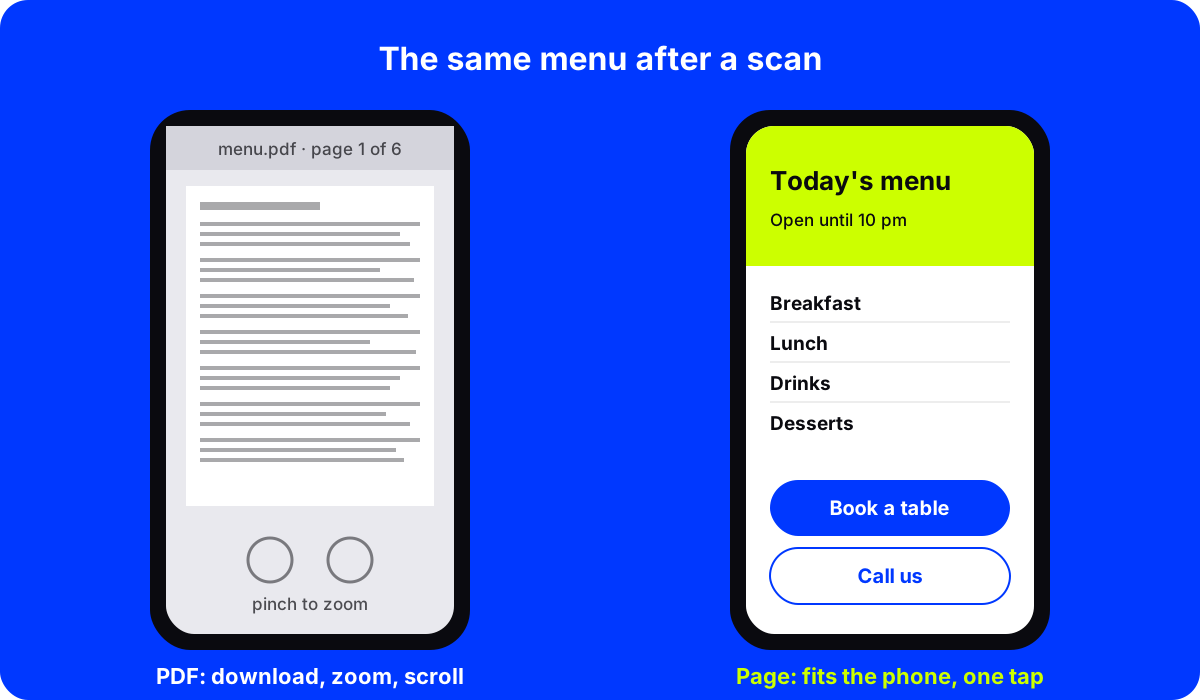
Picture a diner scanning the code on a restaurant table. The phone starts downloading a six-page menu designed for a printed A4 sheet. On a slow connection, they wait. When it opens, the text is tiny. They pinch to zoom, scroll sideways to read the prices, lose their place, and zoom out again.
Some phones open the file in a viewer. Some save it to downloads. Some ask which app to use. Every one of those steps loses a few people.
Why is a landing page better than a PDF for a QR code?
A mobile landing page is built for the screen it opens on. That brings five practical wins.
- It loads faster. A light web page usually opens faster than a large PDF file, especially on a weak connection.
- It reads without zooming. Text and buttons are sized for a thumb and a phone screen.
- It leads to an action. A PDF can only be read. A page can have "Book a table", "Call us", "Order now" or "Get directions" buttons right where people need them.
- You can see what people tap. Page analytics show views and which buttons got tapped, so you learn what people actually wanted. Our guide on tracking what people tap after they scan shows how.
- It is easy to edit. Change a price, swap a dish or add a holiday notice in a few minutes. No re-exporting, no re-uploading, no broken link.
QR code PDF vs landing page, side by side
| Mobile landing page | ||
|---|---|---|
| Fits a phone screen | No, it is laid out for paper | Yes |
| Load time on a weak connection | Often slow for large files | Usually fast |
| Buttons for booking, calling, ordering | Not really | Yes |
| See what people tap | No | Yes |
| Update in a few minutes | Re-export and re-upload | Edit and publish |
| Works offline after download | Yes | No |
| Good for printing or keeping | Yes | Less so |
When a PDF is still the right choice
Be fair to the PDF. It is the better format when people want the document itself:
- Manuals and assembly instructions that people want to keep or print.
- Spec sheets and data sheets with exact layouts, tables and drawings.
- Forms that must be printed, signed and returned.
- Catalogs and price lists that buyers save and forward to colleagues.
- Legal and compliance documents where the exact layout matters.
In those cases, AriaQR has a PDF code type that points straight at the file. If the file might change, keep the code dynamic so you can point it at the new version without reprinting.
A good middle path: open a short page first, with a "Download the full PDF" button for people who want it. Most visitors get what they need from the page. The few who want the full document are one tap away.
What should the page include?
Keep it short and built around one job. For a menu: sections, prices, opening hours and a booking button. For a product: what it is, how to use it, and how to reorder. For an event: the date, the line-up, a map and tickets.
Our QR code landing page examples show layouts for menus, products, events and more.
You do not need a web developer. AriaQR landing pages give you blocks for menus and price lists, opening hours, maps, buttons, galleries, videos and contact details, with templates for menus, products and documents.
Make the code worth scanning
The page does the selling, but the code has to get the scan first. On a table, a brochure or a shop counter, a code that carries your own artwork looks like it belongs there. Here is a real AriaQR code made from a hotel lobby photo:
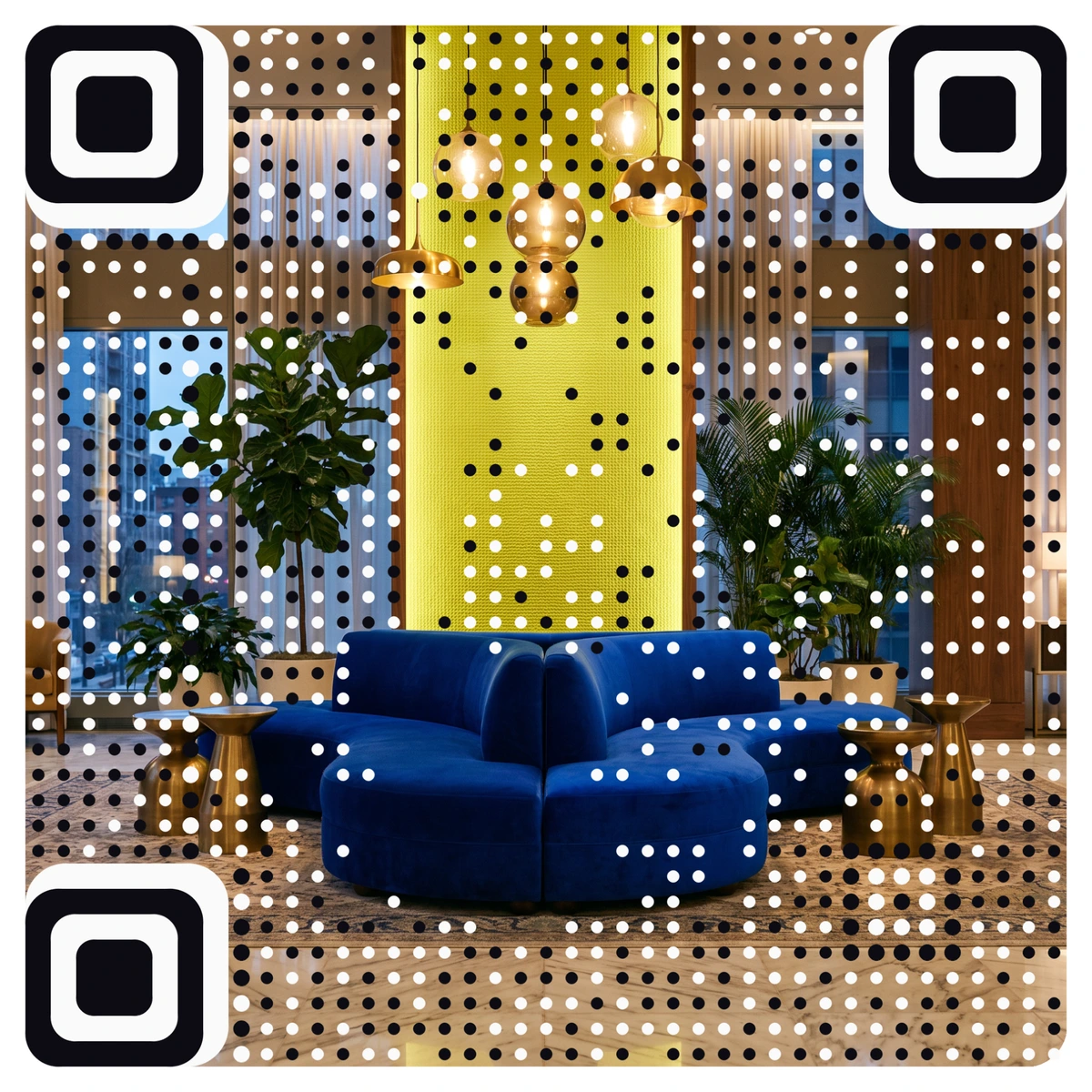
Every AriaQR code is verified on real decoders under real-world conditions before you download it, so the art does not come at the cost of the scan.
Where to start
Look at every printed code you have that opens a PDF. Keep the ones for manuals and spec sheets. For menus, brochures, offers and event info, build a short mobile page instead, point a dynamic code at it, and add a PDF download button if anyone needs the full file.