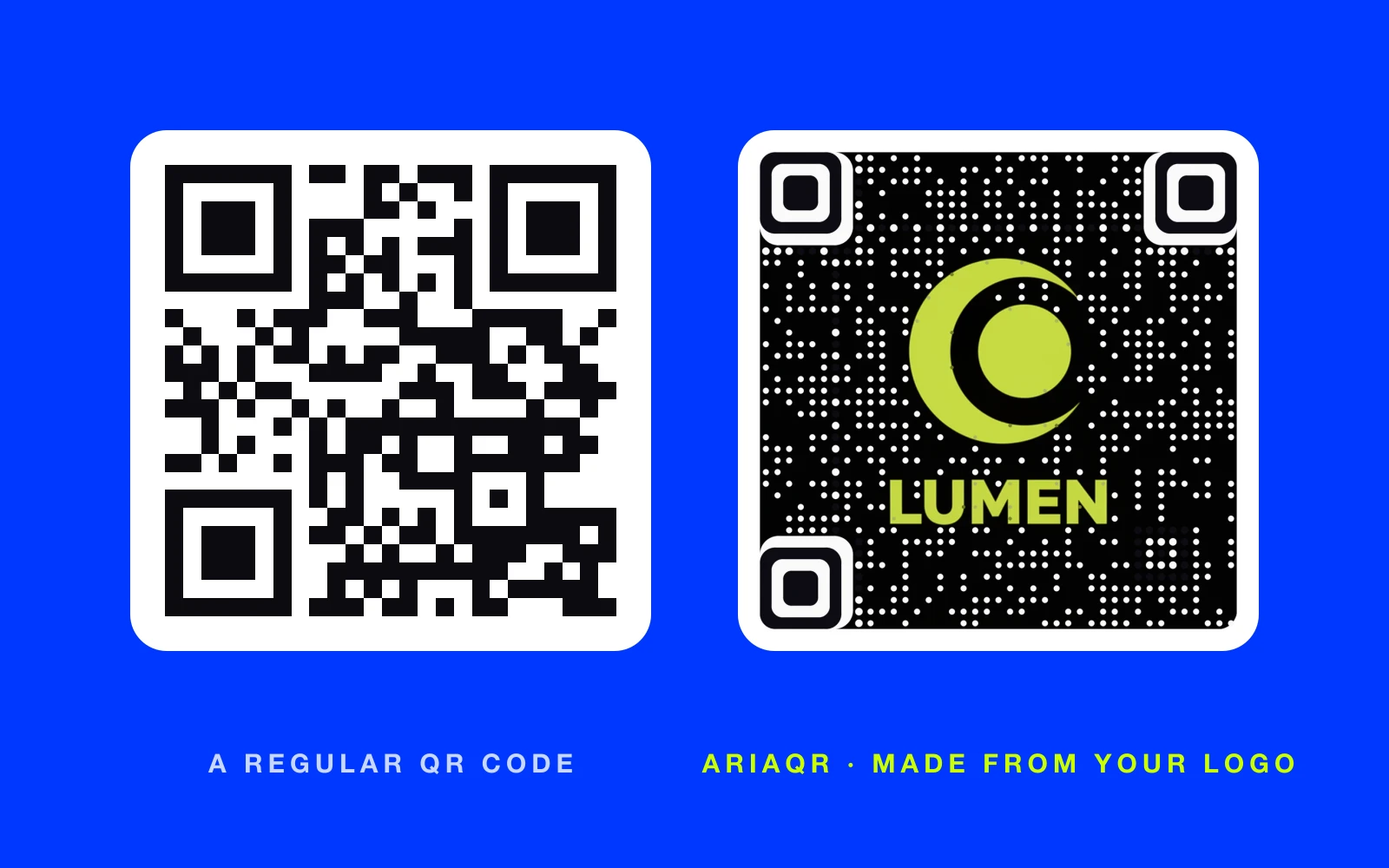
To make a QR code, open a QR code generator, choose what the code should do (open a website, join Wi-Fi, save a contact), enter the details, and download the image. That takes under a minute. The decisions that matter come before and after: whether the code is static or dynamic, how big you print it, and whether you test it before it goes to the printer.
How to make or create a QR code in six steps
If you are searching for how to create a QR code rather than how to make one, the answer is the same, on any QR code generator.
- Decide what the code opens. A website, a menu or PDF, Wi-Fi, a contact card, a WhatsApp chat, a review page, a location, an app download or a calendar event. What should a QR code link to? helps if you are unsure.
- Choose static or dynamic. Static puts the content straight into the code. Dynamic puts a short link in the code, so you can change the destination later and count scans. See the table below.
- Open a generator and enter the details. Paste the link, or fill in the network name, contact fields or message.
- Design it, carefully. Colors and a logo are fine if contrast stays strong: dark code on a light background. Or make the code from your own image so it is part of the design.
- Test it. Scan with at least two phones, from the distance people will really use. Or upload the image to a free QR code tester.
- Download the right file. A large PNG for most uses, SVG or PDF for professional print.
Static or dynamic: which QR code should you make?
| Static QR code | Dynamic QR code | |
|---|---|---|
| What is inside | The content itself | A short link that forwards |
| Change it after printing | No | Yes |
| Scan analytics | No | Yes: scans, devices, places, times |
| Works without internet | Wi-Fi and contact codes, yes | Needs a connection to forward |
| Expires | Never | Only if the service stops it |
| Best for | Wi-Fi, contact cards, permanent links | Menus, campaigns, packaging, anything printed in bulk |
The rule of thumb: if it is printed and the link might ever change, make it dynamic. Dynamic vs static QR codes goes into more depth.
How to make a QR code for free
There are three good free routes.
Your phone or browser. In Chrome, open the share menu on any page and choose "QR code". Safari and many phones can do the same. The code is static, plain and opens that exact page. It is fine for a one-off.
A free generator with no account. The free tools on AriaQR make static codes in your browser, with PNG, SVG or PDF downloads and no watermark: a Wi-Fi QR code generator, a QR code generator for PDF files, a QR code menu maker, a bulk QR code generator for hundreds at once, plus vCard, WhatsApp, review and social codes. Static codes never expire.
A free dynamic code. The free dynamic QR code generator makes a classic code with an editable link and full scan analytics, so it doubles as a QR code generator with tracking, free for a year and renewable free with one click. That is rare: many "free" dynamic codes stop working when a trial ends. The best free QR code generators compares the options honestly.
Check one thing on any free tool: what happens to the code after a trial. A code that stops working after printing is the most expensive kind.
How to make a QR code that people actually scan
A plain black square works. It also looks like every other code on the table, and people skip codes that look like an afterthought. Three things raise the scan rate:
- Give a reason. "Scan for the menu", "Scan to book a viewing", "Scan for 10% off". A label beats a bare code.
- Make it part of the design. On AriaQR, you can upload your photo, logo or artwork and the image becomes the code. It is verified on real decoders under real-world conditions before you download it. QR code with picture walks through it.
- Open a page built for phones. A desktop website on a small screen loses people. A short mobile landing page keeps them.
What size should a QR code be?
Size depends on distance. A code on a business card is scanned from 20 cm; a code on a window poster from 2 m. Roughly, the code should be at least a tenth of the scanning distance.
| Where it goes | Typical scanning distance | Suggested size |
|---|---|---|
| Business card, label | 15–25 cm | 2–2.5 cm |
| Flyer, menu, table tent | 30–50 cm | 3–5 cm |
| Poster | 1–2 m | 10–20 cm |
| Shop window, banner | 3 m and more | 30 cm and up |
The QR code size calculator works it out for any distance. Leave a clear margin around the code, and avoid glossy finishes that reflect light straight back at the camera.
Common mistakes when making a QR code
- Low contrast. Light grey on white, or a code over a busy photo. Check it with the contrast checker.
- Inverted colors. Many scanners struggle with a light code on a dark background.
- A long link in a static code. More data makes a denser, harder-to-scan code. Use a short or dynamic link.
- No test. Print one proof, scan it where it will hang, then print the run.
- A dead destination. Pages get moved. Dynamic codes with link-health checks catch this before customers do.
If a code already fails, why won't my QR code scan? lists each cause with the fix.
Where to start
For a quick personal code, use your phone's share menu. For anything printed for a business, make a dynamic code so you can change it later and see who scans: start with the free QR code generator. If you want the code to be noticed, make it from your own image in the AriaQR generator and see pricing for activation.