Can a QR code be any shape or colour? Mostly, yes. A QR code can be almost any color, its dots and corners can be rounded or restyled, and it can even be a picture, as long as the code stays clearly darker than its background and the three corner squares stay visible.
What breaks scanning is rarely the style itself. It is lost contrast, lost corners or lost margins. Here is what is safe, what needs testing and what to avoid.
Can a QR code be any shape or colour?
Start with how a phone reads a code. It looks for three corner squares, then reads the pattern of dark and light marks between them. It does not care whether those marks are black, blue or burgundy. It cares whether it can tell dark from light.
So the rule is simple: strong contrast, clear corners, clean margin. Everything else is a design choice.
What colors work for a QR code?
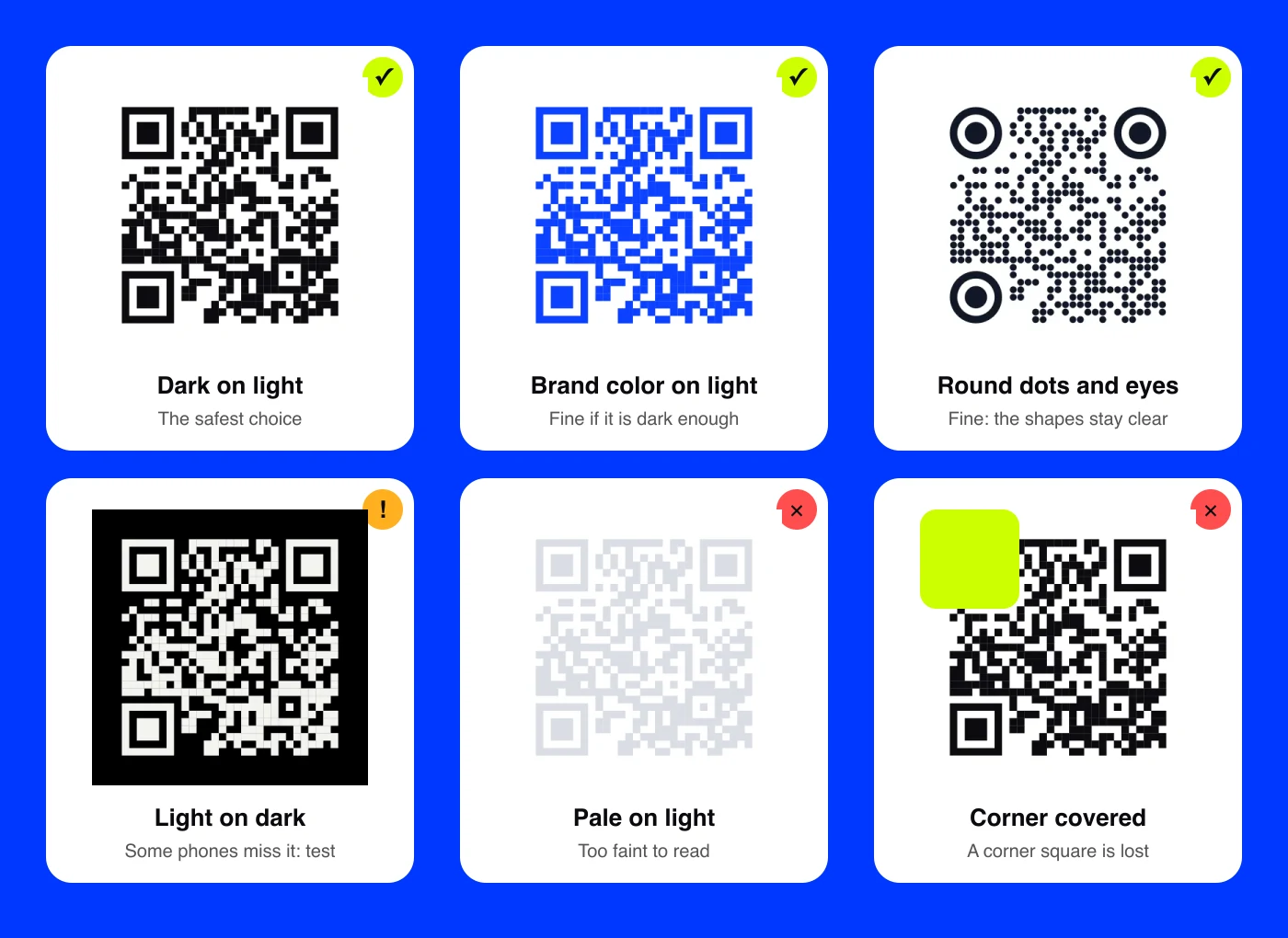
Dark on light is the safest choice, and it does not have to mean black on white.
- Deep brand colors work well. Navy, cobalt, forest green, burgundy, deep purple and chocolate brown all read reliably on white, cream or a pale tint.
- Gradients are fine when every part of the code stays dark. A navy-to-purple fade works. A navy-to-pink fade can lose the lighter end.
- Pale colors fail. Light yellow, pastel pink, sky blue and light gray look elegant on screen but often fade into the background, especially in print.
- Similar shades fail. Red on green, or dark blue on black, may look different to you but can look alike to a camera.
A quick test: turn your design to grayscale. If the code still looks clearly dark on light, it will almost always scan.
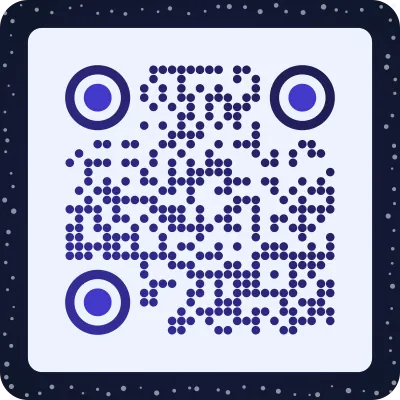
Here is a real styled code in a deep blue, on a light panel inside a dark border:
Do inverted QR codes scan?
An inverted code is light on dark: white dots on black, or lime on navy. It can look striking on a dark brand page or a night poster.
Most current phone cameras read inverted codes. Some older phones, older scanner apps and certain in-app cameras do not, and you cannot know which phone your customer carries.
If you want a dark design, there is a safer route: keep the code dark on a light panel and let the dark design surround it. You keep the mood, and every phone can read it. If you do print an inverted code, test it on several phones first.
Can a QR code be any shape?
The code itself is always a square grid. That is part of the standard, and it is how phones know where to look. But inside that rule there is plenty of room.
- Round or custom dots. Dots can be circles, rounded squares, diamonds or soft blobs instead of hard squares.
- Styled corner squares. The three corner "eyes" can be rounded or drawn as circles, in their own color, as long as each keeps its solid center and rings.
- A shaped frame. You can put the square code inside a round badge, a bottle label, a speech bubble or a die-cut sticker, with clear space around it.
- Spacing and texture. Dots can sit apart with space between them, which reads lighter and more modern than a solid grid.
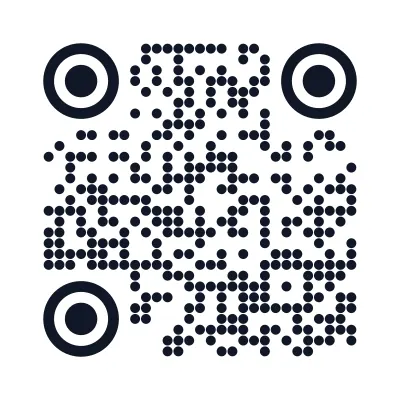
What you cannot do is cut the square into another outline, such as a heart or a star, removing parts of the grid. Missing corners or edges are where codes fail. More on why the corners matter in why QR codes have three squares in the corners.
Can a picture be the QR code?
Yes. Instead of a code next to your image, the image can carry the code. AriaQR turns a photo, a product shot or a logo into a scannable QR code: the picture stays the picture, and the code lives in it as a field of dots.
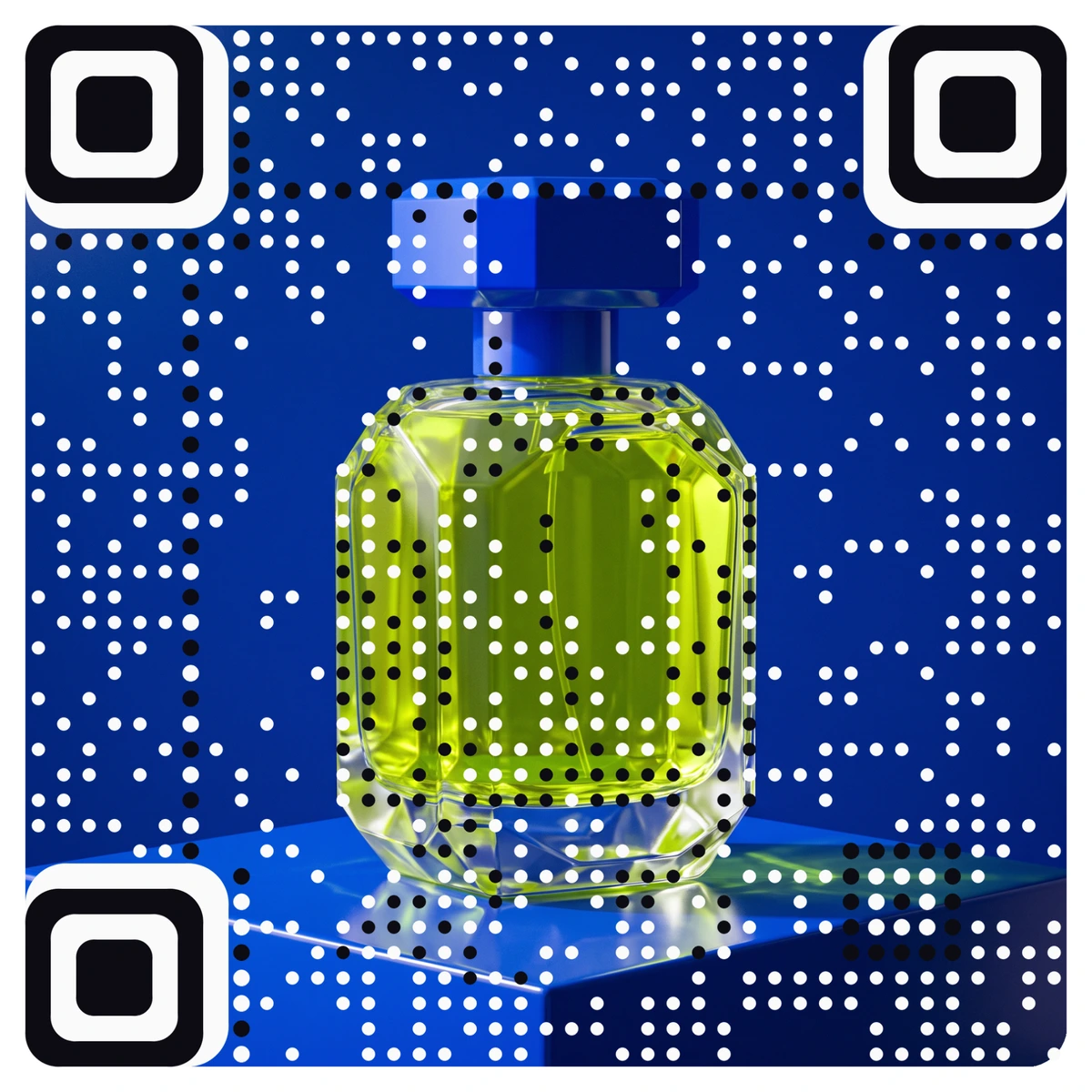
Every code is verified on real decoders under real-world conditions before you download it, so you do not have to guess whether the art went too far. If you are weighing a plain code against a picture code, regular QR vs AriaQR puts them side by side.
What breaks a QR code, in plain terms
Most failures come down to a short list:
- Low contrast. Pale code, dark background, or two colors of similar brightness.
- A covered or cropped corner. A logo, a sticker or the edge of the page eats a finder square.
- No margin. Text, photos or patterns run right up to the code.
- Too small for the distance. A code on a poster across a room needs to be much bigger than one on a business card.
- Glare and stretching. Glossy finishes reflect light, and a code squashed to fit a layout no longer matches its own grid.
Where to start
Pick a dark color from your brand palette, set it on a light background, and keep the corners and margin clear. If you want ideas, browse the QR code designs gallery, which shows styled codes from simple dots to seasonal themes. Test a printed proof on two phones before you order in bulk.