QR code SVG and DXF for laser cutting and engraving
Make a QR code for laser engraving or cutting: merged outlines in mm as SVG, DXF and PDF, with bridges for stencils. Free, made in your browser.
The dark squares as filled shapes. For materials the laser marks darker: wood, leather, cork, card.
The width is the pattern itself; the margin is added around it. Q or H error correction (recovers 25 or 30% damage) is worth it on wood grain, stone and anything that gets handled.
29 × 29 modules · one module 1.38 mm · artwork 51.03 mm square with the margin
SVG and PDF: one filled path, set it to engrave or fill. DXF: closed polylines on an ENGRAVE layer, in millimeters; holes are separate outlines inside. Import at 100% scale.
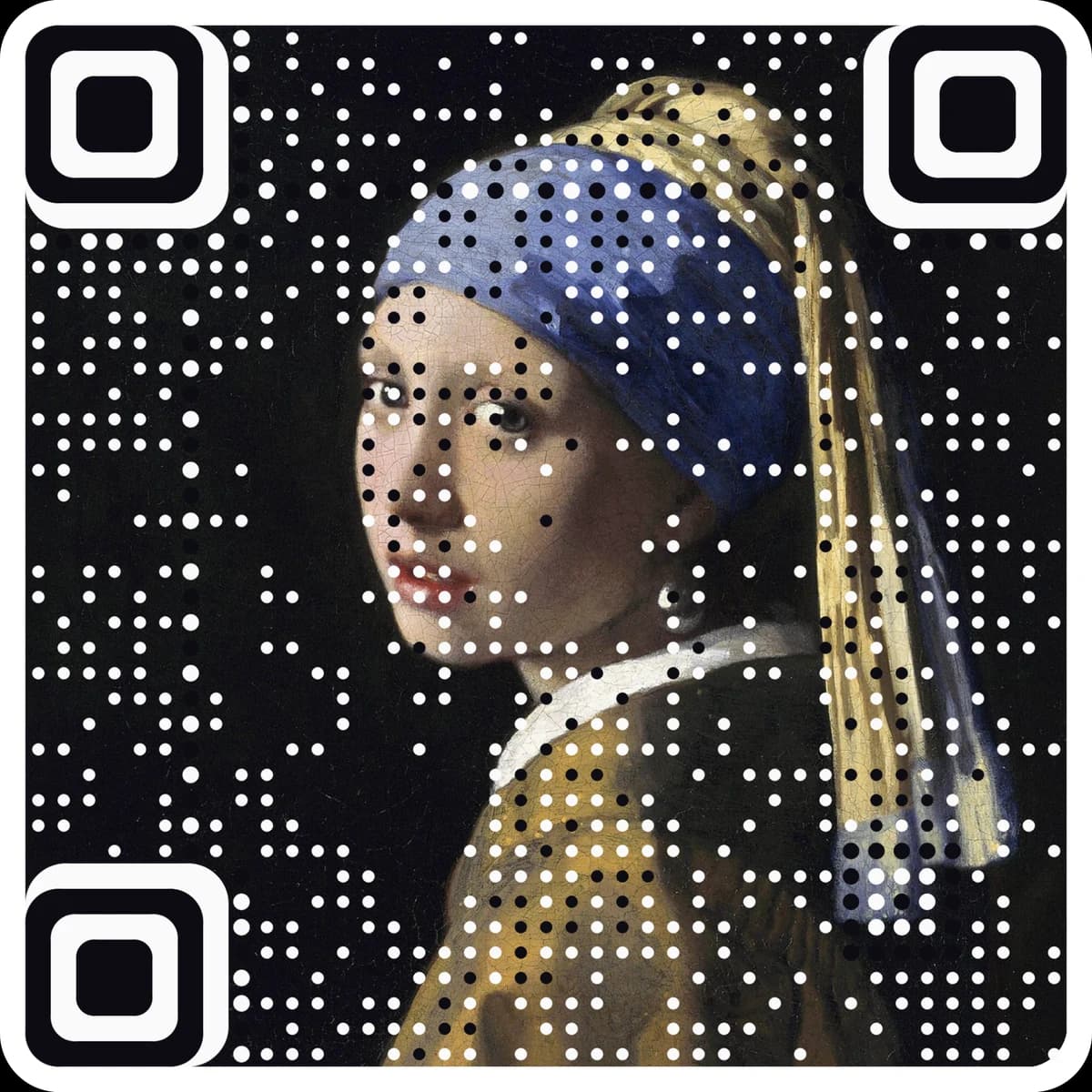
Want scan counts and an editable destination? Make it a free dynamic code. Want it in your own image? Make a picture code.
Type the link or text, pick engrave, cut-out stencil or inverted engrave, and set the width in millimeters.
Check the preview: neighboring squares are merged into clean outlines, and stencil islands get bridges.
Download SVG, DXF or PDF, import at 100% scale, and run a test on scrap before the real piece.
Questions
Why merge the squares into outlines?+
A file made of hundreds of separate squares makes the laser trace every square, burns shared edges twice and can leave hairline seams between modules. Merged outlines engrave as one clean fill and cut each edge once, which is faster and scans better.
How small can I engrave a QR code?+
As a guide, keep one module at 0.5 mm or more for engraving, and 1 mm or more on wood grain, stone or anything rough. A short link needs about 25 modules, so around 13 mm wide is a practical floor. Shorter content means fewer modules and a smaller code.
What are islands and bridges in a stencil?+
An island is a light piece with a cut all the way round it, like the light ring inside each corner square. When you cut the stencil it drops out, and the code paints wrong. A bridge is a thin uncut strip that ties it to the sheet. The tool adds the fewest bridges needed and shows the count.
Which mode do I use on dark materials?+
Inverted engrave. On anodized aluminum, slate or black acrylic the laser leaves a light mark, so it has to mark the light squares and the margin instead. The file looks like a negative on screen and comes out right on the material.
Can I change where the code points after engraving?+
Not with a static code: the link is part of the pattern. Engraving is permanent, so a common choice is a dynamic code: make a free one at ariaqr.com/free-qr-code-generator, put its short link here, and change the destination whenever you like.
More free tools
The next step
Make the code the artwork.
These tools make and check classic codes. AriaQR turns your photo, logo or illustration into the code itself, verified on real decoders before you download, with a link you can edit and track.