Landing pages and leads
Your page address and subdomain
1 min read·Updated October 27, 2026
Short answer
Every page lives at aqr.li/your-name. On Business it can also have its own subdomain, your-name.aqr.li. Change the address in the editor’s Settings → Address; an old address keeps redirecting.
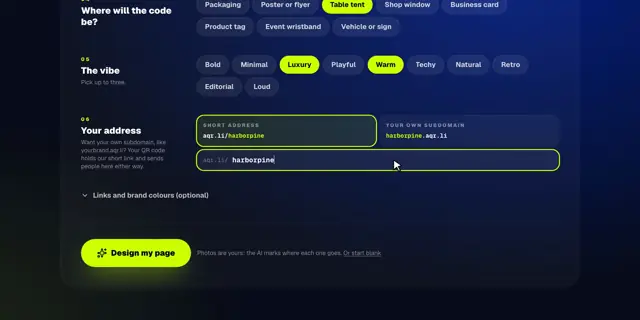
harborpineYour page’s name.aqr.liOur short domain
aqr.liOur short domain/harborpineYour page’s name
go.harborpine.comYour own domain/menuThe page
Choose or change the address
- 1Open the page and click Settings.
- 2Under Address, choose Short address (aqr.li/name) or Your own subdomain (name.aqr.li).
- 3Type the name and click Save address.
- Use 3 to 40 lowercase letters, numbers and dashes.
- Names that impersonate sign-in, payment or support pages are reserved.
- Address changes: 10 a day, or 40 on Business.
What happens to the old address
If the page was ever live, the old address becomes a permanent redirect to the new one, so printed codes keep working. Your QR code holds the short link anyway, so it never needs reprinting.
Tip · Want your own domain, like go.harborpine.com? See connect your own domain.