
How do you turn walk-bys into customers when most people pass your door without slowing down? You give them one reason to stop and one easy thing to do right there on the sidewalk. A single A-frame sign with a clear offer and a QR code can do both, and it can tell you whether it worked.
Here is how that plays out for one shop, from problem to result. The shop is an illustrative example, not a real customer, but every step is something you can copy this week.
The problem: lots of people, few customers
Picture a small specialty coffee roaster on a busy street in Portland. Call it the roastery. It sells beans by the bag and pours a short menu of drinks at a narrow counter.
The street is never empty. Office workers, students and dog walkers stream past all day. Yet the counter stays quiet outside the morning rush. The owner can see the problem from behind the espresso machine: people glance at the window and keep walking.
The window display is lovely. It just never asks anyone to do anything.
Why don't walk-bys come in?
From the sidewalk, a small shop has about two seconds to answer three questions:
- What is this place?
- What is in it for me?
- What do I do now?
The roastery's window answered the first question. It never answered the other two. And most passers-by are on their way somewhere, so even a curious one has no time to come in today.
That second group matters most. They are interested, they are just busy. The shop needs a way to catch them now and see them later.
The sign: one offer, one action
The owner buys a simple A-frame sign and puts it at the curb edge, angled toward the foot traffic. On each side:
- A headline people read in a step: "Fresh roast, every Thursday."
- One offer: "Scan for a free tasting cup with your first bag."
- One action: a QR code with the label "Scan for your code and this week's beans."
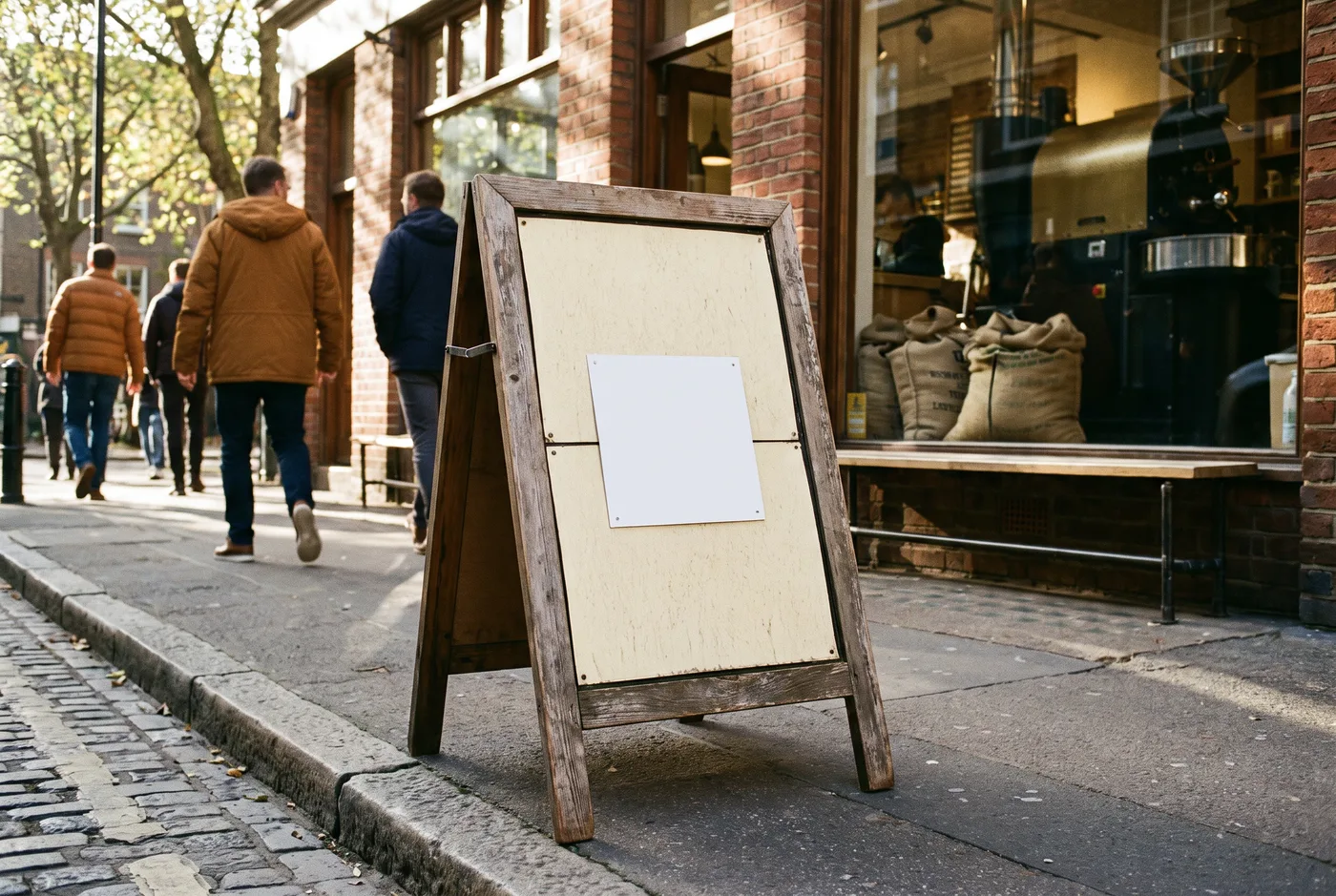
The code is not a plain black square. It is made from the roastery's own logo, so it looks like part of the sign rather than a sticker someone added later. Here is a real AriaQR code made from a roaster's logo, the kind of thing the sign would carry:
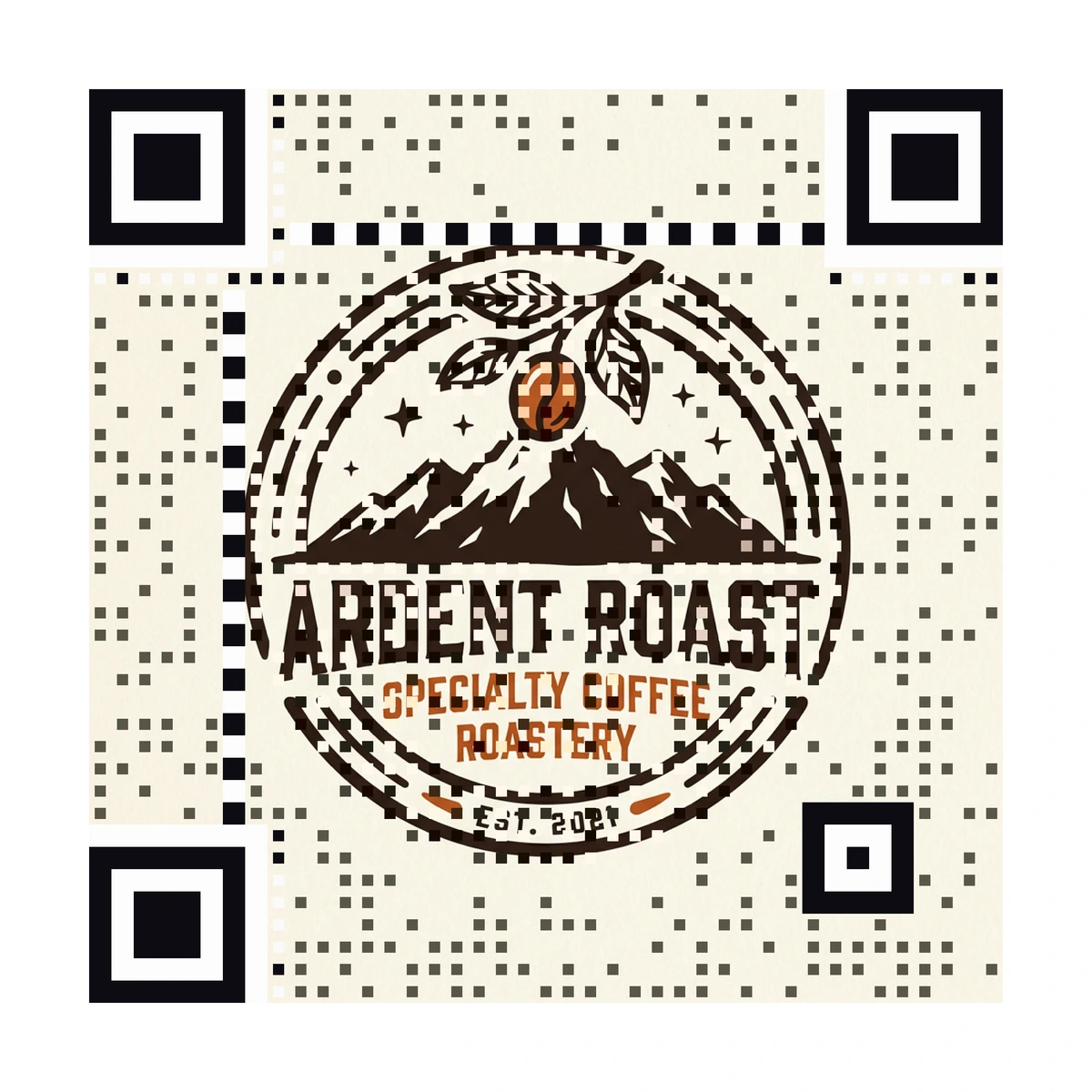
Every AriaQR code is verified on real decoders under real-world conditions before download, so the owner does not have to guess whether a sign-sized print will scan from the sidewalk. Still, the owner tests the printed sign from where people actually walk, on two phones, before putting it out.
The page: what the scan opens
The scan opens a short mobile page, not the full website. It holds:
- The offer at the top, with an offer code to show at the counter.
- This week's beans, with a line on each.
- Opening hours and a map pin.
- A button to order a bag for pickup.
That page took one afternoon on AriaQR landing pages. It is fast, it fits the phone, and it leads to one thing: come in and claim the bag. If you need ideas for a page like this, our QR code landing page examples show several layouts.
The code is dynamic, so the owner can change the page later without reprinting the sign. Next month the offer can be a new single-origin, a tasting night, or a loyalty sign-up.
The tracking: one code per side
Here is the smart part. The sign has two sides, one facing people walking north and one facing people walking south. The owner gives each side its own code, grouped as placements of one campaign. Placements come with the AriaQR plans; with a single code, you would simply make a second code.
Now the dashboard shows two numbers side by side instead of one. If the side facing the train station gets most of the scans, that tells the owner which way the interested traffic flows, and where the next sign should go.
Our guide on placements and campaign tracking explains how to set that up.
The owner also checks:
- Scans per day, to see if Thursday's fresh-roast line pulls more than other days.
- Hour of day, to see when the street is most curious.
- Codes redeemed at the counter, to see how many scans became actual sales.
The result: what changes
After a few weeks, the roastery knows things it could only guess before:
- How many passers-by cared enough to scan.
- Which side of the sign does the work.
- Which hours bring curious people, including the hours when the counter is quiet.
- How many scans turned into a bag sold, counted by the offer code at the till.
None of this needs a big budget. One sign, one offer, one page, two codes. And if the numbers stay low, the owner knows to change the offer or the spot, rather than blaming the street.
How to turn walk-bys into customers at your shop
You do not need a roastery to use this. A bookshop, a florist, a bike repair shop or a nail salon can run the same play.
- Write one offer that a passer-by can understand in a step.
- Put it on a sign at the curb, angled toward the flow of people.
- Add a branded code with a label that says what the scan gives.
- Open a short mobile page with the offer, your hours and one button.
- Give each side or spot its own code, then compare.
- Count redemptions at the counter, not just scans.
Where to start
Start with one sign and one offer this week. Make the code from your logo, point it at a short page, and give each side of the sign its own placement. Check the numbers after two weeks, keep what works, and change the rest.