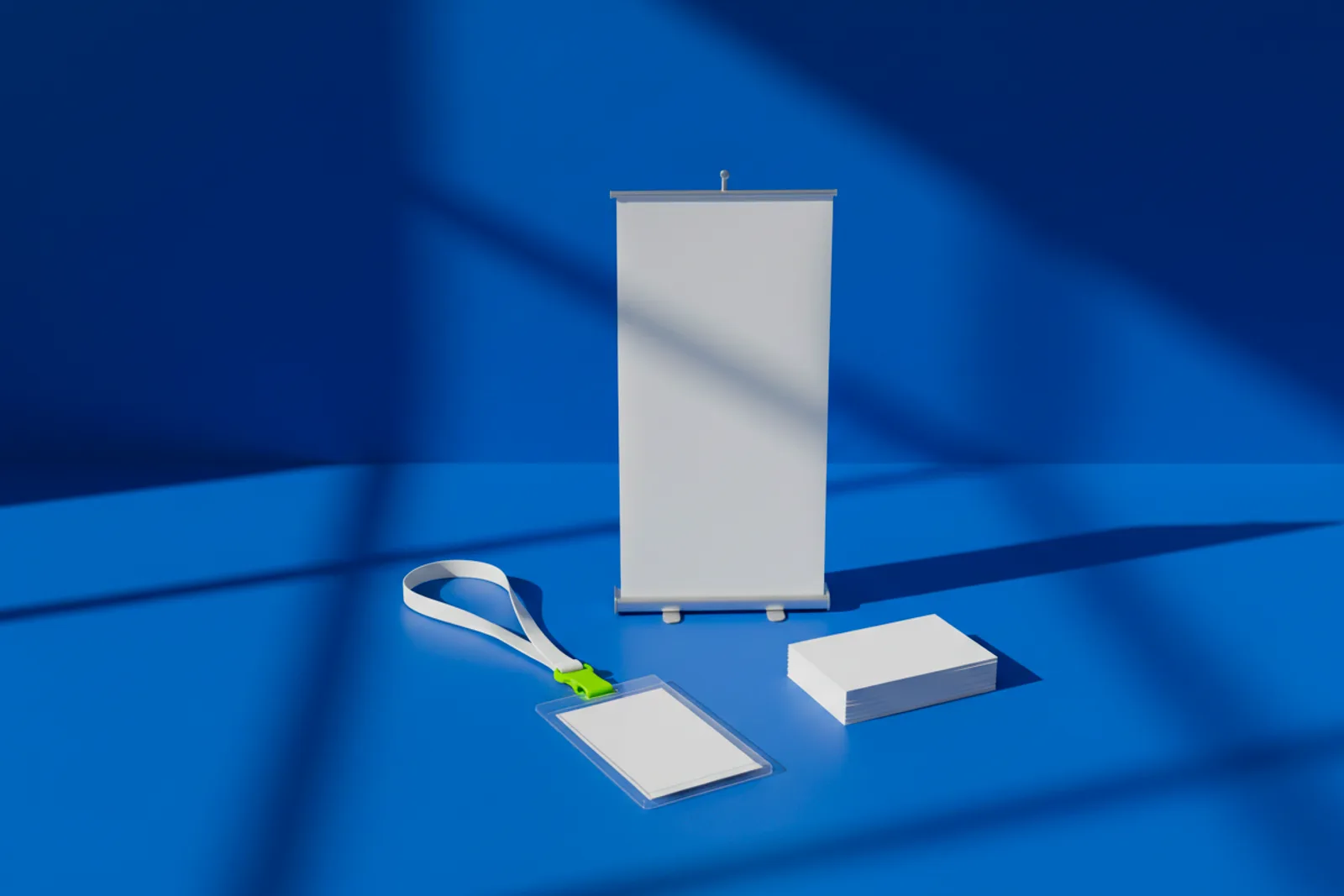
Why do visitors forget most trade show QR codes by the end of the aisle? Because they remember one striking image and one easy next step, and most codes are neither. Good ones can be both: the booth graphic itself becomes the code, and the scan opens a page that turns a conversation into a lead you can follow up.
This guide covers what works on the show floor, what does not, and which code types fit.
Why most trade show QR codes get ignored
Walk any expo hall and you will see the same thing: a beautiful booth wall with a small grey square in the bottom corner, often below table height and behind a brochure stand. It opens the company homepage.
Three problems sit in that picture:
- It is easy to miss. A small code on a big wall disappears from more than a few steps away.
- It looks like every other code. Nothing ties it to your brand or your offer.
- It opens the wrong thing. A visitor who stopped for a demo does not want your homepage.
Make the booth graphic the code
A picture code turns your brand image into the code itself. The artwork stays the artwork, and the code lives inside it as a field of dots. On a booth wall, that means the code can be big, central and on-brand, instead of a sticker in the corner.
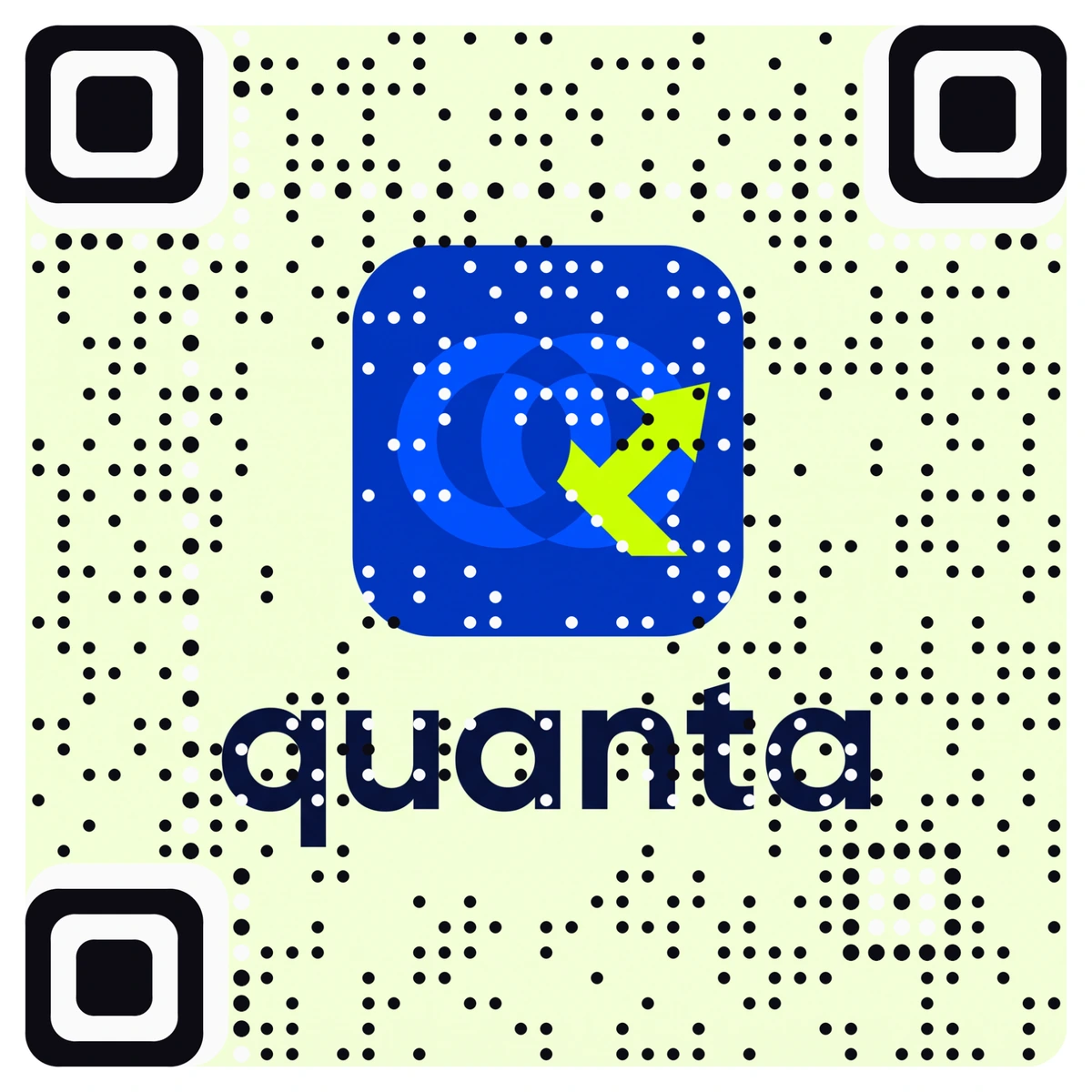
Every AriaQR code is verified on real decoders under real-world conditions before download, so the design team sees a clear verdict before the large-format print is ordered. Test the printed proof from the aisle, not just from your desk.
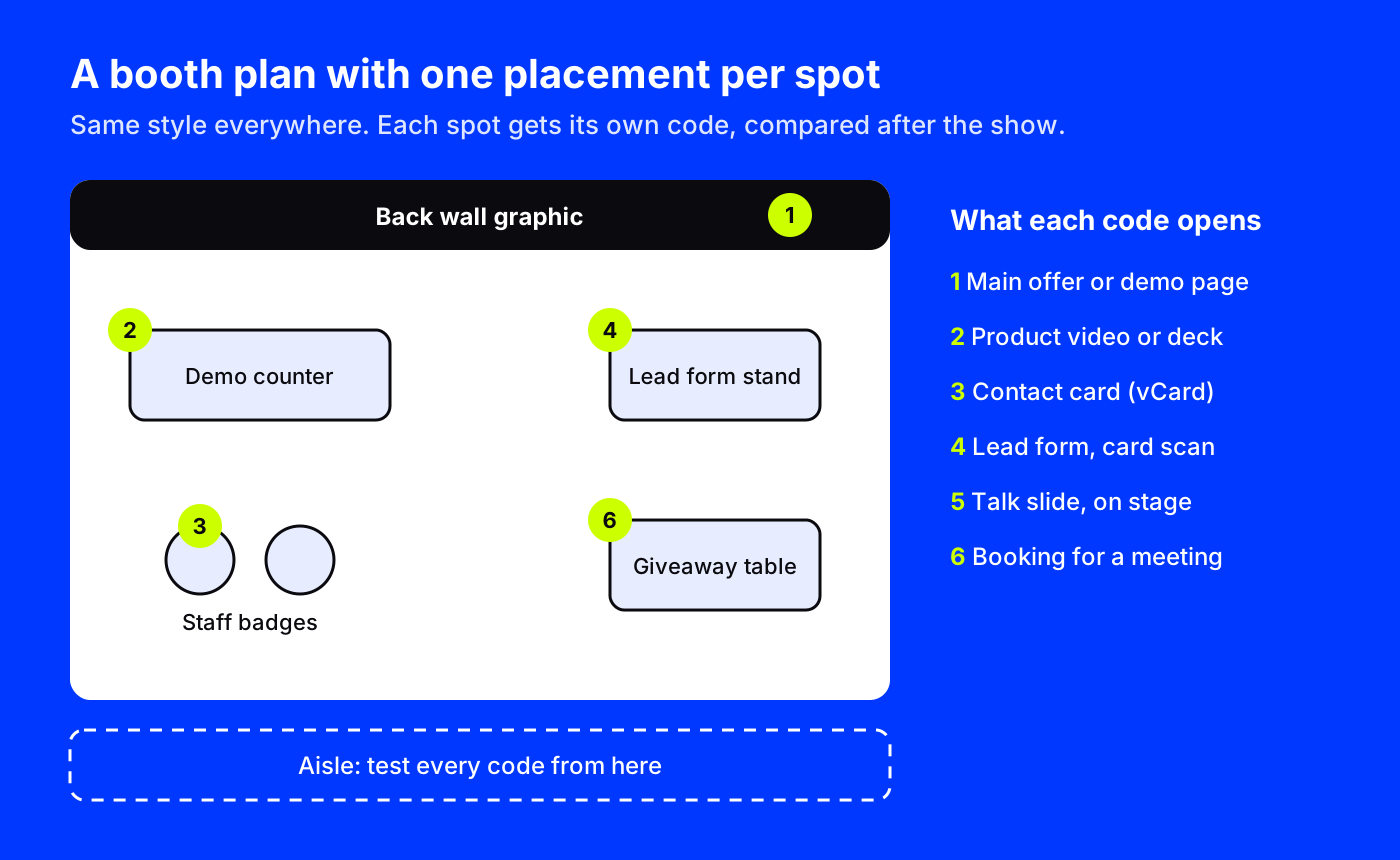
Six booth spots, six jobs
A booth has several places a visitor might scan, and each one deserves its own job.
- Back wall graphic. Your main offer: book a demo, see the product, get the report. This is the code people see from the aisle.
- Demo counter. A video of the product, or a slides code with the deck you are presenting.
- Staff badges and cards. A contact card (vCard) code that saves the person's name, phone, email and company to the visitor's phone. Our guide to a QR code for your business card covers the details.
- Lead form stand. A short form for anyone who wants a follow-up.
- Talk slide. If your team speaks on stage, the last slide carries a code to the talk page and a calendar event for your booth demo times.
- Giveaway. A sticker or card that goes home, pointing to a booking link for a meeting after the show.
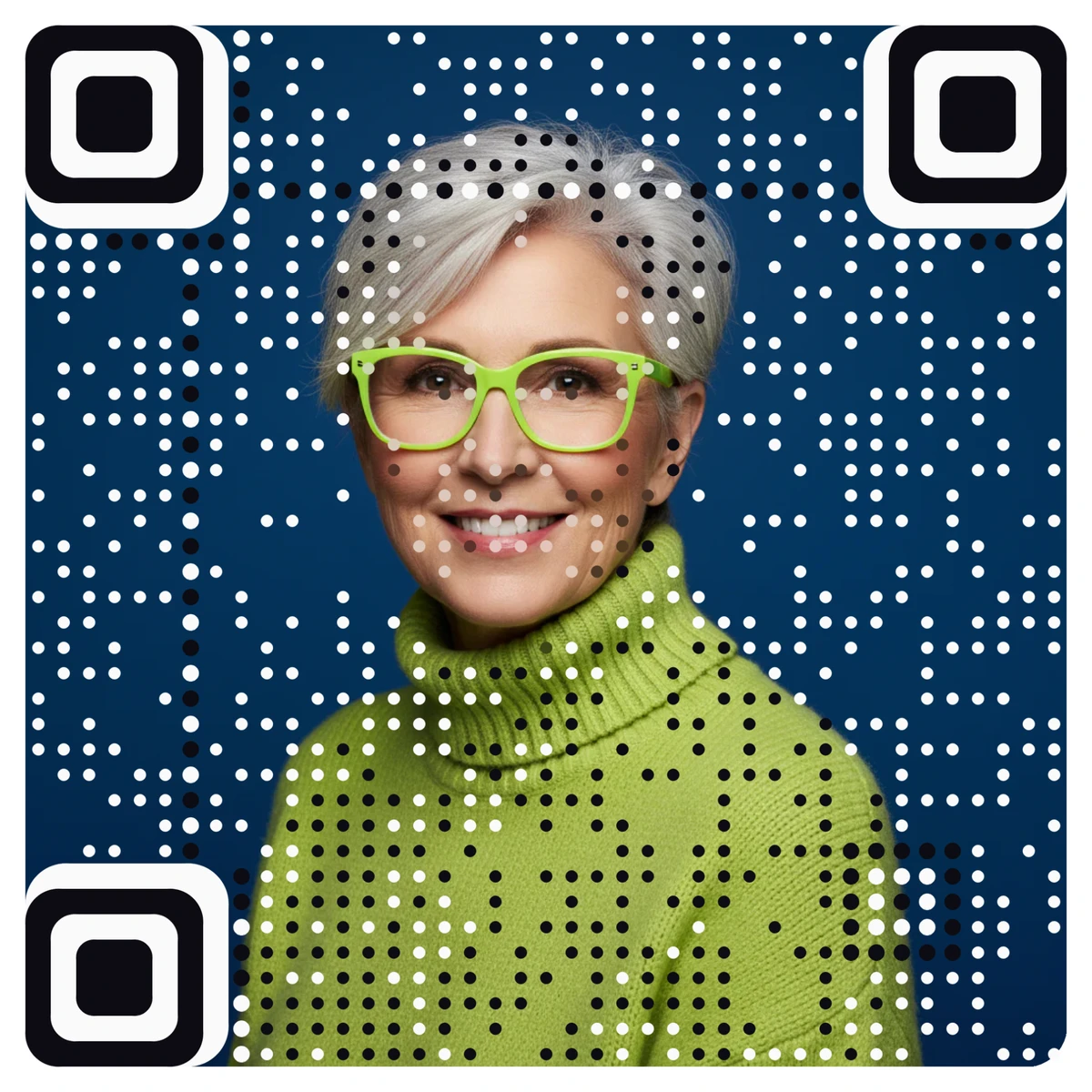
Here is a real picture code made from a headshot, the kind a speaker or sales lead might put on a card:
Lead capture that does not need a scanner rental
The lead form is where a booth pays for itself. On AriaQR, it is one of the landing pages you build with a form block: name, email, company and one useful question such as "What are you looking to solve?". Forms are part of the Business plan, and every lead lands in a Leads page you can export, with an optional webhook into your CRM.
The form has one more trick for events. It can offer a "Scan my business card" button: the visitor points their camera at their own card and the form fills itself in. Staff can use the same form in staff mode, scanning one visitor's card after another, with a fresh form ready each time. The card is read on the phone; the picture is not uploaded or kept.
Keep the form short. Every extra field loses people who are standing in an aisle with a coffee in one hand.
Placements: which booth area worked?
After the show, the question is always the same: what worked? Placements answer it. You make one campaign with a separate code for each spot (wall, counter, badges, form stand, talk slide, giveaway), all in the same style. The dashboard compares them side by side.
You will learn things that change the next booth:
- Whether the wall code earns scans from the aisle, or only from inside the booth.
- Whether the talk drove visits.
- When the floor was busy, from the hour-of-day heatmap in the scanner's local time.
The same campaign can run across several shows. Give each event its own placements and compare cities. Our guide to placements and campaign tracking shows the setup step by step.
Which code types fit an event
AriaQR has more than 60 code types. These are the most useful at a conference:
| Job | Code type |
|---|---|
| Main offer, demo page, report | Website link or landing page |
| Lead capture | Landing page with a form |
| Staff contact | Contact card (vCard) or LinkedIn |
| Book a meeting after the show | Booking |
| Your talk or booth demo times | Calendar event |
| Product video or deck | Video, or Slides |
| Remote follow-up | Zoom, Google Meet or Microsoft Teams |
| Your app | App download |
Because most codes are dynamic, you can change destinations during the show. If the morning demo slot is full, point the wall code at the afternoon booking page instead. Daily link-health checks and an alert for a broken destination mean nobody scans into a dead page on day two.
What does not work
- A code below knee height. Visitors will not crouch.
- A code with no reason. Add a line: "Book a 15-minute demo" or "Get the report".
- A code behind people. If staff stand in front of the wall, the wall code needs to sit higher or repeat on the counter.
- Asking for too much. A long form at a trade show collects fewer leads, not better ones.
Where to start
Pick your one main offer and build the page for it. Make the booth wall code from your logo or key visual, add the form with card scanning, and set up placements for each booth spot. Print proofs at full size and scan them from the aisle before the show.