
Is your QR code hurting your brand? If it is a generic gray square, opens a slow page or has quietly stopped working since the last reprint, the answer is probably yes. Customers do not separate the code from the company: a bad scan feels like a bad brand.
Here are five signs to check for, why each one matters, and how to fix it.
Is your QR code hurting your brand?
Think about where codes live: on the back of a premium box, the corner of a magazine ad, a hotel room card, a product label. These are surfaces your design team obsessed over. Then a code goes on at the last minute, made in whatever free tool was open, linked to whatever page was handy.
The result is a small moment that undoes a lot of careful work. One weak step in the customer's path is enough to make the whole brand feel less considered.
Sign 1: it is an off-brand gray square
The most visible sign is the code itself. A plain black-and-white square looks the same on a luxury candle as on a parking ticket. It does not say anything about you, and next to good design it looks like an afterthought.
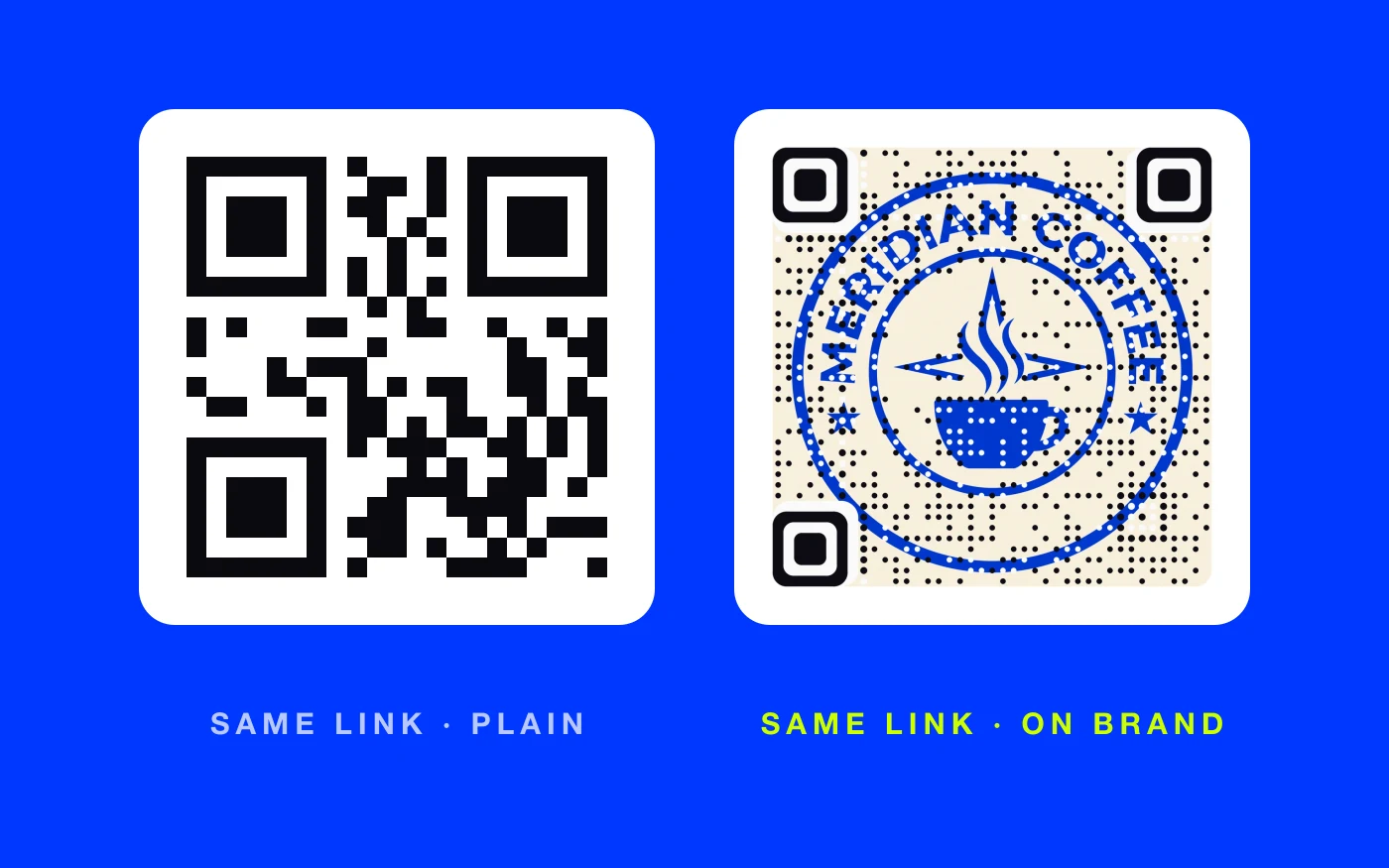
Both codes above open the same address. One looks like a utility label. The other looks like the coffee brand. Pasting a small logo in the middle of a plain code helps a little, but the square is still a square.
The fix: make the code from your own artwork. AriaQR turns your logo into the QR code itself, so the image stays the image and the code lives inside it as a field of dots. Every code is verified on real decoders under real-world conditions before download, so the design does not cost you scans.
Sign 2: it opens a slow or unsafe-looking page
The scan is a promise. What opens next decides whether you kept it.
Common letdowns:
- A heavy desktop homepage that takes ages to load on mobile data.
- A PDF that has to download, then be pinched and zoomed.
- A page full of pop-ups, cookie walls and ads before any content.
- A page that asks for an email or a sign-in before showing anything.
That last one also looks suspicious. People have learned that fake codes lead to pages that ask for details right away, so a page that does the same makes them nervous, even when it is yours.
The fix: send each code to one fast, mobile page built for that moment: the product page, the menu, the tour video, the offer. Nothing in the way.
Sign 3: it stopped working after a reprint or redesign
This is the sign nobody notices until a customer complains. The website gets rebuilt, a page moves, a campaign ends, and every printed code that pointed at the old address now opens an error.
Static codes cause this. The address is baked into the pattern, so it can never be changed. Thousands of boxes or brochures can turn into dead ends overnight.
The fix: use a dynamic code, which points at a short link you can edit at any time. When the page moves, change the destination and every printed code follows. AriaQR codes are dynamic by default, and daily link-health checks can email you when a destination stops answering, so you hear about it before your customers do. Our guide to dynamic vs static QR codes explains when static still makes sense.
Sign 4: it lands somewhere customers do not recognize
When someone scans, most phone cameras show the address before opening it. If that address is a free shortener known for spam, or a long string of tracking parameters on a domain that is not yours, careful customers will stop right there.
The fix: make the final destination your own domain, and keep the address short and clean. Use a short link from a service that checks what it points at. AriaQR checks every destination against Google Safe Browsing when a code is made or edited and re-checks over time, and it refuses links to raw number addresses instead of domain names. Add a line under the code that names your brand, so the preview matches what people expect.
Sign 5: you have no idea whether anyone scans it
A code with no tracking is a print cost with no feedback. You cannot tell whether the packaging insert works better than the counter card, whether the new line under the code helped, or whether a location has gone dead.
The fix: use codes that count. AriaQR shows total scans, unique visitors, scans per day, an hour-of-day heatmap, the device split and a map, without cookies. Placements let you give each poster or shelf its own code and compare them side by side.
What a brand-safe QR code looks like
Put the fixes together and a good code has five qualities: it looks like your brand, it opens a fast page, it can be updated after printing, it lands somewhere customers trust, and it reports back.
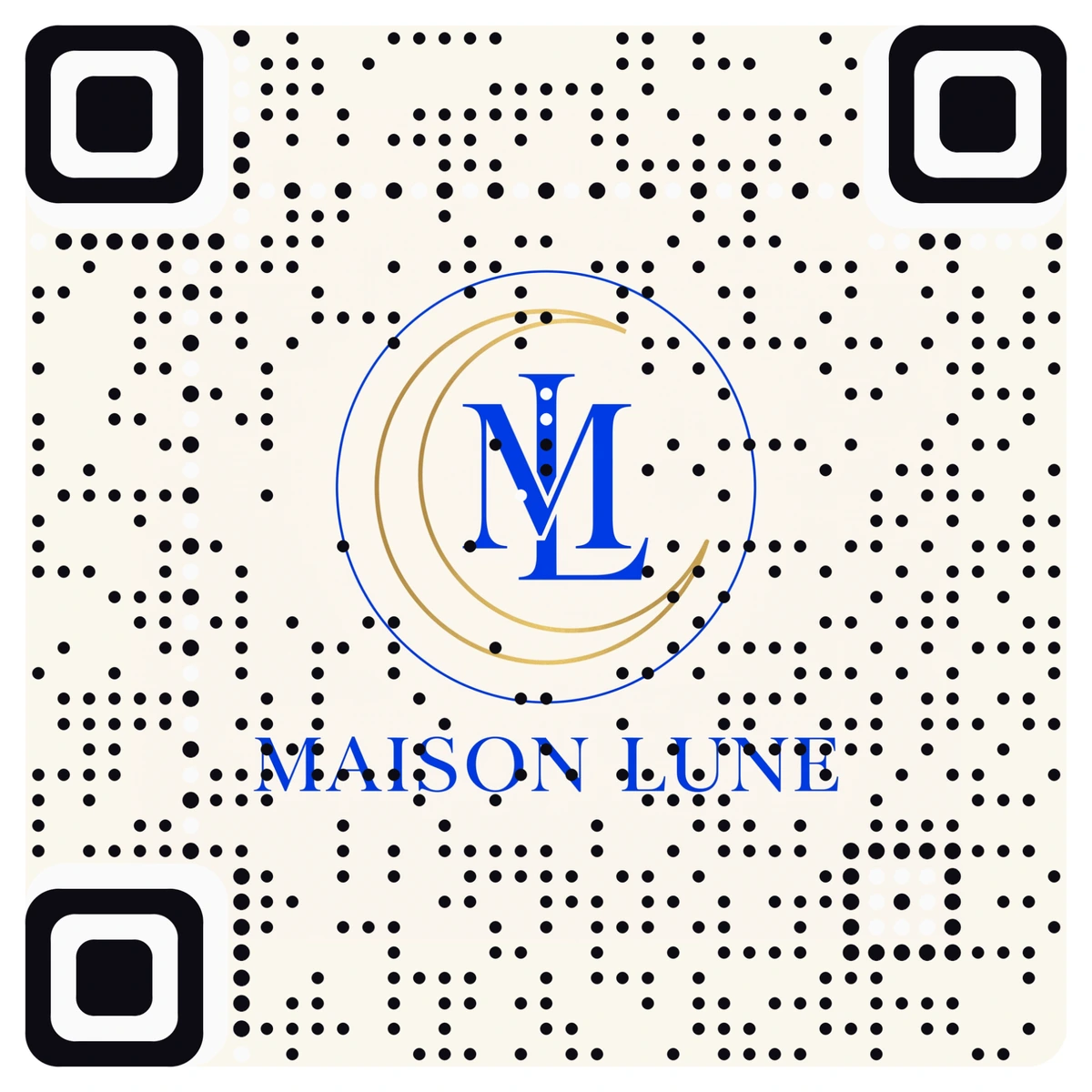
The code above is a real one, made from a simple monogram on cream. It would sit comfortably on a hotel key card or a perfume box. For more on why plain squares get passed over, read the ugly QR code problem.
Where to start
Gather every code your brand has in print right now: packaging, cards, signage, ads. Scan each one on mobile data and score it against the five signs. Fix dead links first, since they cost you today. Then replace the gray squares on your most visible pieces with codes made from your own artwork, and give each one tracking so you know what works.