
Should your shop counter have a QR code or an NFC tag? In the QR code vs NFC debate, the honest answer is that neither "wins": a QR code reaches more people at almost no cost, NFC is a little faster at arm's length, and the best shop signs now use both.
Here is how they compare, and where each one belongs.
How QR codes and NFC work
A QR code is a printed pattern. The phone's camera reads it, from a few centimeters away up to several meters, depending on how big it is printed. It costs nothing beyond ink, and it works on paper, glass, packaging and screens.
NFC, or near-field communication, uses a tiny radio chip with an antenna. The phone powers and reads the tag when it is held very close, typically within a few centimeters. Tap-to-pay with a bank card or phone uses the same technology. A tag can hold a web link, contact details or other small data, and it can hide under a sticker or inside a product.
Both can open the same thing: your menu, a product page, a review page or a loyalty sign-up. The difference is how people get there.
QR code vs NFC: the honest comparison
| QR code | NFC tag | |
|---|---|---|
| Cost per item | Only printing | A chip in every tag |
| Phones that can use it | Nearly every smartphone camera | Most recent smartphones; some lack it or need it switched on |
| Reading distance | Centimeters to meters, depending on size | A few centimeters |
| Works on screens and digital signs | Yes | No |
| Works in the dark | Needs some light | Yes |
| Visible to customers | Yes, it explains itself with a label | Usually needs a printed "tap here" prompt |
| Change where it goes | Yes, with a dynamic code | Yes, if the tag holds a link you control |
| Can be hidden in a product | No | Yes |
| Risk of tampering | A fake sticker over the code | A fake tag stuck over the real one |
The table points to a simple pattern. QR codes win on cost and reach. NFC wins on close-range convenience. Our glossary entry on NFC vs QR code has the short version.
Where QR codes win in shops
Windows, posters and shelves. Anything a customer sees from more than arm's length away needs a QR code. Nobody walks up to a shop window to tap it.
Printed materials. Flyers, receipts, bags and packaging can carry a QR code for the cost of ink. Putting a chip in each one is not realistic.
Screens. Digital menu boards, TV ads and online stores can show a code. NFC does not work through a screen.
Reaching every customer. Almost everyone already knows how to point a camera at a code. Fewer people know which part of a sign to tap, or have NFC switched on.
Measuring. A dynamic QR code counts scans per day, by device and by rough location. Give each placement its own code and you can compare the window poster with the counter card. Our guide to where to put QR codes in your shop covers placement.
Where NFC wins
At the counter. When the customer's phone is already in hand at the till, a tap is quick and feels natural.
In low light. Bars and evening venues can be dark, which is hard on any camera. NFC does not care.
Hidden inside products. NFC tags can sit inside a label, a garment tag or a bottle cap, invisible until someone taps. That is useful for authentication and premium packaging.
Payments. Contactless card and phone payments run on NFC and are part of everyday shopping in many countries. QR payments are common in other markets, so the right choice there depends on where you trade.
The best answer: use both on one sign
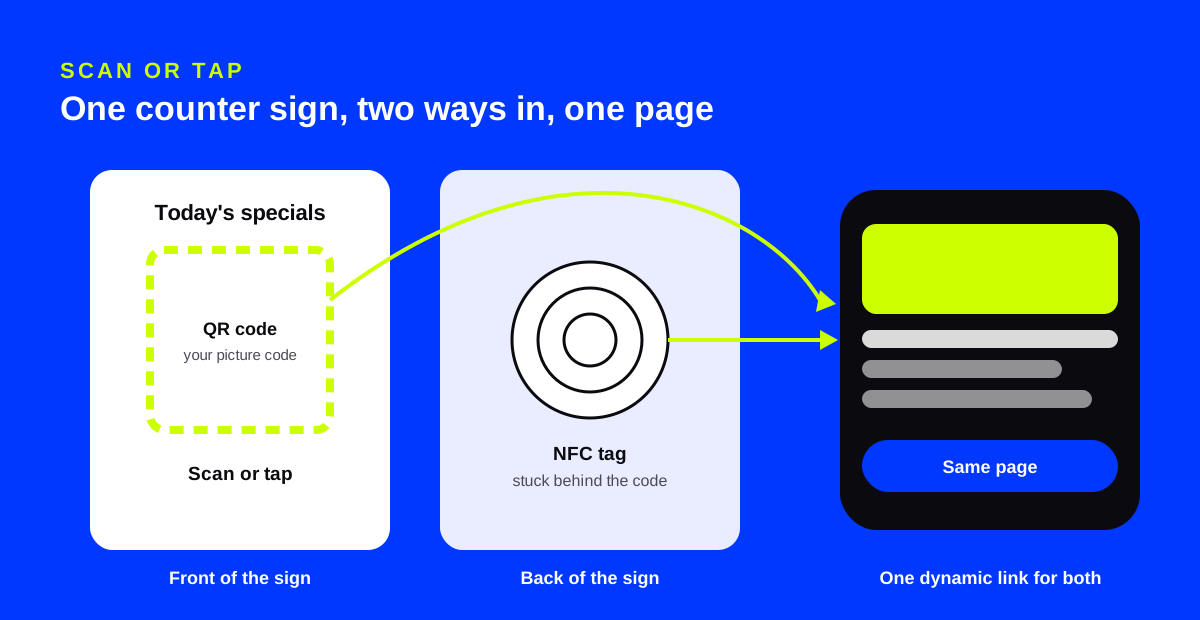
The strongest setup is not "or". It is a printed QR code with an NFC tag behind it, both opening the same page.
- Make one destination, such as your menu, loyalty page or review page.
- Print a QR code that opens it, with a short label: "Scan or tap for today's specials."
- Stick an NFC tag behind the printed code, set to the same link.
- Use a dynamic link for both, so you can change the page later without touching the sign.
Customers who tap will tap. Everyone else scans. Nobody is left out.
Make the QR half look like your shop
The QR code is the part customers see, so it carries your brand. A plain black square on a beautiful counter sign looks like an afterthought.
AriaQR turns your logo or a photo into the code itself, verified on real decoders under real-world conditions before download. The QR code with logo page shows how it works.
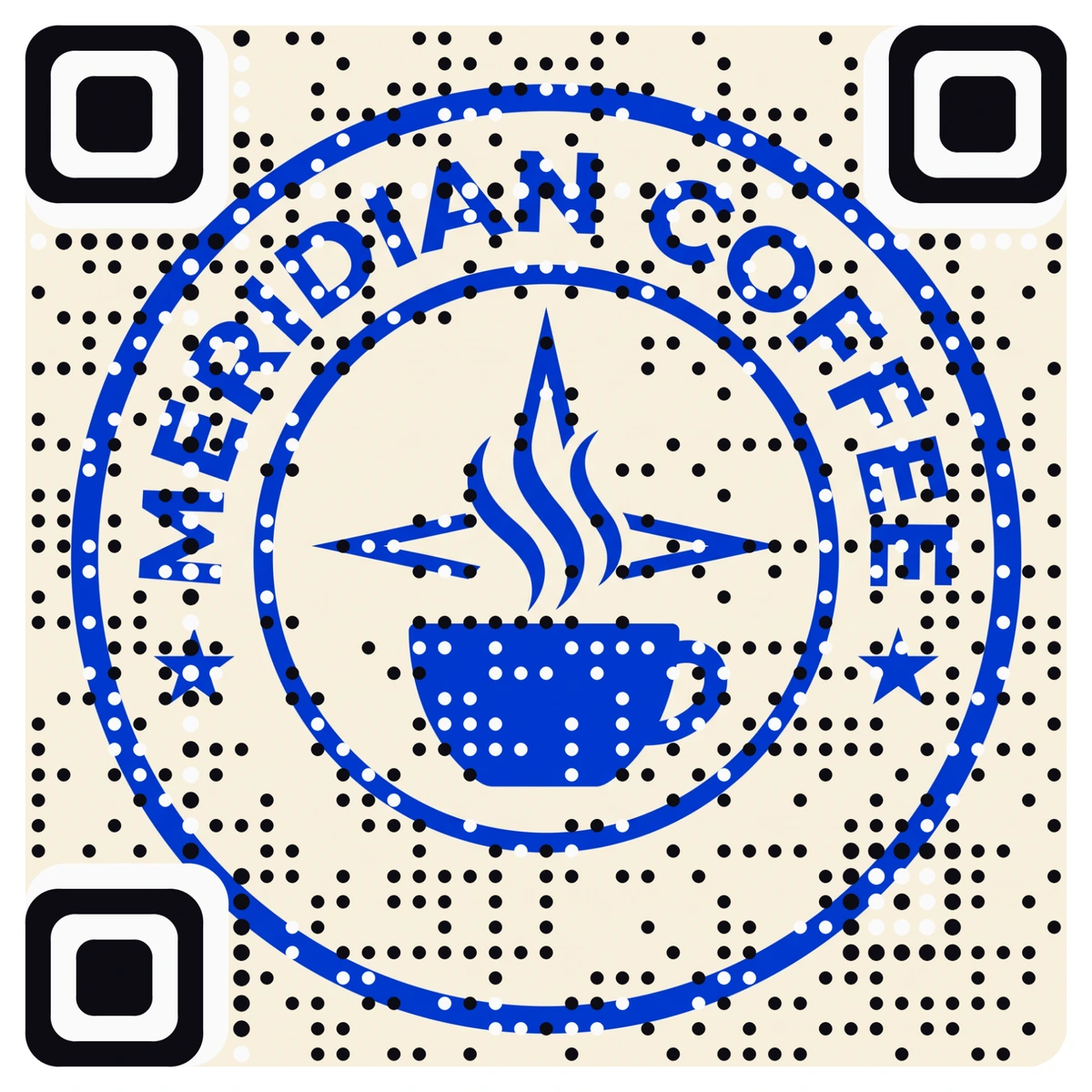
A branded code also helps with trust. A generic sticker slapped over your logo code is easier to spot than one over a plain black square. Either way, check your signs often: our guide on how to check if a QR code is safe applies to tags too.
Where to start
Start with QR codes everywhere customers look from a distance: windows, posters, shelves and packaging. Add NFC where customers already stand close, at the till or on tables, as a second way into the same page.