What would your logo look like as a QR code? Not a black grid with your logo squeezed into a white box in the middle, but your actual logo, in your colors, that opens your website when someone points a phone at it. This post shows real examples, explains which logo styles work best, and how to try your own.
Every code below is real and scannable. They are sample brands we designed for our gallery, not client work, so feel free to scan them all.
Badge in the middle vs logo as a QR code
There are two ways to put a logo in a QR code, and they look very different.
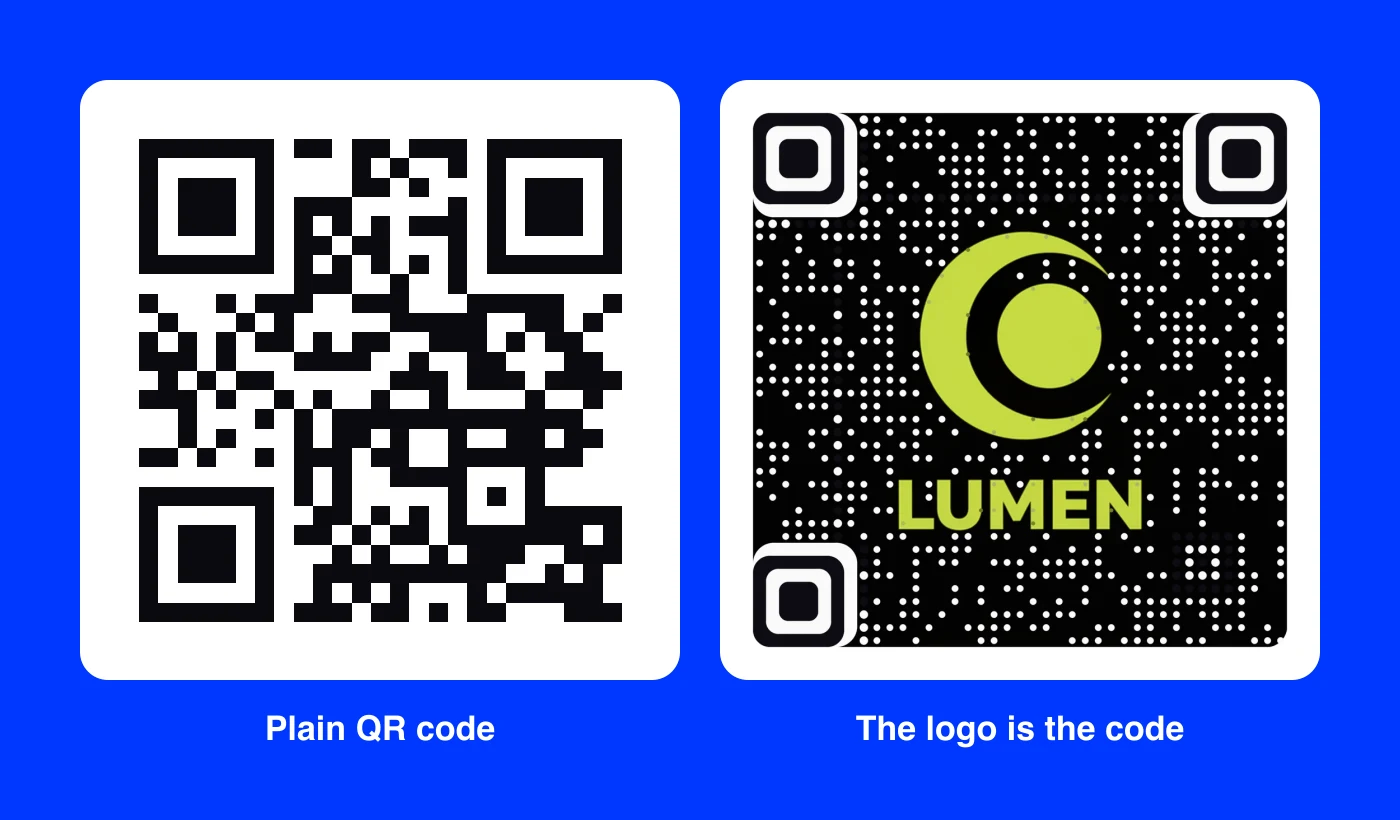
On the left is the usual approach: a standard code, sometimes with a small logo badge pasted over the center. It works, but the code is the star and the brand is a sticker on top.
On the right, the Lumen logo is the code. The crescent and the wordmark are what you notice; the code sits quietly in the background as a field of dots. On a box, a sign or a business card, that difference is the difference between "a QR code" and "our brand".
Real logo QR code examples
Here is how a range of logo styles turned out. Notice how different they are, from a vintage stamp to a neon tech mark.
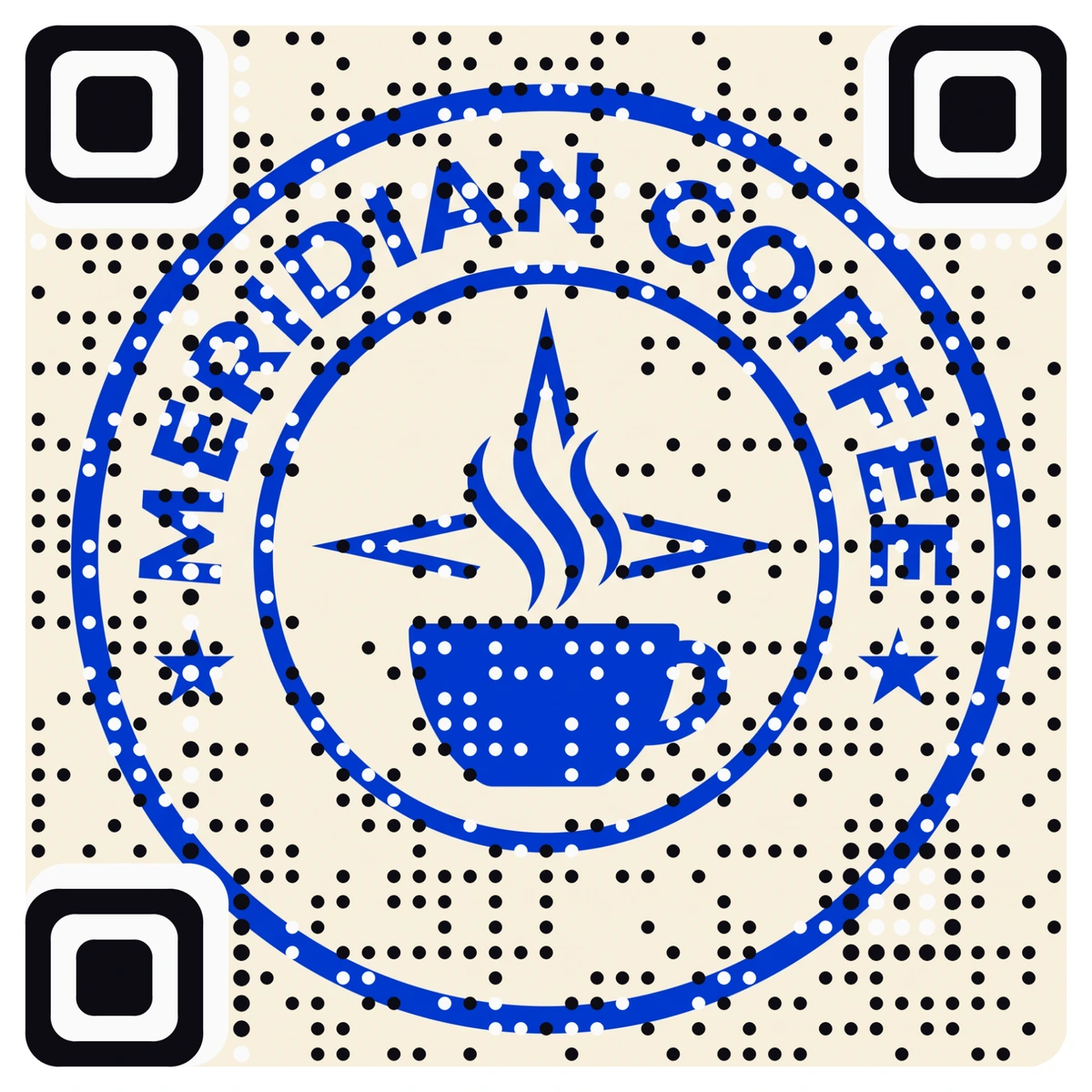
Meridian Coffee. A one-color stamp on a cream background. Round badges like this make some of the cleanest codes because the mark is centered and the corners stay calm.
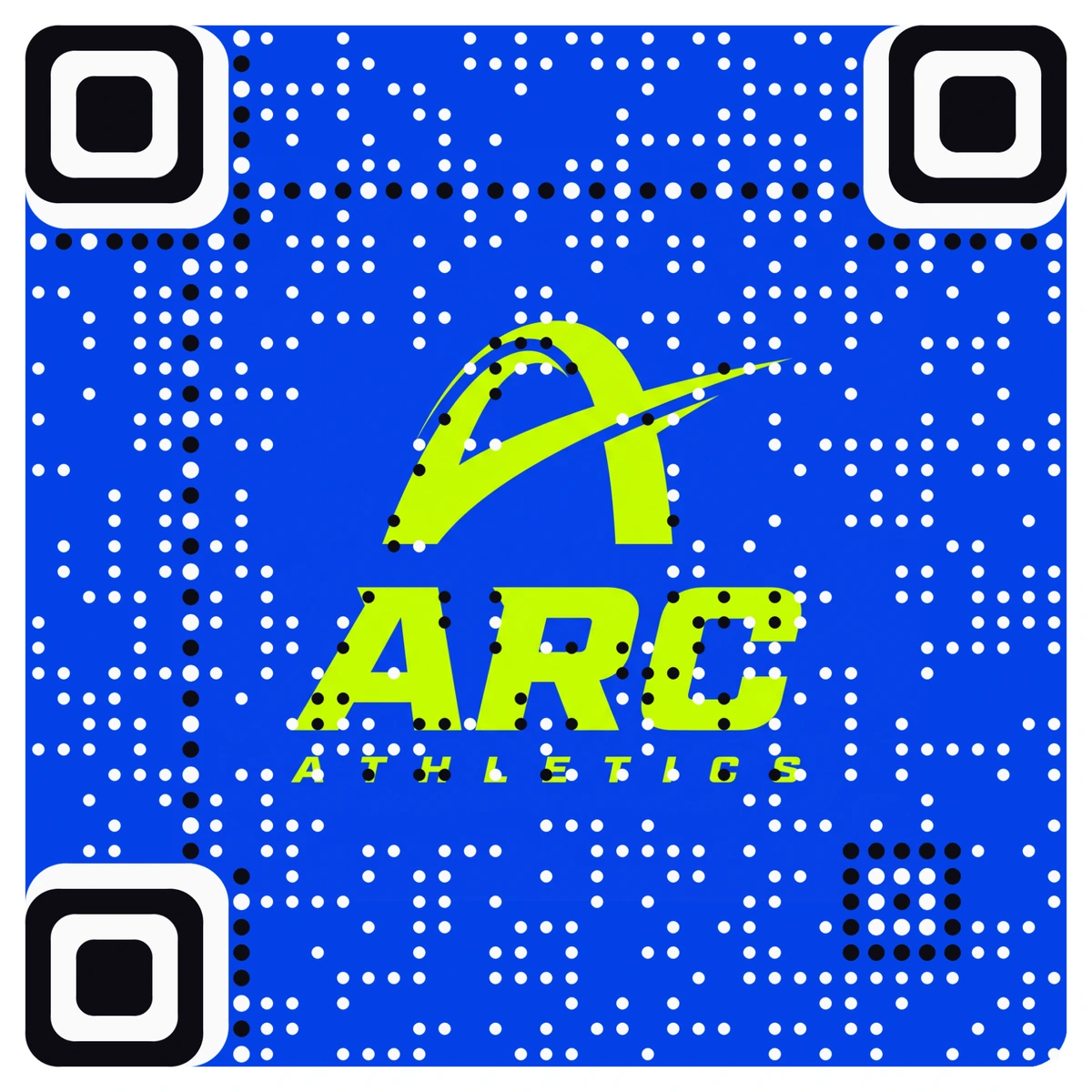
Arc Athletics. Two colors, lime on blue, with a bold italic wordmark. High contrast between the logo and the background keeps it sharp even at a glance.
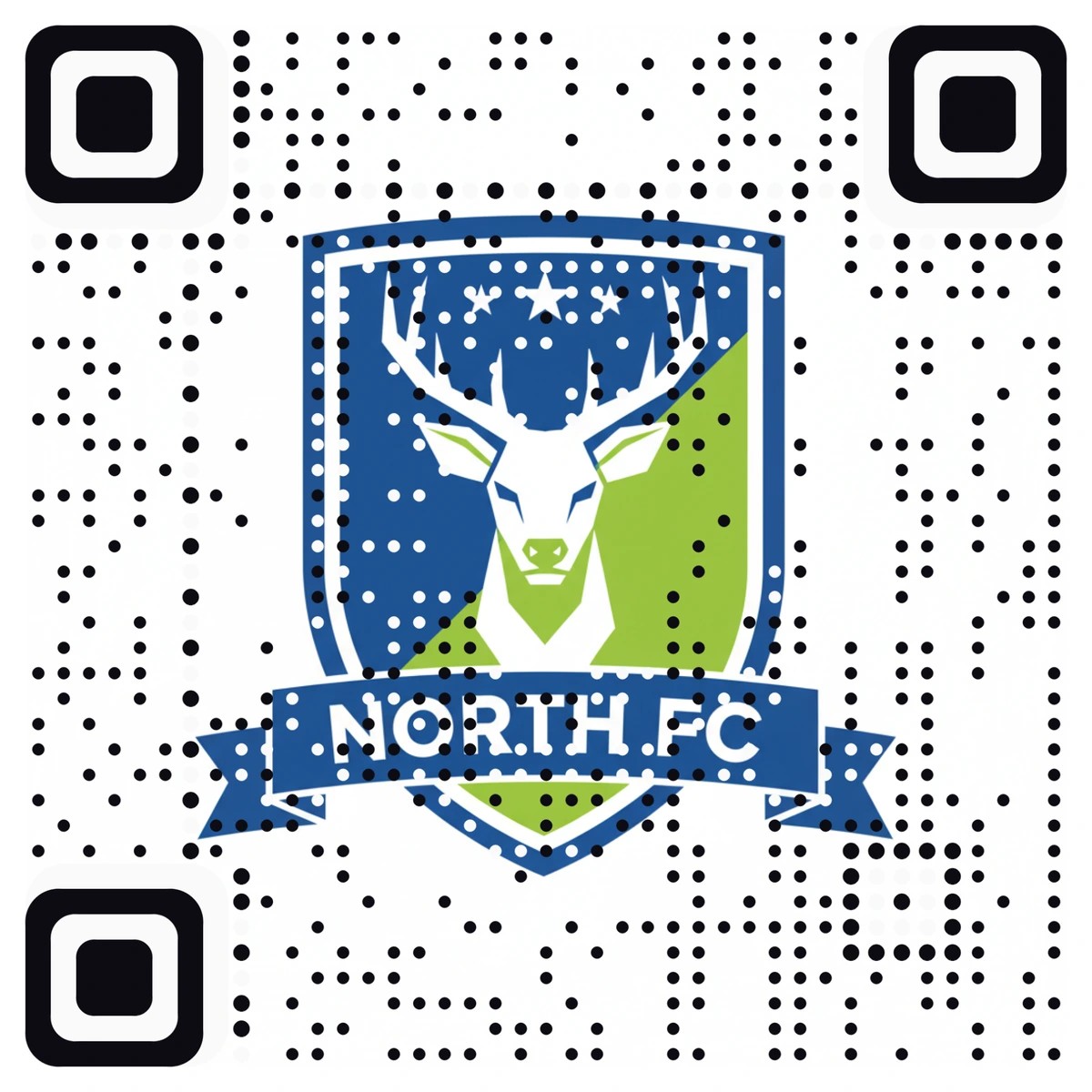
North FC. A sports crest with real detail: a stag, a banner and stars. Detailed crests work when the overall shape is strong; the shield reads first, the details second.
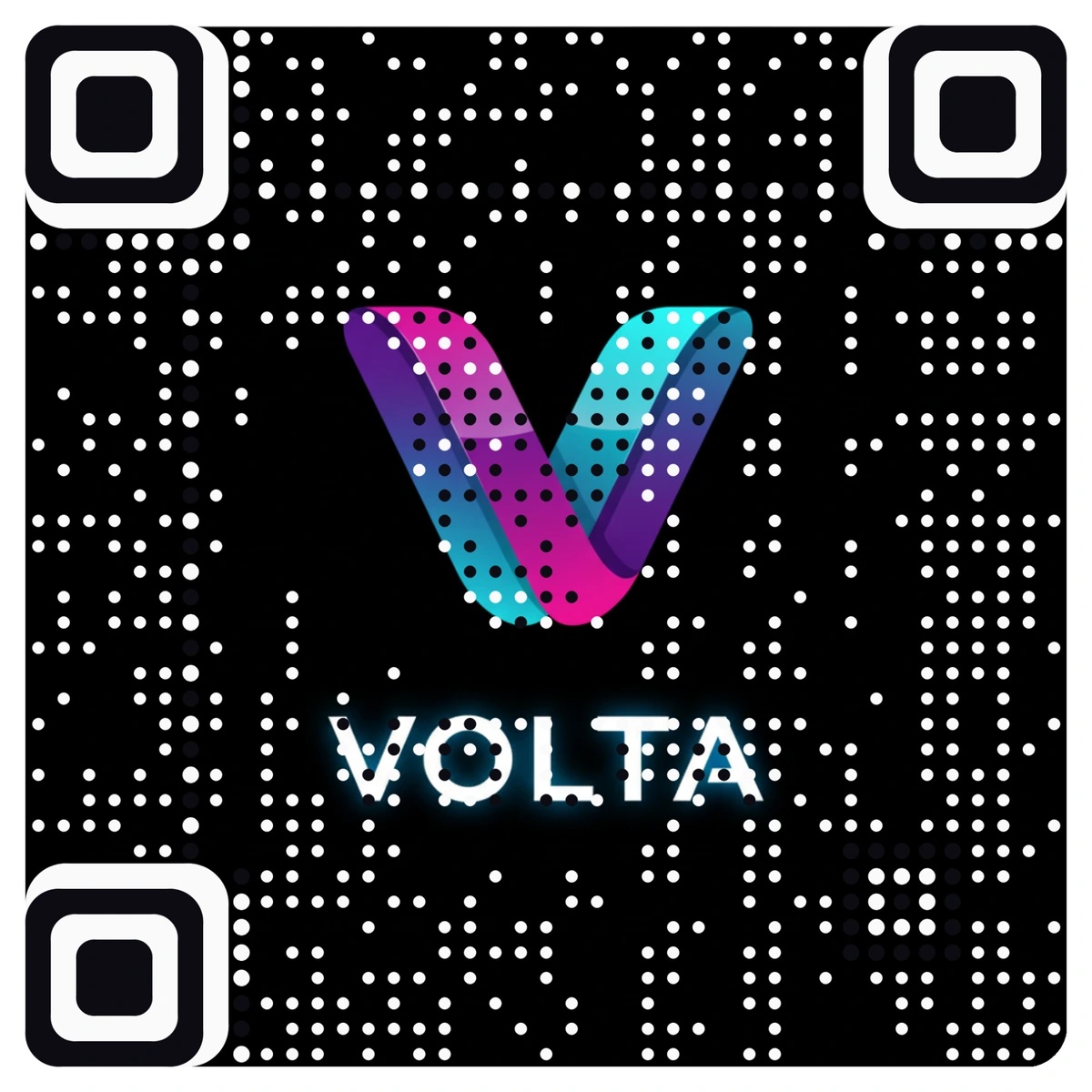
Volta. A gradient mark on black. Dark backgrounds are not a problem; a bright logo on black looks especially good on screens and event signage.
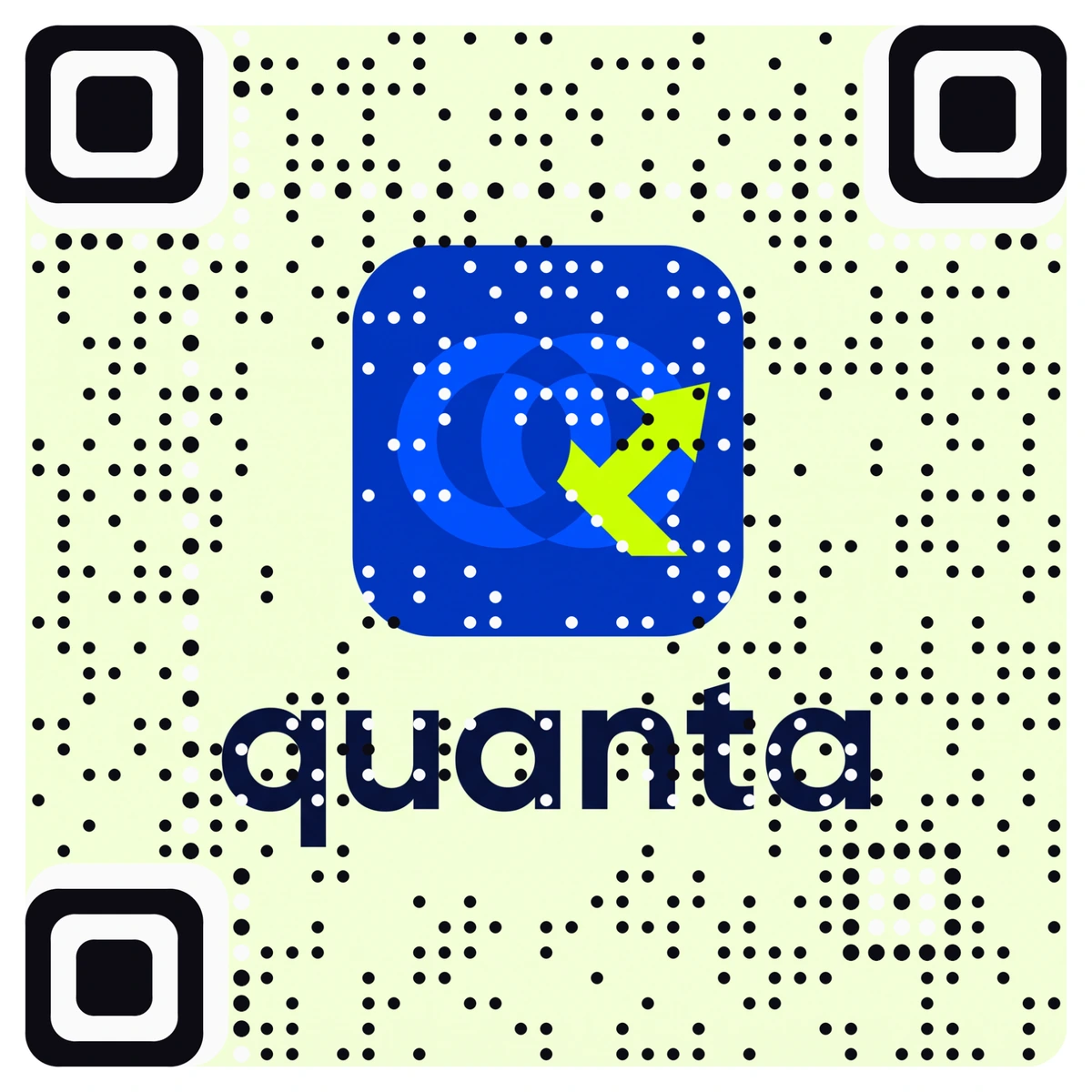
Quanta. An app icon stacked above the name. This stacked layout fits a square code naturally, which is why we recommend it.
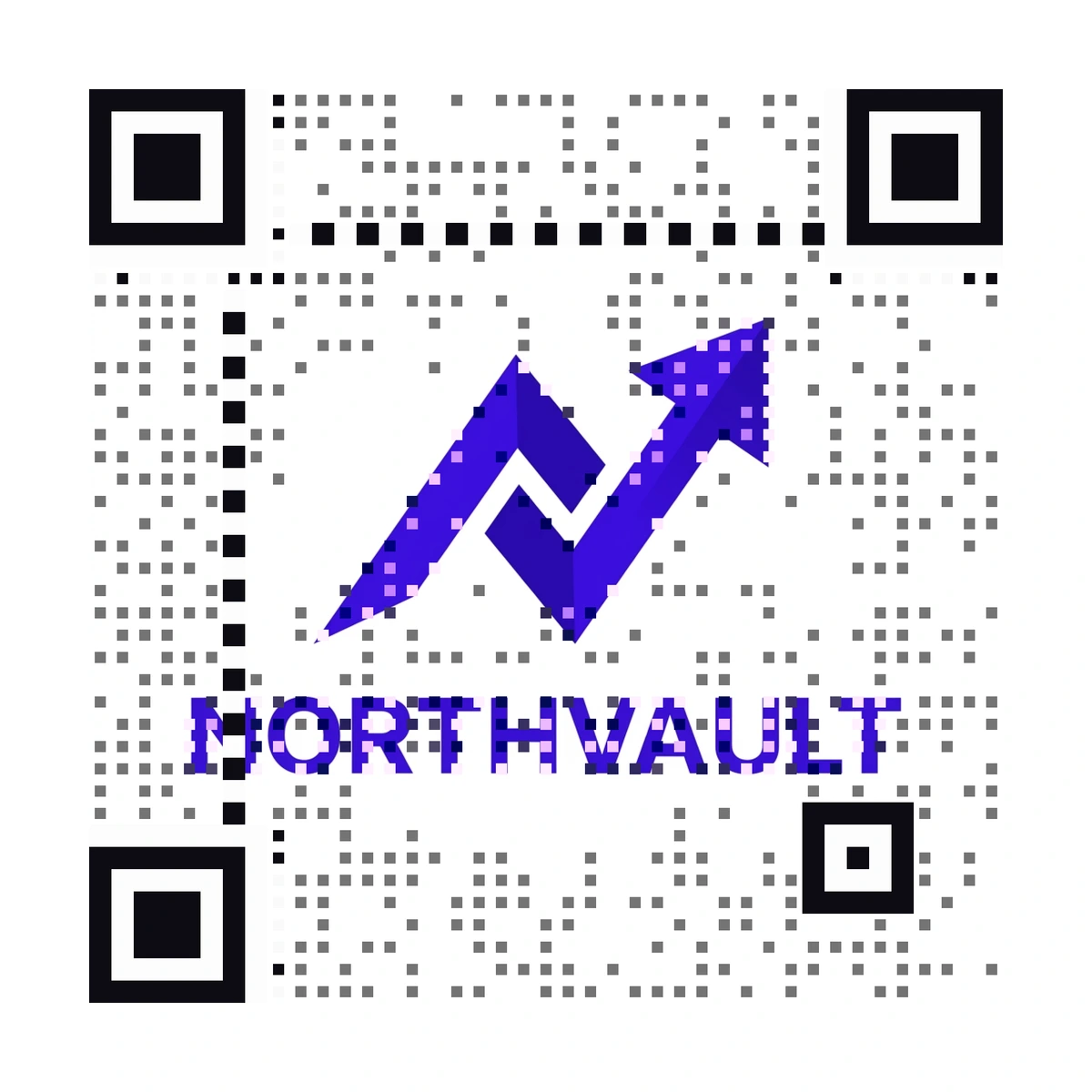
Northvault. A single strong color on white, with the mark above the name. A one-color logo on a light background is the simplest case, and it reads cleanly as both brand and code.
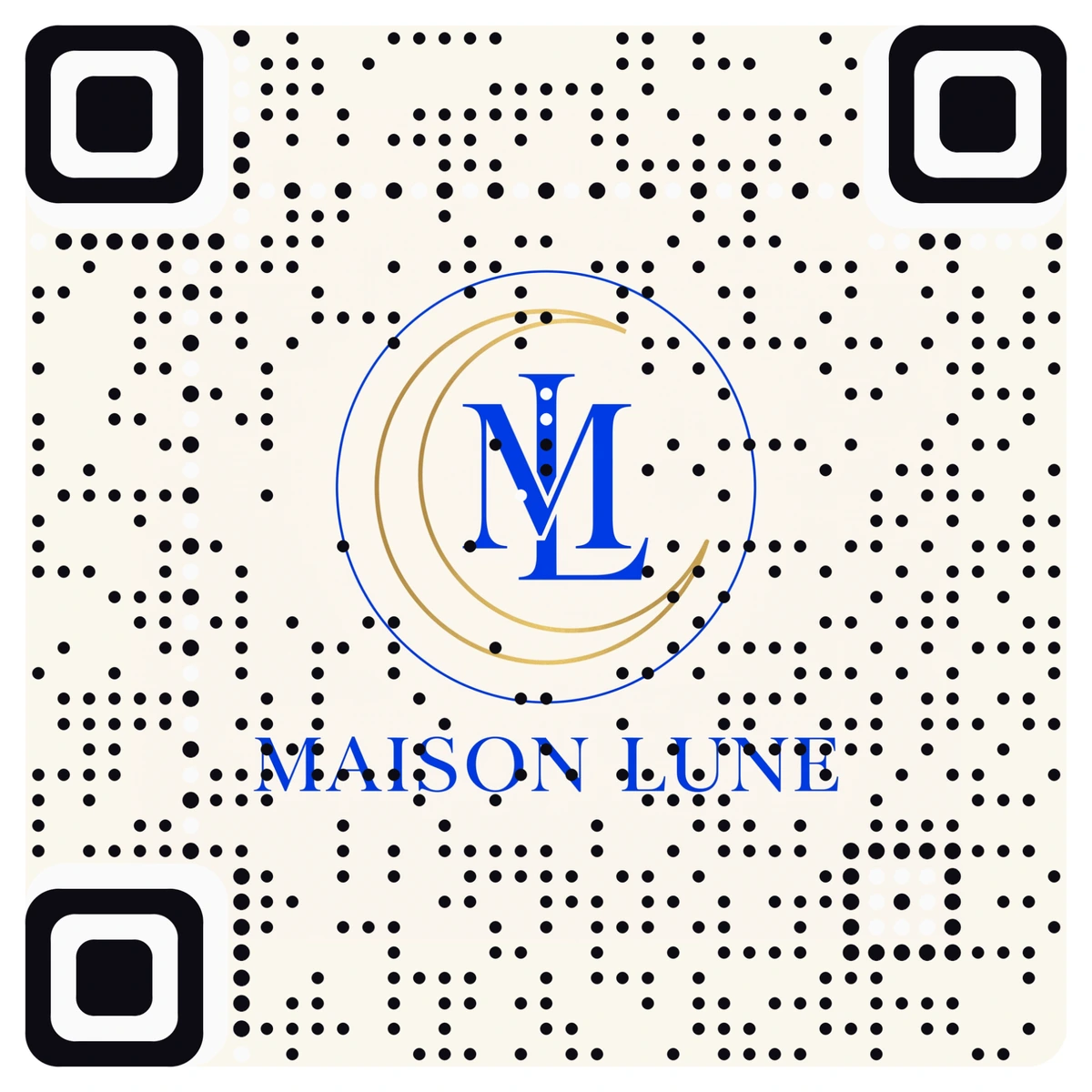
Maison Lune. A fine-line luxury monogram. Hairline logos still scan, but they read softer than bold ones. For a delicate mark, print the code a little larger. More examples across photos, paintings and products are in the most beautiful QR codes we have made.
Which logos make the best QR codes?
Almost any logo can become a code. These traits make the result look its best:
- A strong main shape. A badge, a monogram, a bold icon. If your logo is recognizable as a small app icon, it will make a good code.
- Contrast with the background. Light logo on dark, or dark on light. Pale pastel on white is the hardest case.
- Two or three colors. Gradients are fine, as Volta shows. A rainbow of small details is harder to read as a logo.
- A square or stacked layout. Mark above the name beats a long single-line wordmark, which ends up small inside a square code.
- Calm corners. Three corners of every QR code hold its finder squares, so logos centered in the frame look best.
- A clean source file. Use the sharpest version you have. Blurry or tiny files make blurry codes.
If your logo is a long wordmark, try the icon on its own, or the stacked version from your brand guide. A brand guide usually has a square avatar version for social profiles, and that is often the best starting point of all, because it was already designed to work small and square.
Where a logo QR code works hardest
- Packaging, where the code can sit on the front of the box instead of hiding on the back. See branded QR codes for packaging.
- Business cards, where your logo on the back opens your site or contact card. The Small print build is verified down to about 1.5 cm.
- Shop windows and signage, where a brand mark draws more attention than a grid.
- Merch and uniforms, where the logo is already printed anyway.
- Event badges and stage screens, where the sponsor's logo can be the code.
Because the codes are dynamic, the destination can change after printing, and you can see every scan by day, city and device.
Where to start
Upload your logo on the QR code with logo page and look at the preview before you pay. If the result feels busy, try the icon-only or stacked version of the logo instead. When you like it, download the print file and scan a printed proof with two phones.