Scans and analytics
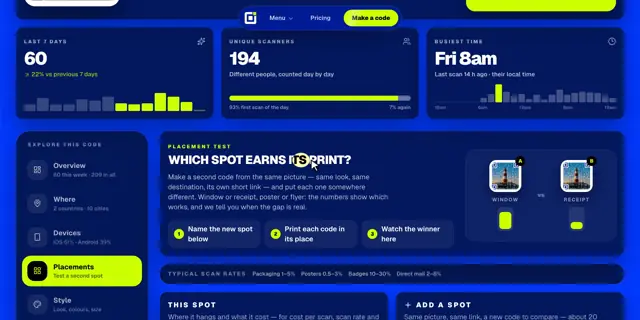
Test a code in two places
1 min read·Updated October 27, 2026
Short answer
A spot is a copy of your code with its own short link, sharing the same picture, destination and activation. Print each in a different place and the report shows which one earns more scans.
Spot A
aqr.li/
Spot B
aqr.li/
One shared link
Compare scans
A 128B 41
Add a spot
- 1Open the code’s full report and click Placements.
- 2Name the new spot, like “Receipt” or “Shop window”, and click Add a spot. It takes about 20 seconds.
- 3Print each code in its place, then watch the winner in the report.
Make the numbers mean more
For each spot, add where it hangs, what it cost to print, how many people see it and its home country. The report then shows cost per scan, scan rate and locals versus visitors.
All spots share one link: change the destination on any of them and they all follow.
- Business includes 10 spots per code, the quarter plan 3.
- Once spots run out, another copy is a separate code with its own activation.