Plans and billing
Invoices and tax details
1 min read·Updated October 27, 2026
Short answer
Every payment has an invoice in Dashboard → Billing → Receipts and invoices. Click “Edit details” to add your company, tax ID (GSTIN, VAT, EIN, ABN…), billing email and address, and they print on your invoices.
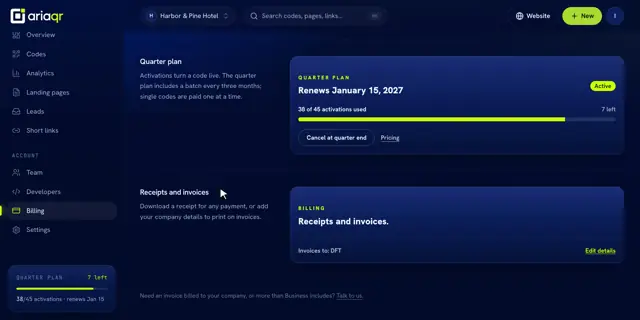
Download an invoice
- 1Open Billing in your dashboard.
- 2Under Receipts and invoices, click Invoice to view or PDF to download.
Company details
Click Edit details to add your name, company, tax ID, billing email and address. Business asks “Who should we invoice?” before checkout too.
- Rupee invoices include 18% GST (CGST and SGST in the seller’s state, IGST elsewhere).
- Dollar invoices are exports, with no GST.