Getting started
Dynamic or static codes
1 min read·Updated October 27, 2026
Short answer
A dynamic code holds a short link, so you can change where it goes and count every scan. A static code holds the data itself: it works offline and can never change. Picture codes are dynamic unless the type needs static.
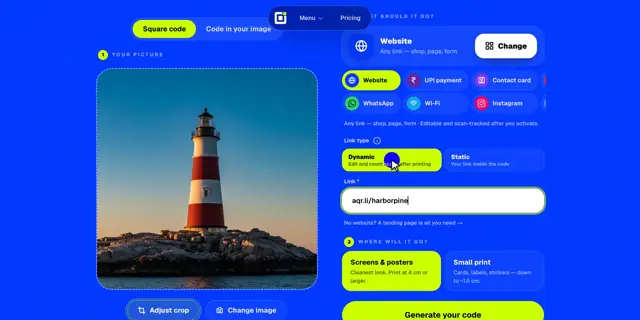
Static
The data is inside the code. It works offline, but it can never change.
Dynamic
The code holds a short link. Change where it goes and count every scan.
When to choose dynamic
- You may want to change the destination after printing: a new menu, a new offer, a fixed typo.
- You want to know how many people scan, when, and where.
- You want to point two printed codes at one page and compare them.
When static is right
- Wi-Fi codes join the network straight from the phone’s scanner, even with no internet.
- UPI and Bitcoin codes keep the exact payment details inside the code, so nothing can redirect a payment.
- You need a code that works without any server, forever.
Good to know · A static code can’t be edited or tracked after it’s activated. If the details change, you need a new code.
Payment links like PayPal, Venmo or Cash App can be dynamic, but only the owner, signed in, can change them, and only to another payment link. In the free generator they are fixed by default.