Is your QR code not getting scans, even though it opens perfectly on your own phone? The cause is almost never a broken code. It is a code that people do not notice, do not understand or do not want.
That is good news, because every one of those is fixable without reprinting anything technical. Here is how to find which one you have, and what to change.
Is it really working? Rule that out first
Before you rewrite anything, spend five minutes proving the code is fine where it lives, not just on your desk.
- Scan it from where a real person would stand, on an iPhone and an Android phone.
- Check it in the actual light: a dim bar, a sunny window, a train platform at night.
- Open the destination on mobile data, not your office Wi-Fi, and time how long it takes.
The free QR code tester is a quick second check on a file before it goes to print. If the code passes all of that, the problem is people, not pixels.
Why your QR code is not getting scans
Between a working code and a result, there are four gates. Lose people at any one of them and the scan never pays off.
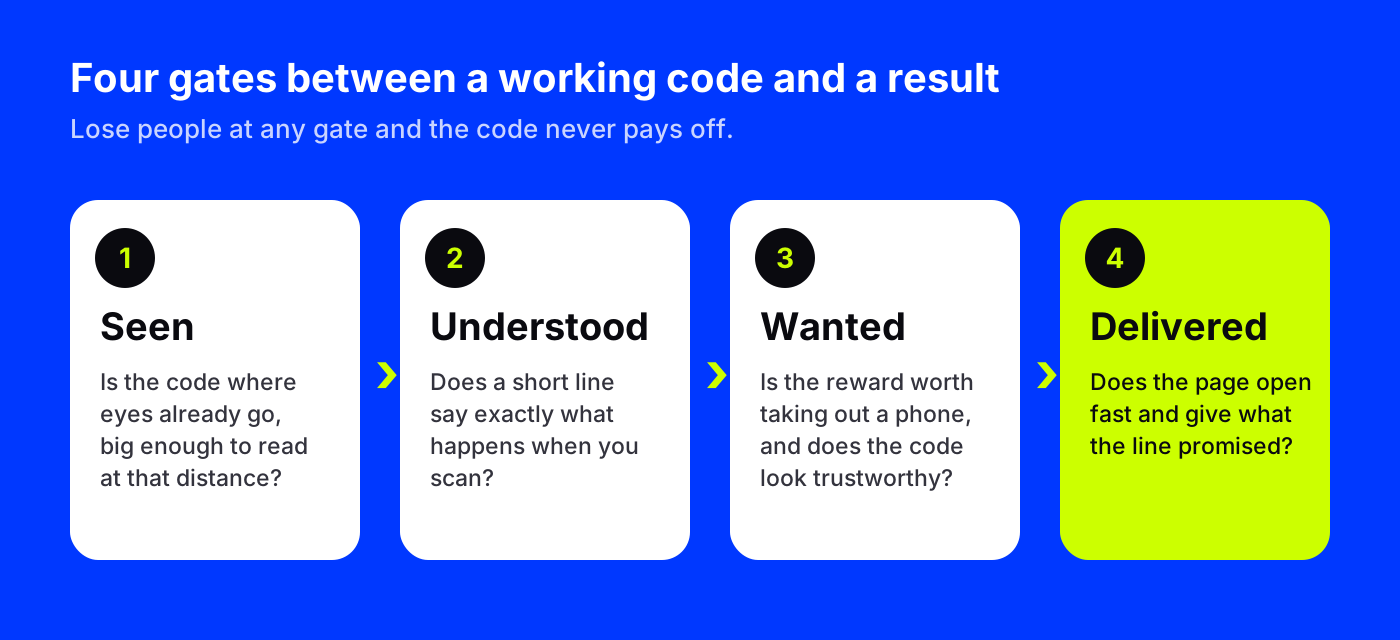
- Seen. The code has to be where eyes already go, and big enough to read from there.
- Understood. A short line has to say what happens when you scan.
- Wanted. The reward has to be worth taking out a phone, and the code has to look trustworthy.
- Delivered. The page has to open fast and give what the line promised, or people will not scan the next one.
Gate 1: put the code where people pause
People scan when they have a few seconds and a free hand. Waiting in line, sitting at a table, standing at a bus shelter, reading a product label in the aisle. They rarely scan while walking past.
So look for the pauses in your space. A code at the checkout counter beats one on the front door. A code on a table beats one on the wall behind it. A poster at eye level by the elevator beats one above head height in the lobby.
Size matters too. A code that looks fine on your screen can be a speck from across a room. As a rough guide, the farther away people stand, the bigger the code needs to be, and anything people read from more than a few steps away needs to be much larger than you think.
Gate 2: say what happens when they scan
A bare code is a mystery box. Most people will not open it. One line underneath fixes that:
- Weak: "Scan me"
- Better: "Scan for our menu"
- Strong: "Scan to skip the line and order from your seat"
The strong version tells people what they get and why it beats the alternative. Keep it short, start with a verb, and be specific. We wrote a whole list of call-to-action lines to put under a QR code, sorted by use case.
Gate 3: make it worth a phone and look trustworthy
Even with a clear line, people weigh the effort. Taking out a phone, opening the camera and waiting for a page is small, but it is not nothing. The reward has to beat it: a discount, a video tour, today's specials, a free guide, a faster checkout.
Trust is part of this gate. People have heard of fake codes stuck on parking meters, so a generic black-and-white square on a plain sign can make them hesitate. A code that is clearly part of your design reads as yours.
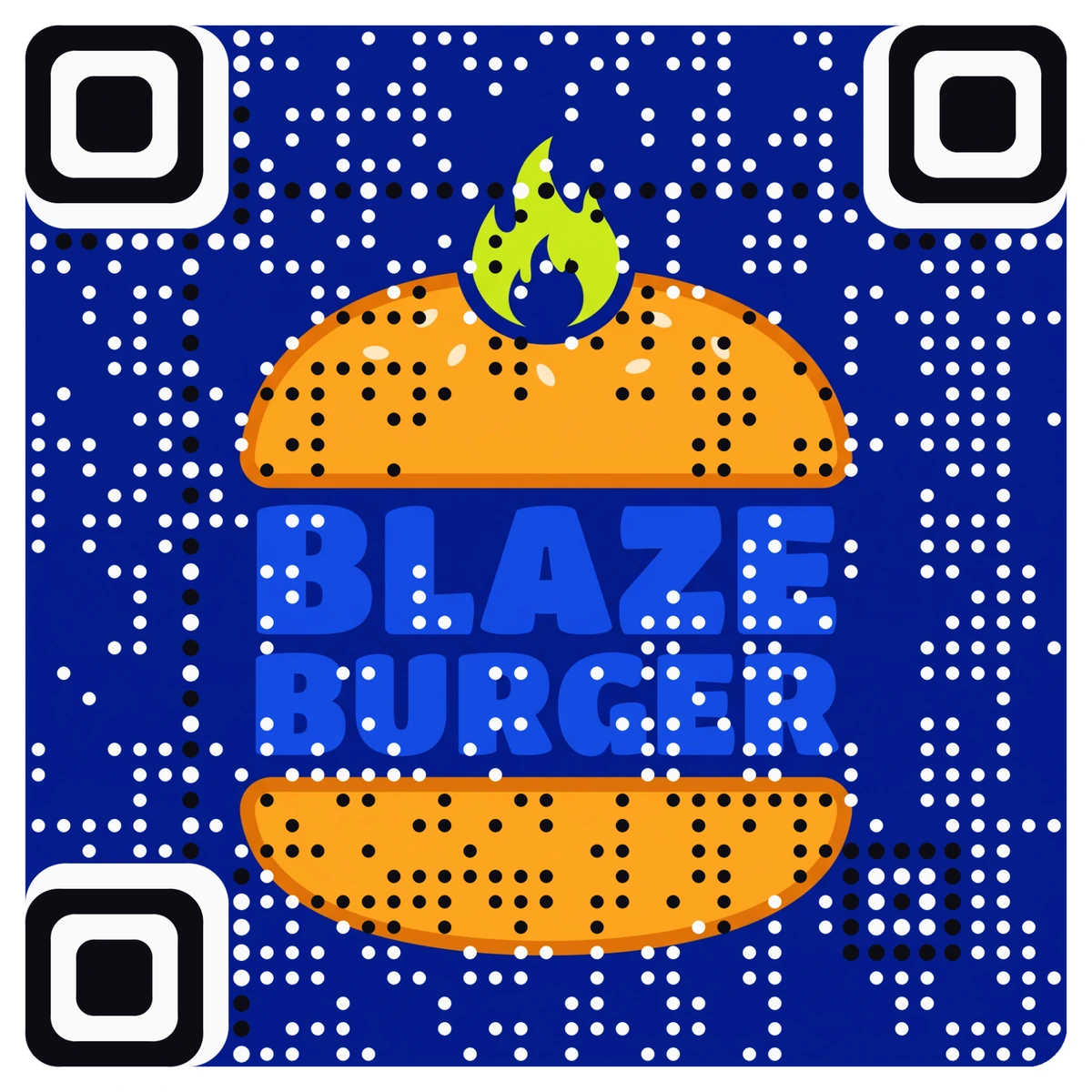
That is a real AriaQR code. The logo is the code, not a gray square with a logo pasted in the middle. Every AriaQR code is verified on real decoders under real-world conditions before you can download it, so the design does not cost you scans.
Gate 4: deliver what you promised, fast
If your line says "Scan for 10 seconds of video" and the code opens your homepage, the person leaves, and they will be slower to scan your next code. Send people to the exact page the line promises, built for a phone, light enough to open on a weak signal.
Use analytics to find which gate is failing
Guessing wastes print runs. A dynamic code counts every scan, so you can test one change at a time and see what moves.
With AriaQR, every dynamic code shows total scans, unique visitors, scans per day, an hour-of-day heatmap in the scanner's local time and the device split. A few patterns to look for:
- Almost no scans anywhere. Gate 1 or 2. Move the code, enlarge it or rewrite the line.
- Scans at one spot, nothing at another. Placement. Use placements, one code per poster or table, compared side by side, and move the weak ones.
- Scans spike at certain hours. That is when people pause. Schedule staff prompts or offers for those windows.
- Plenty of scans, few sales or sign-ups. Gate 4. The page is the problem, not the code.
Our guide to QR code analytics explains each of these numbers and what they can and cannot tell you.
Because the destination is editable, you can also swap the page behind a printed code to test a better offer without touching the print.
Where to start
Pick your one code with the lowest scans. Stand where your customers stand and ask the four questions: can I see it, do I know what it does, do I want it, and does the page deliver? Change one thing, the spot or the line first, and watch the numbers for a week. Then fix the next gate.