Where does the paper manual for the last machine you bought live now? For most people, in a drawer they will never open again. Manufacturing QR codes solve this by putting the manual, warranty registration and spare parts behind one scan on the product itself, so the right information is there when someone actually needs it.
For a manufacturer, that one code also fixes an old problem. Printed documents go out of date the day a design changes. A code that opens a link you control never does.
What can manufacturing QR codes open?
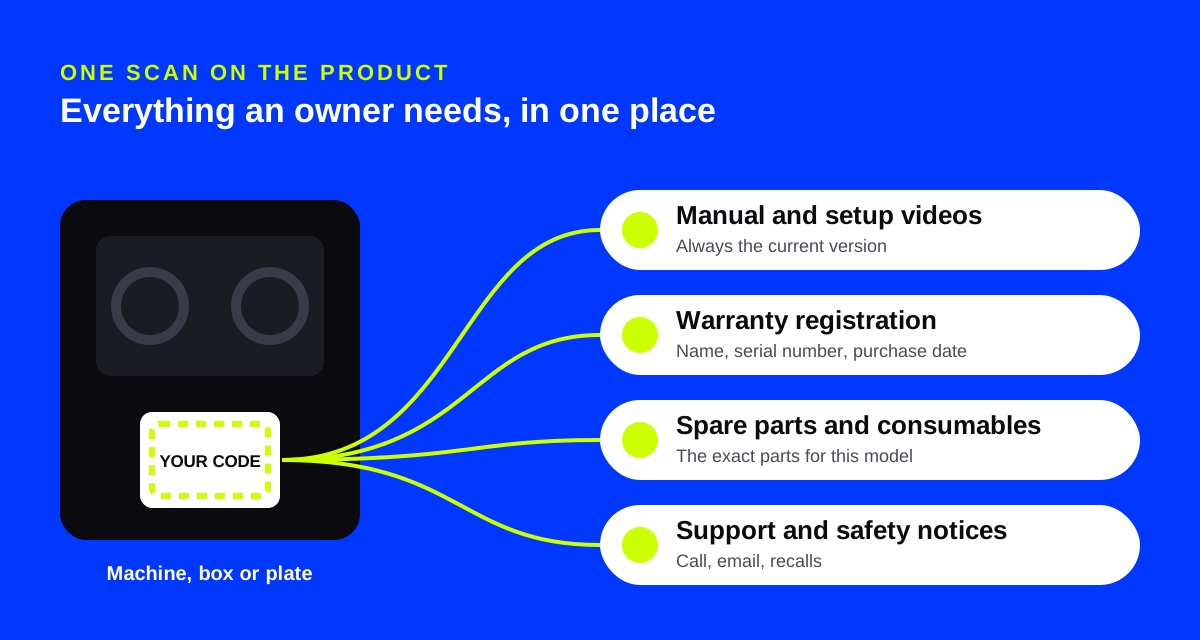
One code on the product, the box or the rating plate can lead to a small page that answers the questions owners ask most.
- The manual. The current version, readable on a phone, with a downloadable PDF for people who want one.
- Quick start and setup videos. Two minutes of video saves a lot of support calls.
- Warranty registration. A short form: name, email, serial number, purchase date.
- Spare parts and consumables. Filters, blades, belts and batteries, with part numbers and a link to order.
- Support. A phone button, an email address and opening hours.
- Safety notices. A clear place to post recalls or updated safety advice.
Picture a maker of commercial coffee grinders in Milwaukee. Today it ships a 40-page booklet in four languages. With a code on the side of the grinder, a café manager scans it during a busy morning, finds the burr replacement video and orders the right part without calling anyone.
Why the destination must be editable
Manuals change. A firmware update adds a menu. A supplier change means a new part number. Legal asks for an extra warning.
With a static code, the web address is baked into the print. If the page moves, every product already shipped points to a dead link. With a dynamic code, the printed code carries a short link, and you change where it goes whenever you need to. The machines in the field stay correct without a single new label. Our guide to dynamic vs static QR codes explains the trade-off.
Editable destinations matter most for long-lived products. Machinery, appliances, tools and vehicles stay in service long after the first manual was written.
A dynamic code also brings daily link-health checks and alerts if the destination breaks, so a website change does not quietly break thousands of labels.
Warranty registration that people finish
Warranty cards in the box rarely come back. A code beside the words "Register your warranty in one minute" works better, because the customer is holding a phone and the product at the same time.
Keep the form short. A landing page form can ask for name, email, a text field for the serial number and a date field for the purchase date. Each registration lands in your leads list, and on the Business plan a webhook can send it to your own system. Ask only for what you need. Every extra field loses people.
Spare parts: the scan that sells
The best time to sell a replacement filter is the moment the old one stops working. A code on the machine, near the part, can open a page listing that exact model's parts and consumables.
You can also give each product line its own code and compare scans. If one model's parts page gets far more scans than the rest, that is a signal worth sending to engineering.
Where GS1 Digital Link fits
If your products are sold in retail, there is a bigger change coming. GS1, the organization behind UPC and EAN barcodes, is leading an industry goal called GS1 Sunrise 2027: for retail checkout scanners in the US to read 2D barcodes by the end of 2027.
The key format is a QR code carrying a GS1 Digital Link. It puts your GTIN, the number under your barcode, inside a standard web address. A 2D-ready checkout scanner reads the product number. A phone opens the address as a web page. One code, two jobs.
AriaQR's product barcode (GS1) code type builds this kind of code as artwork. You enter your GTIN and, optionally, a batch or lot number, and choose where phones go. Each batch can have its own rules: its own page, a use-by notice and, if you ever need it, a recall notice. Scans are counted per product and per batch.
Two honest limits. First, keep your UPC or EAN on the pack during the changeover; retailers decide when it can go. Second, AriaQR is not affiliated with GS1, and you should test a printed proof with your retailers before a full run. Codes your line prints on every single unit, such as serial numbers, stay the plain codes your line's own printer makes.
Make the code look like your product
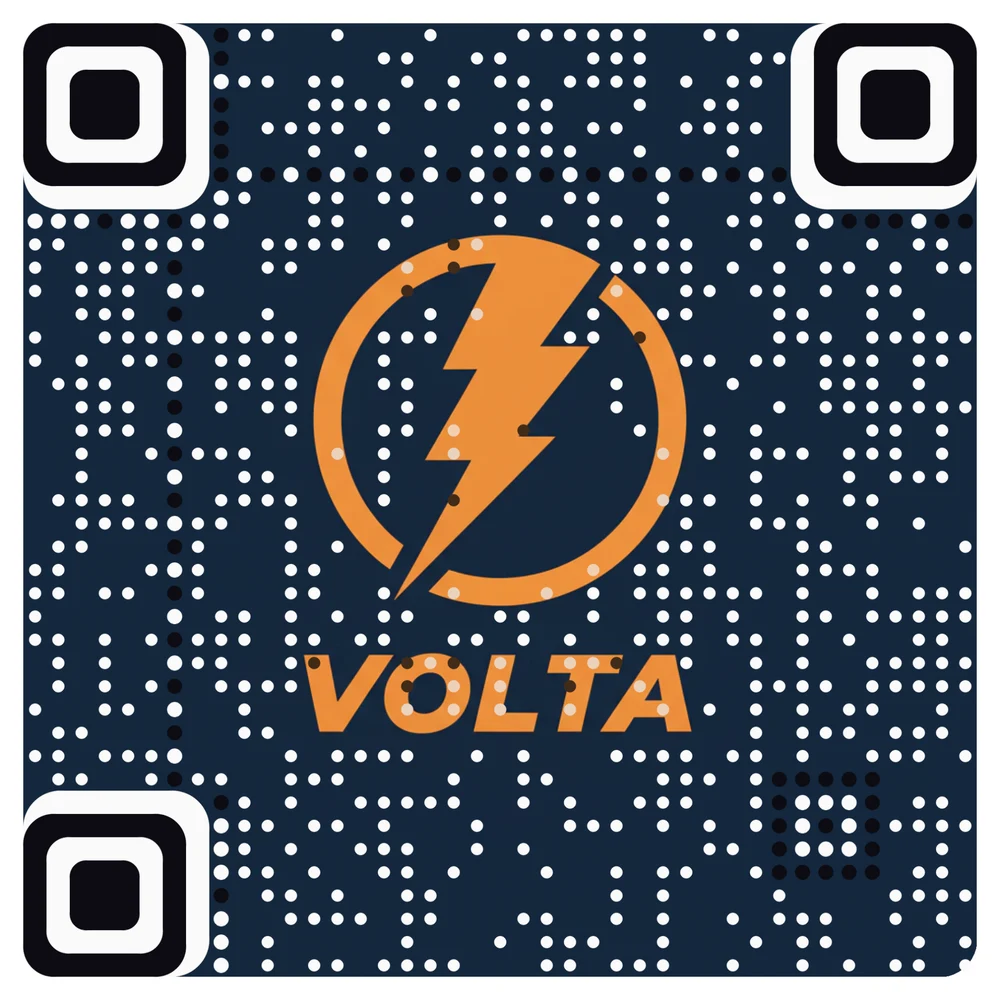
On a premium appliance or a branded tool, a plain black square looks like an inventory sticker. AriaQR turns your logo or a product photo into the code itself, verified on real decoders under real-world conditions before download. The QR code with logo page shows how it works for brand marks.

For packaging, our post on branded QR codes for packaging covers placement, print and finish.
Practical tips for the factory floor
- Pick a durable label. Oil, heat and cleaning chemicals destroy paper. Use labels rated for the environment, or etch the code into a plate.
- Place it where people look. Near the controls or the part that wears out, not on the back panel against a wall.
- Size for the distance. A code on a machine read from a meter away needs to be much larger than one on a box.
- Label it. "Scan for manual and parts" beats an unlabeled square every time.
- Test with real phones in real light. Factory lighting is often harsh and uneven.
Where to start
Choose one product with frequent support calls. Build a single page with its manual, a setup video, warranty registration and parts. Put a dynamic code on the product and the box, and watch which links people use. Then roll it out to the next line.