
How does one festival QR code end up on posters, wristbands, menu boards and stage screens, and still tell you something useful? You build it as a campaign: one artwork, one code per spot, and destinations you can change as the weekend unfolds. Here is what that looks like for an illustrative summer festival, from the first poster to the last encore.
This is not a case study with real numbers. It is a walk-through of a campaign built to handle thousands of scans, so you can plan your own.
The problem: a festival QR code has many jobs
Picture a three-day music festival in a park outside Austin. Call it Solstice. The team has the usual checklist: sell tickets, announce the line-up in waves, get people through the gates, keep them fed and informed, and bring them back next year.
The old way was a different plain code for each of those jobs, made by different people in different tools. Some went to the ticket page. Some went to a PDF map. One, printed on the bar signs, went to a page that was taken down after the first night.
Nobody could say which posters worked. And every plain code looked like a sticker on top of carefully designed artwork.
The fix: one artwork, many placements
Solstice starts with its look: a night sky and bursts of color. The team styles its code to match, so the code belongs to the artwork rather than sitting on it as a gray square.
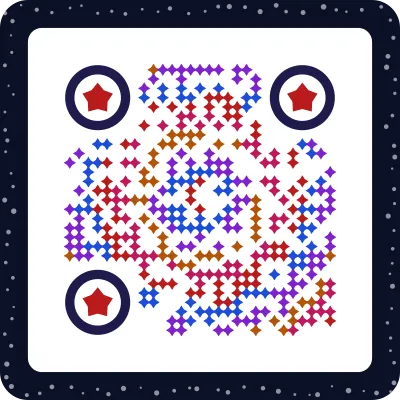
Every code is verified on real decoders under real-world conditions before download. The team sees a clear verdict before anything is sent to print, which matters when the print run is large.
Then comes the part that makes the campaign measurable. Instead of one code everywhere, they make placements: one campaign, with a separate code for each spot. Each placement looks the same to a fan. Each one counts its own scans.
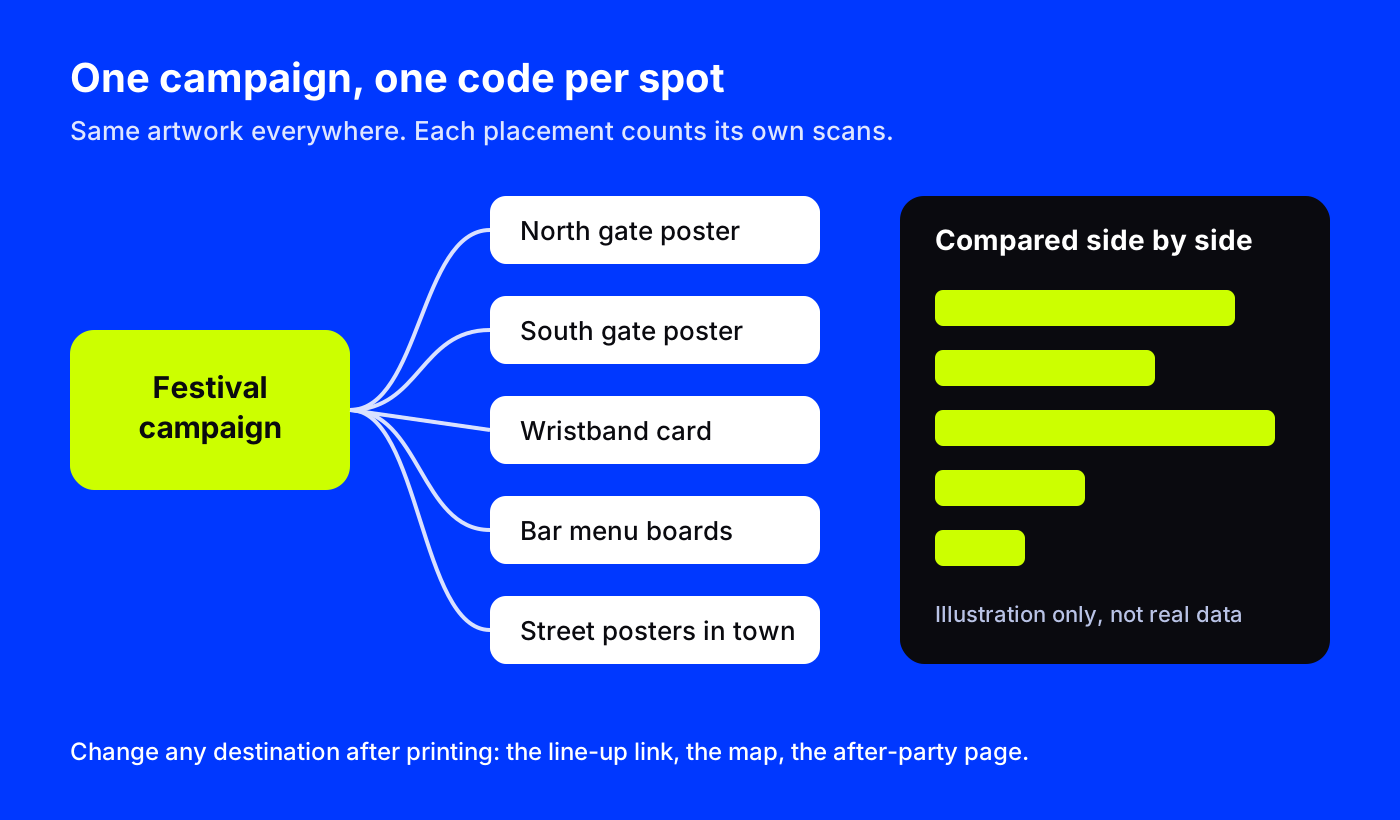
A typical split for a festival:
- Street posters in town, for ticket sales.
- North gate and south gate, for the map and set times.
- Wristband card, for everything a fan needs on the day.
- Bar and food menu boards, for ordering and allergens.
- Stage screens between sets, for merch and next year's early sign-up.
The dashboard compares them side by side, and UTM tags can be added to each destination so the split shows up in web analytics too. Our guide to placements and campaign tracking explains the setup in detail.
Before the gates open: tickets, line-up and a countdown
In the weeks before the event, the street posters do one thing: sell tickets. The code points to a short landing page with the artwork at the top, a countdown block ("Gates open in"), the first wave of artists and a ticket button.
The line-up link is where dynamic codes earn their keep. The posters are printed once. When the second wave of artists is announced, the team edits the destination or the page, and every poster in town now shows the new names. Nobody goes back out with a fresh stack of prints.
Other code types fit naturally around the main campaign:
- A tickets code that goes straight to the ticket page.
- A calendar event code that adds the festival dates to a phone.
- A Spotify or Apple Music code for the official playlist.
- A location code that opens the park entrance in maps.
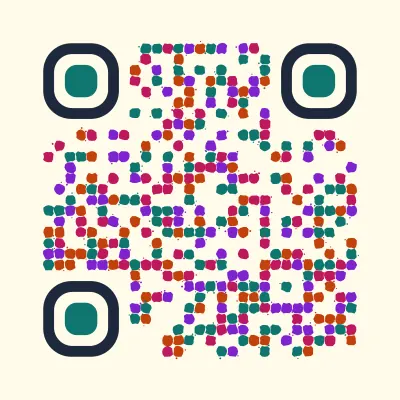
A second poster design can use a different style and still belong to the same plan. Here is another real code, styled in festival colors:
On the day: gates, wristbands and a page that changes
On Friday morning, the team switches the gate placements to the day page: map, set times, water stations, lost and found. They did not reprint the gate signs. They changed where the codes go.
The wristband card is the smallest print in the campaign, so it uses the small print build, verified down to about 1.5 cm. It opens a page with the map, set times and a contact block for help.
When a headliner moves from 9 pm to 10 pm because of weather, one edit updates the page every wristband points to. That is the core reason to use a dynamic festival QR code: the print is fixed, the information is not.
Daily link-health checks and an alert for a broken destination mean the team hears about a dead link before thousands of fans hit it.
After the encore: what the campaign tells you
On Monday, the team opens the campaign and reads it like a map of the weekend:
- Which posters sold tickets. Street placements compared side by side.
- When people scanned. The hour-of-day heatmap, in each scanner's local time, shows the rush at the gates and the lull mid-afternoon.
- Where scans came from. Country, region and city when the network allows, from IP only, with no permission prompts.
- Which apps. In-app browser detection shows how many visits opened inside apps like Instagram or WhatsApp, a hint that the link was being shared.
The CSV export goes straight into the post-event report. Then, because the codes are still live, the stage and wristband placements are pointed at next year's early sign-up page.
Where to start
Start with your strongest piece of art, usually the logo or the key poster. Make it a picture code, then list every spot it will appear and give each spot its own placement. Plan the destinations by phase: tickets, then the day page, then next year. Test every code at its real printed size, especially the wristband. For more on large-format print, see QR codes on billboards and print ads, and for page ideas, browse landing pages.