
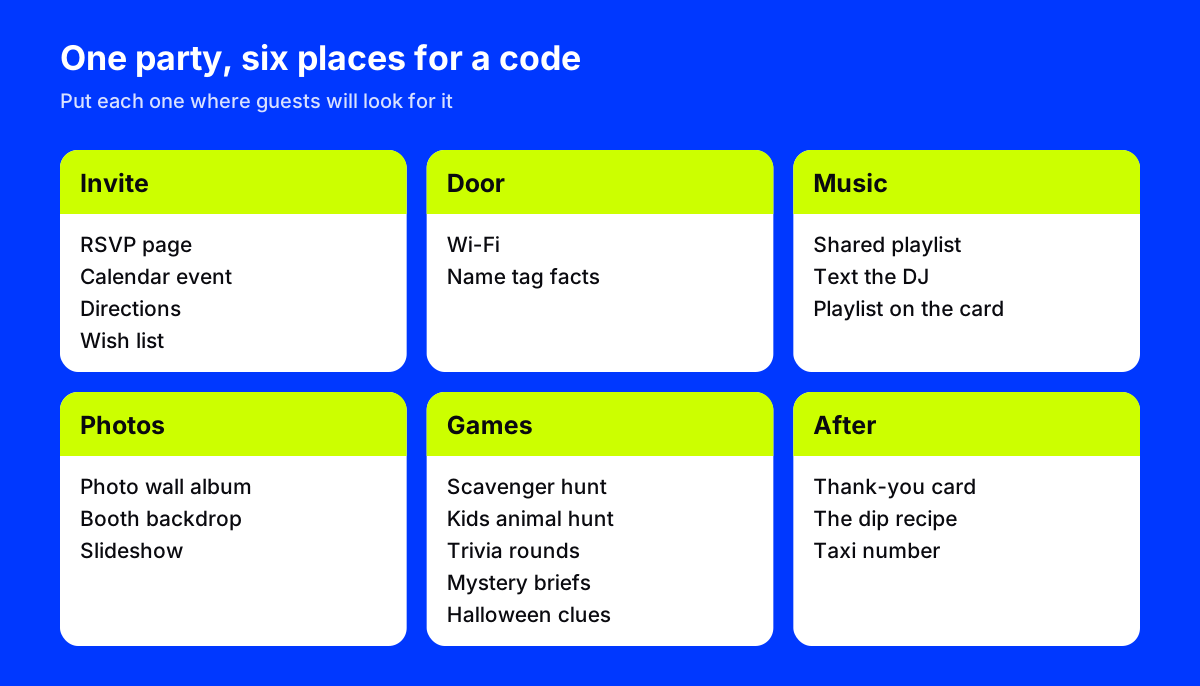
Want QR code party ideas that make hosting easier, not harder? Start with the first ten minutes, when guests ask for the Wi-Fi password, hunt for the bathroom and wait for someone to change the music. The ideas below take care of all three, then add games, a shared photo album and a few small surprises, so you get to enjoy your own party.
Every idea below needs only a printed code and a phone camera. No app downloads, no sign-ups for your guests.
QR code party ideas for before the party
- An invite that collects RSVPs. The code on the invitation opens a short page with the details and an RSVP form. You get a list of names instead of a pile of texts. AriaQR landing pages include birthday and party invite templates for exactly this.
- A save-the-date for the calendar. A calendar event code opens the date, time and address, ready to save.
- Directions to the door. A location code opens the address in maps. Handy for garden parties, cabins and anywhere the GPS gets confused.
- A wish list. For a birthday or a baby shower, a code on the invite opens the gift list so nobody buys three of the same thing.
At the door
- Wi-Fi without the password dance. A Wi-Fi code by the door or on the fridge joins the network with one scan. It works offline, because the details are stored in the code itself.
- Name tags with a twist. For an office party, each name tag carries a code that opens a fun fact about its wearer. Guests have to find the person who has been to Iceland twice.
Music
- A playlist anyone can add to. Make a shared playlist in Spotify or Apple Music, then put a code by the speaker: "Scan to add a song". The playlist builds itself.
- A request line for the DJ. A text message code opens a pre-filled message to whoever is running the music, with "Please play:" already typed.
- The party's soundtrack, after. Print the playlist code on the thank-you card so guests can relive the night.
Photos
- A photo wall with a shared album. Hang a code on the photo wall that opens a shared album where guests drop their pictures. By morning you have the night from twenty angles.
- The photo booth backdrop. Put the code on the frame or the prop table so people add their booth shots straight away.
- A slideshow to finish the night. At the end of the evening, open the same album on the TV and run it as a slideshow.
Weddings use the same trick on every table; wedding QR codes has more on that.
Games
- A scavenger hunt. Hide codes around the house or garden. Each one opens the next clue, and the last one leads to the prize. With dynamic codes you can rewrite the clues for next year and reuse the same printed cards.
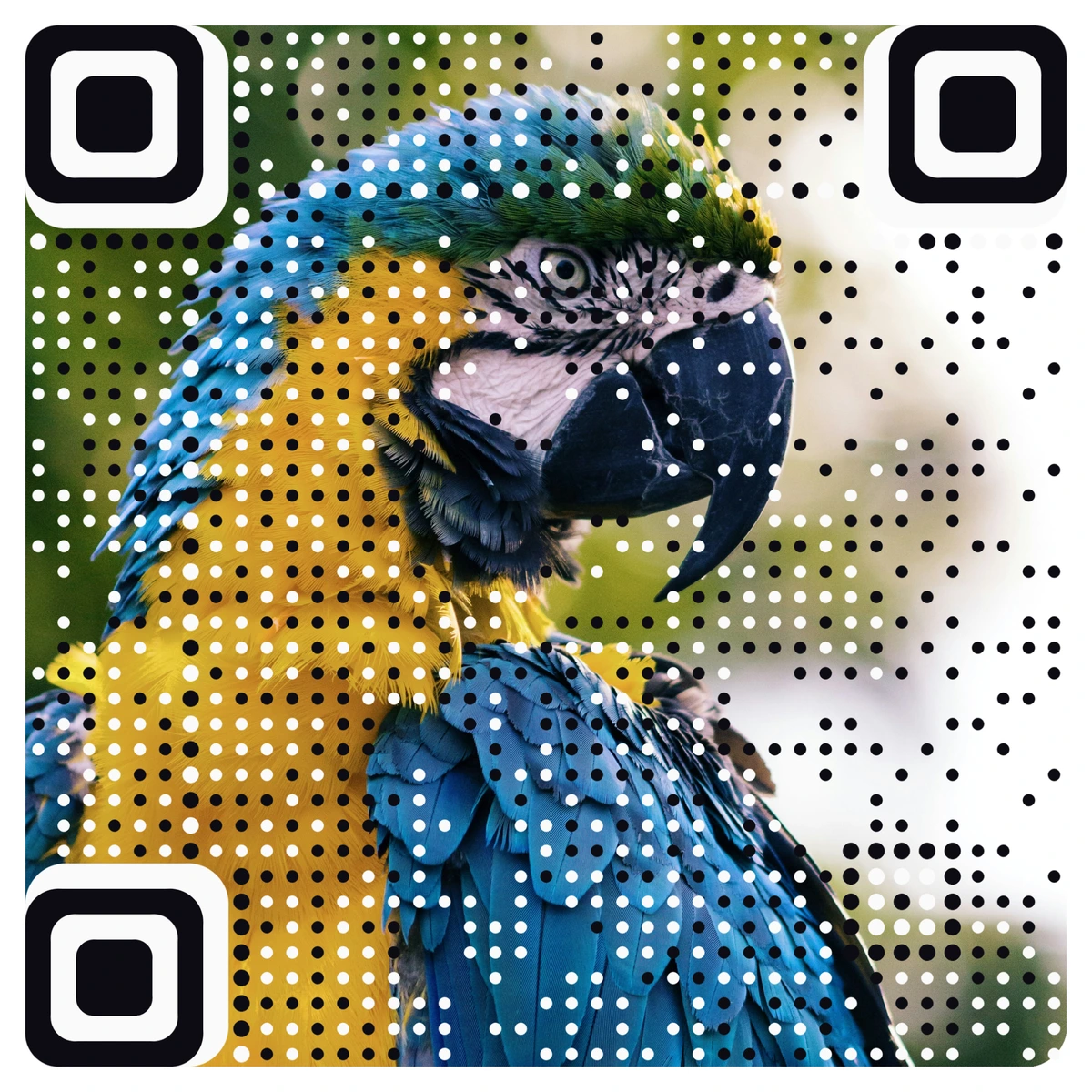
- A kids' animal hunt. Hide picture codes of animals around the garden. Children find the macaw, the tiger and the fish, and each scan opens a fact or a little sound clip about that animal.
- Pub-style trivia. Each table gets a code that opens the round's questions as a form. Teams answer on one phone, and you see the scores as they come in.
- A murder mystery night. Each guest's character card carries a code that opens their secret brief, so nobody can peek at anyone else's.
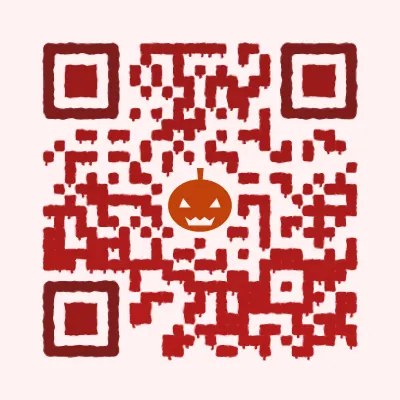
- Halloween clue cards. A spooky code on every door in the house, each opening a riddle that points to the next room.
After the party
- A thank-you card with the album. One code, every photo from the night.
- The recipe for that dip. Everyone asks. Put a code by the bowl that opens the recipe.
- A safe ride home. A phone call code by the door dials the local taxi number. Simple, and it gets used.
Make the codes part of the decor
A black square taped to the wall works, but it looks like admin. Party codes can match the theme. The QR code designs range from fireworks and confetti colors to Halloween, Christmas and New Year styles, and every one of them scans. For a birthday, the guest of honor's photo can be the code itself.
A few practical rules:
- Add a one-line reason. "Scan to add a song" beats "Scan me".
- Print big enough for the room. A code on the photo wall is read from a step or two away, so make it larger than one on a name tag.
- Mind the lighting. Party lights are dim and colorful. Put codes where there is some light, and test them in the room before guests arrive.
- Test every code. Scan each printed one with two phones the day before.
If the party has a gift table, our QR code gift ideas show how to add a video or a song to the present itself.
Where to start
Pick the three codes that save you the most questions: Wi-Fi, playlist and photo album. Print them, test them and put them where guests will see them first. Add the games once those are in place.